Customer onboarding tools: Top 12 tools for implementation teams in 2026

•
•
Summarize blog with






The moment a deal closes, the real test begins.
Spreadsheets get shared.
Slack threads multiply.
Someone creates a Google Doc titled “Onboarding Plan v3 FINAL.” The customer asks, “What happens next?” — and the answer spans six tools, four people, and no one’s calendar.
For years, the solution everyone reached for was the same: find a better project management tool. A cleaner Asana setup. A more disciplined Smartsheet template.
A Notion wiki that everyone would actually update. Today, teams are searching for the best customer onboarding software to fit their unique onboarding needs, evaluating different types of platforms to ensure they select the right customer onboarding software for their organization.
That era is over.
In 2026, the question isn’t which tool manages your onboarding work better. The question is whether your onboarding tool is doing the work — or just tracking it.
That’s a fundamentally different bar, and most tools on the market still haven’t crossed it. The right customer onboarding software should support a structured onboarding flow and drive onboarding success by enabling teams to track progress, manage tasks, and achieve positive outcomes.
When selecting customer onboarding software, it is essential to consider the specific needs of your organization, as no two companies or products have the same onboarding processes.
What customer onboarding actually means in 2026
Let'’s start with a definition most of the industry still gets wrong.
Customer onboarding is not a handoff. It'’s not a checklist, a kickoff call, or an implementation project that ends when the customer goes live.
In 2026, customer onboarding is the period during which a vendor either earns or forfeits a customer'’s trust, confidence, and long-term spend — all before the product has had a chance to prove itself.
The client onboarding process is a series of structured steps and strategies designed to enhance customer satisfaction, reduce onboarding time, and foster long-term relationships.
That'’s a high-stakes window. Most companies still treat it like admin.
The definition has also expanded beyond what it covered even two years ago.
Today, onboarding spans four dimensions simultaneously: the implementation project (tasks, phases, milestones, go-live), the customer relationship (visibility, accountability, momentum, trust), the internal delivery operation (resources, utilisation, capacity, risk), and the commercial relationship (billing milestones, revenue recognition, expansion signals).
A tool that only manages the first dimension isn'’t really an onboarding platform. It'’s a project tracker with a portal bolted on.
A well-structured onboarding process is essential for guiding customers through the entire customer journey and the entire customer lifecycle, providing clear guidance, setting expectations, and fostering trust at every stage.
This is why 23% of B2B SaaS churn still happens during or immediately after onboarding — before the customer has seen full product value. The product didn'’t fail them. The process did.
This guide covers all 12 tools across every category. The comparison tables, decision routing section, and FAQ at the end will help you confirm which one is right for your team before you spend three months in the wrong evaluation.
Quick glance: top 12 customer onboarding tools in 2026
Before the deep dives, here's the full landscape — categorized by platform type so you know which tools solve which problem.
What is a customer onboarding software?

A customer onboarding tool is a platform that manages the structured process of getting a new customer from contract signed to fully live, including project planning, task coordination, customer communication, milestone tracking, and time-to-value measurement.
For B2B, SaaS, and IT services teams, this means a platform that handles both internal delivery workflows and external customer collaboration in one place.
That’s the standard definition. But in 2026, it’s incomplete. The more accurate definition: a customer onboarding tool is a system that makes the delivery of customer value structured, visible, and — increasingly — autonomous.
Customer onboarding software helps companies train and educate customers in using their products or services effectively, ensuring a positive customer experience.
When evaluating customer onboarding tools, onboarding capabilities and onboarding effectiveness are key considerations, as they impact user adoption, retention, and the overall success of the onboarding process.
What a B2B customer onboarding tool actually does
- Converts SOWs and proposals into structured project plans with phases, tasks, and dependencies
- Provides customers with a live, branded client portal to track progress, complete tasks, and share documents
- Allocates internal resources across concurrent projects with visibility into capacity and utilization
- Tracks time, budget burn, and revenue recognition against milestones
- Integrates with CRM (Salesforce, HubSpot) to trigger project creation automatically when deals close
- Surfaces at-risk accounts and delays before they escalate
MYTH VS. FACT
The difference between implementation management platforms and product adoption tools
Common reasons teams look for onboarding tools
- Onboarding outcomes depend too much on individuals
- Progress exists, but isn't visible or trustworthy
- Scaling increases variance, not just volume
- Customers expect participation and clarity
- Generic tools break before they visibly fail
What AI actually changes about customer onboarding in 2026

Here's the thought leadership frame that most of the industry hasn't fully articulated yet: AI doesn't just improve customer onboarding tools. It changes what a customer onboarding tool fundamentally is.
Until 2023, the definition of a great onboarding tool was: "software that organizes and coordinates humans doing onboarding work." The tool tracked tasks. Flagged delays. Sent reminders. Humans did the actual work. Automating repetitive tasks like sending welcome emails or collecting user preferences saves significant time and resources.
In 2026, that model is collapsing — and fast. The new definition: a customer onboarding tool that is doing work, not just tracking it. AI-powered automation can lead to a 20%+ reduction in support tickets by creating professional instructional videos quickly.
When AI can convert an SOW into a project plan in minutes. When an agent detects a customer hasn't responded in 6 days and automatically surfaces the right escalation path.
When meeting transcripts turn into action items automatically. When resource allocation recommendations are generated before the PM opens a single spreadsheet, the role of the human shifts from executor to reviewer and decision-maker.
This is not an incremental improvement. It's a redefinition of what "onboarding software" means.
The three AI tiers in customer onboarding tools (a framework for buyers)
What this means for your onboarding team in practice
By 2027, the implementation teams that scale without proportional headcount growth will be the ones that figured out Tier 3 AI in 2026.
The gap between a 10-person team running Tier 3 AI and a 10-person team on Tier 1 AI will look like the gap between 10 and 25 people.
SaaS company with 25 person delivery team : 75% reduction in per documentation effort (Documentation Agent), 40% reduction in manual work of SOW-to-plan work reduced to minutes (SOW-to-Plan Agent), resource allocation conversations answered in seconds (Resource Management Agent).
Top 12 customer onboarding tools in 2026
These 12 tools were evaluated across five dimensions: implementation project management depth, customer portal quality, CRM integration, AI capabilities, and suitability for B2B enterprise delivery.
Effective onboarding software should centralize communication and automate key steps to eliminate guesswork, providing a predictable path for every new account to enhance customer satisfaction.
The list covers two categories — dedicated implementation management platforms and general PM tools adapted for onboarding — because both show up in real evaluations. Every entry notes which category it belongs to and who it actually serves.
1. Rocketlane
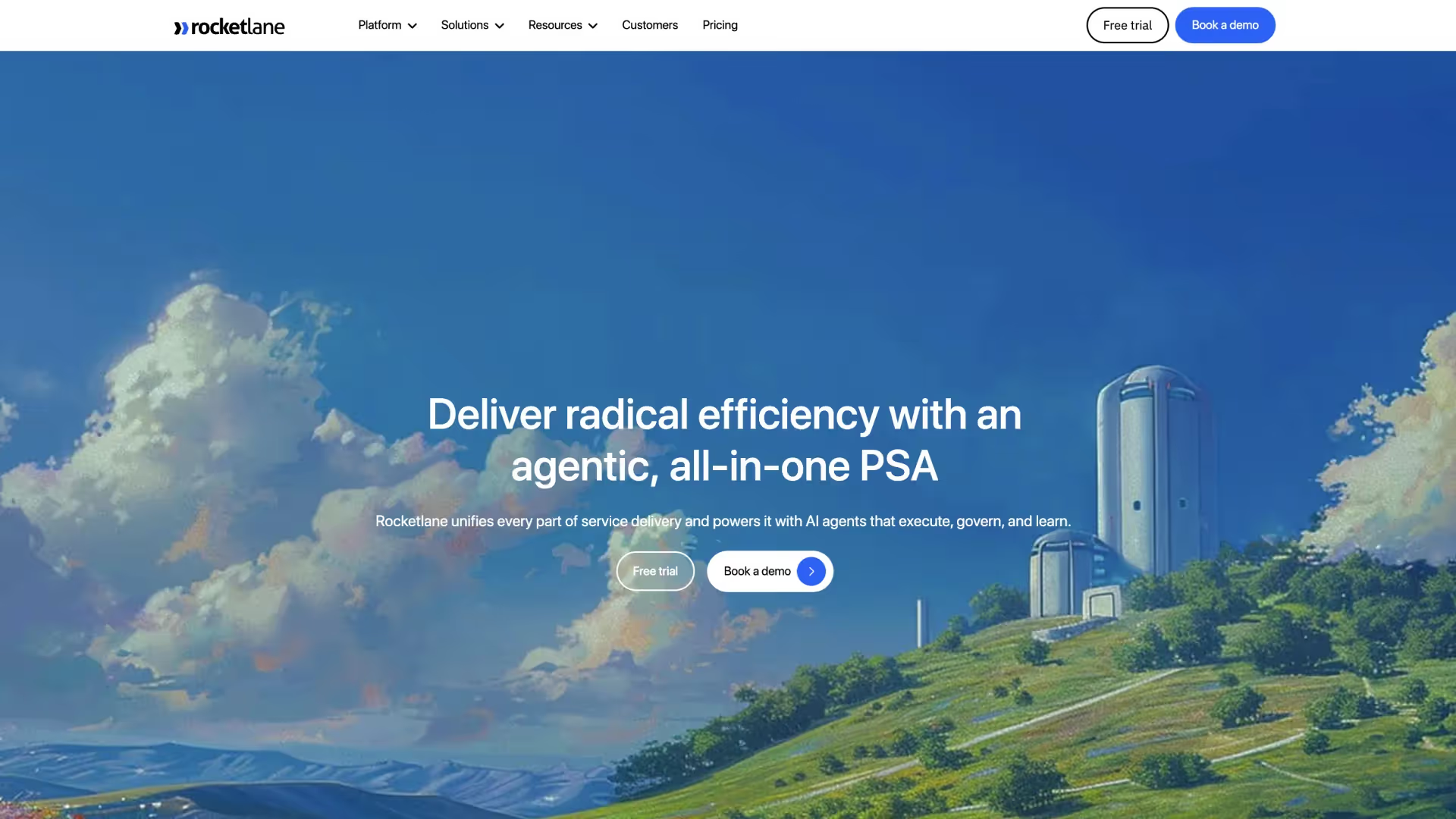
Rocketlane is the only agentic PSA platform purpose-built for customer-facing onboarding and professional services delivery. Where most tools in this list ask you to manage your implementation work,
Rocketlane's Nitro agents do delivery work — converting SOWs to project plans, generating documentation, detecting at-risk accounts, matching resources, and migrating data from legacy systems.
For implementation teams managing 20 to 500+ concurrent onboarding projects, it's the operational backbone replacing 3–5 disconnected tools.
Key features
- Nitro agentic AI — three levels: Operational (Resource AI, Timesheet Governance, AI Analyst), Governance (Project Governance Agent, Signals Agent), Workforce (Documentation Agent, SOW-to-Plan Agent, Migration Agent, Configuration Agents)
- Branded client portal — white-labeled, embeddable, real-time project visibility for customers; no internal tool access required; magic link or SSO authentication
- Dynamic project templates — conditional logic by customer segment, product, or deal size; one master template scales to hundreds of projects without sprawl
- Bi-directional CRM sync — Salesforce integration and HubSpot, managed from Rocketlane's side; auto-creates projects from closed opportunities; no Salesforce admin dependency
- Resource management — real-time utilisation dashboards, skills-based allocation, capacity planning 30–90 days out, bench visibility, billable vs. non-billable split
- Financial management — fixed-fee, T&M, retainer, and milestone billing; budget vs. actuals; margin by project and client; milestone-triggered revenue recognition
- Time tracking — calendar sync (Google, Outlook), mobile, approval workflows, Timesheet Governance Agent enforcing entry policies in real time
- Integrations — Salesforce, HubSpot, Jira, Slack, Teams, Workday, BambooHR, NetSuite; custom via Workato on Premium and Enterprise plans
- Global and compliance — multi-currency, multi-timezone, GDPR, SOC 2 Type II, ISO 27701, SSO, audit logs
Bonus: Enterprise-ready PSA capabilities
- Security & Compliance (SOC 2, SSO, Audit Logs)
SOC 2–compliant with SSO, role-based access, and audit logs—so enterprise security standards are met without slowing delivery teams. - Salesforce two-way sync (Pipeline Integrity Protected)
Keeps PSA data aligned with Salesforce while protecting pipeline integrity by preventing accidental overwrites—a critical requirement for Salesforce-first organizations. - Revenue recognition + Budget change handling
Tracks scope changes, budget shifts, and actuals with audit-ready visibility, ensuring accurate revenue recognition even as projects evolve. - Implementation plan & Timeline (Designed for fast time-to-value)
Most teams go live in 4–12 weeks using proven templates and phased rollout—delivering value quickly without over-customization. - Integrations with NetSuite, Hubspot & Quickbooks (Plus APIs)
Native integrations with NetSuite, HubSpot, Notion, and Salesforce, plus robust APIs, ensure Rocketlane fits seamlessly into existing finance and GTM stacks.
Pros and cons
Best for
- SaaS companies with dedicated implementation or professional services delivery teams (30–500 headcount)
- IT services and systems integration firms replacing Smartsheet + Certinia or Kantata combinations
- PS teams that need a client portal as a competitive differentiator in enterprise sales
- Global implementation teams requiring multi-currency billing, GDPR compliance, and AI-powered delivery governance
- Teams under PE pressure to improve billable utilization and margin visibility without adding headcount
Key takeaways
What customers say
2. GuideCX
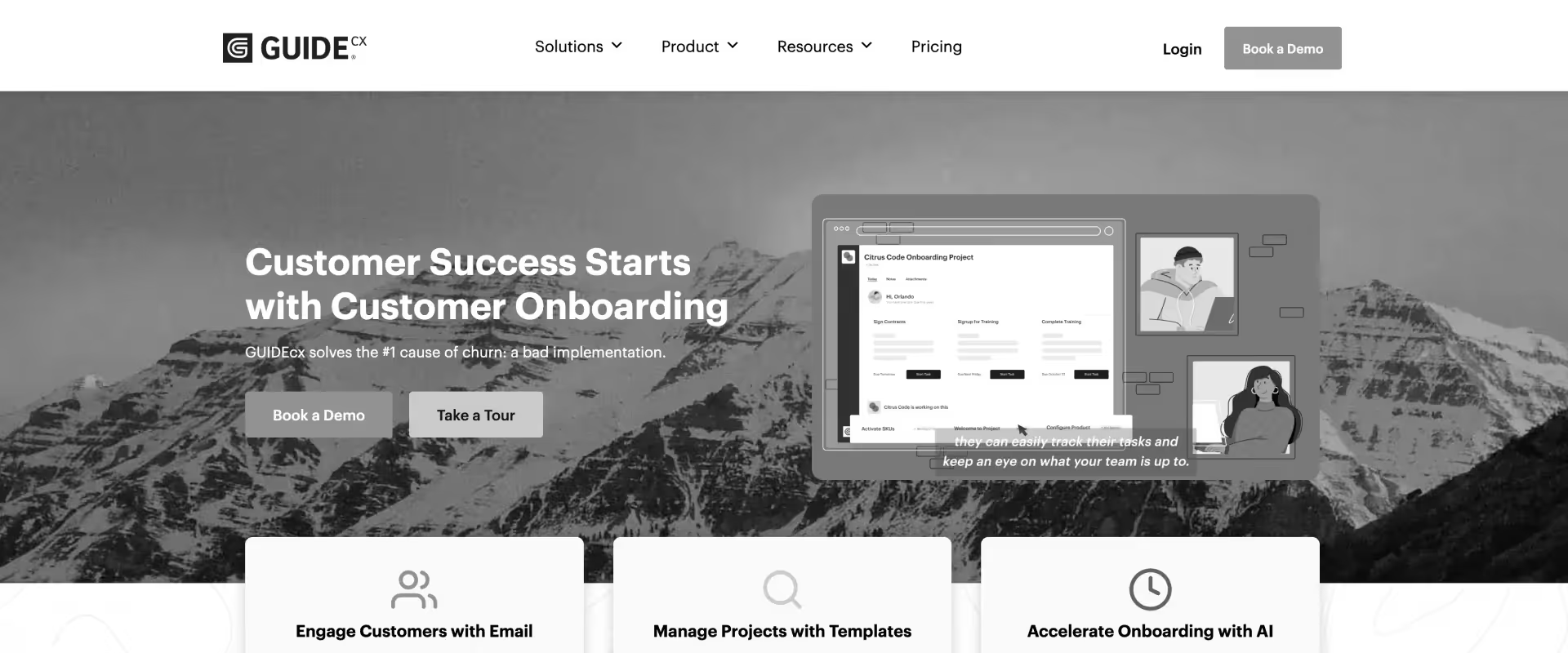
GuideCX is a customer onboarding platform with structured project management, customer-facing task lists, and CRM integration. It handles basic implementation tracking and customer-facing task visibility for teams in the early stages of formalising their onboarding process.
Where teams hit limits: resource management is absent, financial tracking isn't supported, and AI capabilities are minimal.
G2 reviewers at the growth stage consistently cite the same constraint — "there's no way for us to properly report and have the most follow-up plan." Teams managing 50+ concurrent projects or moving upmarket to enterprise customers tend to outgrow GuideCX within 12–18 months.
Key features
- Structured onboarding project templates with customer-facing task assignments and progress tracking
- Customer portal with external collaboration, task completion, and milestone visibility
- Salesforce and HubSpot integration for automated project creation from closed opportunities
- Automated customer email reminders for overdue tasks
- Basic analytics on customer engagement and project health
Pros and cons
Best for
- SaaS companies formalising onboarding processes for the first time and moving away from spreadsheets or generic PM tools.
- Mid-market implementation teams that need customer-facing task accountability and onboarding visibility.
- Organisations looking for a dedicated onboarding platform without committing to a full PSA rollout.
- Teams with relatively straightforward onboarding workflows and moderate project complexity.
- Growing SaaS companies that prioritise ease of adoption over advanced operational controls.
Key takeaways
What customers say
3. Moxo
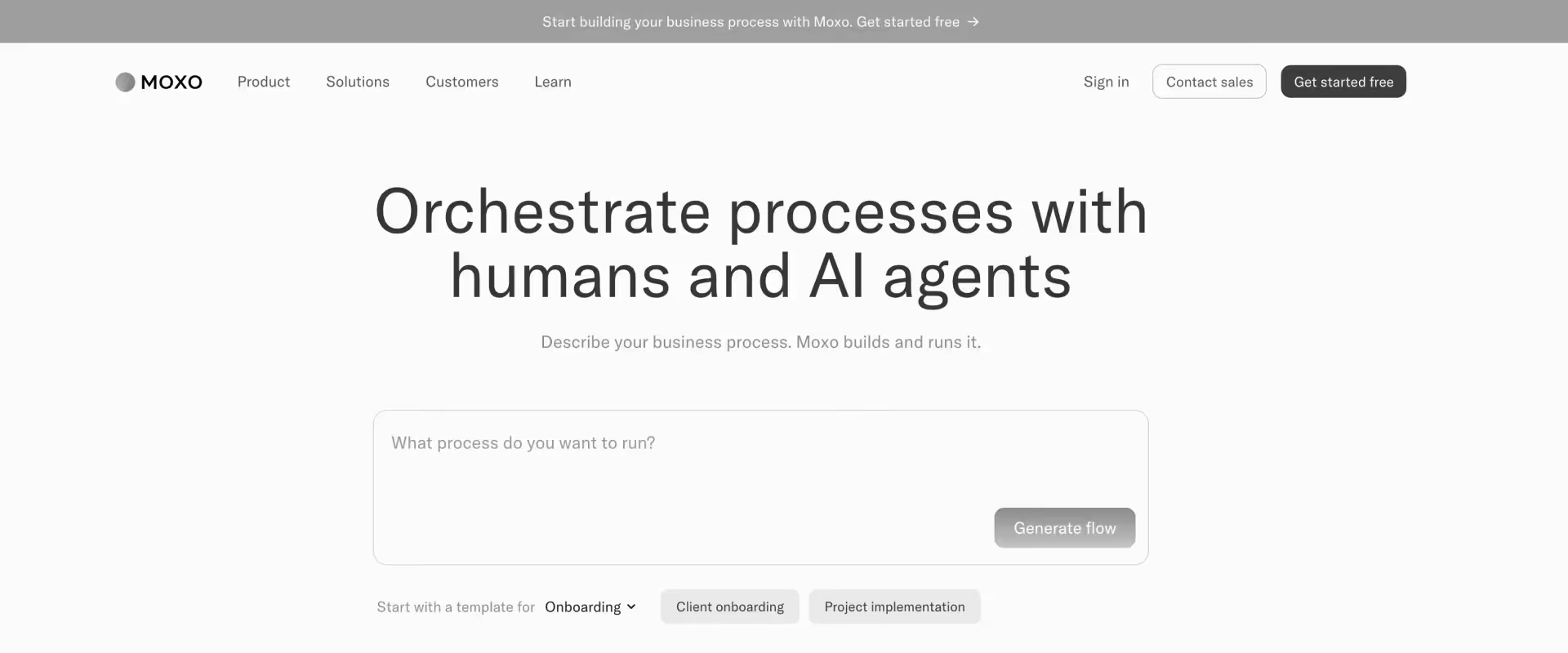
Moxo is a digital interaction platform combining client portals, secure messaging, document request workflows, and task tracking. It is used by professional services firms in regulated industries where secure, auditable client interaction is a compliance requirement.
It is not an implementation management platform. There is no resource management, no utilisation tracking, no financial reporting, and no project management depth. Teams managing multi-phase SaaS implementation projects will hit the ceiling quickly.
Key features
- Secure client portal with messaging, document request workflows, and eSignature
- Task tracking and milestone visibility for client-facing workflows
- White-labeled client workspace with mobile access
- Audit trail for all client communications and document exchanges
- Integrations with common business tools
Pros and cons
Best for
- Regulated industries that prioritise secure client communication and document exchange workflows.
- Financial services, legal, and accounting firms managing compliance-heavy client interactions.
- Organisations where auditability and secure collaboration matter more than delivery execution depth.
- Teams handling high volumes of approvals, forms, and client documentation.
- Businesses modernising client communication without implementing a full onboarding platform.
Key takeaways
What customers say
4. Dock
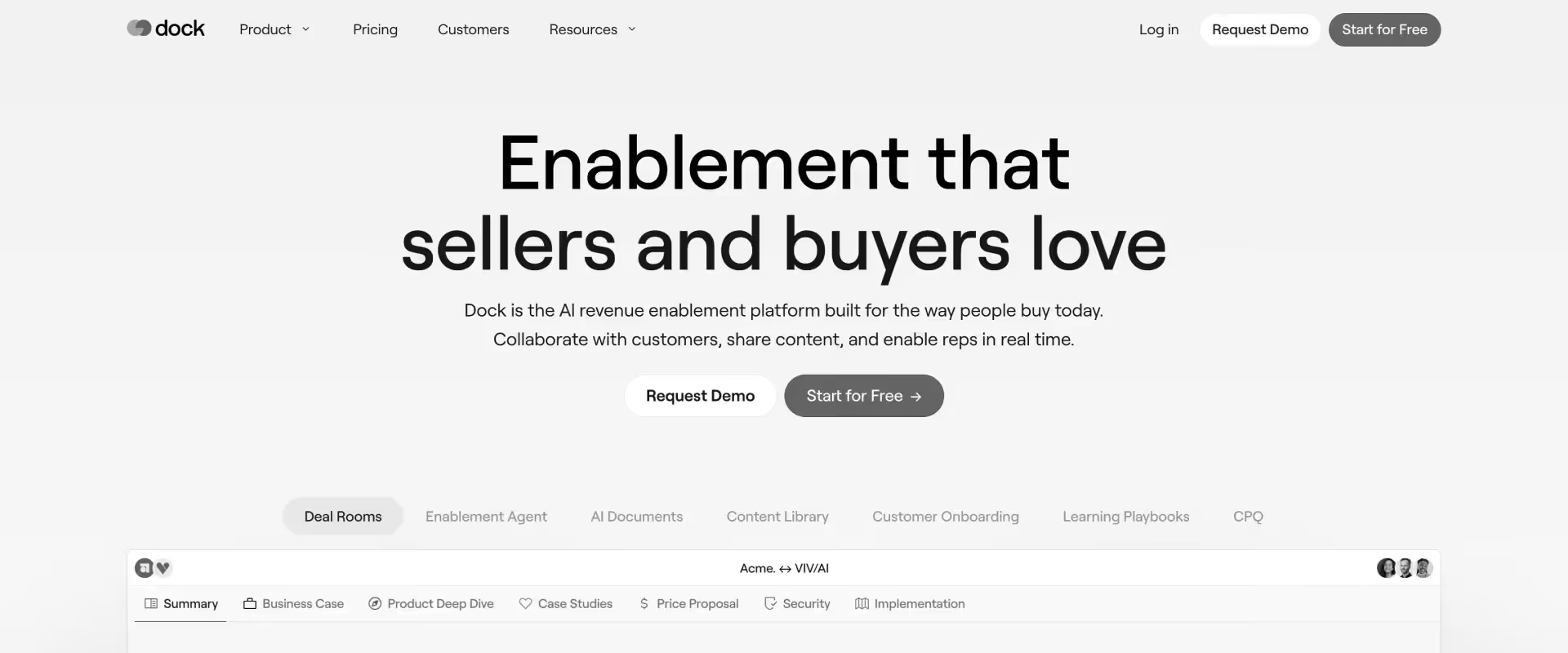
Dock is a lightweight client portal and onboarding workspace tool — mutual action plans, shared workspaces, resource hubs, and simple task assignments. It is used by early-stage revenue and CS teams who want a basic client-facing workspace without PSA investment.
It is not an implementation management platform. There is no project management depth, no resource management, no financial tracking, no AI.
Teams using Dock alongside a PSA are managing two tools where one should suffice. Teams using it without a PSA are missing the delivery infrastructure entirely once project complexity increases.
Key features
- Shared client workspaces with mutual action plans and progress tracking
- Resource hub for onboarding content — videos, docs, links — all in one client-facing page
- Embeddable in the sales process as a deal room, carries through to onboarding
- Simple task assignment and completion tracking
- Free tier for individual contributors
Pros and cons
Best for
- Early-stage SaaS companies looking to create simple client onboarding workspaces quickly.
- Revenue and customer success teams that want lightweight mutual action plans and deal rooms.
- Organisations with short onboarding cycles and relatively simple implementation requirements.
- Teams prioritising customer collaboration and onboarding visibility over operational complexity.
- Startups extending the sales experience into onboarding with minimal setup effort.
Key takeaways
What customers say
5. Gainsight
Gainsight is a customer success platform — customer health scoring, lifecycle playbooks, NPS, in-app engagement, and revenue intelligence. It has onboarding journey capabilities but is fundamentally a CS monitoring platform, not an implementation management system.
There is no Gantt chart, no project management depth, no resource allocation, and no client-facing implementation portal built for delivery execution.
Worth noting: Gainsight is itself a Rocketlane customer, using the platform for their own implementation delivery. That is the clearest illustration of the distinction. Gainsight monitors the customer health layer. Rocketlane manages the delivery execution layer. Many enterprise teams run both.
Key features
- Customer health scoring across product usage, behavioral, and engagement signals
- Lifecycle playbooks for onboarding journeys, adoption, and renewal automation
- NPS and CSAT survey automation at key lifecycle moments
- Revenue intelligence — churn risk identification, expansion opportunity tracking
- CS team workflow management and task automation
Pros and cons
Best for
- Enterprise customer success organisations managing customer health and lifecycle programs at scale.
- Teams focused on churn reduction, adoption tracking, and expansion opportunity management.
- Businesses running mature CS operations with large customer portfolios.
- Organisations that already have implementation tooling and want a dedicated CS intelligence layer.
- Enterprises investing heavily in customer retention and post-sale visibility.
Key takeaways
What customers say
6. ChurnZero
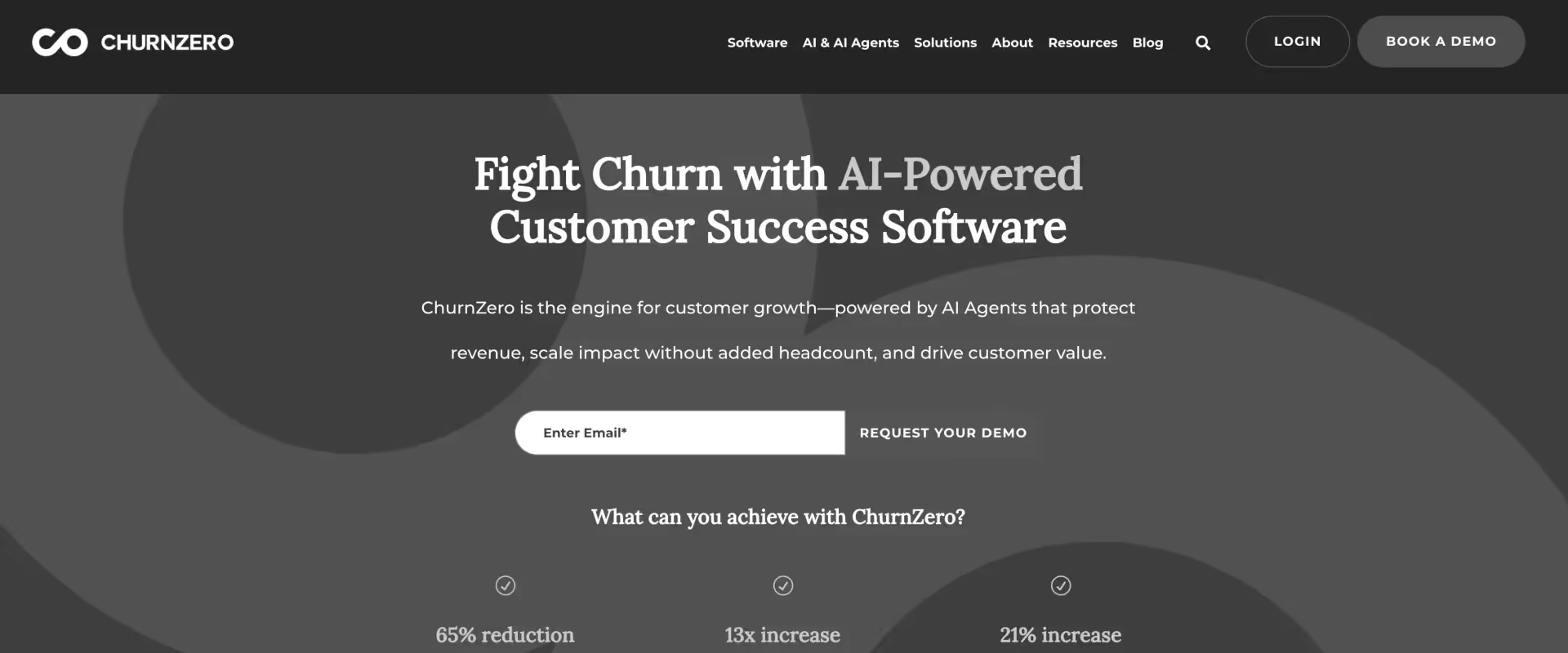
ChurnZero is a real-time customer success platform with health scoring, playbook automation, and in-app engagement capabilities. Like Gainsight, it manages the CS layer — not the implementation delivery layer.
Teams that try to use ChurnZero as their primary onboarding management tool consistently need a separate PM or PSA alongside it to manage actual project execution. The two use cases don't overlap as much as the category name suggests.
Key features
- Real-time customer health scoring and churn risk detection
- Playbook automation for CS workflows and lifecycle milestones
- In-app engagement and messaging to customers within your product
- Renewal and expansion opportunity tracking
- CS team task management and productivity tracking
Pros and cons
Best for
- Mid-market customer success teams focused on retention, renewals, and customer engagement.
- Organisations wanting real-time customer health monitoring and lifecycle automation.
- SaaS companies running proactive CS motions with in-app engagement strategies.
- Teams seeking a more focused and accessible alternative to larger enterprise CS platforms.
- Businesses pairing a CS platform with a dedicated onboarding or implementation tool.
Key takeaways
What customers say
7. Monday.com
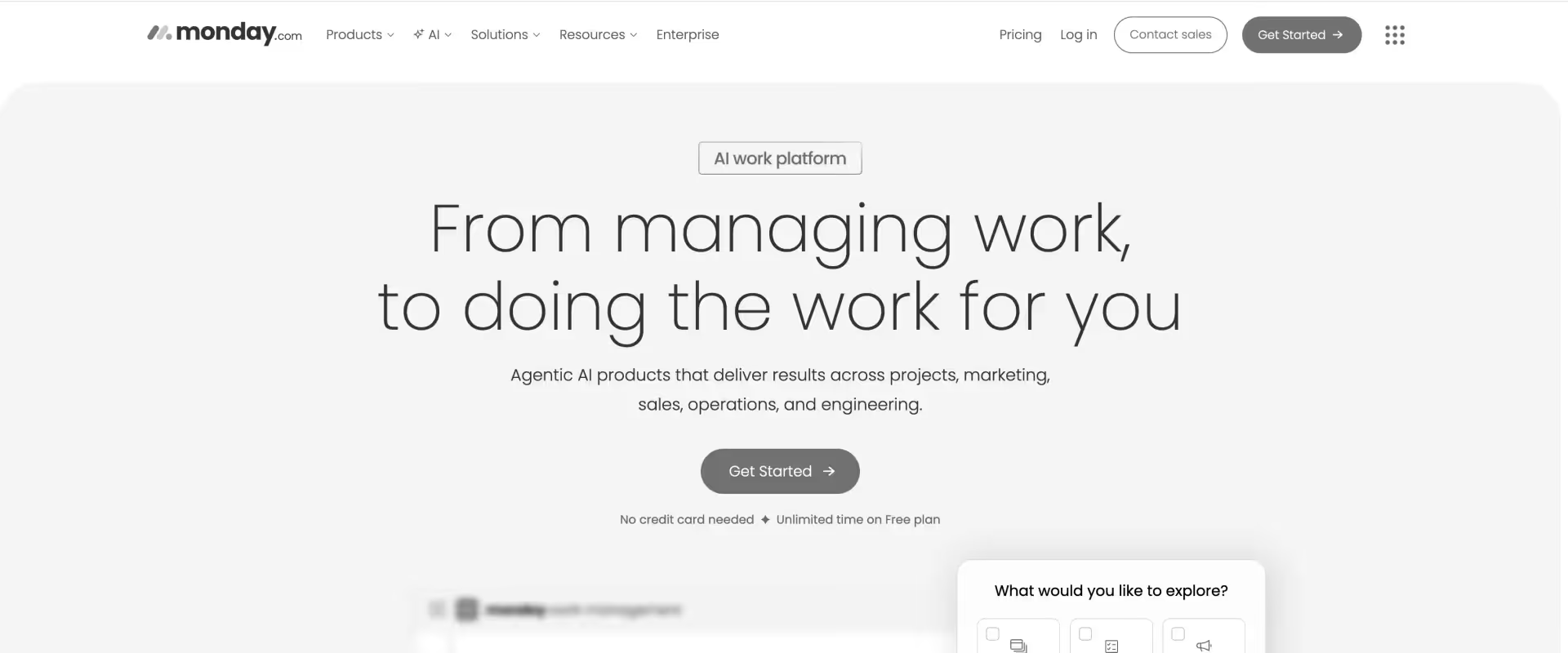
Monday.com is a visual work management platform widely used across teams for task tracking and project coordination. There is no PSA capability: no utilisation tracking, no revenue recognition, no purpose-built client portal, and no billing model support.
Teams using Monday for customer onboarding consistently maintain Salesforce, a time tracking tool, and a finance tool alongside it — which recreates the fragmentation they were trying to escape.
Key features
- Visual board-based project tracking across kanban, Gantt, timeline, and table views
- Automation rules for task assignment, status updates, and deadline nudges
- Guest access for external customer visibility (limited compared to purpose-built portals)
- Wide integration library — 200+ integrations across common business tools
- AI column builder and formula generation (Tier 1 AI)
Pros and cons
Best for
- Teams looking for a flexible and easy-to-adopt internal work management platform.
- Organisations managing onboarding as one of several cross-functional operational workflows.
- Companies prioritising broad usability and quick team adoption across departments.
- Smaller onboarding teams with relatively lightweight delivery coordination needs.
- Businesses wanting a highly visual project management experience with extensive integrations.
Key takeaways
What customers say
8. Asana
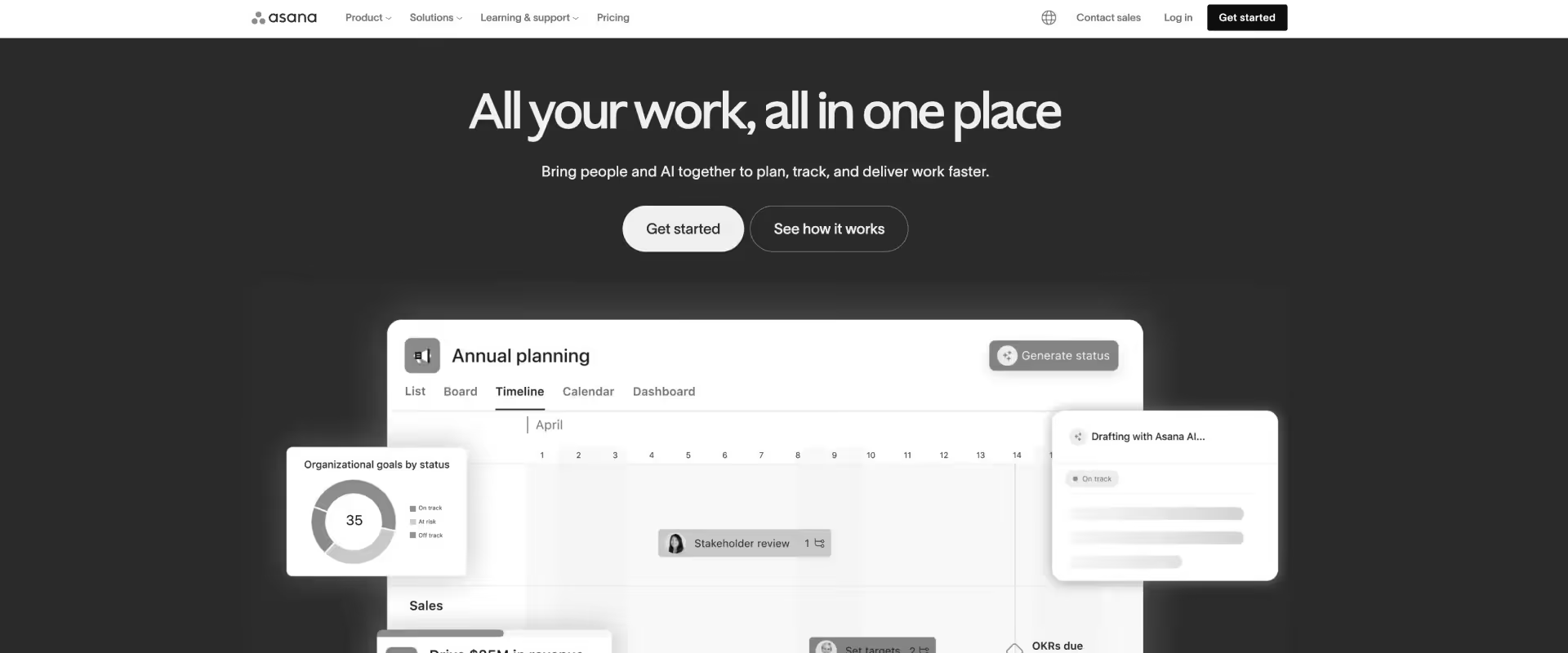
Asana is a task and project management platform used in CS and implementation teams as an internal project tracker. The limits are consistent: no client-facing portal beyond limited guest access, no financial management, no resource management. Teams switching from Asana to Rocketlane for client-facing work report 60% time savings on customer collaboration.
Key features
- Task and project management with subtasks, dependencies, and conditional rules
- Timeline (Gantt) view for project planning across phases
- Workflow builder with rule-based automation across projects
- Portfolio reporting across multiple projects
- Guest access for external collaboration (limited permissions)
Pros and cons
Best for
- Organisations managing structured internal onboarding workflows and task coordination.
- Teams that value ease of use and strong dependency management across projects.
- Companies with relatively simple implementation programs and limited operational complexity.
- Cross-functional onboarding teams coordinating work across CS, implementation, and support.
- Businesses seeking a lightweight project management platform with broad team adoption.
Key takeaways
What customers say
9. Smartsheet
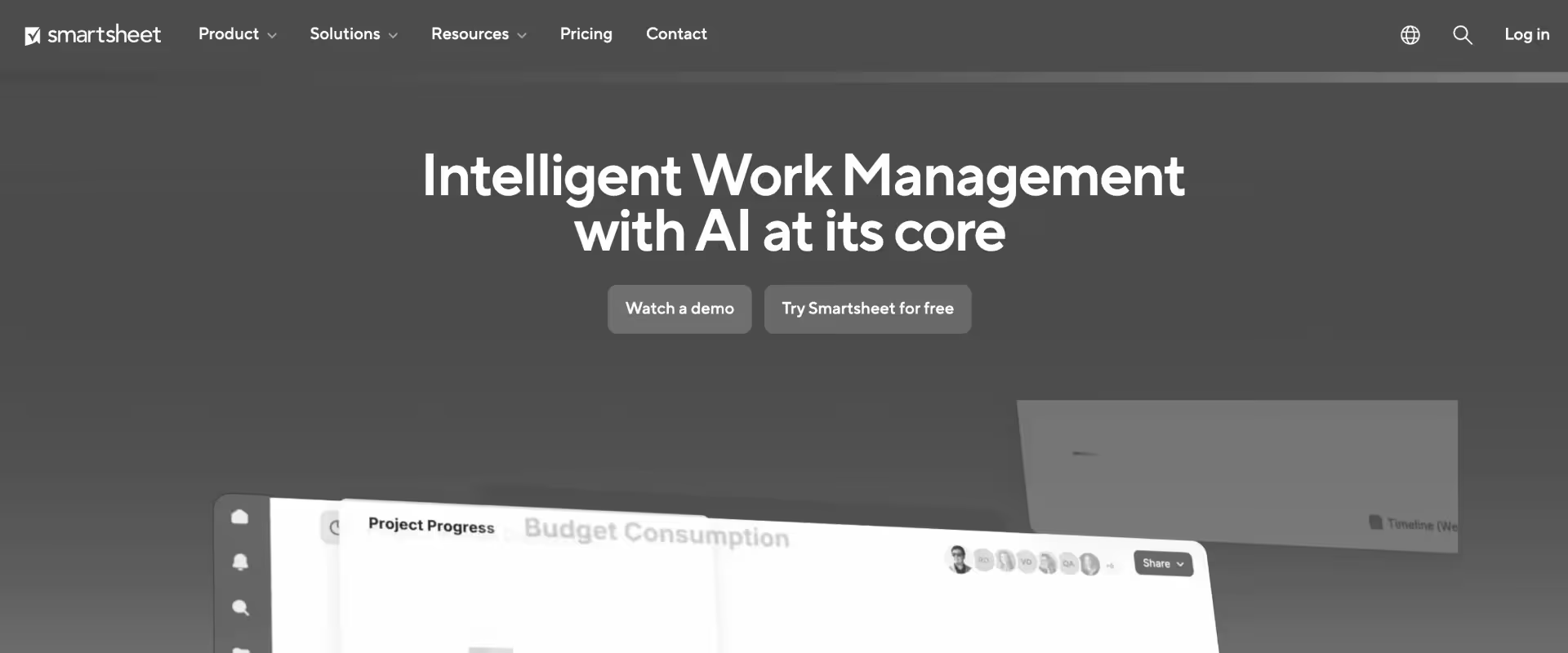
Smartsheet is a spreadsheet-style project management tool used in consulting and implementation delivery. It provides grid-based project tracking with automation and form capabilities. What it doesn't solve: no customer portal, no financial tracking, no resource management, no native CRM sync.
Almost every team that evaluates Rocketlane is already running Smartsheet alongside Certinia or Kantata — because Smartsheet alone cannot carry the full delivery operation.
The combination works, but adds integration overhead and data fragmentation that purpose-built platforms eliminate.
Key features
- Grid, card, Gantt, and calendar views in a spreadsheet-familiar interface
- Automation rules for task assignment and status notifications
- Forms for data capture — customer intake, status collection, change requests
- Reporting dashboards across multiple sheets and projects
- External collaborator access with configurable permissions
Pros and cons
Best for
- Consulting and professional services teams comfortable working in spreadsheet-style environments.
- Organisations managing structured workflows, approvals, and large operational datasets.
- Teams preferring configurable process management over rigid out-of-the-box workflows.
- Businesses already operating with mature PSA or ERP systems alongside project tracking tools.
- Operationally intensive teams needing flexible reporting and automation capabilities.
Key takeaways
10. ClickUp
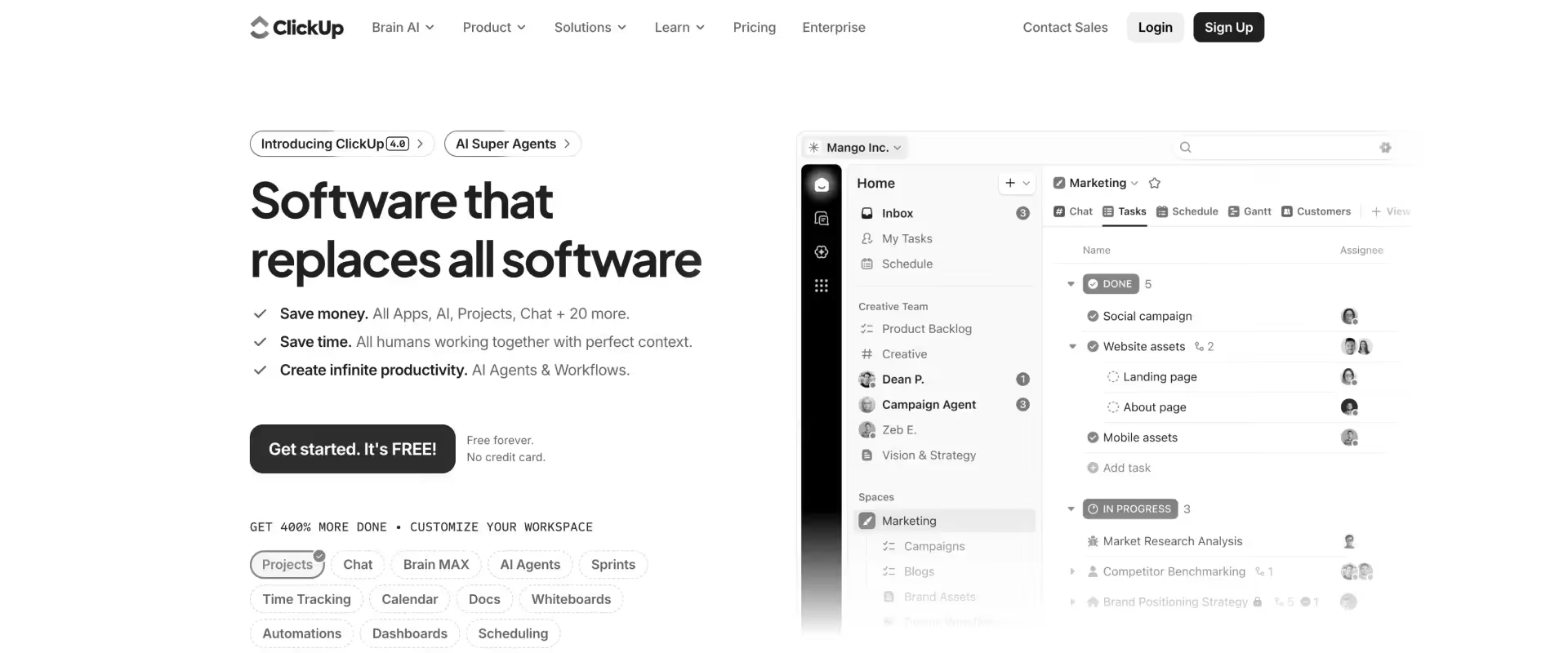
ClickUp is a configurable work management platform — project management, docs, goals, whiteboards, and a basic CRM all in one place. The ceiling for onboarding use cases: no native PSA capabilities, no financial tracking, no revenue recognition, and client portal functionality requires significant workaround effort.
Teams that try to build implementation delivery systems in ClickUp consistently report the same experience: "It's impressive until you need to give a client a professional view of their project."
Key features
- Highly configurable views — list, board, Gantt, calendar, table, mind map, and more
- Built-in docs, goals, and basic CRM capabilities
- Automation engine with broad trigger and action options
- AI writing assistant and automation suggestions (Tier 1)
- Free tier with wide feature access
Pros and cons
Best for
- Operationally mature teams that want extensive flexibility and workflow customisation.
- Startups and internal ops teams consolidating multiple work management functions into one platform.
- Organisations willing to invest time configuring custom onboarding and delivery processes.
- Teams managing a wide variety of internal workflows beyond customer onboarding alone.
- Businesses prioritising configurability and breadth of functionality over specialised delivery workflows.
Key takeaways
What customers say
11. Appcues
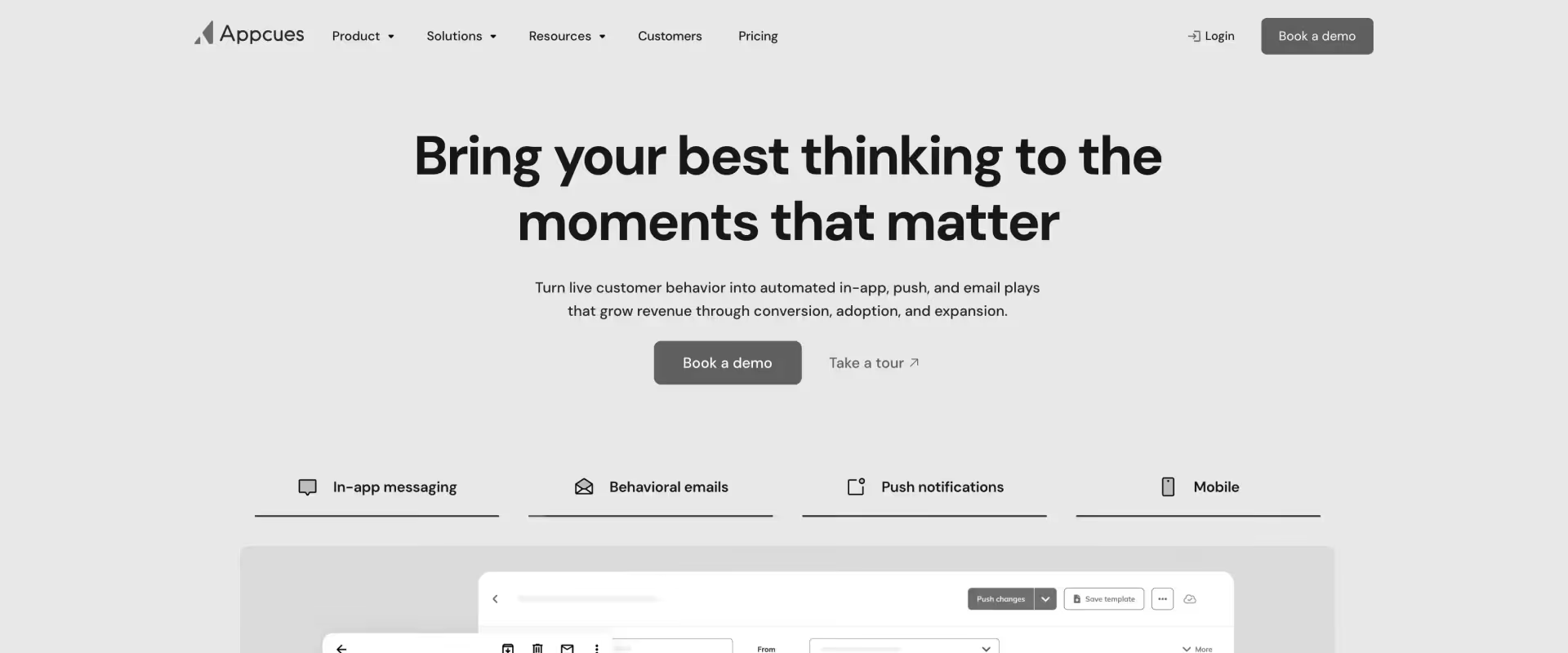
Appcues is an in-app user onboarding and adoption platform — tooltips, walkthroughs, checklists, and NPS surveys embedded directly in your product interface.
It is not an implementation management tool. If you are managing multi-stakeholder B2B implementations with a delivery team, Appcues solves a different problem entirely.
It is included here because it appears consistently in searches for "customer onboarding tools" — buyers should understand the distinction before investing time in an evaluation that won't fit their use case.
Key features
- No-code in-app walkthrough and tooltip builder — deploys without engineering
- Onboarding checklists and progress indicators within the product UI
- NPS and satisfaction surveys embedded at key in-product moments
- User segmentation and targeting by attribute, plan, or behaviour
- Analytics on user activation rates and feature adoption
Pros and cons
Best for
- PLG SaaS companies driving self-serve onboarding and feature adoption within the product.
- Product and growth teams focused on activation, onboarding, and in-app education.
- Organisations looking to launch onboarding flows without heavy engineering involvement.
- SaaS businesses managing low-touch or product-led onboarding experiences.
- Teams optimising user adoption through walkthroughs, checklists, and in-app messaging.
Key takeaways
What customers say
12. Pendo
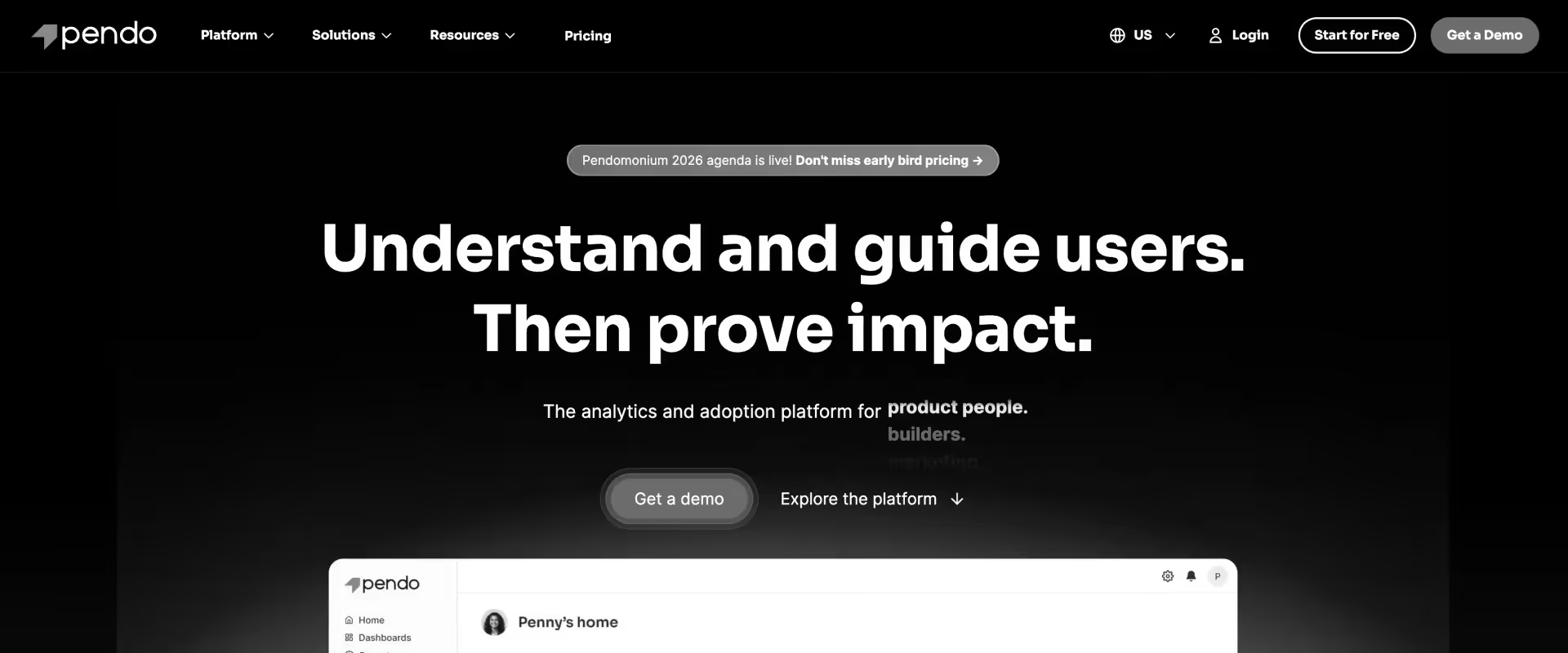
Pendo combines in-app guidance with product analytics — feature usage tracking, session analysis, user segmentation, NPS, and onboarding flows.
Like Appcues, it is not an implementation management platform. Included for the same reason: it appears in searches for "customer onboarding tools" at significant volume, and the category distinction matters before you start an evaluation.
Key features
- In-app guidance — walkthroughs, tooltips, lightboxes — built without code
- Product analytics — feature usage, session tracking, funnel analysis, cohort comparison
- NPS and user feedback collection tied directly to in-product behaviour
- User segmentation for targeted in-app messaging and guidance
- Roadmap and feedback management features that bridge product and CS teams
Pros and cons
Best for
- Enterprise PLG organisations focused on product analytics and user adoption at scale.
- Product and CS teams aligning customer feedback with feature usage insights.
- Companies running sophisticated in-app guidance and behavioural segmentation programs.
- Organisations investing heavily in product-led growth and digital customer experiences.
- Teams seeking both analytics and onboarding guidance within a single platform.
Key takeaways
What customers say
Comparison of the best customer onboarding tools in 2026

Any tool with ❌ in Client Portal, Resource Management, or Financial Tracking requires additional tools alongside it — recreating the fragmentation problem most teams are trying to escape.
Key features of effective customer onboarding tools
The most effective B2B customer onboarding platforms combine six core capabilities: structured project management with templates, a white-labeled customer portal, CRM integration for automated project creation, resource and capacity planning, financial tracking, and AI-powered automation.
Tools missing two or more of these force teams to maintain additional systems — recreating the fragmentation problem.
These platforms streamline the customer onboarding process by managing onboarding content, organizing onboarding tasks, tracking customer progress, and integrating with customer support tools to ensure a seamless experience.
Project management and templating
SOW-to-project conversion, phase-based plans, dependencies, dynamic conditions, Gantt/Kanban/list views. Template-driven creation that scales to hundreds of projects instantly.
Common features include product tours, tutorials, onboarding checklists, in-app messages, and self-service knowledge bases to enhance user engagement and satisfaction.
Tracking and analytics functionalities are essential, enabling companies to measure the effectiveness of their onboarding processes and identify bottlenecks.
Segmentation capabilities allow for personalized learning experiences based on customer behaviors, needs, and goals, while robust reporting features enable the generation of custom reports on user activities.
Customer portal and collaboration
White-labeled, branded, embeddable. Task assignment and tracking for customer teams. Document sharing, milestone approvals, and real-time status. Magic link authentication with optional 2FA.
In-app guidance utilizes tooltips, walkthroughs, and checklists to guide users through the product, reducing reliance on support. Common features also include product tours, tutorials, onboarding checklists, in-app messages, and self-service knowledge bases.
CRM integration and automated project creation
Bi-directional Salesforce/HubSpot sync. Automatic project creation from closed opportunities. Custom field mapping without developer involvement.
Real-time sync — not batch updates. Tracking and analytics functionalities are essential for monitoring customer progress and identifying areas for improvement.
Resource management and utilization
Team capacity dashboards, skills-based allocation, load balancing, forecasting 30–90 days ahead. Billable vs. non-billable split. Segmentation capabilities help allocate resources based on customer needs and onboarding stages.
Financial tracking and billing models
Fixed-fee, T&M, retainer, milestone billing. Budget alerts, burn rate tracking, project profitability by project/client. Revenue recognition automation. Robust reporting features enable custom financial and activity reports to inform product development and marketing strategies.
AI-powered automation and intelligence
Meeting transcript → action items. Automated project health signals. Risk detection. SOW-to-plan conversion. The gap between tools with real AI and tools adding AI as a marketing label is widening fast. Effective customer onboarding tools improve user experience by providing in-app guidance, behavioral analytics, and automated workflows.
How to evaluate customer onboarding tools in 2026
Evaluate customer onboarding tools against three non-negotiables first: does it have a purpose-built client portal, does it include financial tracking for your billing models, and can it integrate with your CRM without IT involvement? Everything else is secondary.
Tools that fail any of these three will require additional systems within 6 months. When assessing onboarding software, consider how it supports a seamless onboarding flow, drives onboarding success, and enables ongoing measurement of onboarding effectiveness.
(1) Create a new onboarding project automatically from a closed Salesforce opportunity
(2) Give a new customer access to their project with a branded portal in under 30 minutes
(3) Pull a utilization report for last month across your top 10 active implementations.
Any tool that struggles with all three is not purpose-built for B2B implementation management. Managing the customer journey, customer lifecycle, and the entire onboarding process is essential for long-term success and should be central to your evaluation criteria.
Implementation timelines across categories
Decision routing table
Best customer onboarding tools by team type and use case

Every team needs a solution that fits their needs and size, here we have segregated based on team size and usecase to make your buying process easier.
Best for early-stage SaaS teams (under 20 headcount)
Dock and Moxo. Lightweight setup, fast deployment, client-facing workspace without PSA investment. Ideal as a customer onboarding solution for teams needing a seamless, structured onboarding process. Trade-off: no resource management, no financial tracking, no PSA depth.
Best for mid-size SaaS with dedicated implementation teams (20–100 headcount)
Rocketlane and GuideCX. Client portal quality, CRM integration, structured project management, and resource utilization visibility. These platforms also function as user onboarding software, enabling customer segmentation and personalized onboarding experiences.
Best for enterprise SaaS and IT services firms (100–500+ headcount)
Rocketlane for delivery execution; Gainsight or ChurnZero for lifecycle health monitoring. Many enterprise teams run both — complementary, not competing.
Best for global implementation teams (APAC, EU, UK, US)
Rocketlane. Multi-currency billing, multi-timezone scheduling, GDPR compliance, regional data residency options, SOC 2 Type II, ISO 27701.
Common customer onboarding challenges and how to solve them

The most common customer onboarding challenges — missed go-live dates, client escalations, revenue recognition delays — are almost always caused by tooling gaps, not execution gaps.
Understanding customer behavior and leveraging customer data are critical for identifying these issues early, enabling proactive engagement and tailored onboarding experiences.
The right platform surfaces problems before they become fires and automates the coordination work that PMs should never be doing manually.
Why we believe Rocketlane is the best customer onboarding tool for modern teams
Most onboarding tools were built to track work. Rocketlane was built to do it.
That's not a positioning line. It's the structural difference that separates Rocketlane from every other platform in this guide.
Every other tool in this list — whether a general PM tool, a CS platform, or a lightweight client portal — requires a human to do the coordination, the documentation, the resource matching, the risk detection, and the status updates. The tool organises that work. The PM executes it.
Rocketlane's Nitro changes the equation. Its AI agents don't surface recommendations for humans to act on — they execute the delivery tasks themselves.
And that shift matters more for customer onboarding than for almost any other business function, because onboarding is exactly where the coordination overhead is highest, the documentation burden is most acute, and the cost of a missed signal is an account that churns before it ever sees full value.
Here's why Rocketlane is the only platform built for what modern B2B onboarding actually demands.
Nitro converts your SOW into a live project plan in minutes — not days
Every implementation starts the same way: someone takes a proposal, a Statement of Work, or a sales-to-customer success handoff document and manually builds a project plan.
Tasks, phases, dependencies, owners, timelines. For an average enterprise implementation, that's 15–20 hours of work before the first customer interaction.
The SOW-to-Plan Agent eliminates this. Upload the SOW or proposal — PDF, Word, any format — and Nitro reads it, extracts the scope, maps it to phases and tasks, assigns resource roles, and generates a live project plan in minutes.
The plan can blend with existing templates, respecting your delivery methodology while adapting to the specific scope in the document. Teams that have done this manually for years describe the first time they run it the same way: "This used to be a week's work."
That's not a time-saving feature. That's reclaimed capacity that compounds across every new customer.
The client portal makes your onboarding a competitive differentiator
Enterprise buyers in 2026 evaluate vendor onboarding experience before signing — and they compare it to every other implementation they've been through. A clunky, email-heavy kickoff process signals what the next 90 days will feel like.
Rocketlane's white-labeled client portal gives customers a live, branded view of their own implementation from day one. Tasks assigned to their team appear alongside yours. Milestones are visible. Documents are shared in context. Status is always current without anyone writing a status update. And customers access it through magic link or SSO — no account creation, no new tool to learn on their side.
The result: customers stop asking "where are we?" because they can see for themselves. Your PMs stop writing weekly status emails because the portal makes them redundant. And your brand — not Rocketlane's — is what customers see every time they check in on their project.
Rocketlane's — is what customers see every time they check in on their project.
Nitro's Signals Agent detects at-risk accounts before the PM knows there's a problem
The most damaging onboarding failures share a common pattern: by the time the PM realises an account is at risk, it's already a customer call nobody wanted. A key stakeholder went silent three weeks ago. The scope drifted in the last two meetings. The executive sponsor changed roles, and nobody updated the account.
Nitro's Signals Agent monitors every customer meeting, email, and interaction continuously — not as a search tool, but as an always-on listener. It detects churn risk signals (disengagement, champion exits, budget freeze language), expansion signals (comments about other teams, mention of additional use cases), and project risk signals (scope drift, repeated blockers, milestone inactivity).
Every signal is cited back to its source: the meeting timestamp, the email thread, the exact phrase that triggered it. And it creates tasks automatically for account owners in Rocketlane and synced to Salesforce.
The shift this creates is from reactive to genuinely proactive. Not "we have a weekly check-in where we review the dashboard" proactive. Actually proactive — the system surfaces the risk before the PM was going to think about it.
The Documentation Agent eliminates the documentation burden that kills onboarding efficiency
Across implementation teams, documentation consumes between 40–60% of total project time. Business requirement documents, handoff notes, configuration records, meeting summaries, status reports — all written manually, all subject to inconsistency, all a source of risk when the PM who held the context moves to another project.
Nitro's Documentation Agent connects to your meeting recordings and email threads, and generates BRDs, SOWs, handoff documents, status reports, and implementation notes automatically.
Every statement in the document is traceable to its source — the meeting where it was discussed, the email where it was confirmed, the timestamp of the decision. The documents live in Rocketlane Spaces and update automatically as new meetings happen.
The practical impact is significant: a 16-hour design document becomes a 3-hour review. A handoff note that used to get written from memory gets generated from the actual conversation. And when a PM hands off an account, the next person inherits documented context, not institutional knowledge locked in someone's head.
Resource matching happens in seconds, not in a weekly meeting
For implementation teams managing 50+ concurrent projects, resource planning is a constant operational drain. Who has capacity for the new enterprise customer that just signed? Who has the right skill set for the FinTech implementation starting next month? What happens to capacity if this project slips by two weeks?
Rocketlane's Resource Management Agent answers these questions conversationally.
"Find someone to cover these projects while the lead is on leave" returns a recommendation based on skills, certifications, current workload, capacity, and HRIS data (BambooHR, Workday) for live PTO visibility.
"If I reassign this project to a different consultant, what's the margin impact?" generates a scenario comparison.
The weekly resource allocation meeting — the one where everyone compares spreadsheets and talks about who's on the bench — becomes unnecessary. That's typically 2–3 hours a week of leadership time per team, every week.
Rocketlane replaces the tool stack, not just one tool in it
Most teams evaluating Rocketlane are running a combination of 3–5 separate tools: a PM tool (Asana, Smartsheet, Monday), a portal or client-facing layer (Dock, Notion shared pages, email), a time tracking tool, a project billing tool (Certinia, Kantata, or spreadsheets), and a documentation layer (Confluence, Google Docs).
Each has its own login, its own data model, its own integration overhead, and its own source of truth that contradicts the others.
Rocketlane replaces all of them. Project management, client portal, resource management, time tracking, financial tracking, and documentation — in one platform, with one source of truth, with bi-directional Salesforce and HubSpot sync that auto-creates projects at deal close without Salesforce admin involvement.
The fragmentation cost is real and underestimated. Every context switch, every manual update pushed between systems, every status report written because the CRM doesn't know what the PM tool knows — these add up to the 60–70% of PM time spent on admin coordination that Rocketlane customers consistently report reducing to under 40% within 90 days of going live.
The results speak for themselves
These aren't projected outcomes. They're published customer results:
- SupportLogic improved time-to-value by 60% after switching from GuideCX to Rocketlane
- GoCardless accelerated customer time-to-value by 20%
- Hapi Cloud hit 85% billable utilisation by automating implementation processes with Rocketlane
- Gamify slashed implementation timelines from over 6 months to 30 days
Observe.AI transitioned to a professional services automation model with a 70+ NPS score.
Rocketlane helps teams accelerate time to value and streamline onboarding by automating manual processes, reducing friction, and optimizing the user journey from day one.
The pattern across these outcomes is consistent: teams that move from fragmented tool stacks to Rocketlane don’t just save time.
They change what’s possible — running more concurrent projects without adding headcount, moving upmarket to enterprise customers with more complex implementations, and building a delivery operation that compounds rather than one that scales linearly with headcount.
That's what we mean when we say Rocketlane is built for modern teams. Not because it has more features. Because it changes the unit economics of delivering customer onboarding at scale.
Conclusion
The difference between onboarding teams that scale and those that hit a ceiling isn'’t headcount — it'’s systems. And in 2026, the systems question has sharpened: it'’s not just '‘do you have a dedicated onboarding tool'’ — it'’s '‘is your onboarding tool doing work, or just tracking it?'’
Delivering a seamless customer onboarding experience is crucial for driving user adoption, as well as ensuring that new clients quickly see value and remain engaged.
Teams running on spreadsheets and email will always hit a capacity wall. Teams with general PM tools adapted for onboarding will hit the fragmentation wall — every capability gap requires another tool, another integration point, another source of truth that contradicts the last one.
For early-stage SaaS teams, Dock and Moxo get you started. For CS teams focused on lifecycle health, Gainsight and ChurnZero handle the monitoring layer.
For the implementation-first teams — the VPs of PS, Directors of Implementation, and CS Ops leaders managing 50–500 concurrent onboarding projects — Rocketlane is the platform built for exactly this moment.
For early-stage SaaS teams, Dock and Moxo get you started. For CS teams focused on lifecycle health, Gainsight and ChurnZero handle the monitoring layer.
For the implementation-first teams — the VPs of PS, Directors of Implementation, and CS Ops leaders managing 50–500 concurrent onboarding projects — Rocketlane is the platform built for exactly this moment.
Effective onboarding processes lead to higher customer satisfaction and loyalty, as a smooth onboarding experience fosters a positive impression of the company from the start.
In fact, effective customer onboarding can significantly reduce churn rates by ensuring that clients have a smooth and efficient onboarding experience, which fosters long-term loyalty.
A 2025 survey found that 48% of customers abandon onboarding if they don't see value quickly, highlighting the importance of effective onboarding in reducing churn. The question isn’t whether your current stack is holding back your time-to-value. It almost certainly is. The question is how many accounts you want to lose to it before you change it.
The question isn't whether your current stack is holding back your time-to-value. It almost certainly is. The question is how many accounts you want to lose to it before you change it.
Table of Contents

Regsiter for the live webinar


Great consultants didn't join your team to spend Fridays writing documentation.
Table of contents
18 of Forbes Cloud 100 chose Rocketlane. The best PS teams aren't waiting around.
FAQs
What tools are people using for customer onboarding across SaaS, B2B, and professional services orgs?
Teams use a mix of customer onboarding platforms (like Rocketlane or GuideCX), product onboarding tools (like Appcues or Pendo), collaboration tools, and PSAs. Execution-heavy SaaS and services organizations increasingly adopt dedicated customer onboarding tools to coordinate cross-team delivery and customer participation.
What is the difference between customer onboarding software and user onboarding tools?
Customer onboarding software manages post-sale execution across teams, timelines, and customers to deliver first value. User onboarding tools focus on in-product guidance and feature adoption. The former orchestrates delivery; the latter optimizes product usage.
Do customer onboarding tools include analytics?
Yes. Modern customer onboarding tools include analytics for time-to-value, milestone progress, bottlenecks, and onboarding health. Unlike activity metrics, these analytics surface execution risk and systemic delays, helping teams improve predictability and outcomes at scale.
Do customer onboarding tools replace PSA software?
No. Customer onboarding tools complement PSAs. They focus on early-stage execution, coordination, and customer visibility, while PSAs manage utilization, billing, and financial governance. Some platforms, like Rocketlane, combine onboarding and PSA capabilities in a single execution-first system.
How do customer onboarding tools improve retention and expansion?
They make onboarding predictable and transparent, reducing early friction and delivery risk. Clear milestones, shared visibility, and faster time-to-value build trust early, setting the foundation for smoother handoffs to customer success, stronger renewals, and more natural expansion.













Copyright © 2026 Rocketlane Corp. All rights reserved.





















.webp)