10 Best ClickUp Alternatives for PS Teams (2026)
•
•
Summarize blog with






A 40-person consulting firm, six months into their current setup, running 14 Zaps and three spreadsheets just to manage client billing, and still unable to answer a simple question the moment it comes up: What is our utilization right now?
This is where most professional services teams begin their search for ClickUp alternatives.
ClickUp is primarily a tool for organizing work. The problem is that professional services teams don't just need to organize work.
They need to run delivery: managing client relationships, tracking billable time against margins, planning resources before capacity crunches happen, and maintaining consistent execution across twenty or thirty concurrent projects.
Working with ClickUp requires integrations, spreadsheets, and a level of manual coordination that compounds as the team grows.
By the time a team hits sixty or eighty people, that coordination overhead is competing directly with delivery itself.
The right ClickUp alternative for a PS team is the one where the least amount of operational truth lives outside the system.
In this guide, we compare 10 alternatives to ClickUp on that basis – and how they work in the context of professional services delivery.
If you're already shortlisting, skip straight to the full comparison.
Best ClickUp alternatives for PS Teams (2026)
How we evaluated these ClickUp alternatives
This guide evaluates ClickUp alternatives against the operational criteria that matter for professional services teams. The tools included here were selected based on conversations with PS leaders actively evaluating a switch, G2 ratings, depth of delivery-specific capabilities, and migration patterns observed across B2B SaaS and services organizations.
Each tool is assessed against five criteria that reflect how delivery actually operates across projects, clients, and regions, and whether a platform can support that without requiring parallel workflows or additional tooling.
Evaluation Criteria
If you are already shortlisting two or three tools, jump to ClickUp vs commonly compared alternatives
ClickUp alternatives: Side-by-side comparison
What is ClickUp?
ClickUp is a cloud-based work management platform that combines task management, docs, goals, and automation in a single interface.
Its appeal is configurability: teams can build almost any workflow using custom views, statuses, and automations, and different team members can visualize the same project in the format that suits them.
That flexibility is real. It's also the source of most PS teams' frustrations with ClickUp at scale.
As teams grow and delivery becomes more complex, the platform tends to expand through integrations — time tracking tools, billing systems, client communication layers — to cover the gaps its task-first architecture leaves open.
ClickUp is built for managing work internally. It does not include native time tracking tied to project financials, resource management with forward utilization visibility, or a client-facing portal.
For teams whose delivery involves managing client relationships, project margins, and billable resources alongside the work itself, those gaps become meaningful as the business scales.
Why professional services teams are looking for ClickUp alternatives

As delivery complexity grows in professional services, the limitations of a flexible but loosely governed system become harder to manage, especially when consistency, visibility, and control start to matter more than customization.
When it comes to professional services, ClickUp falls short in these critical areas:
No client-facing layer
Client-facing delivery requires a shared space where clients can log in, check project status, and collaborate without needing to ask. Without a native client portal, teams fill the gap with weekly email updates, recurring status calls, or a separate portal tool purchased and maintained alongside everything else.
Flexibility without structure
ClickUp's configurability is genuinely useful early on. The problem surfaces as teams grow. By the time a team reaches 50 to 100 people, workflows built differently by different project managers become difficult to govern and harder to standardize.
Consistent templates, automated resourcing, and delivery governance require structure that ClickUp leaves entirely to the team to build and maintain.
No resource or financial visibility
Without utilization tracking, billable versus non-billable visibility, or project margin data, teams running significant services revenue have no reliable way to know whether individual projects are profitable. Industry benchmarks suggest that PS firms without real-time utilization data leave between 15 and 20 percent of billable capacity unused each quarter.
Governance gaps at scale
A free-form structure works well at 10 to 20 people. At 50 and beyond, teams need role-based workflows, capacity planning, and delivery governance that holds across projects, clients, and regions. This is typically when PS teams that adopted ClickUp early begin evaluating alternatives in earnest.
Integration debt accumulates quietly
Most professional services teams running ClickUp rely on a stack of integrations to fill critical gaps—time tracking, CRM, reporting, and client communication.
Each connection introduces a dependency. When something breaks, it rarely fails loudly.
Data goes missing, updates fall out of sync, and teams only notice when a report doesn’t add up or a client flags an inconsistency. Over time, the effort required to maintain these connections starts competing with the work they’re meant to support.
If this sounds familiar, the problem is usually not configuration. It’s the system model. Tools built for internal work tracking require ongoing assembly to support delivery.
See how a PSA like Rocketlane replaces this stack.
The 10 best ClickUp alternatives in 2026
1. Rocketlane
.avif)
Rocketlane is an agentic professional services automation(PSA) software built from the ground up for customer-facing delivery: projects, resources, financials, and client collaboration in one system.
It brings project delivery, resource management, client collaboration, and financial operations into one system, without requiring integrations to cover the gaps that most project management tools leave open for PS teams.
Rocketlane covers the full PS lifecycle, from initial scoping and resource planning through active delivery, invoicing, and project handoff.
Rocketlane's most recent addition is Nitro, an agentic AI layer embedded directly into the delivery workflow. Nitro doesn't sit alongside delivery as a reporting tool. It operates inside it, handling documentation, governance, resource decisions, and reporting as work progresses.
Nitro AI: Agentic execution inside the delivery system
Most AI features in project management tools are generative. They help you report or summarize things faster. It takes on work that currently sits in the gap between systems.
How Nitro agents map to delivery
At the start of an engagement, information is scattered across calls, emails, and internal notes. The work here is not execution yet. It is making sense of inputs and turning them into a plan.
Nitro handles this through two agents:
Documentation Agent
This agent builds and maintains project artifacts as context is created.
It:
- Converts conversations into structured documents like BRDs, SOWs, and design specs
- Keeps every statement linked to its source
- Updates documents as scope evolves
The result is that documentation reflects the project as it is being defined, not something reconstructed later.
Migration Agents
These agents handle data preparation before implementation begins.
They:
- Establish field mappings and transformation logic
- Carry forward learnings from past migrations
- Reduce last-minute fixes before go-live
Over time, migrations become more predictable because the system retains how similar problems were solved before.
Active delivery: Maintaining control as work moves
Once execution begins, the nature of work shifts. The challenge is no longer planning, but keeping delivery on track across multiple signals and constraints.
Nitro introduces agents that stay active throughout execution:
Nitro Signals
This agentic capability continuously monitors delivery health through real interactions.
It:
- Reads patterns across calls, emails, and client activity
- Surfaces risks, disengagement, or expansion signals early
- Links every signal back to the exact interaction
Instead of relying on periodic reviews, teams have a continuous view of what is changing inside accounts.
Governance Agents - They enforce how delivery progresses to:
- Ensure tasks and approvals follow the defined sequence
- Prevent projects from moving forward without prerequisites
- Maintain consistency across projects
Execution becomes more uniform without relying on manual oversight.
In addition, agents also focus on financial accuracy at the point where work happens by:
- Validating time entries as they are submitted
- Applying billing rules automatically
- Flagging issues before they affect invoices
Financial control moves closer to execution, instead of being handled at the end of the cycle.
Review and reporting: Answers without reconstruction
As delivery progresses, leadership needs to understand performance without stepping outside the system.
Nitro Analyst
This agent works on live delivery data and provides direct answers.
It:
- Responds to questions about utilization, margins, and project health
- Explains why something is happening, not just what
- Automates recurring analyses like QBR preparation
Handoff and close: Preserving context
At project close, the risk is loss of context. Knowledge is often spread across documents, conversations, and individual memory.
The Documentation Agent consolidates the full project record into structured outputs. It generates handoff documents from actual delivery data to include decisions, interactions, and changes over time. This allows future teams to query project context directly
What Nitro handles, and what that replaces
Key Rocketlane features
Resource allocation with real-time skills and capacity context: Planning reflects actual team capacity and capability, not just task assignment.
- Live resource heat map shows current and future allocation across projects
- Skills matrix aligns work with capability, not just availability
- Soft and hard allocations support both planning and committed work
- Workload and capacity visibility across teams and regions
Real-time margin and budget tracking: Financial performance stays connected to delivery as work progresses.
- Budget burn connected directly to time entries at the task level
- Margin visibility available per project, client, and portfolio
- Continuous updates as work progresses across delivery
Conditional templates with inheritance: Delivery workflows stay structured and consistent as teams scale, without requiring manual rebuilding.
- Conditional logic adapts templates based on deal structure, product, or customer segment
- Centralized updates propagate across active projects
- Standardized workflows maintained without template duplication
White-labeled client portal with controlled visibility: Client collaboration is embedded into delivery workflows.
- Magic link access enables frictionless entry without logins or additional seats
- Role-based permissions define exactly what each stakeholder can access
- Real-time project visibility, task ownership, and document collaboration in one place
- Branded experience aligned with client-facing delivery standards
Native bi-directional CRM and delivery integration: Sales and delivery stay aligned without manual reconciliation.
- Salesforce and Jira integrations operate without middleware
- Automatic project creation from closed-won deals
- Delivery data, time entries, and milestones sync back to CRM
Portfolio dashboards with real-time visibility: Leadership has continuous visibility across delivery.
- Portfolio view includes project health, utilization, and margin
- Real-time refresh across multiple concurrent projects
- Dashboards designed for leadership reviews and ongoing monitoring
Agentic AI embedded across delivery workflows: AI operates within workflows to handle coordination, governance, and reporting.
- AI operates across planning, execution, and governance workflows
- Resource and staffing inputs supported through context-aware queries
- Operational and financial questions answered in natural language
- Delivery signals surfaced from client interactions and engagement patterns
Enterprise-ready, global delivery support: Built for distributed teams and multi-region delivery.
- Multi-currency financials support global delivery models
- GDPR compliance and data residency options for global operations
- Role-based access control and audit logs across the system
Bonus: Capabilities for enterprise professional services
Rocketlane supports enterprise-scale delivery without the operational overhead typically associated with legacy PSA systems. This shows up in its:
Unified delivery model: Projects, resource planning, and financial tracking operate in one system. This means:
- No parallel tools or reconciliation layers
- Portfolio visibility across regions and teams
Built-in governance and compliance: Security and control are embedded into everyday workflows.
- SOC 2, SSO, role-based access, and audit logs at the system level
- Traceability maintained without adding process friction
True bi-directional CRM integration: Sales and delivery stay aligned without manual sync.
- Salesforce data flows both ways in real time
- What is sold reflects accurately in delivery, and vice versa
Integrations that fit your stack: Works with existing finance and GTM systems.
- Native integrations with NetSuite, HubSpot, QuickBooks, Salesforce
- APIs for custom workflows without added complexity
- Fast time to value: Designed to replace fragmented workflows quickly with a phased rollout approach with parallel runs for active projects
Pros and cons
Best for
- Directors and VPs of Professional Services managing 30 to 150+ concurrent client projects who need structured, repeatable delivery
- PMO Directors at B2B SaaS companies looking for portfolio-level utilization and margin visibility without manual consolidation
- Implementation leaders scaling delivery across regions who need consistent execution across teams
- PS organizations moving from flexible but fragmented ClickUp setups to a system with built-in operational structure
Key takeaways
What customers say (G2 reviews)
To see how Rocketlane brings projects, resources, financials, and client collaboration into a single delivery system, book a 30-min demo
2. Monday.com
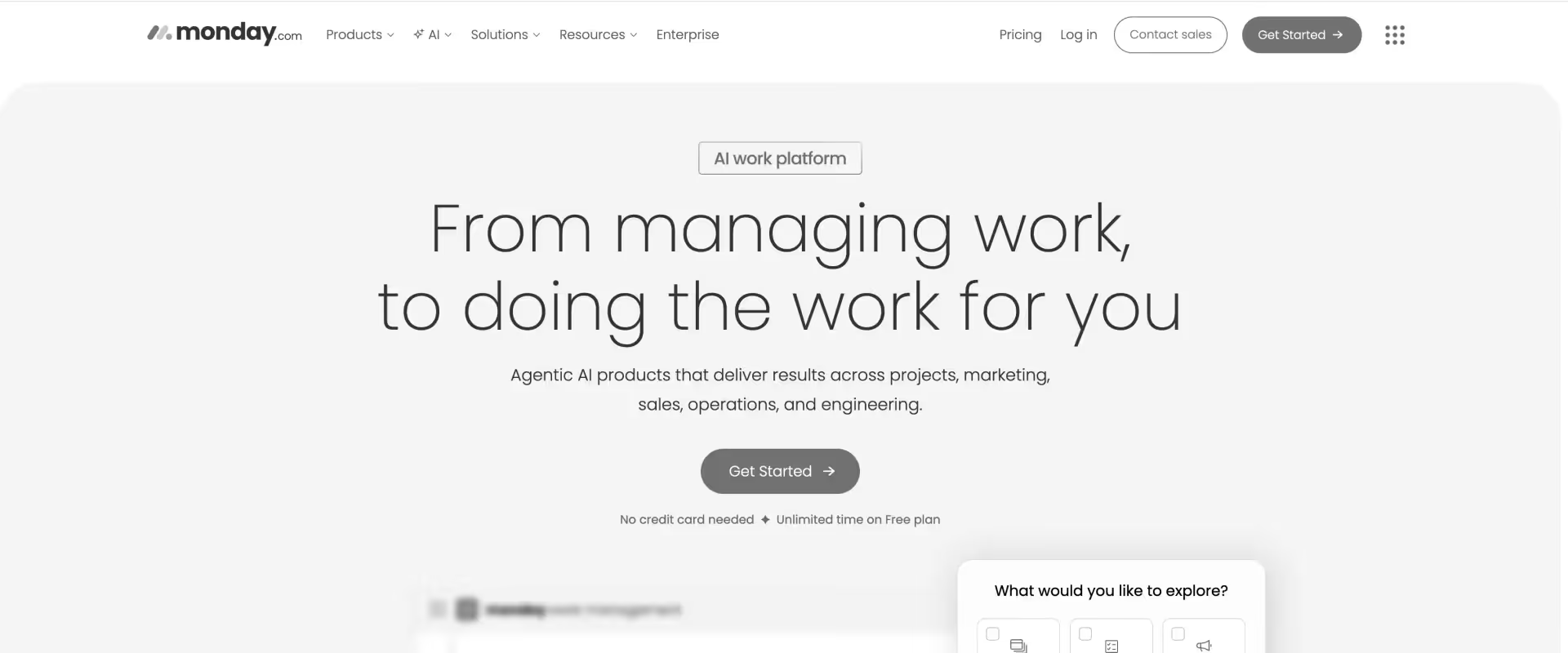
Monday.com is a visual work operating system designed for teams that want flexibility with more structure than open-ended tools. Its board-based interface, configurable views, and built-in automation engine make it approachable without requiring deep setup or ongoing admin overhead.
For teams evaluating ClickUp alternatives, Monday often feels more intuitive and easier to standardize across teams, especially when ClickUp setups become overly complex or inconsistent.
Features like dashboards, WorkForms, and integrations help teams track progress and coordinate execution with minimal friction. Monday also includes CRM and service modules, which extend its usability into client-facing workflows, though these remain lightweight compared to dedicated PSA platforms.
As delivery complexity increases, limitations become clearer. Monday does not natively support utilization tracking, capacity planning, or margin visibility. Client portals require workarounds, and financial reporting is not built into the system.
For professional services teams managing multi-project delivery, Monday offers clarity and usability, but lacks the depth required for structured delivery operations.
Key features
- Board and timeline views: Highly visual project boards with timeline, Gantt, calendar, and map views configurable without engineering support.
- Native dashboards: Rollup dashboards aggregate data across boards, giving portfolio-level visibility into status, workload, and timelines (not financials)
- Automations and integrations: No-code automation builder with 200+ integrations. Covers common trigger-action combinations for status updates, notifications, and task routing.
- Monday CRM: A lightweight CRM layer enables client relationship tracking alongside delivery work, though it lacks the depth of dedicated CRM or PSA platforms.
- Workdocs: Embedded documents linked to boards reduce context switching for teams managing documentation alongside project execution.
- Monday AI: Generative assistant for task creation, meeting summaries, and status updates.
Pros and cons
Best for
- Teams moving away from overly complex ClickUp setups toward a more structured, visual system
- Early to mid-stage professional services teams (10–150 employees) prioritizing adoption and clarity
- Cross-functional teams that need shared visibility across delivery, sales, and operations
- Environments where workflow standardization matters, but deep PSA capabilities are not yet required
Key takeaways
What customers say (G2 reviews)
3. Asana
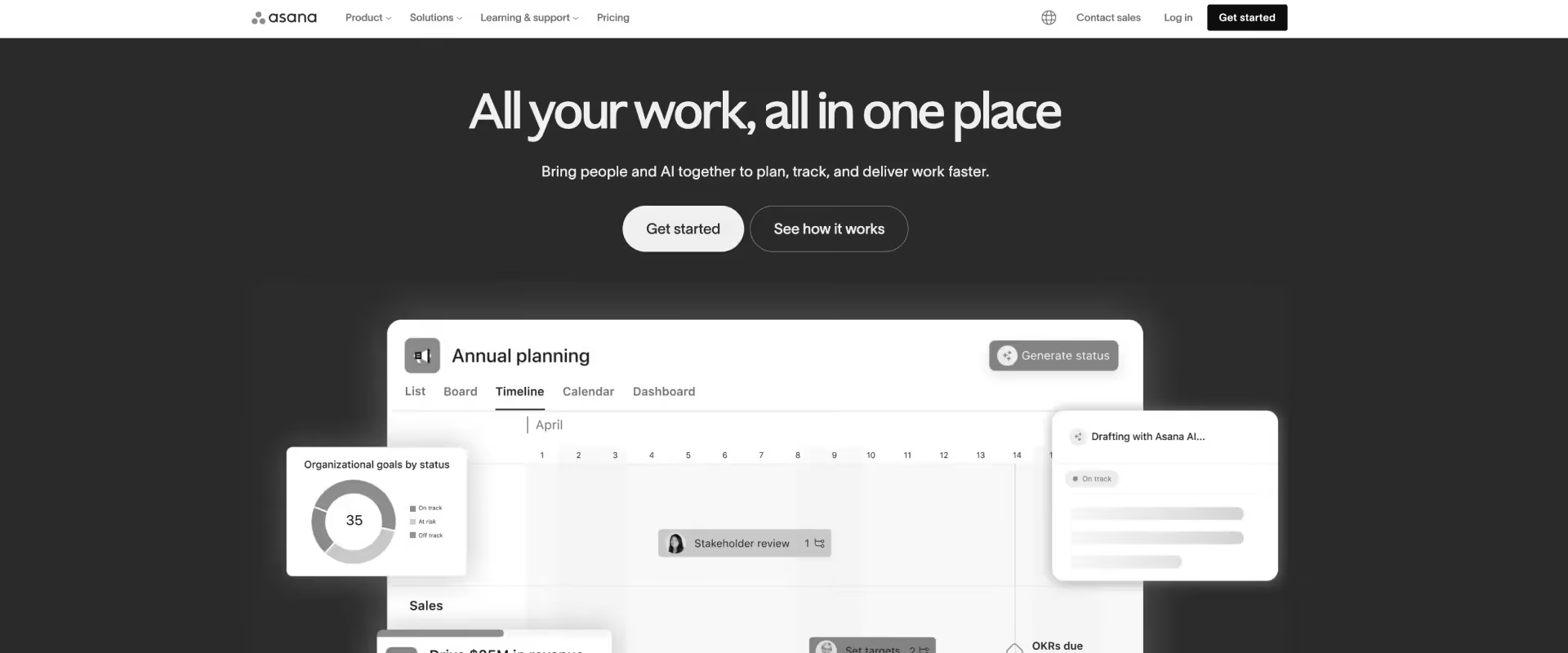
Asana is a structured work management system designed around predefined ways of organizing tasks, dependencies, and timelines. In contrast to ClickUp, which allows teams to construct highly customized workflows with multiple layers of configuration, Asana constrains how work is modeled.
This constraint reduces variability across teams but also limits adaptability. In ClickUp, teams often build parallel systems within the same workspace. In Asana, divergence is harder, which improves consistency but reduces edge-case flexibility.
For professional services teams, this trade-off becomes visible when workflows need to reflect deal structures, billing models, or region-specific processes. Asana can represent these, but usually through conventions rather than system-enforced logic.
It remains an execution tracking system. It does not model utilization, margin, billing states, or delivery risk beyond task completion.
Key features
Structured task and dependency model: Work is organized through tasks, subtasks, and dependencies, reducing workflow sprawl.
- Task hierarchies with milestones
- Dependency mapping for sequencing
- Defined ownership and deadlines
Planning and workload visibility: Multiple views support planning, though capacity is inferred.
- Timeline (Gantt-style) view
- Calendar view for deadlines
- Workload view based on assignments
Workflow automation engine: Rule-based automation reduces manual coordination.
- Trigger-based task updates
- Automated assignments and notifications
- Limited cross-project logic
Goals and OKR alignment: Execution tied to strategic goals.
- Goals linked to projects
- Progress based on task completion
- Reporting and dashboards: Visibility into execution status.
- Portfolio dashboards
- Status and timeline tracking
- No financial metrics
Asana AI: Generative assistant for task drafting, status summaries, and project risk flags. Supports workflow efficiency but does not enforce delivery governance.
Pros and cons
Best for
- Teams where ClickUp has resulted in inconsistent workflows across projects
- PMOs trying to enforce a single operating model across delivery teams
- Organizations prioritizing execution clarity over configurability
- Teams that do not require financial or resource modeling inside the same system
Key takeaways
What customers say (G2 reviews)
4. Notion
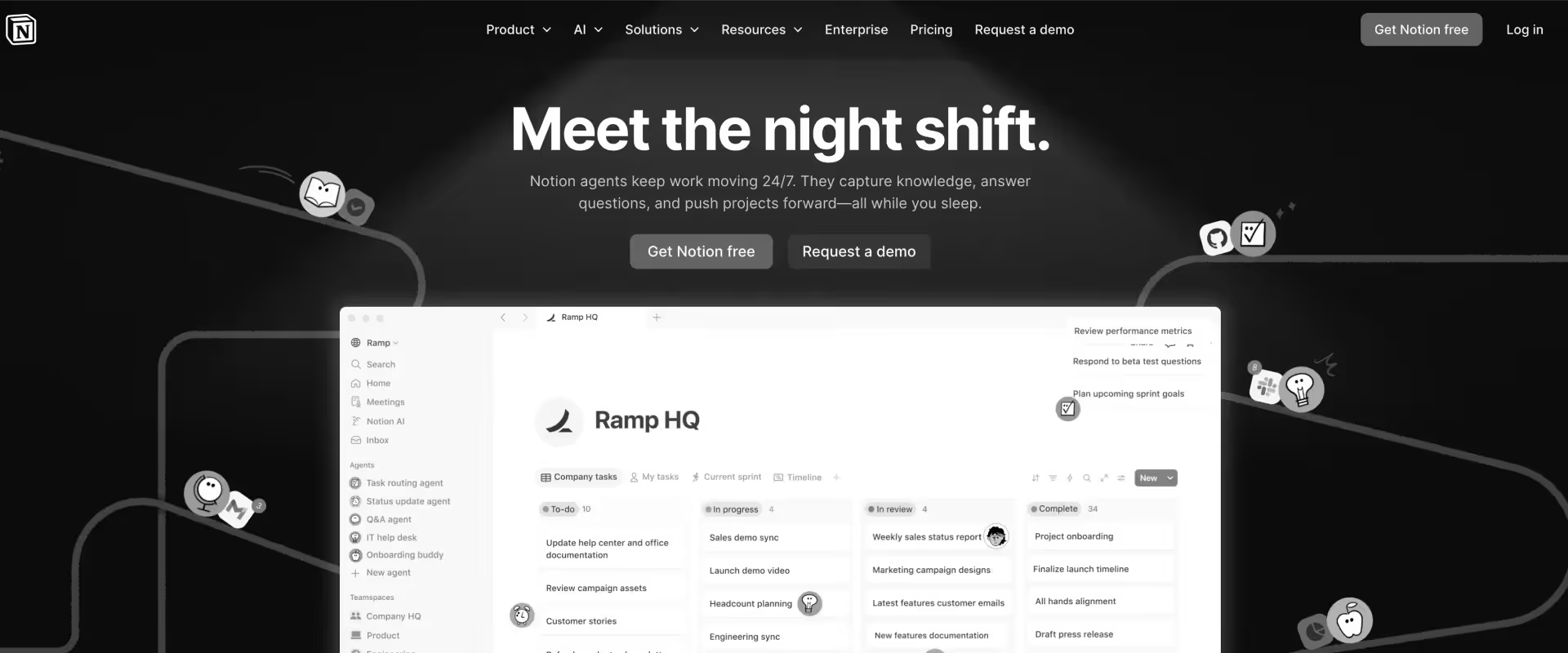
Notion is built around the idea that work should be organized as connected information, not just tasks. Pages, databases, and relationships form the core primitives, allowing teams to design their own systems.
Compared to ClickUp, which is a structured work management platform, Notion operates as an open workspace. ClickUp provides predefined constructs such as tasks, hierarchies, and workflows. Notion provides building blocks. Teams define what a “task,” “project,” or “workflow” looks like by designing databases and linking them together.
This flexibility changes how work scales. ClickUp scales through features and system controls. Notion scales through system design discipline. As complexity increases, teams often create interconnected databases for projects, tasks, docs, and resources. This creates a unified knowledge system, but also introduces maintenance overhead and reliance on manual structure.
Notion includes AI capabilities through Notion AI, which supports content generation, summarization, and knowledge retrieval across pages and databases. These features are deeply integrated into the workspace but remain assistive. They do not operate within workflows or enforce execution.
For professional services teams, Notion functions as a knowledge and coordination layer rather than a delivery system. It can model workflows and track work, but does not enforce execution, resource management, or financial alignment.
Key features
- Page and database-based system: Work is organized through pages and relational databases, enabling flexible modeling of projects, tasks, and knowledge.
- Custom workflows via databases: Teams define task structures, statuses, and relationships rather than using predefined workflow systems.
- Linked data and relationships: Databases can be connected to represent projects, clients, tasks, and resources in a unified system.
- Multiple views: Tables, boards, calendars, and timelines provide different perspectives on the same dataset.
- Embedded documentation and knowledge base: Docs and wikis are native, enabling tight integration between knowledge and execution.
- Integrations ecosystem: Connects with external tools, though depth varies compared to dedicated PM platforms.
- Basic automation (limited): Native automation is minimal; more advanced workflows require integrations.
- Notion AI (assistive layer): Supports writing, summarization, and knowledge retrieval without executing workflows.
Pros and cons
Best for
- Teams that prioritize knowledge management and documentation alongside task tracking
- Organizations willing to design their own systems using databases and relationships
- Early-stage or flexible environments where processes are still evolving
- Professional services teams using Notion as a supporting system for knowledge and coordination, not execution
Key takeaways
What customers say (G2 reviews)
5. Jira
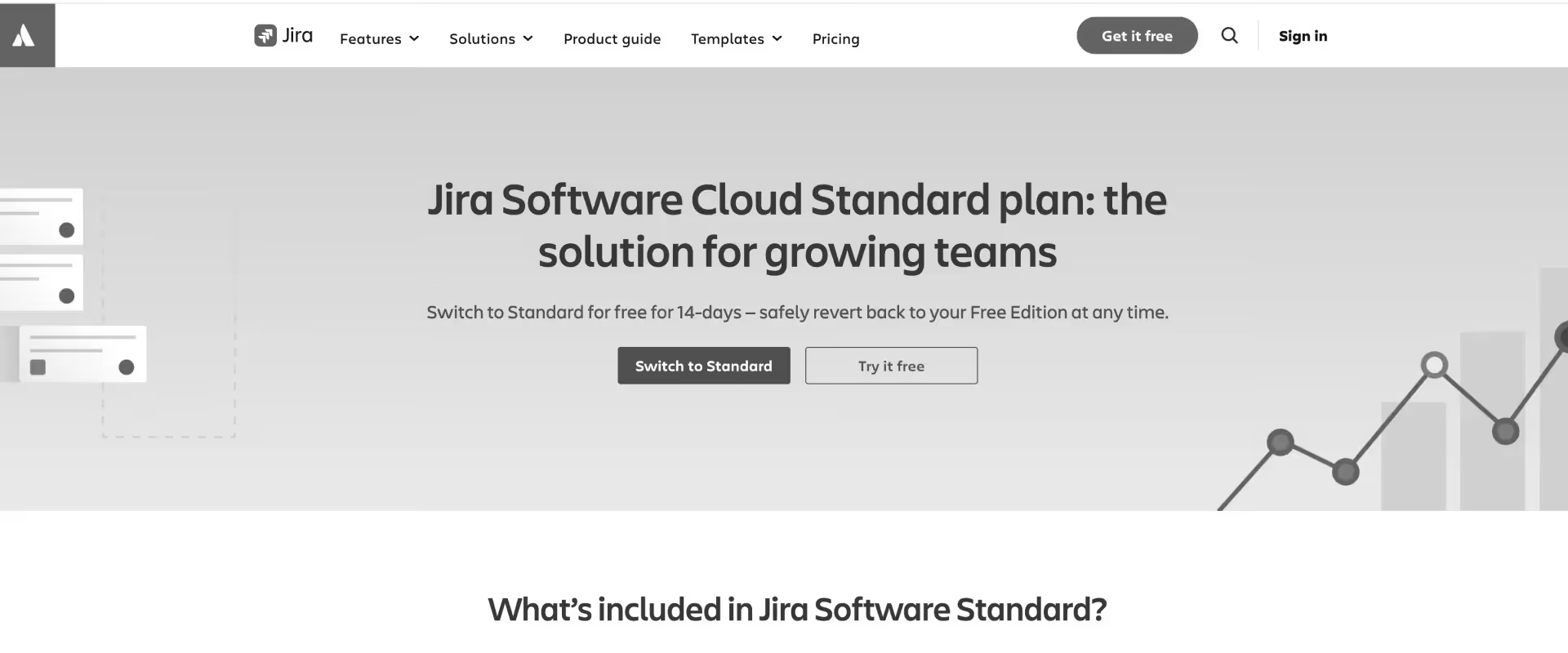
Jira is an issue-tracking and project management platform built primarily for engineering and product teams. It structures work as tickets with defined workflows, making it more systemized than flexible tools like ClickUp.
Compared to ClickUp’s highly customizable environment, Jira enforces process through configured workflows, states, and transitions. This improves consistency but increases setup overhead and reduces adaptability for non-technical use cases.
Jira includes an automation engine and, more recently, AI features through Atlassian Intelligence, which assist with ticket creation, summarization, and search. These capabilities remain assistive and do not operate as an execution layer across workflows.
For professional services teams, Jira functions as a structured tracking system but does not extend into financials, utilization, or client-facing delivery.
Key features
- Advanced workflows: Fully configurable issue workflows with status transitions, conditions, validators, and post-functions. Supports complex delivery process modeling without engineering involvement.
- Issue hierarchy: Epics, stories, tasks, and subtasks provide multi-level work breakdown structures. Custom hierarchy levels extend this for non-agile delivery models.
- Scrum and Kanban boards: Native sprint management and Kanban flows support agile delivery alongside waterfall and hybrid models.
- Automation: Trigger-based automation rules handle task routing, status updates, notifications, and cross-project actions at scale.
- Advanced roadmaps: Cross-project timeline and dependency views for portfolio-level delivery planning (available in premium tiers).
- Atlassian Intelligence: AI-assisted issue summarization, backlog grooming, and workflow suggestions. Reduces overhead on delivery management but does not govern financial outcomes.
Pros and cons
Best for
- Engineering-led teams where ClickUp lacks structure for development workflows
- Organizations requiring strict workflow control, auditability, and issue tracking
- PMOs managing agile delivery with sprint cycles and backlog prioritization
- Teams prioritizing configurability and process enforcement over usability
Key takeaways
What customers say (G2 reviews)
6. Trello
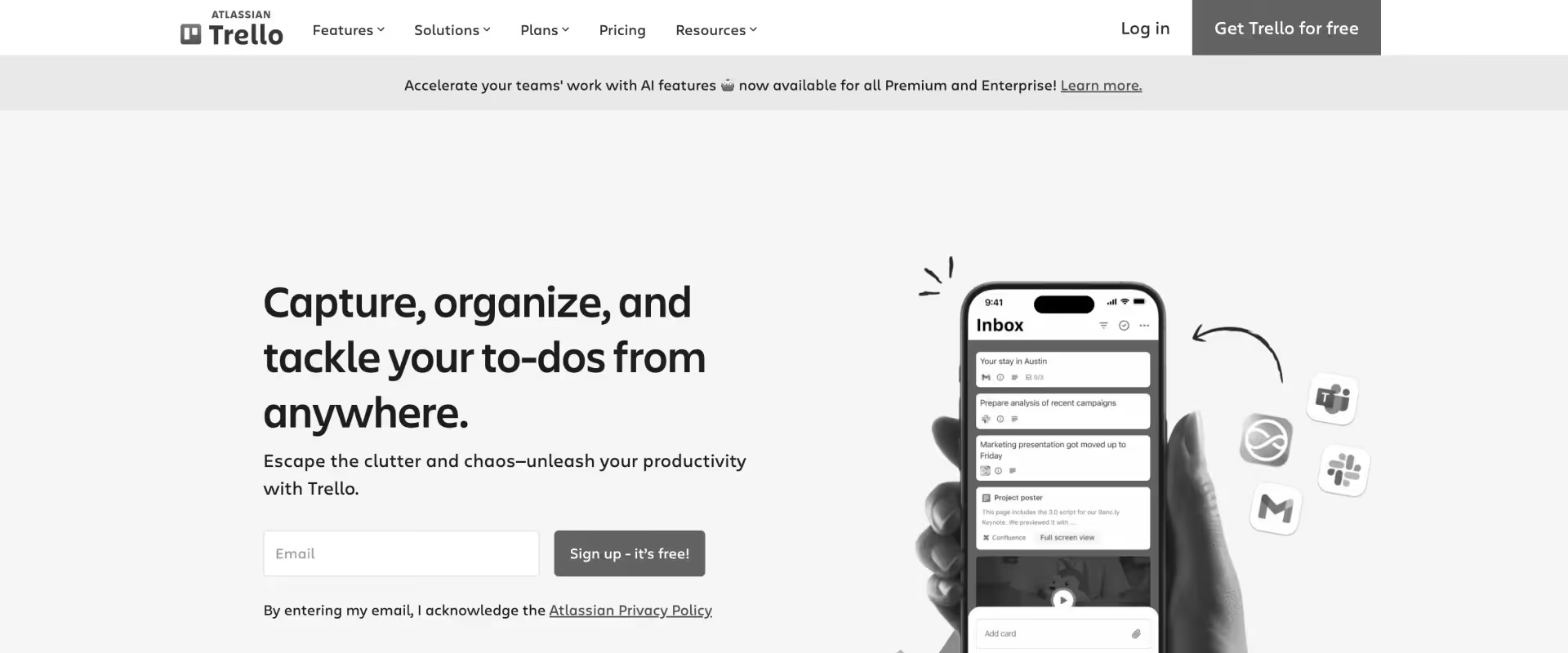
Trello is a Kanban-based project management tool built around simplicity, visual clarity, and minimal setup. Work is organized into boards, lists, and cards, with each card representing a unit of work that moves across stages.
Compared to ClickUp, Trello sits at the opposite end of the spectrum. Where ClickUp offers layered customization, multiple views, and complex workflow configuration, Trello intentionally limits structure. This reduces setup time and cognitive load, but also restricts how work can be modeled.
Trello can be extended through “Power-Ups” and automation (Butler), but these operate as add-ons rather than a unified system. The platform also includes basic AI capabilities, primarily for summarization and content assistance, which remain peripheral to execution.
For professional services teams, Trello functions as a coordination tool rather than a delivery system. It does not model dependencies, resource allocation, financials, or delivery risk beyond card movement.
Key features
- Kanban board system: Work is visualized through boards, lists, and cards, enabling simple tracking of task progression across stages.
- Card-based task management: Each card contains task details, comments, attachments, and checklists, acting as a lightweight work container.
- Butler automation engine: Rule-based automation supports card movement, assignments, and notifications within boards.
- Power-Ups ecosystem: Integrations and extensions add features like calendars, reporting, and external tool connections.
- Collaboration within cards: Comments, mentions, and attachments are tied directly to tasks for lightweight coordination.
- Basic reporting via add-ons: Limited visibility into activity unless extended through Power-Ups or external tools.
- Trello AI (limited scope): AI assists with summaries and content generation but does not operate within workflows or execution.
Pros and cons
Best for
- Small teams or early-stage organizations where ClickUp’s complexity is unnecessary
- Workflows that can be represented as simple stage-based progression
- Teams prioritizing speed of adoption and ease of use over operational depth
- Environments where coordination matters more than structured execution or reporting
Key takeaways
What customers say (G2 reviews)
7. Airtable
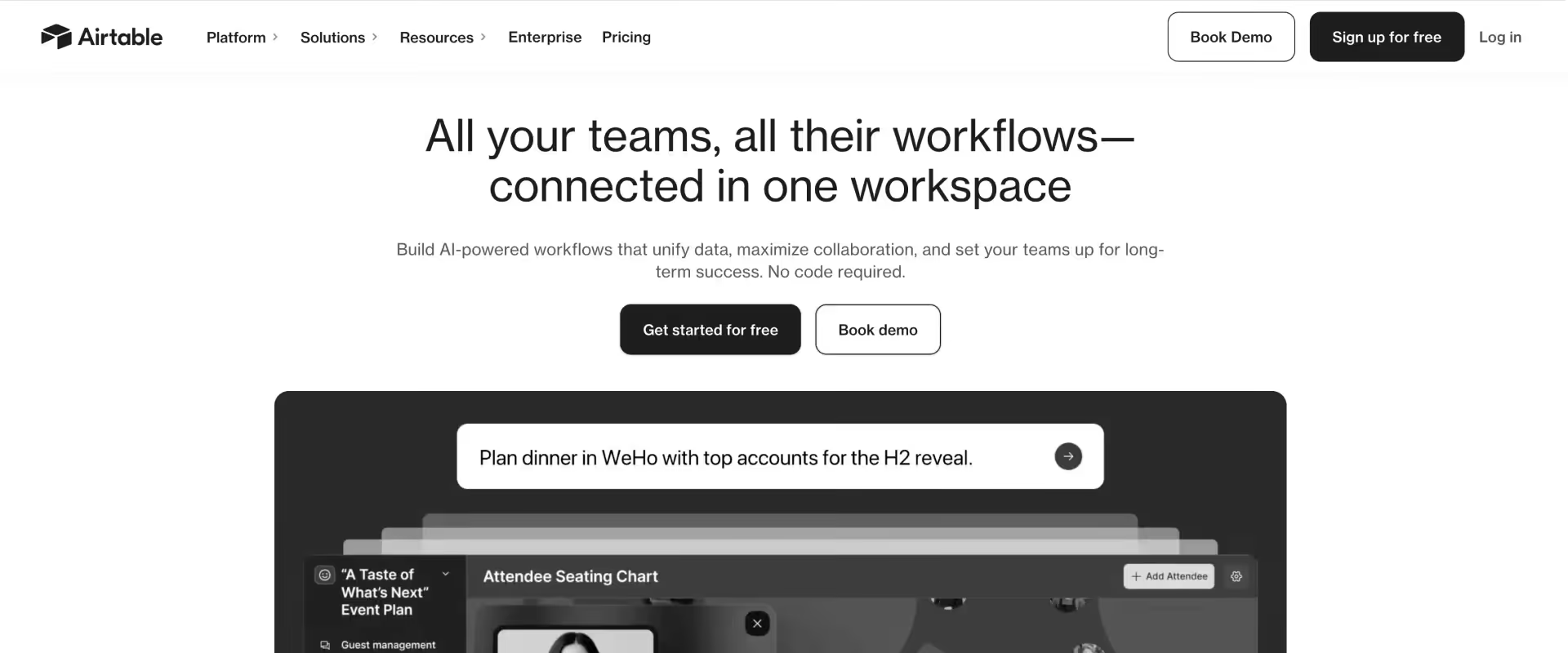
Airtable is a hybrid between a spreadsheet and a relational database, designed to let teams build custom applications for managing work, data, and workflows. Unlike traditional project management tools, Airtable treats work as structured data first, with tasks, projects, and workflows modeled as records across linked tables.
In Airtable, workflows are modeled through linked databases, fields, and views. A “task” is just a record. A “project” is a filtered view or linked table. This creates a system that is highly flexible, but not inherently structured for execution.
As complexity increases, Airtable scales through data relationships and system design. Teams often build interconnected bases for projects, tasks, clients, resources, and metrics. This enables powerful cross-functional visibility and reporting, especially where work spans multiple teams or systems.
Automation in Airtable is built around triggers and actions tied to data changes. It reduces manual updates but does not enforce workflow progression. AI capabilities are expanding within Airtable, including forecasting, automation support, and context-aware insights, but these remain largely tied to data interpretation and augmentation, not execution.
For professional services teams, Airtable does not enforce execution, resource optimization, or financial governance. Teams must design and maintain these layers themselves.
Key features
- Relational database model: Work is structured as linked tables, enabling connections between projects, tasks, clients, and resources.
- Customizable workflows via data modeling: Teams define workflows through fields, views, and relationships rather than predefined task systems.
- Multiple views on data: Grid, Kanban, calendar, Gantt, and gallery views provide different perspectives on the same dataset.
- Cross-functional data integration: Enables combining operational data (projects, CRM, marketing, etc.) within a single system.
- Automation engine: Trigger-based automation updates records, sends notifications, and syncs data across systems.
- Templates and reusable bases: Standardizes workflows across projects and teams.
- Integrations ecosystem: Connects with external tools for data syncing and workflow extension.
- AI capabilities (data layer): Supports forecasting, insights, and automation assistance without managing execution workflows.
Pros and cons
Best for
- Teams that need data-driven workflows across projects, clients, and operations, not just task tracking
- Organizations willing to build custom systems using relational data models rather than rely on predefined workflows
- Cross-functional teams managing complex workflows that span multiple departments or datasets
- Professional services teams using Airtable as a tracking and reporting layer, alongside execution tools
Key takeaways
What customers say (G2 reviews)
8. Smartsheet
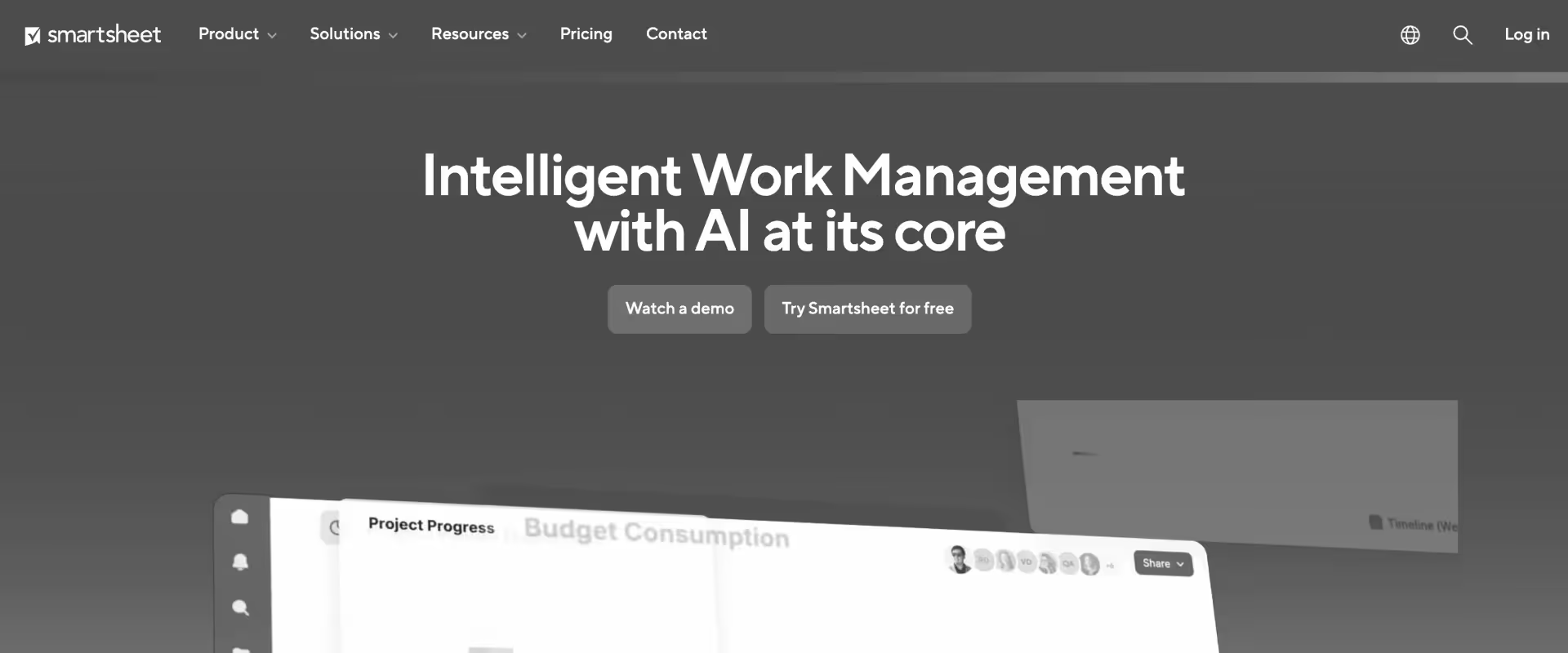
Smartsheet is a spreadsheet-based work management platform that combines elements of Excel, project management tools, and workflow automation into a single system. Work is structured in rows and columns, with each row representing a task or data object, and additional layers like dependencies, automation, and dashboards layered on top.
Compared to ClickUp, Smartsheet is less flexible in how workflows are modeled, but more rigidly structured. Smartsheet expects teams to operate within a tabular model and extend it using formulas, sheets, and linked data.
This structure works well for tracking large volumes of operational data across projects, especially where consistency and reporting matter. However, it introduces overhead. Teams often need to build their own logic using formulas, automations, and sheet relationships.
Smartsheet has introduced AI capabilities that assist with formula generation, summarization, and data insights. These features are analytical rather than operational. They help interpret data, not execute workflows.
For professional services, Smartsheet can approximate delivery operations but does not natively unify projects, resources, and financials into a single execution system.
Key features
- Spreadsheet-based project model: Work is organized in grid format, enabling structured tracking of tasks, timelines, and data across projects.
- Multiple project views: Grid, Gantt, calendar, card, and timeline views allow different ways to visualize the same underlying data.
- Task and dependency management: Tasks include dependencies, priorities, milestones, and scheduling logic for structured execution.
- Automation and workflows: Rule-based automation triggers updates, approvals, and notifications based on changes in sheet data.
- Dashboards and reporting: Custom dashboards aggregate data across sheets for portfolio-level visibility and KPI tracking.
- Resource and cost tracking: Supports basic resource allocation, time tracking, budgeting, and profitability tracking at project level.
- WorkApps and no-code apps: Enterprise feature for building role-based applications and interfaces on top of sheet data.
- Integrations ecosystem: Connects with tools like Salesforce, Slack, and Google Workspace for data syncing and workflow extension.
- AI capabilities (analytical layer): AI helps generate formulas, analyze sheet data, and summarize updates but does not operate within workflows.
Pros and cons
Best for
- Organizations already operating in spreadsheet-driven workflows that need more structure and automation
- PMOs managing large portfolios where reporting, tracking, and consistency matter more than execution speed
- Teams comfortable building systems using formulas, sheets, and linked data models
- Cross-functional environments where data consolidation is more critical than workflow enforcement
Key takeaways
What customers say (G2 reviews)
9. Wrike
Wrike is a structured work management platform designed to balance configurability with control. Compared to ClickUp, which allows highly flexible and often fragmented workspace setups, Wrike imposes more consistency through defined spaces, folders, workflows, and permissions.
Where ClickUp enables teams to build systems in multiple ways, Wrike narrows how work is organized. Projects, tasks, and workflows follow more predictable patterns, which reduces variation but also limits experimentation. This makes Wrike more stable in multi-team environments, especially where governance matters.
Wrike’s strength lies in operational visibility and control. It provides structured workflows, reporting layers, and resource management features that are more mature than ClickUp’s equivalents. However, this comes at the cost of setup complexity and reduced flexibility.
Wrike includes automation and AI capabilities, primarily through Wrike AI. These features assist with task creation, summaries, and recommendations, but do not operate as an execution layer. They support workflows rather than driving them.
For professional services teams, Wrike functions as a controlled execution and reporting system, but does not unify delivery, financials, and resource optimization into a single operational model.
Key features
- Hierarchical work model: Spaces, folders, projects, and tasks create a structured system that enforces consistency across teams.
- Custom workflows and statuses: Allows definition of task states, approvals, and transitions aligned to operational processes.
- Multiple views and planning tools: List, board, Gantt, and calendar views provide different perspectives on execution.
- Resource management and workload view: Enables visibility into team allocation and workload distribution across projects.
- Time tracking and effort logging: Supports time entry at task level for tracking effort and reporting.
- Dashboards and advanced reporting: Custom dashboards and analytics provide portfolio-level visibility into project performance.
- Automation engine: Rule-based automation handles task routing, updates, and notifications.
- Request forms and intake workflows: Structured intake for work requests with routing and prioritization logic.
- Integrations ecosystem: Connects with CRM, communication, and data tools for extended workflows.
- Wrike AI (assistive layer): Supports task generation, summaries, and recommendations without executing workflows.
Pros and cons
Best for
- Teams struggling with inconsistent workflows and governance in ClickUp
- PMOs requiring structured execution and reporting across multiple teams
- Organizations prioritizing control, auditability, and visibility over flexibility
- Mid-market to enterprise teams scaling delivery operations
Key takeaways
What customers say (G2 reviews)
10. Teamwork
Teamwork is a project management platform designed specifically for client-facing work. Unlike ClickUp, which operates as a flexible, general-purpose work OS, Teamwork is opinionated about how delivery should function.
It assumes projects are tied to clients, time is billable, and delivery performance needs to be measured against budgets and timelines.
ClickUp allows teams to design their own systems across spaces, lists, and custom fields. This flexibility enables a wide range of use cases, but often leads to fragmentation.
Teamwork takes a more constrained approach. Projects, tasks, time tracking, and billing are part of a single, integrated model.
Work is not just tracked, it is contextualized against client delivery outcomes. Time entries roll into budgets. Tasks tie to milestones. Project health reflects both execution and cost.
Automation in Teamwork is rule-based and tied to project workflows. It supports task updates, notifications, and scheduling, but does not extend into system-wide orchestration. AI features exist within TeamworkAI, primarily assisting with summaries, content generation, and task suggestions. These are assistive, not operational.
For professional services teams, Teamwork behaves closer to a lightweight PSA system than a pure project tool. It connects execution with time, cost, and client context. However, it still stops short of fully unified delivery governance. Utilization, margin optimization, and advanced financial modeling remain limited or require interpretation.
Key features
- Client-centric project structure: Projects are tied to clients, with tasks, milestones, and deliverables organized around delivery outcomes rather than generic workflows.
- Integrated time tracking and billing: Time logged against tasks feeds into budgets, invoicing, and cost tracking within the same system.
- Task and dependency management: Tasks support dependencies, priorities, milestones, and scheduling logic for structured execution.
- Resource and workload management: Workload views provide visibility into team capacity and allocation across projects.
- Budgeting and financial tracking (project-level): Tracks budgets, billable vs non-billable time, and project profitability at a basic level.
- Project templates and repeatability: Standardized templates enable consistent setup for recurring client engagements.
- Dashboards and reporting: Provides visibility into project health, timelines, and financial performance across projects.
- Collaboration and client access: Enables client communication, file sharing, and updates within project environments.
- Automation workflows: Rule-based automation handles task updates, reminders, and workflow transitions.
- Teamwork AI (assistive layer): Supports summaries, task creation, and insights without executing workflows.
Pros and cons
Best for
- Professional services teams that need time tracking, billing, and project execution in one system, rather than managing them separately
- Agencies and client delivery teams where projects are directly tied to revenue and billable work
- Organizations outgrowing ClickUp setups that require consistent project structures and financial visibility
- Teams that prioritize operational alignment between delivery and cost tracking, even at the expense of flexibility
Key takeaways
What customers say (G2 reviews)
ClickUp vs. commonly compared alternatives
When PS leaders evaluate ClickUp alternatives, these comparisons come up most often. Each reflects a different intent: improving team adoption, increasing workflow flexibility, or closing gaps in delivery visibility and financial operations.
ClickUp vs Monday
Monday.com and ClickUp are project management platforms with visual interfaces and broad customization. Teams that move from ClickUp to Monday typically do so because of adoption friction rather than missing functionality. Monday's interface is faster to learn and easier to roll out across a mixed team. What it does not solve is the underlying PS gap: neither platform offers native resource management, project financials, or a client portal built for billable delivery.
Key insight: if the problem is adoption, Monday is worth evaluating. If the problem is PS functionality, both platforms have the same ceiling.
ClickUp vs. Asana
Asana is the more structured of the two. Where ClickUp offers near-unlimited configurability, Asana enforces cleaner task hierarchies and more predictable workflows. Teams evaluating Asana over ClickUp are often reacting to governance problems: inconsistent project structures, views that vary by team member, or difficulty reporting across projects. Asana addresses some of that. It does not address the PS-specific layer: there is no utilization tracking, no margin visibility, and no native client-facing workspace.
Key insight: Asana is a more governed version of ClickUp, not a PS platform. The reporting and structure improve, but the delivery gaps remain.
ClickUp vs. Notion
Notion is not a project management platform in the traditional sense. It is a knowledge and documentation workspace that many teams use alongside a project tool. When teams compare it to ClickUp, they are usually consolidating tools rather than solving a delivery problem. Notion's strength is structured documentation and internal knowledge management. Its weakness for PS teams is the absence of any delivery infrastructure: no resource planning, no financial tracking, no client collaboration layer, and limited task management at scale.
Key insight: Notion solves a documentation problem, not a delivery problem. For PS teams, it is more relevant as a companion tool than a ClickUp replacement.
ClickUp vs. Jira
Jira is built for software development teams running agile workflows. PS teams that evaluate it are usually working in close proximity to engineering, either in implementation or technical consulting, and want tighter integration with development cycles. Jira handles sprint planning, backlog management, and issue tracking well. Outside of engineering workflows, it requires significant configuration to support PS delivery, and it has no native financial layer, no client portal, and limited resource management beyond team capacity at the sprint level.
Key insight: Jira is the right tool if your PS work is deeply tied to software development. For broader client-facing delivery, it requires as much workaround as ClickUp.
ClickUp vs. Rocketlane
This is the comparison with the clearest functional distinction. ClickUp is a horizontal task management platform adapted for PS use. Rocketlane is a PSA built specifically for customer-facing delivery teams. The difference is not cosmetic: client portals, utilization tracking, project-level margin visibility, and agentic AI across the delivery lifecycle are native to Rocketlane and absent from ClickUp. Teams making this switch are typically past the point of workarounds and looking for a platform where PS operations run without parallel tooling.
Key insight: ClickUp and Rocketlane serve different operational models. ClickUp tracks work. Rocketlane is designed to run delivery.
Quick comparison: ClickUp versus commonly compared tools
Decision logic
The right alternative depends on what is actually driving the evaluation.
- If the issue is team adoption, Monday.com is worth a look. Its interface is faster to learn and easier to standardize across mixed teams, though the PS functionality ceiling is similar to ClickUp's.
- If the issue is workflow governance and reporting consistency, Asana addresses the structure problem without solving the delivery visibility problem.
- If the issue is documentation and knowledge management, Notion is a useful companion tool but not a delivery platform.
- If the issue is engineering alignment, Jira fits tightly into development cycles but requires heavy configuration for broader PS use.
- If the issue is PS functionality — resource management, project financials, client collaboration, and delivery governance — none of the above close the gap. Rocketlane is the only platform in this comparison built specifically for that operating model.
How to choose the right ClickUp alternative

Most comparisons of ClickUp alternatives begin with features. That usually leads to long checklists but very little clarity about what actually changes for a professional services team.
A framework to evaluate ClickUp alternaives for professional services
A more useful way to evaluate alternatives is to look at how a system holds delivery together as it scales.
Because delivery is not just tasks moving forward. It is projects, resources, financials, and client interactions all evolving at the same time. What matters is how tightly those stay connected, and how much effort is required to keep them aligned.
Over time, four patterns tend to determine whether a system holds up or starts to fragment.
1. Where the truth of delivery lives
Every project has a current state: progress, ownership, budget, client status. The question is whether that state exists in one place or has to be assembled.
- Work sits in one system, while time, financials, and client context sit elsewhere
- Reporting requires pulling data together rather than reading it directly
- Different stakeholders operate on slightly different versions of the same project
When this happens, visibility becomes an ongoing effort instead of a property of the system.
2. How work actually moves
Delivery depends on sequencing, dependencies, and how consistently workflows are applied across projects.
- Project structures vary based on how individual managers set them up
- Templates exist but are adapted differently across teams
- Similar projects follow different paths, making comparison and standardization harder
As teams grow, this variation compounds. What starts as flexibility becomes inconsistency.
3. How delivery is governed
As delivery scales, task tracking becomes only one part of the picture. Resource allocation, utilization, and financial performance begin to matter more.
- Utilization is calculated after the month closes, not while staffing decisions are made
- Project margins are inferred from spreadsheets, not visible during delivery
- Capacity planning relies on static or outdated views of allocation
In these setups, control sits outside the system, which makes it harder to act in time.
4. How quickly questions can be answered
Most operational questions are straightforward, but they depend on timing.
- Can we take on another project this quarter?
- Which projects are at risk of overrunning?
- Where are we losing margin across the portfolio?
The difference lies in how directly these can be answered:
- Answers require exporting data, building reports, and validating numbers
- Or they are available within the same system where delivery is happening
That gap determines how closely decisions stay aligned with actual work.
Finding the right ClickUp alternative is less about which tool has more features, and more about which parts of delivery the system is designed to hold together without additional effort.
How to apply this framework to your context: 7 steps
1. Define your delivery model
Begin with how value is created, not how tasks are tracked.
- Is work internal coordination or external delivery?
- Is success measured in task completion or business outcomes like revenue, timelines, and margins?
- Does work stay within a team or extend across stakeholders including clients?
These distinctions shape everything downstream. A system designed for internal alignment behaves very differently from one designed for client-facing delivery. Misalignment here leads to persistent workarounds that no feature set can fully resolve.
2. Identify your system boundaries
Every system has edges. The question is how many.
Map your workflow end-to-end:
- Where does work originate?
- How does it move across stages?
- Where is it tracked, reported, and reviewed?
Then identify everything outside the core system:
- Time tracking
- Reporting
- Spreadsheets
- Client communication
- Financial tracking
Each external dependency introduces a boundary. Boundaries create handoffs. Handoffs create delays, inconsistencies, and hidden effort. When these accumulate, the system no longer contains the workflow. It merely references it.
3. Measure coordination load, not feature coverage
Feature comparisons are static. Coordination load is dynamic.
Evaluate how much effort is required to keep the system functioning:
- How many steps require manual updates across tools?
- How often do teams reconcile conflicting data?
- How much reporting depends on exports or spreadsheets?
A system with high coordination load may appear flexible, but that flexibility is funded by human effort. As complexity increases, the system becomes harder to reason about and slower to respond.
4. Evaluate failure modes under scale
Most systems perform adequately at low volume. The real test is how they behave under pressure.
Project forward:
- What breaks first at higher project volume?
- Where do delays appear: reporting, resource allocation, or communication?
- When does visibility lag behind actual work?
Early signals often look small: delayed reports, last-minute resource conflicts, increased reliance on meetings. These are not isolated issues. They indicate that the system cannot maintain alignment as complexity grows.
5. Separate workflow from execution
Tracking work and executing work are not the same.
Some systems primarily document activity. Others actively support execution by integrating planning, tracking, and reporting.
Ask:
- Does the system reflect reality automatically, or does it require reconstruction?
- Are key metrics generated continuously, or assembled after the fact?
- Does work move forward within the system, or across multiple layers?
This distinction determines whether the system reduces cognitive load or adds to it.
6. Calculate total system cost
Visible cost is only one layer. Operational cost is often larger.
Consider:
- Adjacent tools required to complete workflows
- Time spent maintaining integrations and templates
- Manual reporting effort
- Coordination overhead such as meetings and follow-ups
Then ask a more revealing question:
How much effort is required to keep the system accurate and up to date?
Systems that rely heavily on manual upkeep tend to accumulate hidden costs that are not reflected in pricing alone.
7. Treat migration as redesign
Migration is an opportunity to rethink structure, not just move data.
Instead of focusing only on transfer:
- Which workflows should be simplified or eliminated?
- Which data reflects real processes versus temporary workarounds?
- What should not be carried forward?
A thoughtful transition can reduce complexity significantly. Carrying forward everything without evaluation often preserves the very issues you are trying to solve.
One key takeaway
As delivery scales, the limiting factor is not features, it is how many places the truth about a project can live. The systems that win are the ones where that truth exists once, updates in real time, and drives every downstream decision.
Why Rocketlane is the #1 ClickUp alternative for professional services teams

ClickUp is a capable general-purpose project management tool. PS teams running client delivery on it consistently hit the same ceiling: no native financial visibility, no client portal, no resource utilization tracking, and no way to connect project execution to billing without stitching together three or four additional tools.
Rocketlane is built from the ground up for professional services. It combines project delivery, client collaboration, resource management, and revenue operations in a single product, powered by Nitro, its agentic AI execution layer.
The PS-native advantage
Most project management tools treat professional services as a use case to accommodate. Rocketlane is built for it exclusively.
Every feature, from intake and scoping through delivery, time tracking, billing, and renewal, is designed around the PS workflow. Delivery teams see margin in real time as work happens. Resources are allocated against live capacity, skills, and workload data in the same system where projects run. Clients collaborate inside the delivery context. Financial data, budget burn, actuals, revenue recognition, stays connected to execution without manual reconciliation.
Margin visibility during delivery, not after
On ClickUp, financial signals tend to arrive late, after a phase has overrun, after a project has drifted. On Rocketlane, margin is visible while work is still in motion.
Time logged against overrunning phases is flagged immediately. Budget versus actuals stay aligned at the task level. Margin is visible per project, per client, and across the full portfolio in real time, so leaders can course-correct during delivery rather than after the damage is done.
Client collaboration inside the workflow
Clients access tasks, milestones, and deliverables through a branded portal connected directly to the system the delivery team works in. Updates, approvals, and document exchange happen in project context, with role-based access scoped to each stakeholder. Communication stays aligned with the actual state of delivery at all times.
Delivery that scales without losing consistency
As delivery volume grows, the challenge shifts from doing the work to doing it consistently across more projects, more teams, and more client relationships simultaneously.
Templates adapt based on project type, deal structure, or customer segment. Updates propagate across active projects. Policies and governance enforce themselves during execution. Consistency is maintained through system-level configuration rather than manual coordination.
Resource planning based on live data
Staffing decisions made on stale data are one of the most common sources of margin erosion in professional services. Resource planning on Rocketlane runs on a live view of allocation across projects and teams. Forward allocations inform hiring and staffing decisions before capacity crunches happen. Utilization updates continuously from time and allocation data, reflecting current delivery activity rather than a retrospective calculation.
Operational insight without a separate reporting workflow
On most PS toolstacks, getting answers about margin, utilization, and project health means exporting data, building a spreadsheet, and waiting for someone to run the numbers.
On Rocketlane, that data lives in the same system where work runs. Portfolio visibility requires no manual preparation. Margin, utilization, and project health are available on demand, derived directly from delivery as it progresses.
Lastly, Rocketlane leads the G2 grid in Client Onboarding and Professional Services Automation, the categories where PS teams evaluate purpose-built tools, and where ClickUp does not compete.
In the PSA category, Rocketlane holds a 4.7/5 rating across 800+ verified reviews
Nitro AI: Rocketlane's Agentic AI Layer for PS Teams

Most PS teams spend more time coordinating than delivering. By the time you hit 50 projects, your team is blocked by the overhead of keeping everyone aligned. That's the problem Rocketlane's Nitro was built to solve.
Rocketlane Nitro introduces agents that stay inside the flow of delivery, continuously absorbing context, structuring it, and acting on it.
The system starts carrying part of the operational load alongside your team. This leads to a far more efficient approach to delivery because:
Decisions stay close to the work
Nitro’s agents work directly on live delivery data and keeps insight within reach as work progresses.
- Questions about utilization, margin, or project health are answered against current data in real time
- Each answer carries context, tracing back to specific projects, timelines, and resource decisions
- Recurring analyses run automatically, building a consistent layer of operational intelligence
Over time, teams operate with a steady stream of clarity. Conversations move forward with shared understanding, and decisions build on what is already visible.
Risk becomes visible as it forms
Nitro’s Signals agent observes patterns across interactions and surfaces what matters as it emerges.
- Shifts in stakeholder engagement, sentiment, or scope are detected across calls and messages
- Each signal is tied to the exact interaction where it appeared, preserving context
- Teams see patterns across accounts in a single view, with signals configurable to their delivery model
This creates a continuous layer of awareness. Attention can be directed where it is needed, while projects are still in motion.
Documentation stays aligned with delivery
Nitro’s Documentation Agent builds and maintains project artifacts as delivery unfolds.
- Structured documents are generated from real conversations and updated as new information emerges
- Every statement remains traceable to its source, keeping context intact
- Teams can query documents directly, without moving between tools
Knowledge becomes part of the system itself. Handoffs, reviews, and ongoing work all draw from a shared, current source of truth.
Governance runs within the workflow
Nitro’s governance agents apply standards at the point where work happens.
- Billing rules are validated when time is logged
- Project phases advance based on defined completion criteria
- Closure reflects a complete and verified state of delivery
Consistency builds naturally as part of execution. Teams work within clear boundaries that support accuracy and reliability.
Implementation knowledge accumulates
Nitro’s Migration Agent carries forward learning from each implementation.
- Field mappings, transformations, and validations are refined across projects
- Edge cases are captured and incorporated into future migrations
- Implementation becomes a guided process grounded in accumulated knowledge
Each new project benefits from what came before. Setup becomes more predictable, and teams spend more time focusing on delivery itself.
What this means for PS teams
Professional services has always depended on people doing the right thing at the right time. Nitro changes that equation.
- Consistency becomes a system property
- Visibility becomes continuous, not reconstructed
- Execution becomes structured and explainable at all times
- Scale comes from system leverage, not merely headcount growth
How to migrate from ClickUp to a better alternative

Migration is often framed as a technical exercise. In practice, it is an operational reset. The goal is not to move everything. It is to move the right things, in the right structure, with minimal carryover of legacy complexity.
What to export from ClickUp before you leave
Start with a complete but intentional export. You are preserving continuity, not replicating clutter.
- Tasks, subtasks, and dependencies (CSV or API export)
- Project templates and workspace structure
- Time-tracking data (if using native tracking)
- Attachments and documents
- Custom field configurations
Two practical filters help here:
- Is this operationally active? If not, archive instead of migrate
- Is this structurally sound? If not, redesign instead of replicate
Exporting everything without judgment often recreates the same inefficiencies in a new system.
Migration options for PS teams moving to Rocketlane
There is no single “right” migration path. The choice depends on data quality, team maturity, and tolerance for change.
- Phased migration
Run both systems in parallel for a short window (typically 2–4 weeks). New projects start in the new system while existing ones close out in ClickUp. This reduces disruption and gives teams time to adapt without operational risk. - Fresh start
Migrate only templates and structural elements. Active projects are re-created in the new system using standardized workflows. This approach works best when the existing setup is inconsistent or heavily customized. It produces the cleanest long-term outcome. - Full migration
Move everything, including historical projects and data. This is suitable when data hygiene is strong and historical reporting matters. It preserves continuity but requires careful mapping to avoid structural mismatches.
Rocketlane’s Migration Agent is designed to reduce the manual burden of restructuring.
- AI-powered mapping translates ClickUp task hierarchies into structured project templates
- Historical data import includes tasks, subtasks, assignees, tags, and timelines
- Dependencies and sequencing are preserved where possible
- Dedicated onboarding support ensures mapping aligns with real workflows
Typical timeline: 6–8 weeks, depending on workspace complexity and data quality.
What the first 30 days actually look like
The first month determines whether the new system sticks. The focus is on early operational wins, not full completeness.
Week 1: Foundation
Workspace setup, template standardization, and team onboarding. This is where structural clarity is established.
Week 2: First live execution
Launch a real project. Enable client collaboration early if relevant. The goal is to validate workflows under real conditions.
Week 3: Operational visibility
Resource forecasting and utilization tracking go live. Teams begin to see forward-looking capacity instead of reactive adjustments.
Week 4: Financial signal
First billing cycle, invoicing workflow, or financial report. This closes the loop between delivery and revenue.
Conclusion
Choosing a ClickUp alternative is ultimately about deciding what your system is meant to optimize for and whether your current architecture can support that as complexity grows.
If the primary issue is usability or flexibility, tools like Asana or Monday.com can improve adoption and coordination quickly.
But if the underlying problem is different, if it shows up as delayed reporting, unclear utilization, reactive resourcing, or fragmented client communication, then the limitation is not the interface. It is the system design.
This is where the distinction becomes structural. Work management tools are designed to organize tasks. Professional services platforms like Rocketlane are designed to run delivery. Capabilities like utilization tracking, margin visibility, client portals, and standardized execution frameworks are not add-ons. They are embedded into how the system operates.
That architectural difference compounds over time. Teams that move to a system like Rocketlane typically see:
- Reduced manual coordination across tools
- Faster, more reliable reporting
- Improved resource utilization and margin visibility
These outcomes come from having planning, execution, client collaboration, AI, and financial visibility aligned within one system.
If you're at that point, it’s worth seeing what a system designed for professional services actually looks like in practice.
Speak to our experts for a tailored walkthrough for your team.

Authored by

Kailash Ganesh
Kailash Ganesh is a professional services researcher at Rocketlane with more than seven years of experience in content, research, and market analysis. He studies how enterprise PS teams are adopting agentic AI to transform delivery operations, has evaluated every major PSA platform in the category, and writes from the perspective of a practitioner who watches enterprise PS teams make these exact decisions daily.
Table of Contents

Regsiter for the live webinar


Great consultants didn't join your team to spend Fridays writing documentation.
Table of contents
18 of Forbes Cloud 100 chose Rocketlane. The best PS teams aren't waiting around.
FAQs
What is the best ClickUp alternative for professional services teams?
Rocketlane is the best ClickUp alternative for professional services teams. It is the only platform that combines project delivery, client collaboration, resource management, and agentic AI in a single PSA, without requiring external integrations for billing, time tracking, or client portals.
What are the best ClickUp alternatives for consulting firms?
Consulting firms need a platform that handles client-facing delivery, resource utilization, and financial ops rather than task management alone. Rocketlane is the leading ClickUp alternative for consulting firms, with a native client portal, project margin tracking, and agentic AI built for PS workflows.
Can ClickUp be used for professional services management?
ClickUp can handle basic project tracking for small PS teams, but it lacks the native features required for mature PS operations, including client portals, resource utilization tracking, project margin visibility, and agentic AI. Most PS teams outgrow ClickUp between 30 and 100 headcount and move to a PSA.
How does ClickUp compare to Asana and Monday.com for PS teams?
ClickUp offers more flexibility than Asana but requires more configuration discipline. Monday.com is more polished for general work management. Neither is purpose-built for professional services, as both lack native client portals, resource utilization tracking, and project financial ops that PS delivery requires.
How long does it take to migrate from ClickUp to Rocketlane?
Most teams complete the ClickUp to Rocketlane migration in 4 to 8 weeks. Rocketlane's Migration Agent handles data transfer, template mapping, and historical project import across three paths: phased, fresh-start, or full migration, depending on your data structure and team size.













Copyright © 2026 Rocketlane Corp. All rights reserved.





















.webp)