Best Time Tracking Software for Consultants (2026)
•
•
Summarize blog with






Somewhere in your org, a consultant — one of your best — is staring at a blank timesheet. Thirteen minutes before the weekend. Five days of client calls, discovery sessions, async coordination, and deep delivery work to reconstruct.
From memory. From a half-read calendar. From a Slack thread they should have bookmarked but didn't.
They're not bad at their job. They're bad at this one task, which was never their job to begin with.
Here's what that moment costs you: at an average billing rate of $150, a 50-person PS team loses up to $390,000 a year due to inaccurate time capture.
Not from underperformance. From a tool that treats time entry as an afterthought instead of a system built into how work actually happens.
If you're reading this, you already know something is broken. Maybe utilization is stuck at 65% when your team is clearly working harder than that.
Maybe invoices keep going out late, and nobody can explain why. Maybe your CFO asked last quarter why margins dropped — and you didn't have a clean answer. Maybe you've already tried switching tools once and landed somewhere equally frustrating.
That's not your problem. That's what happens when the wrong time-tracking app for consultants makes decisions for your business.
We wrote this guide to fix that.
Inside, you'll find an evaluation of 10 time tracking tools purpose-built for consulting and professional services delivery teams — not freelancers, not solo operators, but PS and implementation leaders managing concurrent client projects, utilization targets, and billable hour compliance across teams of 30–200 people.
Each tool was assessed on what actually matters for PS leaders: calendar sync accuracy, billable utilization capture, approval workflow depth, utilization reporting, resource planning integration, AI automation capability, and real-world implementation complexity.
If you're a VP of Professional Services, Director of Delivery, or PS Operations lead making a platform decision — read everything. If you're a solo consultant, the Harvest and Clockify entries will serve you well.
One tool in this list does something none of the others do: it connects time tracking directly to resource forecasting, delivery governance, and margin visibility — in a single system.
You'll know it when you see it.
Best time tracking software for consultants in 2026
Not sure which fits your team? Jump to How to Choose — a decision framework by team size and billing model.
Rocketlane is the strongest overall choice for professional services and consulting teams evaluating time tracking software in 2026 — particularly for organizations that need utilization visibility, resource forecasting, and billing accuracy in a single system rather than across multiple tools.
Quick comparison: 10 time tracking tools for consultants
Not every time tracking app on this list is built for the same team.
The table below shows where each fits — by use case, price, and the one capability that sets it apart. Use it to shortlist before reading the full reviews.
Prices reflect entry-tier plans. PSA-grade features are typically available on higher tiers. G2 ratings as of 2026.
What is time tracking software for consultants?

Time tracking software for consultants captures billable and non-billable hours by client, project, and task — then routes them through approval workflows and connects to invoicing or financial reporting.
Unlike generic productivity tools built for individual output, tools designed for consulting teams include utilization dashboards, multi-level approvals, and integrations with project management and accounting platforms.
The distinction matters more than most teams realize when they first start evaluating.
Most time tracking tools are built around one question: how many hours did someone work? For freelancers and solo operators, that's enough.
But consulting and professional services teams are asking a different set of questions entirely:
- Which client is consuming the most unbilled time this month?
- Is our utilization rate accurate enough to make resourcing decisions?
- Are we protecting margin on this fixed-fee engagement — or quietly losing it?
- Why did that invoice go out three weeks late again?
Generic trackers answer the first question. They fall apart on the rest.
The spectrum of time tracking for consultants
Consulting time tracking software falls on a clear spectrum. Where a tool sits on that spectrum determines what problems it can actually solve.
If your only problem is accurately capturing hours, a standalone tracker will solve it cleanly.
If you're managing utilization targets, resource allocation, and delivery margins across concurrent engagements, a standalone tracker solves roughly 20% of your actual workflow — and leaves the rest to spreadsheets.
Time tracking tool vs. PSA: what's the difference for consulting firms?
Here's the honest distinction most vendors won't draw clearly enough.
A time tracker does this: captures hours → generates an invoice.
A PSA with integrated time does this: captures hours → feeds the resource plan → surfaces project health signals → flags margin risk early → generates the invoice.
It's not more steps. It's a fundamentally different system with a fundamentally different output. A time tracker tells you what happened.
A PSA tells you what's happening right now — and what's about to go wrong before it becomes a missed margin or a client escalation.
The three-word test: Is time your only problem?
If yes — your team logs hours inconsistently, and you need better capture and invoicing — a purpose-built tracker will serve you well. Start with Harvest or Clockify.
If no — if time is tangled up with utilization targets, resource allocation, project margins, and multi-level billing — you need a PSA, not a tracker.
A standalone tool won't give your CFO the margin visibility they're asking for, and it won't stop the Friday timesheet scramble. Most teams reading this guide have already tried the tracker. They're here because it wasn't enough.
Why time tracking matters for consulting firms in 2026
Most consulting teams don't have a time tracking gap. They have a time tracking illusion.
Timesheets exist. Policies exist. The calendar is packed with client calls. But when a consultant sits down on Friday to log five days of work, they're not reporting time — they're reconstructing it.
From memory. From gut feel. From whatever made it onto the calendar and whatever they can still recall.
That reconstruction is where revenue disappears. And the scale of the problem is significant: the U.S. economy loses approximately $7.4 billion daily due to unrecorded work activities — and professional services absorbs a disproportionate share of that figure.
For a 50-person PS team billing at $150 per hour, that's $390,000 in annual leakage — before accounting for the under-billing that happens when consultants guess conservatively rather than accurately.
The revenue leakage math
Run this calculation for your own team:
1 hour lost per consultant per week × 50 consultants × $150/hour × 48 working weeks = $360,000+ in annual leakage
Consultants typically lose 15–25% of billable hours due to inefficient tracking — a number that lands quietly on the income statement as margin erosion that's difficult to diagnose without structured time data.
That figure doesn't include the hours spent chasing approvals, correcting wrong entries, or rebuilding reports that should have been automated.
It doesn't include the invoices that went out late because the time data wasn't clean. It doesn't include the fixed-fee projects that quietly overran because no one saw the budget burn rate moving in real time.
The number your CFO is worried about is the visible one. The invisible one is usually larger.
The utilization reality
You cannot manage a team to a 70–85% utilization target when you're reading last month's data.
If timesheets are submitted at the end of the week and approved two weeks later, your utilization dashboard reflects what happened 14 days ago.
By the time you see a utilization problem, you've already missed the window to fix it. Resources have been allocated. Projects have been staffed. The margin is already gone.
Data from the Professional Services Maturity Benchmark confirms that firms with real-time visibility into projects and resources are among the most profitable in their segment.
Real utilization management requires real-time data — that's not a reporting preference, it's an operational requirement for teams running concurrent client engagements.
The adoption collapse
Tools that require 15 or more minutes of manual time tracking get abandoned within 90 days. Not because consultants are resistant to process, but because the time they spend logging time is time they're not billing.
The pattern is predictable. A new time tracking tool is rolled out with good intentions and all-hands training. Adoption starts at 80%. By month two, it's at 60%.
By month four, the team leads are back to chasing people on Slack every Friday. The tool didn't fail because of features. It failed because the friction exceeded the perceived value.
When adoption collapses, fragmentation follows.
The stack trap
This is what fragmentation looks like in practice — and if you're reading this guide, you've probably already lived it:
- Harvest for time tracking
- Monday.com or Asana for project management
- Excel for resource planning
- QuickBooks or Xero for billing
- A separate spreadsheet for utilization reporting
Five tools. Zero integration. Every piece of data lives in a different system. Every weekly update requires someone to manually pull, reconcile, and reformat numbers that should have been connected from the start.
PS teams running fragmented stacks like this report spending 3–4 hours every week just compiling reports for leadership — reports that are already outdated by the time they're presented.
That's not a reporting problem. That's a systems problem masquerading as a reporting problem.
The global compliance angle
For teams operating across regions, the stakes extend beyond revenue leakage.
- EU: GDPR requires defensible audit trails for time data. Memory-based, manually corrected timesheets don't hold up under scrutiny.
- UK post-IR35: Contractors need granular, timestamped records to demonstrate working arrangements. End-of-week reconstruction doesn't qualify.
- ANZ: FairWork compliance and invoicing norms require project-level time segregation that most standalone trackers aren't built to provide.
- North America: SOX-adjacent environments require approval gates, locked time periods, and audit trails for revenue recognition. Manual systems create compliance exposure.
For global PS teams, inaccurate time tracking isn't just a revenue problem. It's a risk management problem.
The 10 best time tracking tools for consultants in 2026
Every tool in this list was evaluated across seven criteria that matter to PS leaders — not general productivity managers: calendar integration speed, billable hour accuracy, approval workflow depth, utilization visibility, resource planning connection, AI capability, and real-world implementation timeline. G2 ratings and pricing reflect Q1 2026 data.
Tools are listed in order of fit for professional services and implementation teams.
Rocketlane leads not because it's the simplest or the cheapest — but because it's the only tool that solves the full problem.
1. Rocketlane — Best enterprise-grade time tracking for consulting and PS firms
G2: 4.8 · 500+ reviews · Deployment: Cloud · Best fit: Mid-market to enterprise PS teams
Most PS teams that find Rocketlane aren't looking for a time tracker. They're looking for a way out.
Out of the Friday timesheet scramble. Out of the Harvest-plus-Monday-plus-Excel stack, where three systems are required to answer one question.
Out of the monthly margin conversation, where the CFO asks why profitability dropped, and nobody has a clean answer. Out of the utilization dashboard, which is perpetually two weeks behind reality.
They've tried the standalone tracker. They've tried the lighter PSA. None of it connected — and they're done patching the gap with spreadsheets.
Rocketlane is the enterprise standard for time tracking in professional services. It's an agentic AI-powered PSA platform built specifically for customer-facing PS teams — not a time tracker with PSA bolted on.
Time tracking in Rocketlane is one thread in a fully connected system: a logged hour flows directly into the resource plan, surfaces in the project health dashboard, updates the delivery forecast, feeds the client portal, and triggers the billing workflow. No reconciliation. No export. No rebuild.
For enterprise PS leaders managing 40–150 consultants across 30–100 concurrent client engagements, that's not a feature advantage.
It's an operational infrastructure advantage that compounds with every project, every hire, and every client you add.
Key features
1. Calendar-integrated time entry — Google and Outlook sync. Consultants log time by selecting meetings and work blocks directly from their calendar. Entry takes 2–3 minutes per week, not 15–20 minutes of memory reconstruction.
Client name, project, and meeting context carry through automatically. No blank fields. No guessing. This single capability drives the largest adoption lift Rocketlane customers report — because when logging time is faster than skipping it, people log time.
2. Billable and non-billable tracking by project, phase, client, and activity type. Every hour is categorized to the granularity your billing and finance team needs.
Billable classification rules can be set at the project template level — so consultants never make a judgment call, and invoices never generate client questions.
3. Real-time utilization dashboards — individual, team, and portfolio. Utilization updates in real time — not end-of-month, not after approval cycles close.
Drill from portfolio to team to individual consultant in two clicks. For PS leaders managing to a 70–85% utilization target, this is the difference between proactive staffing and reactive firefighting.
4. Multi-level approval workflows with auto-reminders and lock periods. Define approval chains by project type, client, or billing model.
Approvals route automatically. Reminders fire without manual follow-up. Lock periods prevent retroactive edits after billing cycles close — protecting revenue recognition for teams in SOX-adjacent environments.
5. Resource planning and time actuals unified — forecast vs. actual in one view. Planned allocations and logged actuals are in the same system and compared in the same view.
The gap between expected and actual project consumption is visible before it becomes a margin problem. For fixed-fee engagements, this is how overruns get caught in week three — not week twelve.
6. Client collaboration portal — shared project health and milestone visibility. Clients see project status, milestone progress, and next steps in a branded portal with no login required. Time logged in Rocketlane connects directly to what the client sees. The "where are we?" email thread stops before it starts.
Integrations: Salesforce, HubSpot, NetSuite, QuickBooks, Jira, Slack, BambooHR, Outlook, Google Calendar, Microsoft Teams
How Rocketlane Nitro transforms time tracking for consulting firms
Most time tracking tools stop at capture. Rocketlane Nitro goes further — it governs, analyzes, and enforces. Nitro is the AI layer that turns time data from a passive record into an active control system. Where other tools surface reports after the fact, Nitro intervenes before the problem reaches the manager's desk.
Timesheet Policy Agent — governance at entry, not after. The Timesheet Policy Agent enforces submission rules the moment time is entered — no IT configuration required.
Rules like "block time entry on projects marked complete," "flag entries exceeding 130% of planned task hours," or "prevent weekend logging for consultants in specific regions" run silently across every timesheet in your org.
For enterprise PS teams managing 50–150 consultants across multiple billing models and geographies, this is how compliance scales without scaling the management overhead required to enforce it.
AI Analyst — operational intelligence without the export cycle. Stop asking someone to rebuild the utilization report every Monday. The AI Analyst lets PS leaders query time, utilization, and margin data in plain language and get structured answers in seconds.
"Which projects are running over planned hours this quarter?" "Show me the utilization breakdown by role for Q3." "Where are we losing billable hours to non-project work?" Every weekly leadership review that used to take hours of data assembly now takes minutes.
Resource Management Agent — time actuals connected to resourcing. When actuals diverge from planned allocations, the Resource Management Agent surfaces the gap before it compounds.
If a consultant consistently logs more hours than allocated, the agent flags burnout risk before it becomes an attrition or billing dispute.
Historical time patterns also improve future staffing recommendations — matching consultants to projects based on how their actual delivery time aligns with project requirements, not just theoretical capacity.
Project Governance Agent — budget burn protection from time data. Every hour logged feeds real-time budget burn monitoring. The agent continuously tracks burn rate against the project budget and surfaces alerts when a project trends toward overrun — before a milestone is breached.
For fixed-fee engagements, this is the early warning system that protects margin: catch the overrun in week three, adjust scope, re-staff, or renegotiate. Not week twelve, when the damage is done.
Key takeaways
Pros and cons
Bonus: Enterprise-grade capabilities — why Rocketlane wins at scale
1. Portfolio-level visibility across 100+ concurrent projects.
Enterprise PS leaders manage portfolios, not just projects. Rocketlane's real-time portfolio dashboard surfaces delivery health, budget burn, utilization, and margin performance across every active engagement simultaneously — no weekly reporting cycle required.
2. Multi-currency and multi-region time tracking.
Global consulting firms bill in multiple currencies and operate under different regional labor rules. Rocketlane handles multi-currency billing natively and automatically enforces country-specific timesheet policies — including weekend restrictions, overtime thresholds, and compliance rules.
3. Advanced billing model flexibility with revenue recognition controls.
Fixed-fee, T&M, retainer, milestone, and subscription billing run simultaneously within a single system. Approved time flows directly into invoicing with locked periods protecting revenue recognition accuracy — making the numbers audit-ready for ASC 606 and SOX-adjacent environments.
4. Enterprise security — SOC 2 Type II, SSO, SAML, and RBAC.
Rocketlane is SOC 2 Type II certified with role-based access controls, SSO/SAML authentication, and full audit trails across every time entry, approval action, and project change. Consultants, managers, finance, and executives each see exactly what their role requires — nothing more.
5. Native Salesforce integration and white-labeled client portal.
Opportunities convert to projects without manual data transfer. Project status syncs back to CRM in real time — no Workato recipe, no middleware. Clients get a branded delivery portal at scale with no login required, making the delivery experience part of the value proposition.
Best for
VPs and Directors of Professional Services, Heads of Delivery, and PS Operations leaders at enterprise SaaS, IT services, and consulting firms running concurrent customer-facing projects.
Especially strong fit for teams:
- Replacing fragmented stacks: Harvest + Monday + Excel + QuickBooks
- Migrating off legacy PSAs: Kantata, Certinia, Kimble, OpenAir
- Scaling billable services for the first time at enterprise volume
- Managing to 70–85% utilization targets with a need for real-time data
- Finance and ops leaders who need defensible audit trails and locked approval periods for revenue recognition
Not ideal for: Solo consultants, freelancers, or firms with fewer than 15 people — Harvest or Clockify deliver better ROI with lower complexity.
By the numbers — from Rocketlane customer outcomes:
- 🏆 Hapi Cloud hit 85% utilization using Rocketlane's automations
- 📈 Fluxx achieved a healthy 83% utilization rate across its PS team
- ⏱️ Growth Molecules saved 5+ hours per consultant per week
- 🚀 Yellow.ai saves 50,000+ hours annually across their services org
- ⭐ 4.8/5 on G2 across 500+ verified reviews
→ See how Rocketlane handles time tracking for your PS team.
Book a 30-minute demo — bring your current stack, your utilization targets, and your biggest time tracking headache. We'll show you exactly how Rocketlane maps to your workflow.
[Book your demo]
2. Harvest
Harvest is the tool most PS teams use before they realize they need more. It's clean, built around a user-friendly interface, and does exactly what it promises — captures hours and connects them to QuickBooks or Stripe for fast invoicing. For small consulting teams running simple T&M engagements, it's hard to beat at $12 per user.
The problem isn't what Harvest does. It's what it stops short of. Utilization visibility, resource management, and delivery governance aren't part of the package — and for growing PS teams, those gaps surface fast.
Key features
1. Calendar integration — Google and Outlook sync for faster time entry. Consultants create time entries directly from calendar events, eliminating the blank-field problem that kills manual logging adoption. Client name, project, and meeting context populate automatically. Setup takes minutes; most teams are logging same-day.
2. Billable/non-billable tracking — project-level billing rates with client-specific rules. Categorize hours as billable or non-billable at the task level, with rate overrides per client or consultant role. Classification rules are set at the project level so consultants don't make judgment calls mid-entry. Clean billability data flows directly into client invoices without manual reconciliation.
3. QuickBooks and Stripe invoicing — time entries convert to client invoices without re-entry. Approve timesheets, generate an invoice, send it — the workflow is three clicks. Works for both recurring retainer billing and one-off T&M project invoicing. For teams already using QuickBooks or Stripe, the integration is as frictionless as it gets.
4. Project budget alerts — notifications when spend approaches the project threshold. Set budget limits by project and receive email alerts before you blow through them. A basic but effective guardrail for T&M engagements where scope creep is the primary risk. Managers catch overruns before invoicing, not after.
5. Basic team reporting — timesheet status, approvals, and hours by project. Useful for billing and payroll workflows: who submitted, who approved, how many hours per project. The reporting answers accountability questions, not analytics ones. Portfolio-level visibility and utilization management require a separate tool.
Key takeaways
Pros and cons
Best for
- Small consulting teams under 15 people running straightforward T&M billing
- Freelancers and independent consultants who need clean time capture and fast invoicing
- Teams already using QuickBooks or Stripe who want frictionless billing integration
- Organizations with simple project structures and no utilization management requirements
- Budget-sensitive teams that need reliable time tracking without a complex procurement process
What customers say
3. Kantata
Kantata emerged from the merger of Mavenlink and Kimble — two established PSA platforms brought together under one brand. The resource management depth is genuine and hard to match at the enterprise tier. For organizations already invested in PSA infrastructure with dedicated admin resources, Kantata covers the bases.
The challenge is what the merger left behind: two products that aren't fully unified, an implementation timeline that runs 3–4 months, and a UI that reflects the complexity of the underlying architecture. Teams that want PSA depth without the administrative overhead often find Kantata heavy for what they actually need.
Key features
1. Resource management — skills-based allocation, utilization tracking, and capacity planning. Assign consultants based on skills, certifications, and availability across a complex project portfolio. Resource management is one of Kantata's core strengths — built for organizations managing dozens of concurrent engagements across specialized delivery teams. One of the deepest resource management implementations available in a PSA platform.
2. Time tracking with project financials — hours tied to budgets and billing models in real time. Consultants log against tasks; time flows directly into project cost and revenue tracking without a manual bridge. Budget vs. actuals is visible at the project and portfolio level as hours are submitted and approved. The connection between time data and financial data is tight — a meaningful advantage over standalone trackers.
3. Business intelligence reporting — custom dashboards and portfolio-level analytics. Directors and VPs can build the views they need — utilization by team, margin by client, pipeline burn-down. The reporting engine is configurable and capable. It requires setup investment to get maximum value; out-of-the-box dashboards address the most common PS metrics.
4. Salesforce integration — bi-directional CRM sync for opportunity-to-project workflows. When a deal closes in Salesforce, the project structure in Kantata can be automatically initiated — resource plan, project template, and billing model ready to go. For organizations where PS delivery starts the moment a contract is signed, this integration eliminates a significant manual handoff between sales and delivery.
5. Revenue recognition — supports T&M, fixed-fee, milestone, and retainer billing models. Built for CFOs and controllers who need audit-ready revenue data, not just billing summaries. Handles milestone billing, deferred revenue, and multi-element arrangements without manual workarounds. One of the more mature revenue recognition implementations available in a cloud PSA.
Key takeaways
Pros and cons
Best for
- Large enterprise PS organizations with 100+ consultants and dedicated PSA admin resources
- Firms where resource management depth and skills-based allocation are the primary priority
- Organizations with existing Salesforce infrastructure seeking tight CRM-to-delivery integration
- PS leaders who need portfolio-level financial reporting and multi-model revenue recognition
- Teams with the budget and runway to absorb a 3–4 month implementation timeline
What customers say
4. Certinia
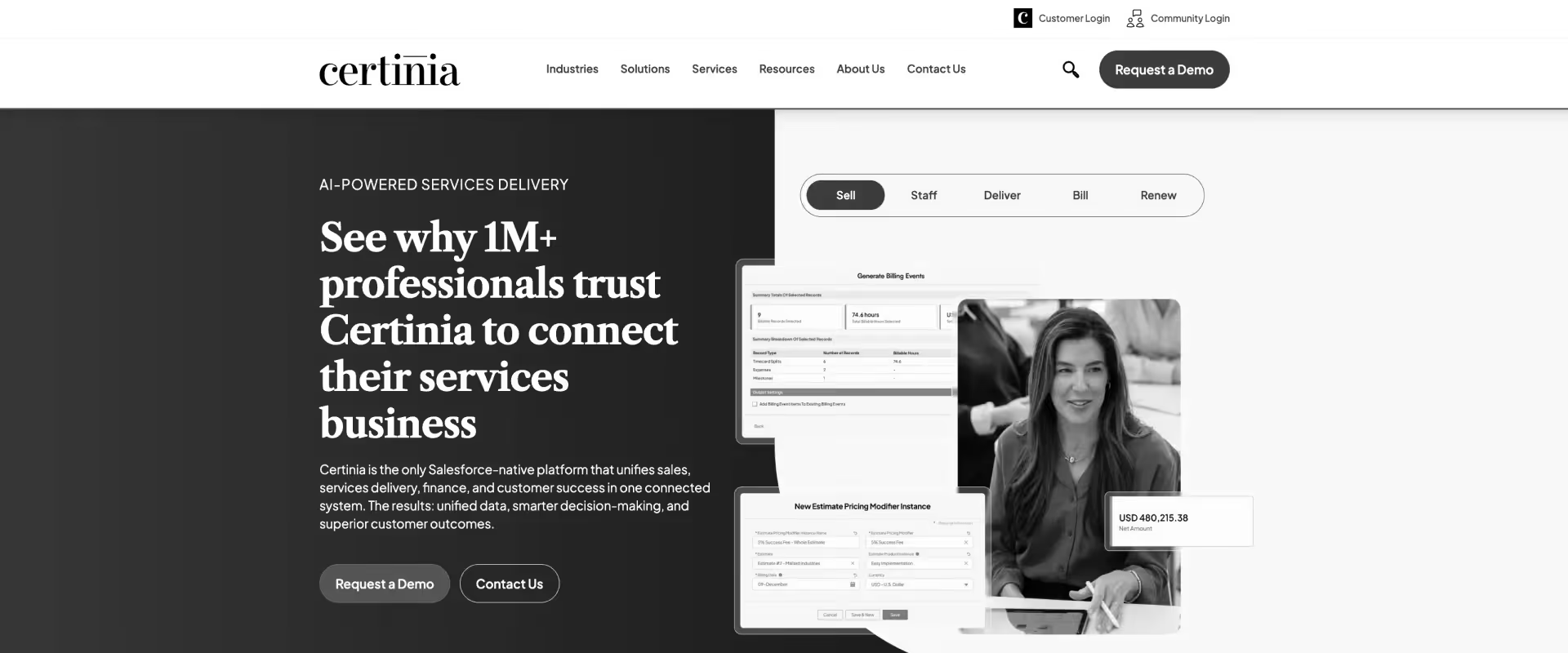
Certinia (formerly FinancialForce) is built entirely on the Salesforce platform — which is its biggest strength and its most significant constraint. For organizations running Salesforce as their system of record with dedicated Salesforce admin resources, Certinia delivers enterprise-grade revenue recognition and financial management. For everyone else, the dependency creates ongoing cost and complexity.
Implementation runs 6–8 months on average. Certinia requires active Salesforce administration to maintain. And the user experience reflects its ERP roots — powerful but not designed for the consultants who need to log time in it every day.
Key features
1. Salesforce-native time tracking — time entries logged within the Salesforce environment. Every hour tracked exists within the same data layer as CRM, contracts, and financial data — eliminating the separate login problem for organizations already on Salesforce. The integration is tight and bidirectional. The value is proportional to how deeply Salesforce is embedded in the organization's existing infrastructure.
2. Advanced revenue recognition — ASC 606 compliance with milestone billing and deferred revenue. Built for CFOs and controllers at publicly traded or audit-ready organizations. Handles milestone billing, deferred revenue, and multi-element arrangements without manual workarounds. One of the most capable financial management implementations on this list — at the cost of significant configuration complexity.
3. Project financial management — cost tracking, margin reporting, and budget vs. actuals. Project profitability is visible in the same system as pipeline and contracts. Finance teams get a single source of truth across project costs, revenue, and client billing. Building the reports that surface these insights requires Salesforce admin expertise — it doesn't come pre-configured out of the box.
4. Resource management — capacity planning and skills-based allocation on the Salesforce platform. Assign resources, track availability, and forecast demand against the active project portfolio. Functionality is solid for organizations where resource data already lives in Salesforce. The UX reflects Salesforce's CRM heritage rather than a native delivery workflow — which creates some friction for delivery teams.
5. Enterprise reporting — Salesforce dashboards and Einstein Analytics integration. Organizations with established Salesforce reporting practices can extend those frameworks to PS delivery data — utilization by practice, margin by client, portfolio burn-down. Organizations without existing Salesforce reporting muscle will find this layer difficult to operationalize without additional admin investment.
Key takeaways
Pros and cons
Best for
- Salesforce-native enterprises with existing Salesforce investment and dedicated admin resources
- Organizations with ASC 606 revenue recognition requirements and complex multi-element billing
- Large PS firms where financial management and CRM are the top integration priorities
- Enterprise teams with the budget and timeline to support a 6–8 month implementation
- Companies in regulated industries needing audit-ready financial data tied to project delivery
What customers say
5. Clockify
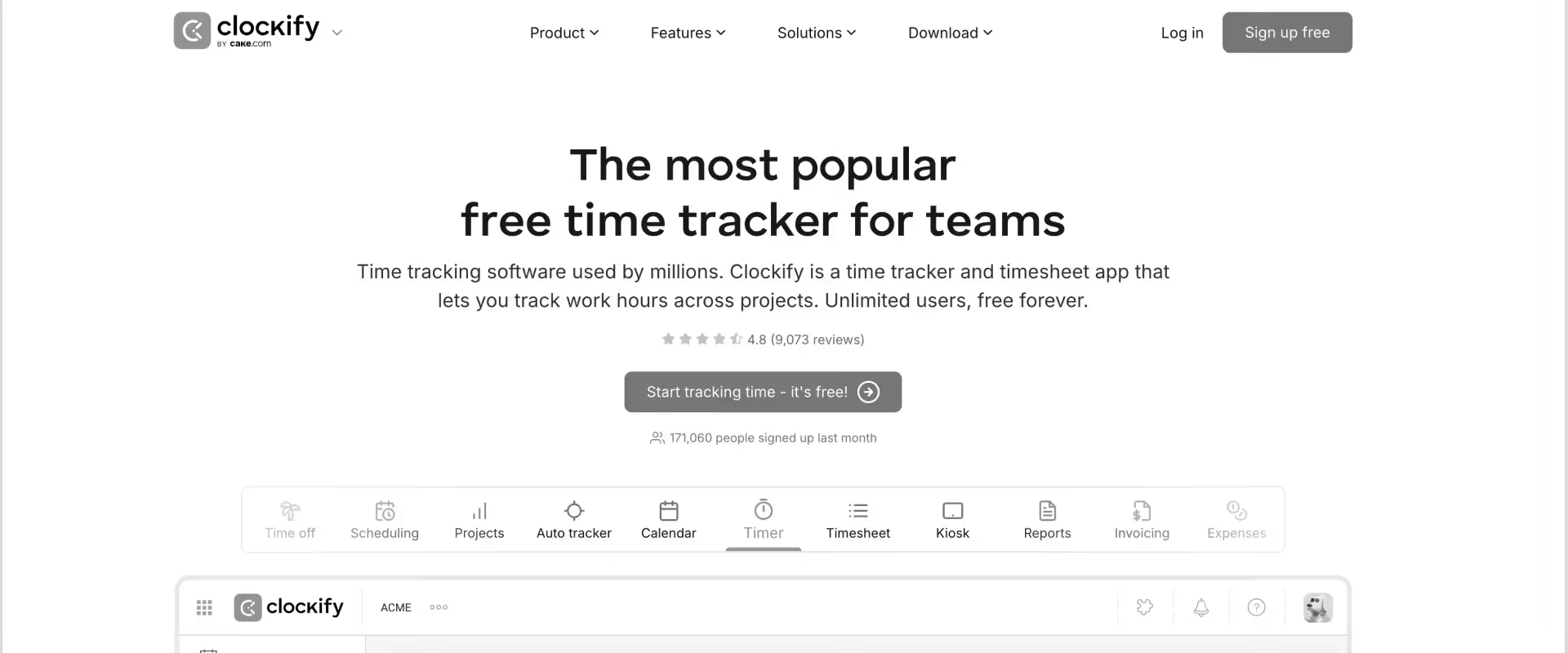
Clockify is the most widely adopted free time tracker on the market — and for good reason. Unlimited users, unlimited projects, and zero cost at the entry tier make it a compelling starting point for teams that need basic hour capture without a procurement process.
What Clockify lacks is everything that comes after capture. There's no utilization dashboard, no resource management, no approval workflows with lock periods, and no client portal.
For a 10-person boutique firm logging hours against client retainers, it works. For a 50-person PS team managing billable utilization targets and concurrent delivery, it creates more problems than it solves.
Key features
1. Unlimited free time tracking — no seat cap, no project limit, no cost. The only time tracking app on this list that scales from 1 to 100 users at zero cost. Unlimited projects, unlimited clients, and unlimited users are all included at the free tier. For teams with no tracking budget and no time for a procurement process, there's nothing else in this category that comes close.
2. Project and task tracking — hours logged against projects, clients, and tasks. The structure is simple: create a project, create tasks, log time. No complex hierarchy, no elaborate setup, no administrator required. Fast to deploy, easy to understand, and zero training required for consultant-level users. The simplicity is the feature.
3. Basic reporting — time summaries by user, project, client, and date range. Reports answer "who logged how many hours on what" — not "are we hitting our billable utilization target" or "which projects are burning faster than planned." Suitable for payroll and basic client billing, not delivery analytics. CSV export available for teams that build their PS reporting in Excel.
4. Mobile app — iOS and Android with timer functionality and offline logging. Consultants working across client sites and locations can capture time without being at a desk. The mobile experience is clean and works well for on-the-go logging. Browser extensions are also available for desktop apps and web apps like Gmail and Jira — making it easy to track time across the tools your team already uses.
5. Integrations — connects with 50+ tools including Asana, Jira, and QuickBooks. Time entries can be captured from within project management tools, reducing context switching for teams with an established stack. Integration breadth is wide; depth is functional rather than transformative — data flows but doesn't power operational workflows in the way a PSA integration would.
Key takeaways
Pros and cons
Best for
- Solo consultants and small boutique firms that need basic time capture at zero cost
- Budget-constrained teams that haven't outgrown simple project-and-client tracking
- Organizations using Clockify as a bridge before investing in a full PSA platform
- Freelancers billing clients by the hour who need clean reports for invoicing
- Teams where adoption is the only problem — and cost is the only barrier to solving it
What customers say
6. Timely
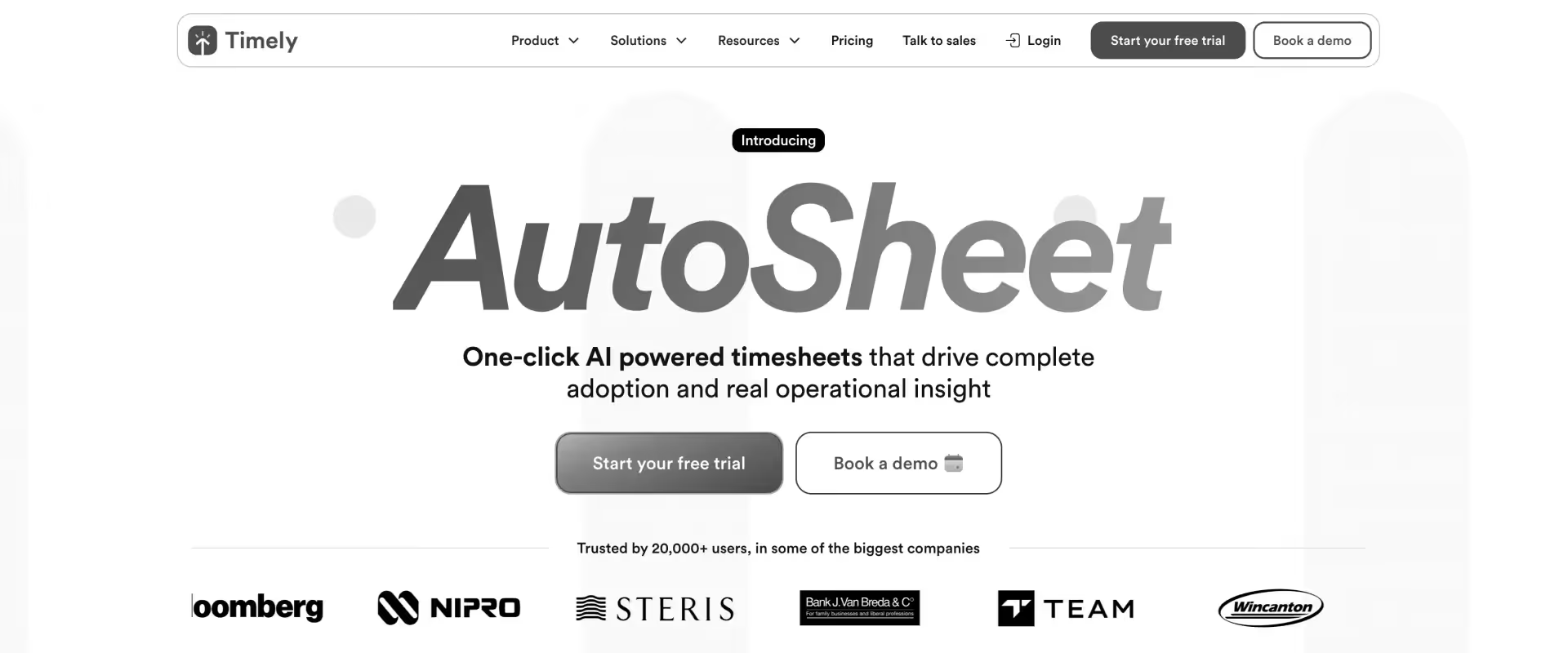
Timely's Memory AI is genuinely impressive — it offers automatic time tracking by logging activity across apps, meetings, and documents and suggesting entries automatically, requiring only confirmation rather than reconstruction.
For consultants who spend their day switching between calls, docs, and client tools, Timely removes the biggest friction point in time tracking.
Where Timely stops short is everything downstream of the capture. It's a sophisticated time logging tool, not a PS operations platform. Utilization management, resource planning, approval workflows with lock periods, and client portals aren't in scope.
Key features
1. Memory AI auto-capture — tracks activity and pre-fills time entries from calendar, apps, and docs. Timely runs passively in the background — no timers, no manual logging, no end-of-week scramble. It builds a suggested timesheet from what consultants actually did: meetings, documents, apps, and websites. Consultants review and confirm entries rather than rebuilding their day from memory. This is the feature that makes Timely genuinely different from every other tool on this list.
2. Automatic time suggestions — consultants confirm entries rather than create them. A consultant who spent three hours in a Google Doc and two hours on Zoom calls sees those hours pre-categorized, ready to confirm with a single click. Suggestions are organized by project and activity type — already structured, not a raw activity log. This is why Timely's timesheet completion rates are meaningfully higher than manual tools.
3. Project and team dashboards — logged hours by project, client, and team member. Managers see how hours are distributed across the portfolio and identify where time is going versus where it was planned to go. The dashboard is visual and clean — useful for time distribution analysis, not built for utilization target management or portfolio-level delivery governance.
4. Budget tracking — project hours against budget thresholds with automatic alerts. When a project approaches its hour cap, Timely notifies the team before the overage happens. A lightweight but useful control layer for T&M engagements where scope creep is a recurring problem. Budget tracking is at the project level — not wired into approval workflows or revenue recognition.
5. Integrations — connects with Asana, Jira, Slack, Google Workspace, and 50+ tools. Time data captured in Timely can be synced to project management and billing tools in the existing stack. Integration is focused on time data movement rather than operational workflow unification. Works well as a capture layer that feeds into a downstream billing or PSA tool.
Key takeaways
Pros and cons
Best for
- Consulting teams where manual entry is the primary adoption blocker and AI capture removes the friction
- Small to mid-sized firms (under 50 people) where logging compliance is the main problem to solve
- Organizations that already have a billing or PSA tool and need a better capture layer upstream
- Remote teams with fragmented workdays across multiple apps and meeting platforms
- Teams where high-quality, low-effort timesheet data is the goal and downstream PS operations are managed elsewhere
What customers say
7. BigTime
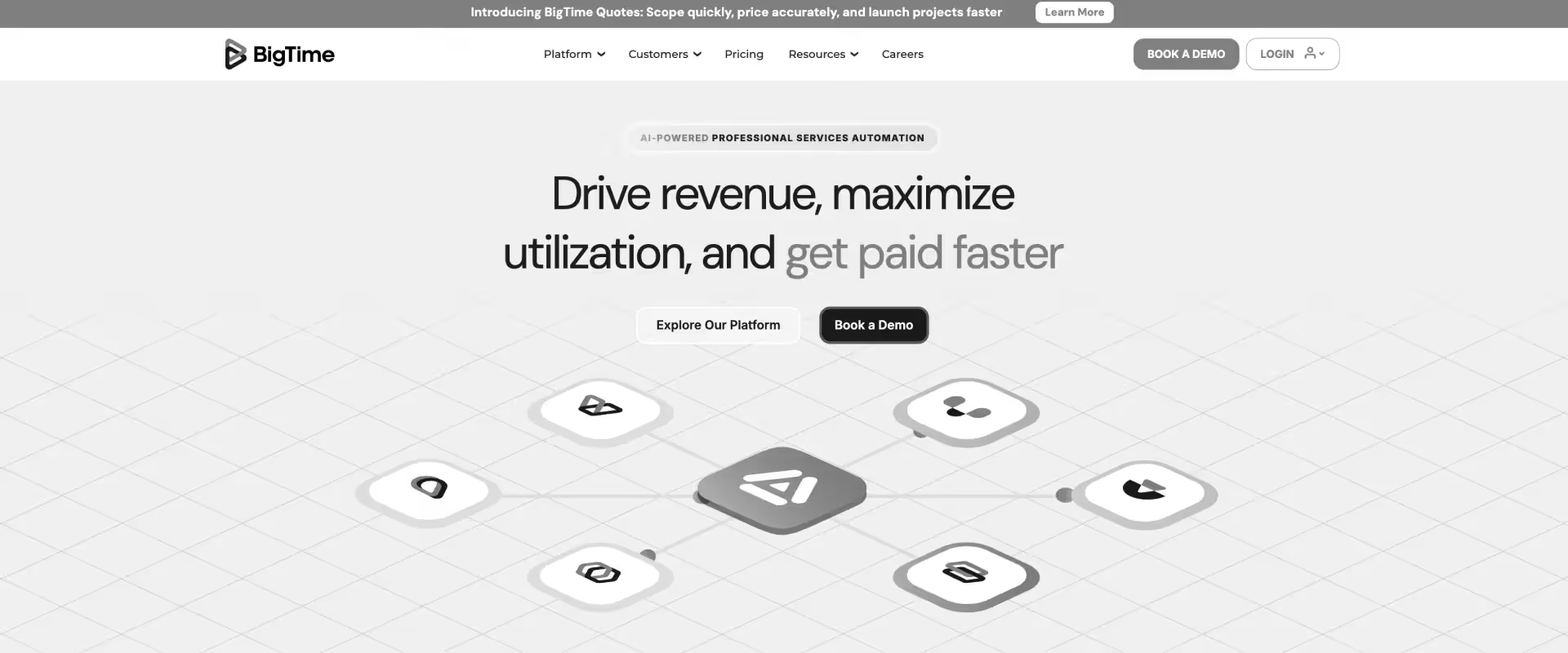
BigTime has been purpose-built for professional services since its inception — which shows in the billing workflow depth.
Time-to-invoice, project budgeting, and rate management are genuinely strong. For mid-market PS firms where accurate billing is the primary problem, BigTime covers the core workflow well.
The limitations show up in the areas where modern PS teams increasingly need support: the interface hasn't kept pace with newer platforms, AI capabilities are limited, and client-facing collaboration is largely absent. It's a reliable workhorse built for a previous decade of PS operations.
Key features
1. Time-to-invoice workflow — hours logged flow directly into invoice generation. The billing cycle — log, approve, invoice — is tight and purpose-built for PS billing. Approve timesheets, generate the invoice, send to the client. No export, no re-entry, no bridge spreadsheet. For PS teams where time-to-invoice cycle time is a pain point, this is one of the most reliable implementations on this list.
2. Project budgeting — budget vs. actual tracking with threshold alerts at the project level. Project managers see spend against budget in real time, with notifications before overruns occur. Set budget limits by project, track hours as they're approved, and catch margin problems before invoicing. The budget visibility is solid for project-level control; portfolio-level financial management requires more configuration investment.
3. Rate management — role-based billing rates, client rate cards, and consultant-level overrides. Define standard rates, apply client-negotiated exceptions, and ensure every hour is billed at the right rate without manual lookup. For PS firms with complex multi-rate client contracts, this is a meaningful time saver and a meaningful error-reducer. Rate management handles the scenarios that break simpler billing tools.
4. Resource scheduling — basic capacity planning and project staffing with availability views. Assign consultants to projects, track availability, and identify scheduling conflicts before they become delivery problems. The scheduling depth is functional for mid-market PS teams running 10–50 person delivery organizations. Not built for the complex multi-project resource balancing that 100+ person PS teams require.
5. Reporting — utilization, profitability, and project performance reports. PSA-grade reporting on the metrics that matter most: billable hours, margin, team productivity, and project profitability. Customizable reports cover the key PS analytics questions. Additional custom reporting depth is available with extra configuration investment.
Key takeaways
Pros and cons
Best for
- Mid-market PS firms (20–100 people) where billing accuracy and time-to-invoice are the primary pain points
- Organizations running complex multi-rate client contracts that need reliable rate management
- Teams stepping up from standalone trackers like Harvest to a purpose-built PS billing tool
- Firms where the billing workflow is the operational bottleneck — not resource planning or delivery governance
- PS leaders who need PSA-grade utilization reporting without a 3–4 month enterprise implementation
What customers say
8. Productive.io
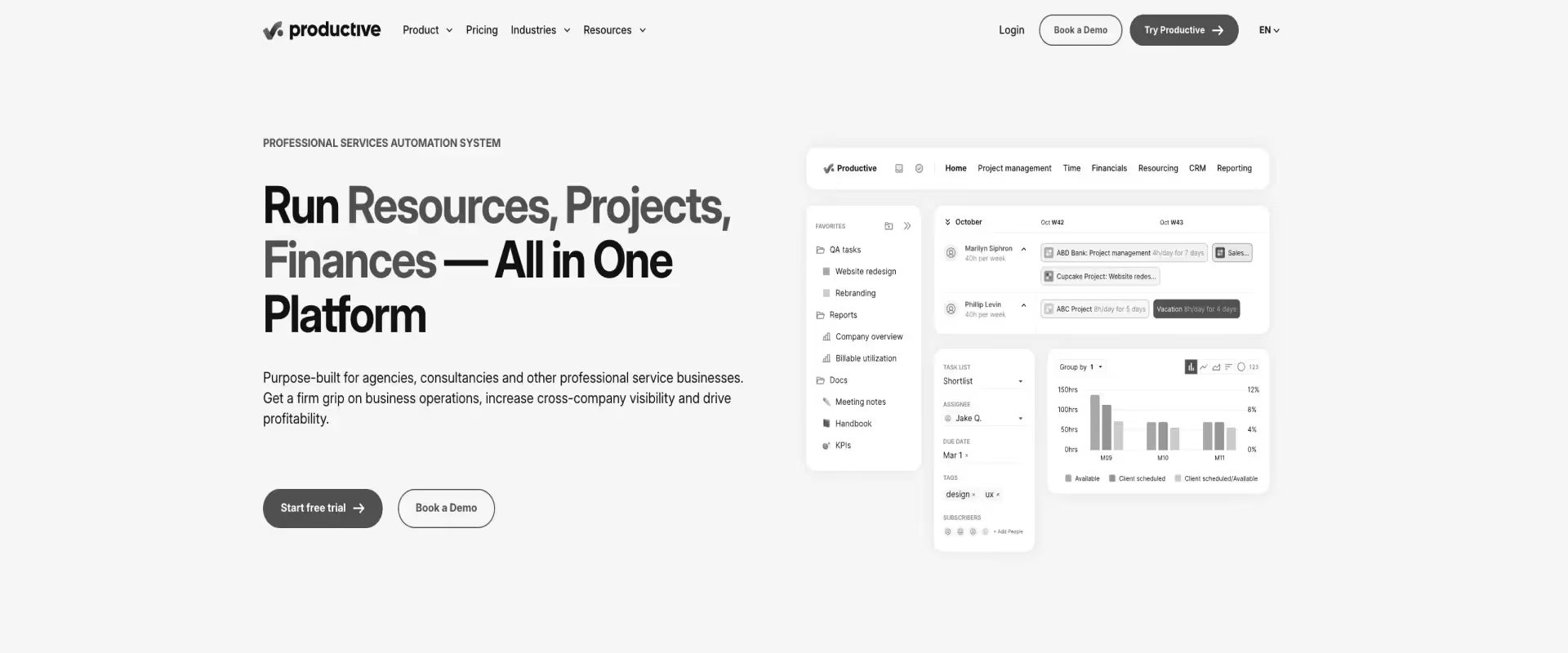
Productive.io packs a solid combination of time tracking, project budgeting, and utilization dashboards into a clean interface at a competitive price point.
For agencies and small PS firms managing under 50 people, the value-to-cost ratio is strong — particularly for teams that want utilization visibility and project profitability reporting without a full PSA investment.
The platform's agency-first DNA shows at the enterprise tier. Resource management depth, multi-entity support, and AI governance aren't built for the complexity that 50–200 person PS organizations require. It's a strong step up from Clockify and Harvest — but a step short of what enterprise PS delivery demands.
Key features
1. Time tracking + project budgeting — hours logged against project budgets in one unified view. Time data and financial data exist in the same place — no export, no bridge spreadsheet, no reconciliation step. Budget vs. actuals is visible as hours are submitted and approved. For agencies and small PS teams, this consolidation alone eliminates a meaningful amount of weekly overhead that most standalone trackers create.
2. Utilization dashboards — team and individual utilization tracking with configurable targets. Set billable utilization targets, track performance in real time, and identify who's overloaded or underutilized before it affects delivery or morale. One of the few tools in this price range that offers genuine utilization visibility — most standalone trackers stop at hours logged and leave the analysis to a spreadsheet.
3. Invoicing — time entries convert to client invoices with rate management and templates. Billable hours become invoices without re-entry. Client-specific rate cards are supported, making it usable for PS firms with varied client pricing structures. The invoicing module covers the fundamentals — sufficient for most small to mid-market use cases, lighter than BigTime's billing workflow depth.
4. Project management features — tasks, milestones, and dependencies in the same platform as time tracking. Consultants work in one tool rather than switching between a PM tool and a time tracker. The project management layer is clean and capable — strongest for agency-style delivery, lighter than a full PSA for complex implementation delivery with multi-level stakeholder governance.
5. Reporting — profitability and utilization reports at the project, client, and team level. Built to answer the questions agency owners and PS managers ask most often: which clients are profitable, which projects are over budget, and which team members are underutilized. Custom reporting requires the higher pricing tier — the base tier covers the core PS analytics questions.
Key takeaways
Pros and cons
Best for
- Agencies and small PS firms (10–50 people) consolidating from Clockify, Harvest, and spreadsheets
- Teams that need utilization visibility without a full PSA investment
- Organizations where project management and time tracking in one tool is a meaningful simplification
- Mid-market firms that need invoicing built in but don't require BigTime-level billing workflow depth
- PS leaders at the agency tier who want a modern UI without enterprise-grade resource management overhead
What customers say
9. TimeCamp
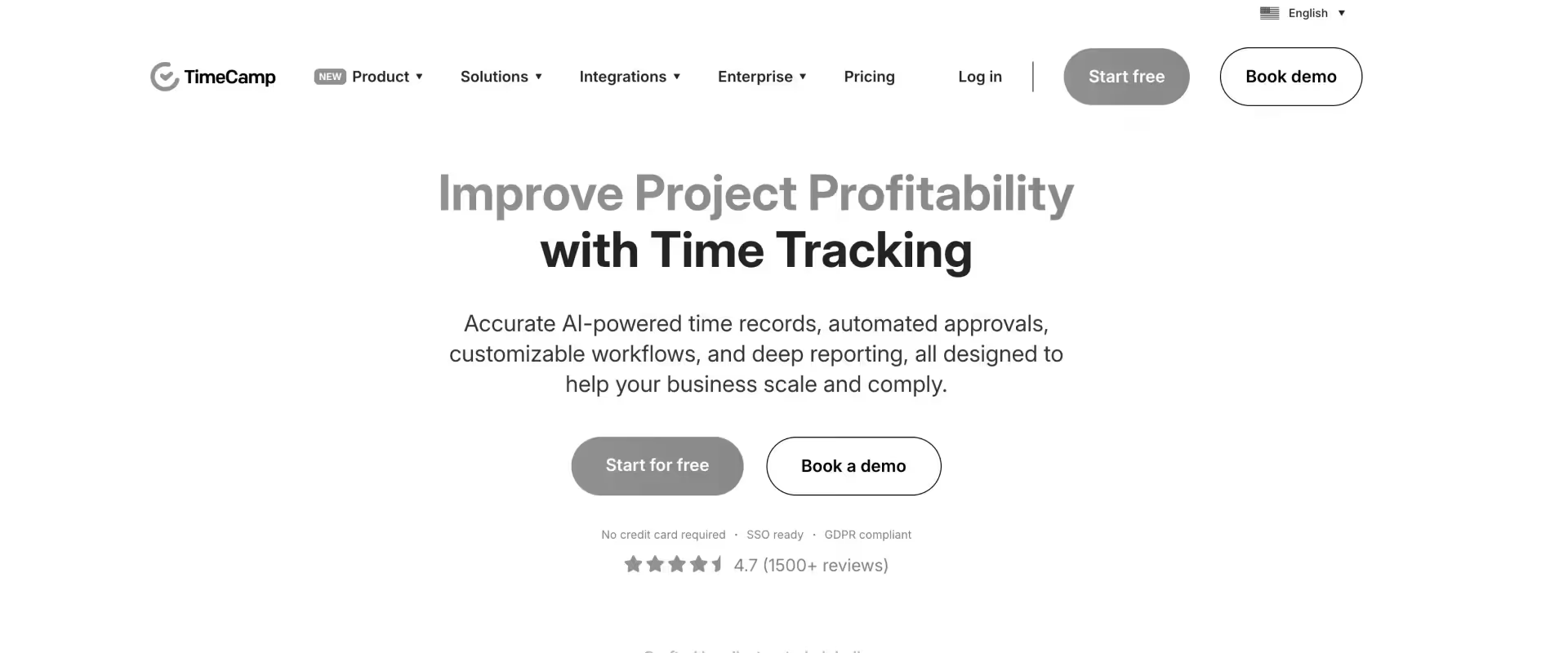
TimeCamp's strength is in breadth — 100+ integrations and automatic tracking of activity across tools without requiring manual input. For teams already running a complex tech stack and looking for a lightweight layer to pull hours together, TimeCamp reduces the logging burden at a very accessible price point.
The PS-specific depth isn't there. Utilization dashboards, resource planning, approval workflows with lock periods, and delivery governance are outside the platform's design. TimeCamp is a time data aggregator — not a PS operations tool.
Key features
1. Automatic activity tracking — captures time from apps and websites without manual input. TimeCamp runs in the background and categorizes time automatically based on rules you define — apps used, websites visited, documents opened. Consultants review and adjust a pre-built timesheet rather than constructing one from scratch. The passive capture removes the friction of daily manual logging without requiring the AI sophistication of Timely's Memory AI.
2. 100+ integrations — connects with project tools, CRMs, and accounting platforms. For teams already running a complex stack, TimeCamp acts as a time data aggregation layer that sits across the existing tools — Jira, Asana, Basecamp, Salesforce, QuickBooks, Xero, and 90+ others. The breadth of integration is one of the widest on this list. Integration focus is on capturing time from existing workflows, not unifying them into a new one.
3. Project and task tracking — hours against projects with budget visibility and alerts. Track where hours are going across clients and engagements, set budget limits, and receive alerts when projects approach their hour cap. The project tracking layer answers the basic accountability questions — who worked on what and for how long. Not built for PS-grade delivery governance or portfolio financial management.
4. Invoicing — basic time-to-invoice workflow with billing rate support. Billable hours convert to client invoices without re-entry. Client-specific billing rates are supported. The invoicing module is simpler than BigTime or Harvest — suitable for straightforward billing scenarios, less suited for complex multi-rate, milestone-based, or ASC 606 revenue recognition arrangements.
5. Reporting — time summaries by user, project, and client with visual charts and export. Reports answer basic accountability and billing questions: who logged what, where did hours go, and are we on budget. Useful for payroll, basic client invoicing, and simple project reporting. Not designed for PS delivery analytics — utilization management and margin reporting require a more capable platform.
Key takeaways
Pros and cons
Best for
- Small teams and boutique firms that want auto-tracking at the lowest price point on this list
- Organizations with complex existing stacks that need broad integration coverage for time data
- Teams where automatic time capture is the priority and manual logging has been the adoption killer
- Budget-constrained firms using TimeCamp as a bridge while evaluating a full PSA investment
- Freelancers and small agencies that bill clients by the hour and need basic invoicing with auto-captured data
What customers say
10. Replicon
.avif)
Replicon is built for organizations where time tracking is primarily a compliance and workforce management function — think enterprise legal, government contracting, and regulated industries with strict audit trail requirements.
Policy enforcement, multi-region labor rule management, and time data compliance are genuinely class-leading.
For consulting and PS delivery teams, the fit is partial. Replicon is built around workforce management, not delivery governance. The UI reflects its enterprise HR roots — powerful but not designed for the daily workflow of implementation managers and PS consultants.
Key features
1. Policy-driven time management — rules enforcement across regions, roles, and billing models. Define submission rules, billing classifications, and compliance thresholds and enforce them automatically across the entire organization. Policies can vary by region, department, project type, and billing model. For enterprise organizations managing hundreds of time entries across multiple geographies, policy automation replaces what would otherwise require a dedicated time administration team.
2. Multi-region compliance — country-specific labor rules, overtime thresholds, and holiday calendars. Replicon maintains compliance rule libraries across 60+ countries, reducing the burden of tracking regulatory changes manually. Country-specific overtime rules, statutory leave management, and regional holiday calendars are built in — not bolted on. For organizations with teams in North America, Europe, ANZ, and Asia, this is one of the few platforms that handles the full complexity in one system.
3. Project time tracking — hours tracked against projects with multi-level approval workflows. Time entries route through the appropriate approval chain based on project type and organizational rules. Approval workflows are more configurable than most standalone trackers — built for compliance audit requirements, not for delivery speed. Lock periods prevent retroactive edits once billing cycles close.
4. Audit trails — full change history across time entries, approvals, and policy exceptions. Every edit, submission, and rejection is logged with timestamp and user attribution. For organizations in regulated industries — government contracting, legal, healthcare technology — this audit infrastructure is often a non-negotiable compliance requirement. Replicon's audit trail depth is one of the strongest on this list.
5. Workforce reporting — utilization, compliance, and workforce analytics for HR and finance leaders. Reports cover headcount productivity, overtime exposure, and regulatory compliance status across regions. Built for the questions HR and finance leaders ask — not delivery managers. For PS teams that need project profitability and margin reporting, the reporting lens is misaligned with daily operational needs.
Key takeaways
Pros and cons
Best for
- Large enterprise organizations in regulated industries with strict workforce compliance and audit trail requirements
- Global teams spanning multiple regions that need country-specific labor rule enforcement in one platform
- Government contractors, legal firms, and healthcare technology organizations where time data is a compliance asset
- Enterprise HR and finance leaders who manage time as a workforce cost, not a delivery metric
- Organizations that need comprehensive policy enforcement across hundreds or thousands of employees, not just consultants
What customers say
Time tracking software comparison for consulting teams: feature-by-feature breakdown
How do these tools compare? Rocketlane is the only platform in this category that covers all five PS-critical dimensions — calendar sync, approval workflows, utilization dashboards, resource planning integration, and AI automation — in a single system.
Harvest and Clockify lead on simplicity and speed-to-value for small teams.
Timely leads on auto-capture for teams where manual logging is the primary blocker. Replicon leads on enterprise workforce compliance.
Every other tool covers two or three dimensions well and leaves the rest to spreadsheets or additional tools.
Use this table to map each tool against the capabilities that matter most to your team. Not every column carries equal weight — a 10-person boutique firm and a 150-person PS organization are solving different problems.
Key: ✅ Full capability · ⚠️ Partial / limited · ❌ Not available
What the data tells you
Nine out of ten tools on this list solve one or two dimensions well. Most standalone trackers — Harvest, Clockify, Timely, TimeCamp — cover calendar sync and basic reporting, then stop.
Mid-market PSAs like BigTime and Productive.io add billing depth or utilization dashboards but leave resource planning and AI governance as gaps.
Enterprise platforms like Rocketlane, Kantata, Certinia, and Replicon cover more ground — but introduce 3–8 month implementations, admin-heavy infrastructure, and no AI governance layer.
Rocketlane is the only tool in this comparison with a full green column across all seven capability dimensions. The gap isn't marginal — it's structural.
Tools that stop at capture create a parallel spreadsheet operation to manage utilization, margins, and resource allocation. Tools that require heavy Salesforce or admin infrastructure shift the cost from license fees to configuration and maintenance overhead.
For PS teams managing 30–200 consultants across concurrent client engagements, the decision isn't which tool does the most — it's which tool eliminates the most reconciliation. That's where the column count matters.
Key features to look for in time tracking software for consultants

What are the key features of time tracking software for consultants? The five non-negotiables for consulting teams are: calendar-integrated time entry (under 5 minutes per week), billable vs. non-billable categorization by client and project, multi-level approval workflows with lock periods, real-time utilization reporting, and integration with your resource planning or accounting system.
Tools that cover fewer than three of these five don't replace your spreadsheet operation — they run parallel to it.
1. Calendar integration and auto-capture
Here's the adoption pattern most PS teams don't talk about: the tool gets purchased in Q1, usage is strong in January, starts dropping in February, and by Q2 managers are back to chasing timesheets the same way they were before the software existed. The tool didn't fail. Manual entry did.
Most consultants aren't in a time tracker during their workday. They're in Zoom, Google Docs, Slack, and email — context-switching every 20 minutes across client calls, internal reviews, and project work.
Asking them to reconstruct eight hours from memory at the end of a week asks them to do something humans are genuinely bad at.
The result is rounded figures, estimated hours, and non-billable time that disappears because nobody can remember what they spent it on.
Calendar integration and AI auto-capture solve the adoption problem at its source. When entry is pre-filled — pulled from calendar events, app activity, and meeting context — consultants confirm rather than construct. Entry that takes 2–3 minutes gets done.
Entry that takes 15–20 minutes gets skipped.
Look for:
- Google Calendar and Outlook sync with client, project, and meeting context carried through automatically
- AI memory capture that tracks app and document activity passively (Timely-style) or calendar-based pre-fill (Rocketlane-style)
- Timer and manual fallback for consultants who prefer direct entry
- Mobile app for on-the-go logging across client sites and travel days
The signal to avoid: Any tool that requires consultants to open a separate interface — regardless of how user-friendly the interface looks in a demo — and type hours from memory at the end of the week.
That workflow has a 90-day shelf life in most PS teams.
2. Billable vs. non-billable categorization
The most common source of revenue leakage in consulting firms isn't bad pricing or underperforming consultants. It's miscategorization — billable hours landing in the non-billable bucket, or internal overhead slipping into a client invoice and triggering a dispute that delays payment by 30 days.
For a 50-person team billing at $150 per hour, failing to track billable utilization accurately — just one unbilled hour per consultant per week — adds up to $390,000 in annual revenue that simply disappears. That's not a rounding error. That's a headcount decision.
Manual categorization at the point of entry doesn't work at scale. Consultants make judgment calls under time pressure — "is this scoping call billable on a fixed-fee engagement?" — and those calls compound across a 40-person team over 52 weeks.
Effective billable time management requires rule-driven categorization: set at the project template level so no consultant starts an engagement without clear, pre-configured billing rules.
Look for:
- Client-specific billing rules that apply automatically when a project is created from a template
- Phase-level and task-level tagging for milestone or staged billing models
- Activity type categorization — client work vs. internal tasks vs. non-billable prep
- Override controls with a full audit trail for finance and compliance review
- Template-level defaults that eliminate per-entry judgment calls entirely
Accurate client billing depends on these upstream controls — not on asking consultants to make judgment calls under time pressure every time they open the entry screen.
3. Approval workflows and timesheet compliance
PS Operations leaders know the real cost of a missing timesheet isn't just late data. It's a delayed invoice. A revenue recognition adjustment that moves revenue from this quarter to next. A Friday afternoon spent manually chasing consultants who didn't submit before the billing cycle closed.
Approval gaps are a structural problem, not a people problem.
Without enforcement gates, the same issues repeat every cycle — late submissions, retroactive edits after invoicing, and the quiet compliance risk of entries that bypass review entirely.
Lock periods exist for exactly this reason: once a billing cycle closes, the numbers need to be defensible for finance and, in some environments, audit.
The best implementations turn compliance from a management behavior into a system behavior. Policies define the rules.
The system enforces them at entry — not during a Monday morning review. Managers stop spending time chasing submissions and start spending it on delivery decisions.
Look for:
- Multi-level approval chains configurable by project type, client tier, or billing model
- Automated reminders to submitters before deadlines — without requiring manager follow-up
- Policy enforcement at the point of entry: block submissions on closed projects, flag hours exceeding task allocation, require notes for non-billable time above a threshold
- Period lockdown after billing cycles close to protect revenue recognition integrity
- Full audit trail on approvals, rejections, edits, and policy exceptions
4. Utilization tracking and real-time reporting
Every VP of PS reading this is managing to a number — 70%, 75%, 80% billable utilization. The problem isn't the target. It's the latency between reality and the dashboard.
Most utilization reports reflect last month. Some reflect last week.
A few require an Excel export, a VLOOKUP, and 90 minutes of formatting before they're fit for a leadership review. By the time a utilization problem surfaces in a monthly report, it's already two weeks old.
The consultant who needed to be reallocated in week two is sitting on the bench in week four. The margin impact is already locked in.
Real-time utilization visibility changes the conversation from reactive to proactive.
When a Director of PS can see individual, team, and portfolio utilization in a single view — updated as hours are approved, not when reports are generated — staffing decisions happen ahead of the problem instead of in response to it.
The ability to generate detailed reports on time spent by client, project, and consultant role is what turns raw hour data into a management tool.
Look for:
- Individual, team, and portfolio utilization dashboards that update in real time — not at period close
- Billable ratio breakdowns by person, project, client, and time period
- Target vs. actual utilization tracking with configurable threshold alerts
- Drill-down from portfolio view to individual consultant in 2–3 clicks, not three report runs
- Role-based access so team leads see their team, directors see the full picture, and the CFO sees what they need for margin reviews
5. Resource planning integration
A time tracker that doesn't talk to your resource plan is half a system. You know what happened last week. You still don't know what's coming in week six.
The pattern shows up on almost every fixed-fee engagement: the project starts, hours log normally, delivery proceeds — and then at the six-week mark, someone pulls the numbers and realizes the engagement has consumed 70% of its hour budget with 60% of the work remaining.
At that point, the options are bad: absorb the overrun, renegotiate scope, or quietly reduce delivery quality. None of them is a good answer when you're already in it.
Forecasted vs. actual utilization gap reporting prevents that conversation — but only if planned allocations and logged actuals exist in the same system.
When time actuals update the resource forecast automatically, the gap between what a project was expected to consume and what it's actually consuming is visible in week three.
Not week nine. And for teams managing multiple projects simultaneously, that visibility is what separates proactive delivery management from reactive firefighting.
Look for:
- Bidirectional sync between time actuals and the resource plan — logged hours update the forecast in real time
- Forecasted vs. actual utilization gap reporting at the project and portfolio level
- Bench risk alerts when consultants are rolling off projects with no next allocation lined up
- Over-allocation flags when a consultant is double-booked across concurrent engagements
- Historical actuals feeding future projects — so the next fixed-fee proposal is built on real data, not optimistic assumptions from the last one
Whether you're running fixed fee projects or T&M engagements, that native connection prevents the overrun conversation from happening at week twelve.
6. Integrations — accounting, project management, and CRM
Here's the system most growing PS teams are actually running: time in one tool, billing in QuickBooks, projects in Jira or Asana, client data in Salesforce or HubSpot, and resource planning in a spreadsheet someone built in 2022 and nobody wants to touch.
Five systems. Zero single source of truth. And a weekly reconciliation task that costs someone half a day every single week.
This is what confirms repeatedly: PS teams don't have a time tracking problem. They have a stack trap — too many tools that don't talk to each other, each solving one piece of the problem while creating three new handoff points. The time tracker becomes the sixth tool in the stack, not the solution to it.
The integration question isn't "does the tool connect?" — it's "does the connection eliminate the double entry?" A QuickBooks integration that still requires a manual CSV export to trigger an invoice isn't an integration. It's a slightly shorter workaround.
Must-have integrations for consulting teams:
- Accounting — QuickBooks, NetSuite, Xero: time to invoice without re-entry or export
- CRM — Salesforce, HubSpot: project creation triggered by deal close, client context carried through from opportunity to delivery
- Project management — Jira, Asana, Monday.com: time logged from within the PM tool, not a separate interface
- Communication tools — Slack and Microsoft Teams: submission reminders, approval notifications, and policy alerts without leaving the existing workflow
- Calendar — Google Workspace, Microsoft 365: the foundation of any adoption strategy that survives past 90 days
For PS firms that also bill expenses alongside hours, expense tracking integration with accounting systems is a critical requirement — ensuring project costs flow through the same approval and invoicing pipeline as time.
The signal to avoid: Any vendor that lists 100+ integrations in a features deck but can't demonstrate how a logged hour flows to a client invoice without a manual step. Integration breadth is a marketing metric. Integration depth is an operational one. Ask for a live walkthrough — not a screenshot.
How to choose the best time tracking software for your consulting firm

How do you choose time tracking software for a consulting firm? Start with your biggest pain — adoption collapse, billing inaccuracy, utilization blindness, or stack fragmentation — and match the tool's depth to the problem's depth.
A single, isolated pain point calls for a targeted time tracking app. Harvest and Clockify solve time capture for small teams. Timely solves auto-capture for logging-averse consultants. But if time tracking is one of five interconnected operational failures, another point tool won't fix the system. You need a PSA software with time built in.
Match the tool to your actual pain
Not all time tracking problems look the same. The wrong diagnosis leads to the wrong purchase — which is how PS teams end up with four tools that each solve one problem while creating three new handoff points.
Before you open a single demo of any consultant time tracking app, name the actual pain. Then match the solution depth to it.
Pain #1: Adoption collapse — consultants don't submit timesheets consistently
You recognize this pattern: the tool is live, training is done, and submission rates are 60% in month one, 40% in month three, 25% by month six. The software isn't the problem. The entry experience is.
Most time tracking apps require consultants to reconstruct their week from memory in a separate interface. That takes 15–20 minutes, feels like overhead, and competes with every other Friday afternoon priority.
The result is estimated hours, late submissions, and a manager spending Monday mornings chasing the same five people — every week, forever.
The fix: Calendar sync and AI auto-capture. Entry needs to take under 5 minutes and feel like confirmation, not reconstruction. If the tool doesn't pre-fill from calendar events or app activity, you're betting on discipline. Discipline at 50 people doesn't scale.
Tools that address this: Timely (Memory AI auto-capture), Rocketlane (calendar sync + policy enforcement), Harvest (lightweight calendar integration)
Pain #2: Billing inaccuracy — invoices that generate client disputes or miss revenue
This one is quieter than adoption but more expensive. Non-billable hours bleeding into invoices. Billable hours sitting in the wrong bucket. A consultant tagging project management time as "internal" on a T&M engagement because the billing rules weren't clear at entry.
The invoice goes out, the client pushes back, and your finance team spends a week reconciling.
The underlying cause is almost always the same: categorization is happening at the point of entry by consultants who don't have clear rules and don't have time to think about it.
For a 50-person team at $150/hour, one miscategorized hour per person per week is $390,000 in annual revenue leakage. And without accurate historical data, quoting future projects becomes guesswork — the price you paid once becomes the number that gets recycled into every SOW.
The fix: Rule-based categorization set at the project template level — so consultants never make a billability judgment call. Pair that with approval workflows, period lock after billing cycles close, and a full audit trail.
Automating invoicing can reduce billing errors by up to 43% — closing the gap between what was actually worked and what enters the billing system. These aren't nice-to-have features. They're the control layer that makes accurate billing possible.
Tools that address this: Rocketlane, BigTime, Kantata, Replicon
Pain #3: No utilization visibility — you're managing last month, not this week
The VP of PS is running to a 75% billable utilization target. The monthly report confirms the team hit 68% — three weeks after the month ended. The bench time already happened. The project over-allocation already happened. The margin conversation with the CFO is already on the calendar.
Month-end utilization reports don't prevent problems. They confirm them, retroactively, after the window to act has already closed.
The fix: Real-time utilization dashboards at the individual, team, and portfolio level — updated as hours are approved, not when someone exports a report. You need to see where utilization is trending versus where it needs to be, with enough lead time to move resources before the gap becomes a margin problem.
For teams managing multiple clients across concurrent engagements, that real-time signal is what separates proactive delivery management from reactive firefighting.
Tools that address this: Rocketlane, Kantata, Certinia, Productive.io (up to 50 people), BigTime
Pain #4: Fragmented stack — five tools, zero single source of truth
This is the situation most PS teams are in when they start a new tool evaluation: Harvest for time, Monday.com for projects, Excel for resource planning, QuickBooks for billing, Salesforce for client data. Five tools. Five exports. Five places to look to answer one question: "Are we profitable on this engagement?"
The insight here is blunt: adding a sixth tool to a fragmented stack doesn't fix the fragmentation. It adds another integration to maintain and another place where data falls out of sync at the worst possible moment — usually the day before a board review.
The fix: Before adding another point tool, audit the full PS workflow. If the problem is fragmentation across time, resource planning, billing, and delivery governance — the answer isn't a better tracker. It's a unified PSA evaluation. The criteria shift from "does it capture time well" to "does it eliminate the reconciliation between time, resources, and billing."
Tools that address this: Rocketlane (mid-market to enterprise), Kantata (enterprise), Certinia (Salesforce-native enterprise)
Match the tool to your team size
Team size isn't the only variable — delivery complexity, billing model, and stack maturity all matter. But it's the most reliable first filter for narrowing the field before you spend three weeks in demos.
The inflection point to watch: 50 consultants.
Below 50, a clean capture tool with basic billing integration is often sufficient.
Above 50, the complexity of managing utilization targets across concurrent fixed-fee and T&M engagements, portfolio-level margin visibility, and multi-level approval governance starts to outrun what any standalone tracker can handle.
That's the threshold where the cost of staying on a lightweight tool starts compounding — and where PSA evaluation typically begins in earnest.
Six questions to ask every vendor before signing
Most software demos are engineered to show you the best-case scenario in a controlled environment. These six questions are designed to surface what actually shows up after you sign — not before.
1. "How does time entry connect to resource forecasting in your platform?"
This question separates trackers from PSAs. A tracker will tell you time and resource planning are connected — probably through a native integration, an export, or a third-party connection.
A PSA should show you how a logged and approved hour updates the resource forecast in the same system, in real time, without a data bridge or a manual step.
- Red flag: "We have a Jira integration for that" or "you can export to Excel and feed it into your resource tool."
- Green flag: "Here's exactly what happens to the resource plan the moment this timesheet is approved — watch."
2. "What happens when a consultant submits time 10 days late?"
This question exposes the compliance architecture. Does the system send automated reminders before the deadline? Does it enforce submission windows?
Does it allow retroactive edits after a billing period closes without manager override and audit logging? The answer tells you whether compliance is a system behavior or a management task — a distinction that compounds across 50+ consultants every single billing cycle.
- Red flag: "Admins can send reminders manually and reopen periods as needed."
- Green flag: "The system flags the late submission automatically, blocks entry on the closed period, and routes the exception through the approval chain with full audit trail."
3. "Can I see real-time utilization — not a monthly export?"
Ask this — then ask for a live demo. Not a screenshot. Not a slide. A live view of the utilization dashboard showing current week data, for real consultants, in a real account. Many platforms claim real-time dashboards and deliver end-of-period summaries.
The difference matters when you're trying to intervene on a utilization gap before the month closes, not after you've already missed it.
- Red flag: Hesitation, a promise that dashboards "update frequently," or a pivot to showing you a canned report instead of a live view.
- Green flag: A live dashboard drillable from portfolio to team to individual consultant in two clicks, reflecting this week's actuals.
4. "How do you handle billable vs. non-billable rules when they differ by client?"
Every PS firm has this scenario: the same activity — a project governance call, a QA review, a scope clarification — is billable on one client contract and non-billable on another.
A mature platform handles this at the project template level, applied automatically at entry. A lightweight tool puts the judgment call on the consultant every time — which is how miscategorization becomes a structural revenue problem.
- Red flag: "Consultants select billable or non-billable when they log the entry."
- Green flag: "Billing rules are configured at the project template level and applied automatically at entry, with override controls and audit trail for exceptions."
5. "What is your implementation timeline, and who owns 70% of the configuration work?"
This is the question vendors don't love — because the honest answer is often uncomfortable. Implementation timelines are routinely understated in procurement conversations, and the distribution of configuration burden between your team and the vendor is rarely disclosed proactively.
Certinia averages 6–8 months. Kantata runs 3–4 months. Rocketlane runs 4–10 weeks. The delta isn't just calendar time — it's internal resource distraction, delayed time-to-value, and six months where your team is still running the old system in parallel.
- Red flag: A vague answer about "typical timelines varying by configuration complexity."
- Green flag: A clear breakdown of vendor-owned vs. customer-owned workstreams, a named implementation timeline with milestones, and reference customers at your team size who can speak to the actual experience.
6. "What does your AI actually do — or is that marketing language?"
Every PSA and half the standalone trackers on this list now feature "AI" prominently in their marketing. The range behind that word is vast — from genuine autonomous agent behavior to a slightly smarter search box.
Don't accept a general answer. Name a specific workflow. Ask for a live demo. Watch what actually happens.
- Red flag: A slide deck about the AI roadmap, future tense product descriptions, or general statements about "intelligent automation" without a live demonstration.
- Green flag: A live demo of a specific, named AI behavior — a policy agent enforcing a timesheet compliance rule, an analyst returning a natural language answer to a utilization query, a resource agent flagging a capacity conflict — with an outcome you can verify in the room.
Best time tracking software for consultants by team size and use case
Which time tracking software fits your consulting team's size and use case? The right tool depends on three variables: team size, primary operational pain, and the role of the person making the decision.
A VP of PS managing 80 consultants across 40 client projects needs a fundamentally different system than a boutique firm owner tracking hours for 8 people. Use the routing table below as your first filter.
Decision routing table: find your fit in 30 seconds
Best time tracking software for global consulting teams
Global delivery adds a compliance layer most comparisons ignore: the tools that handle one region well often handle three regions poorly.
European Union — GDPR and audit trail requirements.
GDPR treats time data as personally identifiable in certain contexts — which means defensible audit trails, data residency controls, and documented retention policies are legal obligations, not nice-to-haves.
PS teams across Germany, France, and the Nordics need SOC 2 certification, configurable data residency, and approval workflows that produce a complete timestamped record of every entry and edit. Rocketlane (SOC 2 Type II), Certinia, and Replicon are the strongest fits.
United Kingdom — Post-IR35 contractor compliance.
IR35 reform shifted significant compliance risk onto PS firms engaging contractors. Demonstrating genuine working arrangements requires granular, timestamped time records against specific project tasks — not monthly summaries. Replicon leads on policy depth for contractor-heavy environments.
Rocketlane is the right call where IR35 compliance is one requirement alongside delivery governance and margin visibility.
APAC / ANZ — FairWork compliance and multi-currency invoicing.
FairWork requires overtime tracking and penalty rate management that most US-native platforms don't handle natively. Multi-currency across AUD, NZD, and SGD is a basic operational requirement. Rocketlane covers multi-currency and delivery governance for ANZ PS teams.
Replicon handles FairWork policy depth. TimeCamp adds value through integration breadth for complex regional stacks.
North America — PSA depth differentiates at 50+ headcount.
Most tools cover US and Canadian compliance basics. The real differentiation is operational — below 50 consultants, adoption and billing accuracy dominate.
Above 50, utilization visibility, resource planning, AI governance, and margin management at portfolio scale become the deciding factors.
Middle East and India — Fast-scaling PS teams.
Rapid-growth SaaS and IT services firms in India, UAE, and Saudi Arabia are doubling PS headcount in 12–18 months. Rocketlane's 8–10 week implementation is a decisive advantage here — the platform is live and generating utilization data before a Certinia implementation would have cleared the requirements phase.
Best time tracking software for enterprise consulting firms (200+ consultants)
At enterprise scale, time tracking failures aren't individual — they're systemic. A miscategorization rule inconsistently applied across 300 people creates revenue recognition variances that finance explains to the board. An approval workflow that breaks under volume delays 40 invoices, pushes recognition across a quarter boundary, and creates audit exposure.
Compliance infrastructure that doesn't depend on individual behavior.
SOC 2 Type II, RBAC, SSO, and data residency are baseline requirements. But the compliance capability that creates operational value is policy enforcement at entry — automated rules that block non-compliant submissions before they enter the approval chain. At enterprise scale, policy agents that enforce rules automatically are the only way compliance becomes a system behavior rather than a headcount function.
Multi-entity, multi-currency, and revenue recognition at portfolio scale.
Enterprise consulting firms don't run one billing model — they run T&M, fixed-fee, milestone, retainer, and hybrid arrangements simultaneously. Revenue recognition mapped to ASC 606 or IFRS 15 standards, with period-locked workflows and full audit trails, is the financial control layer the CFO actually needs. A platform that handles one billing model cleanly but requires workarounds for others isn't enterprise-grade.
ERP and CRM integration that eliminates reconciliation.
Enterprise PS organizations run NetSuite, SAP, or Oracle alongside Salesforce. Time data that doesn't flow into these systems without manual intervention costs someone 3–5 hours every billing cycle — hidden inside a process that looks like "just running the reports." Native ERP integration that moves time actuals to revenue recognition without an export step is table stakes at this tier.
AI at the governance layer, not just the analytics layer.
Most enterprise platforms offering "AI" are delivering smarter dashboards. The structural value is governance — agents that monitor portfolio health signals, flag compliance exceptions before they become problems, and surface resourcing risks before they become delivery failures.
The implementation risk most enterprise buyers underestimate: Certinia's 6–8 month implementation and Kantata's 3–4 month rollout aren't just calendar costs — they're months of parallel systems, distracted PS leadership, and zero operational value from the new platform.
Enterprise buyers who factor implementation timeline into TCO often find Rocketlane's 8–10 week path more defensible than a cheaper license with a 6-month activation lag.
Best time tracking software for mid-market consulting firms (30–200 consultants)
The mid-market is where the wrong tool decision is most expensive — and most common. Below 30 people, a lightweight tracker works.
Above 200, enterprise PSA budgets are the norm. In the 30–200 range, PS teams are complex enough to need PSA-grade capabilities but have typically bought Harvest, added Monday.com, added an Excel resource plan, and now have a three-tool stack that requires manual reconciliation every billing cycle.
The 50-person break point. Below 50 consultants, a standalone tracker with billing integration is often sufficient. Above 50, managing concurrent engagements across mixed billing models — with a VP of PS trying to hit 78% utilization — requires real-time visibility, not an Excel export three days after month close. This is the inflection point where mid-market firms outgrow every tool in their current stack simultaneously.
Speed to value is the differentiating factor at this tier. Mid-market PS teams can't absorb a 3–4 month Kantata implementation or a 6-month Certinia rollout while delivering client projects. They need the platform live in weeks, not quarters. Rocketlane's 8–10 week implementation is designed specifically for this — fast enough to avoid parallel systems, structured enough for proper adoption.
The utilization question that exposes the right tool. Ask any vendor: can you show me individual utilization for all my consultants, updated as of this week, drillable to project level in two clicks — live, right now? If the answer involves a report run or an export, you're buying a tool that requires a parallel spreadsheet for the next 18 months.
Best time tracking software for small and medium consulting firms (1–50 consultants)
At this scale, the right tool is the one people will actually use — not the most feature-complete, and not the one with the most impressive enterprise demo. Adoption is the only metric that matters in the first six months.
Start with the adoption question, not the features question. The single biggest predictor of success in small consulting firms is whether consultants submit timesheets on time, every week, without being chased. That requires entry under 5 minutes, accessible on mobile and desktop, and as close to effortless as possible. Any tool with a steep learning curve — requiring consultants to open a separate interface and type hours from memory every Friday — has a 90-day adoption window.
Match billing complexity to tool complexity. A 10-person firm running simple monthly retainers doesn't need multi-level approval chains and SOC 2 compliance. They need hours logged, categorized correctly, and connected to QuickBooks so an invoice goes out without re-entry. Harvest does this cleanly. Clockify does it free. Timely does it with zero manual entry.
Plan for the growth you're about to have. Most small firm buyers optimize for today's headcount and ignore the tool's ceiling. A firm that's 15 people today and 45 in 18 months will outgrow Clockify's reporting and Harvest's workflows before they've finished paying off the implementation. Evaluate what the tool looks like at 50 people, not just 15. Productive.io handles that transition better than most.
The signal it's time to upgrade: You're maintaining a spreadsheet alongside your time tracker to answer questions the tracker should be answering. At that point, the cost of the spreadsheet — in hours, errors, and delayed decisions — exceeds the cost of the PSA you've been deferring.
Why Rocketlane is the best time tracking software for consulting teams in 2026
Why is Rocketlane the best time tracking software for consulting teams?
Because time tracking in isolation is not the problem. The problem is that time data, resource decisions, billing accuracy, and margin visibility are all connected — and every tool that solves one in isolation forces a manual bridge to the next.
Rocketlane is the only platform that delivers integrated time tracking where a logged hour flows automatically into the resource plan, the utilization dashboard, the billing workflow, and the client portal. The value isn't in any single capability. It's in the connections between them.
The Friday problem isn't about discipline — it's about design
Every PS leader has tried the same sequence: Slack reminder on Thursday afternoon, manager follow-up on Friday morning, escalation email on Monday. Submission rates improve for two weeks, then revert. The problem isn't the team. It's that memory-based time entry is a fundamentally broken input mechanism.
When consultants spend their day in Zoom, Google Docs, and client portals — not in a time tracking interface — asking them to reconstruct five days of work from memory on Friday afternoon produces estimated hours, rounded figures, and missing non-billable time that either leaks into invoices or disappears entirely. That's not a compliance failure. That's a system design failure.
Calendar sync changes the input mechanism. Consultants review pre-populated entries based on what actually happened — not what they can remember.
Entry takes 2–3 minutes. Rocketlane customers consistently report 40–60% reduction in late timesheet submissions within 60 days of go-live. Not because the team changed. Because the tool stopped requiring them to do something humans are bad at.
The utilization problem is a timing problem
The question isn't whether PS leaders track utilization. Most do. The question is how old the data is when they see it.
A month-end utilization report confirms what happened. It does not prevent what's about to happen. The consultant who should have been reallocated in week two is on the bench in week four.
The fixed-fee engagement that was trending toward a 20-hour overrun is now a 20-hour overrun. The margin conversation with the CFO is already scheduled.
Rocketlane surfaces utilization in real time — by person, by project, by period — so leaders respond to bench risk before it costs a deal and catch overruns before they become write-offs.
For a VP of PS managing to a 75% billable utilization target, the difference between a dashboard that's live and one that's three weeks behind isn't a UX preference. It's the difference between hitting the number and explaining why you didn't.
The stack problem has a financial answer
Most PS teams evaluating Rocketlane are running some version of the same stack: Harvest for time, Monday.com for projects, a spreadsheet for resource planning, QuickBooks for billing.
Four tools. Four places where data can fall out of sync. And a weekly reconciliation task that costs every delivery manager 6–8 hours per month — time spent moving data between systems instead of managing delivery.
The financial math is more compelling than most expect. At 50+ seats, the combined subscription cost of four disconnected tools typically approximates Rocketlane's pricing — before accounting for the reconciliation hours.
When a 50-person PS team reclaims 6–8 hours of manager time per month, that's 300–400 hours annually across the management layer. At a conservative fully-loaded cost of $100/hour, that's $30–40K in recovered capacity.
The platform doesn't just consolidate — it pays for itself in the first year through time reclaimed from reconciliation work that should never have existed.
Migration is 8–10 weeks — not 6 months
The competitor most often in the same evaluation as Rocketlane is Certinia (6–8 months, Salesforce admin required, professional services fee on top of license) or Kantata (3–4 months, integration-heavy, dedicated admin to configure and maintain).
Rocketlane's implementation runs 4–10 weeks. The Rocketlane team owns 70% of the configuration work. Phased rollout is available for organizations that want to validate in one practice before expanding. There is no Salesforce dependency. There is no dedicated admin requirement post-implementation.
For a VP of PS mid-fiscal-year, implementation timeline isn't an abstract consideration — it's the difference between a tool that's generating utilization data this quarter and one that's still in discovery sessions when the year closes.
The outcomes PS teams report after switching
These aren't projections. They're the numbers Rocketlane customers report after 6–12 months on the platform:
- 30–50% reduction in time-to-value for client projects — delivery starts faster when the operational infrastructure is in place from day one
- 5–10 point margin improvement — from reduced leakage, tighter billing, and utilization decisions made in real time rather than in hindsight
- 70–85% billable utilization consistently achievable — when the dashboard is live, leaders can actually manage to the target
- 40–60% reduction in late timesheet submissions within 60 days — calendar sync removes the friction that makes compliance a chasing game
- 2–3x increase in project capacity — same team, better resource allocation, fewer hours lost to reconciliation and firefighting
That compound effect starts with reliable time tracking at the point of entry and ends with better margin outcomes at the portfolio level. No single feature creates that chain. The connected system does.
The features where Rocketlane beats every other tool on this list
This isn't a feature list. Every tool on this list has features. This is where Rocketlane creates distance — the capabilities where the gap between Rocketlane and the next best option is structural, not incremental.
For PS teams that need robust features across time capture, utilization, resource planning, and billing — without assembling a five-tool stack — this is where the separation becomes undeniable.
1. Calendar sync + policy enforcement in a single layer. Timely wins on auto-capture. Harvest wins on calendar simplicity. But neither enforces compliance — both depend on consultants doing the right thing after the entry is made. Rocketlane is the only tool that reduces time entry to 2–3 minutes AND automatically blocks non-compliant submissions at the point of entry. That combination — frictionless capture plus automated governance — doesn't exist anywhere else on this list.
2. Real-time utilization at individual, team, and portfolio level — live in 8–10 weeks. Productive.io offers utilization dashboards but caps out at ~50 people. Kantata offers portfolio analytics but requires 3–4 months to configure. Rocketlane delivers live utilization — drillable from portfolio to individual consultant in two clicks — and is operational in 8–10 weeks. No other platform on this list does both at enterprise scale.
3. Time actuals and resource forecasts in the same system. Harvest, Clockify, Timely, BigTime, TimeCamp — every standalone tracker on this list requires a separate tool or spreadsheet for resource planning. In Rocketlane, a logged hour updates the resource forecast in the same system, automatically. The gap between planned and actual utilization is visible before it becomes a margin problem, not after. That native connection is available nowhere else on this list.
4. Nitro AI — governance-layer intelligence, not analytics dressed up as AI. Timely's Memory AI is the only other genuinely useful AI on this list — and it stops at capture. Rocketlane's Nitro AI operates at three levels: Operational (Timesheet Policy Agent, AI Analyst, Resource Management Agent), Governance (Project Governance Agent, Signals Agent for churn and expansion risk), and Workforce (Documentation and Migration Agents).
No other platform here has AI that monitors portfolio health, flags at-risk projects mid-delivery, or enforces compliance rules without human intervention. The gap between Nitro and what other vendors call "AI" is architectural — not a roadmap difference, a reality difference.
5. Client-facing portal alongside delivery and time tracking. No other tool on this list gives clients a branded portal showing project health, milestone progress, and next steps in context with the delivery workflow. For PS teams managing high-touch enterprise clients, this eliminates an entire category of status update overhead. The client portal isn't a time tracking feature. It's the proof that Rocketlane was built for PS delivery teams, not adapted from a general-purpose project tool.
6. Enterprise capability at mid-market implementation speed. Certinia delivers comparable financial management — at 6–8 months. Kantata delivers comparable resource management — at 3–4 months. Rocketlane delivers both, plus Nitro AI, plus client portal, plus calendar sync, plus real-time utilization — in 8–10 weeks. Enterprise capability at mid-market implementation speed is the combination that closes most competitive evaluations. It's also the one no other platform on this list can replicate.
How Rocketlane Nitro transforms time tracking for PS leaders using Agentic AI
Most PS platforms that added "AI" in the last 18 months added a dashboard with a smarter filter. Nitro is not that.
Nitro is what happens when time tracking data stops being a historical record and starts being an active signal system — one that feeds forward into resource decisions, margin forecasts, client health scores, and documentation workflows, without waiting for a manager to ask for a report. The distinction sounds subtle. The operational difference is not.
Operational agents — eliminating the management tax
There's a number most PS organizations have never calculated: what percentage of a delivery manager's week is spent retrieving data rather than acting on it? Chasing timesheet submissions. Exporting utilization reports. Cross-referencing resource allocations against actuals in a separate spreadsheet. Manually building the project health summary that goes to the VP every Friday.
Industry benchmarks put this at 30–40% of management time. Not the 30–40% that moves projects forward. The 30–40% that fills the gap between the data and the person who needs it.
Nitro's operational agents exist specifically to eliminate this tax — driving operational efficiency at the management layer so that delivery managers spend time on decisions, not on data retrieval.
The Timesheet Policy Agent doesn't send reminders — it enforces rules. The difference matters. A Slack reminder puts the responsibility back on the consultant.
A policy agent blocks the non-compliant action, routes the exception, and logs the outcome — all without a human in the loop. When a consultant tries to submit time against a project that closed two weeks ago, the agent catches it.
When a team member's weekly hours exceed their allocated capacity by more than 20%, the agent flags it before the timesheet is approved. Compliance becomes a system output, not a management input.
The Resource Management Agent closes the gap that costs PS teams the most money they never see leaving: bench risk. A consultant rolling off a client engagement in three weeks with no next allocation in the system doesn't surface as a problem in month-end reporting.
It surfaces as a problem today — flagged automatically, routed to the resourcing lead, and resolved while there's still time to act. The agent connects time actuals to forward-looking capacity in real time. Not retrospectively. Not on request.
The AI Analyst replaces a workflow that every PS leader recognizes: export timesheets to Excel, build a pivot table, format for the leadership review, present data that's already two weeks old by the time anyone sees it.
The AI Analyst answers in plain language, against live data, across the full portfolio. "Which clients consumed the most non-billable hours last quarter?" "What's our blended utilization rate by practice for Q1?" "Show me the three projects with the largest gap between forecasted and actual hours this month." Answers in seconds. Leadership-ready. No pivot table required.
Governance agents — the signals that used to require a meeting
Most PS governance happens in retrospect. The weekly management review surfaces what already went wrong. The project post-mortem identifies why. By the time the pattern becomes visible in a review cadence, the margin impact is already locked.
The Project Governance Agent monitors the signals that precede a problem — not the problem itself. When a fixed-fee engagement has consumed 65% of its hour budget by week five of a twelve-week project, that's not a problem yet. It's a trajectory. The agent flags the trajectory mid-project, surfacing a margin risk signal to the delivery manager while there's still a scope conversation to be had. Most PS teams discover overruns at invoice time. Nitro surfaces them at the point of intervention.
The Account Signals Agent is where time tracking data connects to something most PS platforms never attempt: client health. When non-billable hours spike on an account — consultants spending more time in client escalation calls, more time rebuilding deliverables, more time outside contracted scope — that's a signal. Not necessarily that the project is failing. But that something has shifted in the engagement dynamic. The Signals Agent monitors these patterns across the portfolio and surfaces them as expansion or churn indicators before the CSM team schedules a QBR. For PS-led companies where delivery is the primary retention mechanism, connecting time data to client health signals isn't a nice-to-have. It's the intelligence layer that turns delivery into a revenue function.
Workforce agents — giving consultants back the hours they should never have lost
The most underappreciated cost in professional services is the non-billable administrative overhead that consultants absorb as part of their daily work — and never recover. Project status updates. SOW compliance documentation. Meeting summaries for client handoffs. Structured project plans translated manually from contract language.
These tasks don't require expertise. They require time — consultant time, at full billing rates, on work that creates zero client value.
The Documentation Agent auto-generates these outputs from the project context that already exists in Rocketlane: call notes, email threads, task completions, milestone updates. The consultant who spent 90 minutes writing the project health summary for the monthly client review now reviews and approves a pre-generated document in 8 minutes. The compliance documentation required for contract renewal — previously a multi-hour administrative task for senior delivery managers — gets built from project actuals, not reconstructed from memory. That time — previously unbillable, previously invisible in any utilization calculation — becomes recoverable.
The SOW-to-Plan Agent operates at the moment of highest non-billable drag in the PS delivery cycle: project kickoff. Translating a Statement of Work into a structured project plan — tasks, phases, billing rules, resource assignments, milestone triggers — typically costs a delivery manager 4–6 hours per engagement. At 30 new projects a year, that's 120–180 hours of senior delivery capacity spent on configuration that should be automated. The SOW-to-Plan Agent reads the document, builds the plan, and maps the billing structure — cutting non-billable setup time by 60–70% before the first client call happens.
The honest assessment
Nitro augments delivery managers. It does not replace them.
The judgment calls that determine whether a PS organization wins — how to structure a difficult scope conversation, when to escalate a client relationship, which consultant to put on which account — those remain human. No agent makes those calls.
What Nitro removes is the 30–40% of management time currently spent retrieving, formatting, and distributing data that should have been surfaced automatically. When that overhead disappears, delivery managers aren't working less — they're working on the problems that actually require a human.
The project that needs a difficult conversation. The consultant who needs development. The client opportunity hiding inside a healthy delivery relationship.
Nitro doesn't make PS leaders redundant. It makes them available for the work they were hired to do.
Common time tracking challenges for consulting firms — and how to solve them
Every PS leader on this list has lived at least three of these five. The tools change. The challenges don't — because the root causes are almost never about the software.
They're about workflow design, adoption architecture, and what happens when a fragmented stack meets a growing team. Here's what's actually going wrong and how to fix it.
Challenge 1: Low consultant adoption — the tool is live, but nobody's using it
The scenario: It's week 10 after go-live. Timesheet submission rates are at 35%. Your delivery manager is sending the same "please submit your hours" Slack message they sent before you bought the software. Nothing changed except the tool.
The root cause: The entry experience was never designed around the person doing the entering. Most time tracking tools built around manual time tracking are built for the manager who needs the data, not the consultant who has to produce it.
Reconstructing five days of work from memory on a Friday afternoon is cognitively expensive. When the path of least resistance is skipping the tool and submitting a rough estimate on Monday, that's what happens — every week, at every team size, regardless of how many reminders get sent.
The fix: Stop solving an adoption problem with training and escalation. Fix the entry experience. The benchmark to hold every tool to: logging time should take less time than sending a Slack message.
That means calendar sync that pre-populates entries from actual meeting and work data, mobile-first access for consultants who aren't at a desk, and a target of 2–3 minutes per week — not per day. When entry is faster than skipping it, submission rates follow. Not because consultants became more disciplined. Because the tool stopped asking them to do something hard.
What good looks like: 90%+ submission rate within 60 days, no manager intervention required, adoption that holds at month six the same as month one.
Challenge 2: Inaccurate billable hour capture — revenue is leaking and nobody can find where
The scenario: The quarterly revenue review shows margins 6 points below forecast. Finance pulls the time data and finds a pattern: non-billable hours are systematically higher on fixed-fee accounts, billable hours are lower on T&M. Nobody can explain why. The data looks clean. The problem is invisible.
The root cause: Memory-based entry is an unreliable input mechanism — not because consultants are careless, but because human recall of time allocation degrades fast. Studies on time estimation consistently show that people underestimate effort on cognitively demanding work and overestimate time on visible, client-facing activity.
Without approval gates, those biases compound across a team of 50. Without lock periods, retroactive corrections after billing cycles close create revenue recognition adjustments that finance teams spend days reconciling.
The categorization problem runs parallel: when billing rules aren't set at the project level, consultants make judgment calls at entry.
On a T&M engagement, is a 30-minute internal scoping call billable? On a fixed-fee project, is QA review time client-facing or overhead? Without clear rules enforced at entry, those decisions get made inconsistently — and inconsistency at scale produces an 8–12% billing accuracy gap that shows up as margin erosion.
The fix: Two changes close the accuracy gap by 80% or more. First, eliminate memory-based entry — calendar sync and AI auto-capture replace reconstruction with confirmation. Second, move categorization rules upstream — set billable/non-billable classification at the project template level so consultants never make a judgment call at entry.
Layer in approval gates that route exceptions before billing, and lock periods that protect revenue recognition once cycles close. Accurate client billing depends on these upstream controls — not on asking consultants to make judgment calls under time pressure.
Automating invoicing can reduce billing errors by up to 43%, closing the gap between what was actually worked and what enters the billing system.
What good looks like: Billing accuracy above 95%, approval workflows that catch exceptions before they reach the invoice, and a finance team that stops spending three days per month on revenue reconciliation.
Challenge 3: No utilization visibility until month-end — decisions are always 3 weeks behind
The scenario: It's the 7th of the month. The utilization report for last month just landed. The team hit 68% against a 78% target. Three consultants were on the bench for two weeks in the second half of the month — visible now, actionable then. The margin impact is locked in. The conversation with leadership is already scheduled.
The root cause: Time data and resource plans live in separate systems. In a typical PS stack, hours are logged in Harvest, resource allocations managed in a spreadsheet, and utilization calculated by exporting both and running a VLOOKUP.
That process happens monthly — which means utilization visibility is always a lagging indicator. By the time the number surfaces, the bench time has already happened, the over-allocation has already impacted delivery, and the only thing left to do is explain it.
The latency isn't a reporting problem. It's an architecture problem. Two separate systems with manual reconciliation will always produce delayed signals — regardless of how good each individual tool is.
The fix: Utilization visibility requires time actuals and resource plans to exist in the same system. When a logged and approved hour updates the resource forecast automatically, bench risk surfaces in real time — not at month-end.
A consultant rolling off a project in two weeks with no next allocation appears as a flag today, while there's still time to respond. The goal isn't faster reporting. It's eliminating the gap between the signal and the decision entirely.
What good looks like: Utilization dashboards that reflect current-week data, bench risk flagged 2–3 weeks before it materializes, and a VP of PS who spends Monday mornings acting on staffing decisions instead of reviewing last month's damage.
Challenge 4: The fragmented stack trap — five tools, zero single source of truth
The scenario: Harvest for time. Monday.com for project management. A Google Sheet for resource planning. QuickBooks for invoicing. Salesforce for client data. Every tool was bought to solve a real problem. None of them solve the problem between the tools — the manual handoffs, the data that falls out of sync, the weekly reconciliation that costs every delivery manager half a day.
The root cause: Stack fragmentation is almost never a procurement failure. It's an evolution failure. Teams add tools incrementally, one problem at a time, without mapping how the tools need to connect. By the time the fourth tool is live, the team is spending more time maintaining integrations than the tools were supposed to save.
The insight here is consistent: the teams most frustrated with their time tracking tool aren't frustrated with time tracking. They're frustrated with reconciliation — the cost of keeping five data sources aligned manually every week, indefinitely.
The fix: Before evaluating another point tool, audit the full PS workflow end-to-end. Map where data needs to move between time capture, resource planning, project delivery, billing, and client visibility.
If the audit reveals that two or more of those workflows are broken — not just time tracking — adding a better time tracker won't fix the system. It adds a sixth tool and a fifth integration to maintain.
The decision threshold: if resource planning and delivery governance are also broken, evaluate a unified PSA. The annual cost of four disconnected tools at 50+ seats often approximates the cost of a single PSA — before accounting for the management hours spent on reconciliation that the PSA eliminates.
What good looks like: One system where a logged hour flows through resource planning, delivery tracking, billing, and client visibility without a single manual export or data bridge.
Challenge 5: Global team compliance gaps — one policy doesn't cover four regions
The scenario: A 120-person PS organization operates across the US, UK, Germany, and Australia. Each region has different labor rules — overtime thresholds, contractor classifications, statutory leave entitlements, and data residency requirements.
The time tracking tool was built for one of them. The other three are handled through manager discretion, email-based policy documents, and the occasional HR escalation.
The root cause: Most time tracking tools enforce one set of rules globally — or none at all. Policy enforcement is left to managers, who apply rules inconsistently across regions, teams, and project types. In a single-region team, that inconsistency is manageable.
In a global delivery organization, it creates compliance exposure across multiple jurisdictions simultaneously. EU GDPR requires defensible audit trails for personal time data. UK IR35 requires timestamped records demonstrating genuine working arrangements.
FairWork in Australia governs overtime and penalty rates. North American SOX-adjacent environments require period-locked revenue recognition controls. No manager spreadsheet handles all four consistently.
The compliance risk isn't only regulatory. A GDPR enforcement action, an IR35 reclassification, or a FairWork wage dispute triggered by inaccurate time records can cost more in a single quarter than five years of PSA licensing fees.
The fix: For global PS teams, policy enforcement needs to be systematic — not manager-dependent. That means time tracking infrastructure with region-specific rule configuration: different submission windows, different overtime rules, different approval chains, different data residency settings, all enforced automatically without requiring regional managers to manually apply the right rules to the right people.
For enterprise teams where workforce compliance is the primary driver, Replicon is the strongest option — 60+ country rule libraries, FTW/IR35/GDPR-ready policy management, and audit trails built for regulatory scrutiny.
For PS delivery teams where compliance is one requirement alongside utilization, resource planning, and margin visibility, Rocketlane's Timesheet Policy Agent handles multi-region rule configuration with the governance depth enterprise PS teams need.
What good looks like: Region-specific policies enforced at point of entry, audit trails that hold up to regulatory review, and a compliance posture that doesn't depend on any individual manager knowing which rules apply to which team member in which country.
Conclusion
That consultant staring at the blank timesheet on Friday isn't going to fix the problem with more discipline. The problem isn't behavior. It's infrastructure.
Nine tools on this list capture time. Only one closes the full loop — connecting logged hours to the resource plan, utilization dashboard, billing workflow, and client portal without a single export or reconciliation step.
That's Rocketlane.
And with Nitro, the system stops being passive. The Timesheet Policy Agent enforces compliance before it reaches a manager. The Project Governance Agent flags the overrun while there's still a scope conversation to be had. The AI Analyst answers your utilization question in seconds — not after a Monday pivot table exercise.
If you're still maintaining a spreadsheet to answer a question your time tracking software should be answering, that's the signal. The cost of that spreadsheet already exceeds the cost of the platform you've been deferring.
Rocketlane is live in 8–10 weeks. The first month of real-time utilization data typically surfaces more margin opportunity than the entire migration cost.
Book a demo with Rocketlane today!

Authored by

Kailash Ganesh
Kailash Ganesh is a professional services researcher at Rocketlane with more than seven years of experience in content, research, and market analysis. He studies how enterprise PS teams are adopting agentic AI to transform delivery operations, has evaluated every major PSA platform in the category, and writes from the perspective of a practitioner who watches enterprise PS teams make these exact decisions daily.
Table of Contents

Regsiter for the live webinar


Great consultants didn't join your team to spend Fridays writing documentation.
Table of contents
18 of Forbes Cloud 100 chose Rocketlane. The best PS teams aren't waiting around.
FAQs
What is the best time tracking software for consultants?
Rocketlane is the best time tracking software for consultants who need utilization, resource planning, and delivery governance in one system. Harvest leads for simple time-to-invoice. Clockify is the strongest free option. The right choice depends on whether time tracking is your only problem or one of several interconnected PS failures.
What is the best time tracking software for consultants' billable hours?
For billable hour accuracy, prioritize calendar-integrated entry, approval workflows with lock periods, and client-level billable categorization rules. Rocketlane and BigTime are strongest for mid-market to enterprise PS firms. Harvest works well for smaller teams where simplicity outweighs governance depth.
How does time tracking software work for consulting firms?
Consultants log hours — via timer, manual entry, or calendar sync — against projects and clients. The software categorizes billable vs. non-billable time, routes entries through approval workflows, then feeds invoicing and financial reporting. AI-powered tools like Timely and Rocketlane Nitro automate capture and compliance enforcement.
What makes a successful time tracking tool for consulting teams?
Four factors determine success: calendar integration that cuts entry to under 5 minutes per week, approval workflows without manager chasing, real-time utilization dashboards, and integration with resource planning. Tools that require more effort than the problem they solve have a 90-day adoption window — not a long-term system.
How long does it take to implement time tracking software for a consulting firm?
Standalone tools like Harvest and Clockify take 1–2 days. Rocketlane takes 8–10 weeks with Rocketlane handling 70% of configuration — phased rollout available. Enterprise platforms like Certinia and Replicon typically run 6+ months. Implementation timeline should factor into total cost of ownership, not just annual license price.













Copyright © 2026 Rocketlane Corp. All rights reserved.





















.webp)