Best time and expense tracking software for professional services teams in 2026

•
•
Summarize blog with






Professional services teams didn’t suddenly become obsessed with time-and-expense tracking software. They became obsessed with understanding where their margins were disappearing.
For years, implementation and consulting teams could get away with lightweight time trackers, spreadsheets, and disconnected project management tools. But that operating model breaks the moment a services organization starts scaling.
More customers. More consultants. More concurrent projects. More billing models. More pressure to improve utilization and margins without adding proportional headcount.
And suddenly, something as simple as “where did the team spend time this week?” becomes difficult to answer with confidence.
Not because the data doesn’t exist — but because it exists everywhere.
Time is logged in one system. Expenses are tracked somewhere else. Resource allocation lives in spreadsheets. Financial visibility sits inside accounting tools. Every team owns part of the workflow, but nobody has a complete operational picture.
That’s why time and expense tracking has evolved from an administrative workflow into a critical operating system for modern professional services teams.
This guide evaluates the 10 best time and expense tracking software platforms for professional services teams in 2026 — from standalone tools like Harvest and Clockify to modern PSA platforms like Rocketlane, BigTime, Certinia, and Kantata — based on the capabilities that actually matter: utilization visibility, project profitability, resource planning, approvals, integrations, and AI-powered operational governance.
Quick Glance of the top 10 Time and Expense Tracking Softwares
What is time and expense tracking software?
Time and expense tracking software helps teams record work hours, project-related costs, approvals, reimbursements, and billing data.
For professional services teams, the best systems also connect this data to utilization, project budgets, resource planning, invoicing, and profitability reporting.
Most PS teams do not have a time tracking problem. They have a margin visibility problem.
Time gets logged, but it does not always connect to the numbers that matter: utilization, burn rate, project profitability, capacity, and billing accuracy.
The best platforms go beyond simple timesheets. They connect time and expense data directly to project financials, resource planning, invoicing, and operational reporting.
For growing PS teams, this is no longer an administrative workflow. It is the operating layer that determines how accurately teams can measure utilization, forecast capacity, track profitability, and bill customers.
What does time and expense tracking software include?
Most platforms include:
- Manual, timer-based, or calendar-based time entry
- Expense capture with receipt uploads and categories, including AI Receipt Capture with mobile OCR that extracts key details from receipt photos to cut manual data entry
- Billable vs. non-billable tracking
- Multi-level approval workflows with enforcement of spending rules and configurable expense policies
- Utilization reporting
- Project budget tracking
- Rate card management
- Accounting integrations with Two-Way Accounting Sync to reduce double entry through bi-directional accounting system updates
- Invoice generation
- Resource capacity visibility
More advanced PSA platforms also include real-time project profitability tracking, delivery governance, forecasting, customer collaboration, and AI-powered operational automation.
What is the difference between time tracking, expense management, and PSA software?
A lightweight tracker may work for a 10-person agency.
But once a PS team is managing multiple billing models, dozens of concurrent implementations, regional resource allocation, utilization targets, and margin accountability, the gaps between disconnected tools become difficult to ignore.
Why does time and expense tracking matter in 2026?

For professional services organizations, time and expense tracking is no longer just about recording hours for invoicing. It has become a core operational system tied directly to profitability, utilization, forecasting accuracy, and delivery scalability.
Stronger tracking also helps teams save time while improving productivity and accountability by exposing inefficient work patterns, surfacing overtime threshold issues, and making individual ownership clearer.
The reason is simple: service organizations are operating with more complexity than they were a few years ago.
More implementation projects. More distributed teams. More billing models. More pressure to improve margins without adding proportional headcount.
At the same time, finance and operations leaders are being asked to answer increasingly difficult questions in real time:
- Which projects are becoming unprofitable?
- Which consultants are underutilized?
- Where is the delivery capacity constrained?
- Why are implementations slowing down?
- How quickly can the organization scale its services revenue?
Disconnected systems make those questions difficult to answer reliably.
Accurate billing and revenue capture depend on automatically logging all billable hours and project expenses tied to specific client work.
For professional services teams targeting 70–85% billable utilization, even small gaps in time visibility can materially affect margins and revenue forecasting.
Why are teams shifting from standalone tools to operational systems?
PS teams are moving away from point solutions toward integrated platforms where time, expense, resource management, and financial reporting run on a single data layer.
The driver is not convenience. It is margin.
Every manual reconciliation step is a failure point where billable time can be lost, costs can be miscategorized, and finance leaders can end up making decisions based on stale data.
The category is evolving from:
“Where do employees log time?”
To: “How does the business understand operational performance in real time?”
That is a different problem.
How is AI changing the category?
AI is accelerating the shift from passive reporting to proactive operational governance.
Modern platforms can flag policy violations before timesheets are submitted, identify utilization risks, surface delivery bottlenecks, and automate reporting that previously required manual analysis.
Rocketlane’s Nitro platform is one example of this shift — applying AI to timesheet governance, utilization analysis, resource planning, and delivery operations directly inside the PSA workflow.
This is part of a broader shift from merely tracking work to actively executing and improving it.
What are the best time and expense tracking software tools for PS teams?
The tools below were evaluated across eight criteria specific to PS delivery teams, with an eye toward what separates the best expense management software and other expense management tools.
Some of these are - ease of time entry, expense management depth, billable utilization reporting, real-time project financial visibility, approval workflow flexibility, receipt capture, spend controls, and accounting integration, plus resource capacity planning and AI or automation capabilities.
1. Rocketlane

Rocketlane is a modern agentic-AI powered PSA platform purpose-built for customer-facing professional services teams that need time and expense tracking connected directly to delivery operations, resource management, and project financial visibility.
Unlike standalone time trackers or generic project tools retrofitted for PS, Rocketlane connects time and expense tracking with project delivery, utilization, resource planning, customer collaboration, and financial operations in one system.
It also works well as time and expense software for distributed delivery teams, with mobile access that lets remote consultants log hours and submit expenses on the go.
For B2B SaaS companies, technology services teams, consulting organizations, and PE-backed services businesses managing multiple concurrent customer projects, Rocketlane is the recommended platform when time and expense tracking needs to connect directly to project profitability and operational scale.
Why Rocketlane stands out
- 750+ customers globally
- 94% G2 recommendation rate
- $60M Series C led by Insight Partners in 2026
- $105M total funding raised
- Revenue more than doubled year-over-year
- Customers include implementation and enterprise PS teams across North America, APAC, Europe, and MENA
Key features for time and expense tracking
- Calendar-synced time entry: Rocketlane syncs with Google Calendar and Outlook Calendar so consultants can convert meetings and scheduled work into timesheet entries without manually recreating them.
- Task-based time logging: Teams can log time directly against project tasks and milestones, helping delivery and financial data stay connected inside the same workflow.
- Real-time project financial visibility: Time and expense entries update budgets, burn rates, utilization, and profitability reporting in real time — no batch processing, real-time data.
- Multi-level approval workflows: Project managers, delivery leaders, and finance teams can review and approve timesheets and expense entries using configurable approval workflows.
- Resource planning and utilization management: Teams can track allocation, availability, bandwidth, and utilization across concurrent projects and delivery teams.
- AI-powered governance with Nitro: Teams can define operational policies in natural language and automatically flag non-compliant time entries, missing notes, or budget threshold violations.
Pros and cons
Best for
Rocketlane is best suited for:
- B2B SaaS implementation and onboarding teams
- Professional services organizations managing concurrent customer projects
- Consulting and delivery teams that need utilization and profitability visibility
- PS organizations are replacing fragmented workflows across multiple systems
- Teams scaling delivery operations, resource planning, and project governance
What customers say
How does Rocketlane Nitro transform time and expense tracking?
Rocketlane Nitro is the agentic execution platform inside Rocketlane. It changes time and expense tracking by moving it from passive data capture to active operational intelligence.
Traditional time tracking tools record what happened. Nitro helps teams govern, analyze, and act on that information while delivery is still in progress.
Operations AI: Nitro’s Timesheet Policy Agent helps teams enforce time tracking policies in real time using natural language rules, and it can enforce expense policies in real time by flagging out-of-policy submissions before approval.
Teams can define policies such as “billable entries must include notes” or “time above a budget threshold should be flagged.” Nitro Analyst also enables conversational reporting across utilization, project margins, budget overruns, and resource capacity.
Delivery AI: Nitro supports delivery governance by surfacing operational risks earlier in the project lifecycle. With Governance Agents, teams can identify patterns such as time increasing faster than milestone progress, project expenses rising unexpectedly, or non-billable work expanding.
Work execution AI: Nitro reduces non-billable administrative work through Documentation Agents, implementation summaries, migration workflows, and operational knowledge capture. For services teams, every hour saved from avoidable admin work improves available delivery capacity.
Enterprise-grade capabilities
Rocketlane includes SSO and SAML support, SOC 2 Type II compliance, role-based permissions, audit trails, multi-currency billing, global expense management, regional rate cards, and integrations with Salesforce, HubSpot, NetSuite, QuickBooks, Sage Intacct, and Jira, with compliance support for multi-region teams. It also supports fixed fee, T&M, retainer, milestone, and hybrid billing models.
Key takeaways
2. BigTime
BigTime is a PSA and time tracking platform for consulting, accounting, engineering, and IT services firms that need time entries tied closely to billing and invoicing.
It is most relevant for teams using QuickBooks Online that want project-based billing workflows.
The platform combines time tracking, expense management, budgeting, invoicing software functionality, and basic resource visibility.
Key features
- BigTime supports weekly and daily timesheet entry so consultants can log work across projects, tasks, and clients.
- The platform allows teams to submit expense reports with receipt capture and approval routing.
- BigTime connects time entries to project budgets so managers can compare planned effort with actual delivery effort.
- Approved time and expense entries can be converted into invoices for billing and accounting workflows.
- BigTime integrates with systems such as QuickBooks and Sage Intacct for finance and invoicing operations.
Pros and cons
What customers say
Key takeaways
3. Harvest
Harvest is a time tracking and invoicing platform for freelancers, agencies, and smaller service teams.
It focuses on simple time entry, project tracking, expenses, and invoicing rather than broader PSA functionality, so it can work well for freelancers, agencies, and some small businesses.
For teams under 20 people, it is often a practical starting point because of its simple interface and lower monthly fees compared with broader PSA platforms.
For growing PS organizations, gaps usually appear around utilization, resource planning, and project financial visibility.
Key features
- Harvest lets users track time through timers, manual entries, browser extensions, and desktop workflows.
- Teams can organize time entries by project, client, and task for basic reporting visibility.
- Harvest supports basic expense tracking with receipt uploads and reimbursable expense fields.
- The platform allows teams to turn tracked time and expenses into professional invoices.
- Harvest integrates with tools such as Asana, Trello, Basecamp, accounting software, QuickBooks, and Xero.
Pros and cons
What customers say
Key takeaways
4. Deltek Replicon
.avif)
Replicon is a time tracking and workforce management platform for organizations with complex compliance, labor, and audit requirements, and it is a stronger fit for global expense management and compliance-heavy multi-region operations.
It is commonly used by large enterprises managing distributed workforces and multi-region labor policies. The platform supports configurable timesheets, expense workflows, travel expenses and reimbursement workflows where relevant, and enterprise system integrations.
Key features
- Replicon supports configurable timesheets for employees, contractors, project teams, and distributed workforces.
- The platform includes expense workflows with receipt capture, approvals, and reimbursement tracking.
- Replicon helps organizations manage workforce compliance through audit trails, labor policies, and regional rules.
- Time and expense data can be connected to project costing and budget tracking workflows.
- Replicon integrates with enterprise systems such as SAP, Oracle, ADP, and Workday.
Pros and cons
What customers say
Key takeaways
5. SAP Concur
SAP Concur is an expense management software platform focused on enterprise travel, expense reporting, reimbursements, and finance compliance workflows.
It is commonly used by large organizations managing high volumes of employee expenses, global payments, and travel expenses across international operations.
The platform is strong for finance-led expense workflows but is not built as a PSA system. Professional services teams usually need a separate tool for time tracking, delivery management, utilization, and project financials.
Key features
- SAP Concur enables employees to submit expense reports with receipt capture and approval workflows through Concur Expense.
- The platform connects with corporate cards to support expense reconciliation and finance review.
- SAP Concur supports travel booking, itineraries, approvals, travel policy workflows, and global reimbursements for cross-border employee expenses.
- The platform helps large organizations manage tax, audit, and compliance requirements for expenses.
- SAP Concur integrates with enterprise finance systems such as SAP ERP, Oracle, and NetSuite, which can also support adjacent bill pay or accounts payable workflows.
Pros and cons
What customers say
Key takeaways
6. Certinia

Certinia is a Salesforce-native PSA and financial management platform for enterprise professional services organizations.
It is most relevant when Salesforce must remain the operational system of record across sales, delivery, finance, and connected accounting software workflows.
The platform combines time tracking, project financials, resource planning, and revenue workflows inside Salesforce, with integrated billing and revenue processes that can also support cash flow visibility.
For Salesforce-heavy organizations, it can reduce CRM-to-delivery data sync issues, but implementation complexity and Salesforce dependency should be considered.
Key features
- Certinia runs natively inside Salesforce so sales, delivery, and finance data can stay within the same ecosystem.
- The platform supports project financial management to help teams manage budgets and track project expenses across budgets, margins, billing, and revenue recognition.
- Consultants can submit time and expense entries against projects and financial workflows.
- Certinia supports resource planning by helping teams track staffing demand, availability, and allocation.
- The platform supports multiple billing models for enterprise professional services organizations.
Pros and cons
What customers say
Key takeaways
7. Kantata
.avif)
Kantata is a PSA platform focused on resource management, project financial visibility, and operational planning for larger professional services organizations, and it can also fit broader spend management needs for enterprise PS teams.
It is commonly evaluated by consulting firms and enterprise PS teams with complex staffing and forecasting needs.
The platform is more relevant for mature resource operations than for teams seeking lightweight time and expense tracking. Teams should consider implementation effort, adoption needs, and reporting configuration before choosing it.
Key features
- Kantata allows teams to submit time and expense entries against projects, tasks, and delivery workflows.
- The platform supports resource management across staffing demand, availability, allocation, and forecasting.
- Kantata connects project work to financial visibility through project expenses, budget actuals, utilization, and margin reporting.
- Teams can use Kantata to manage portfolio-level planning across multiple concurrent projects.
- Kantata integrates with enterprise systems such as Salesforce, NetSuite, Jira, and other operational tools.
Pros and cons
What customers say
Key takeaways
8. Scoro
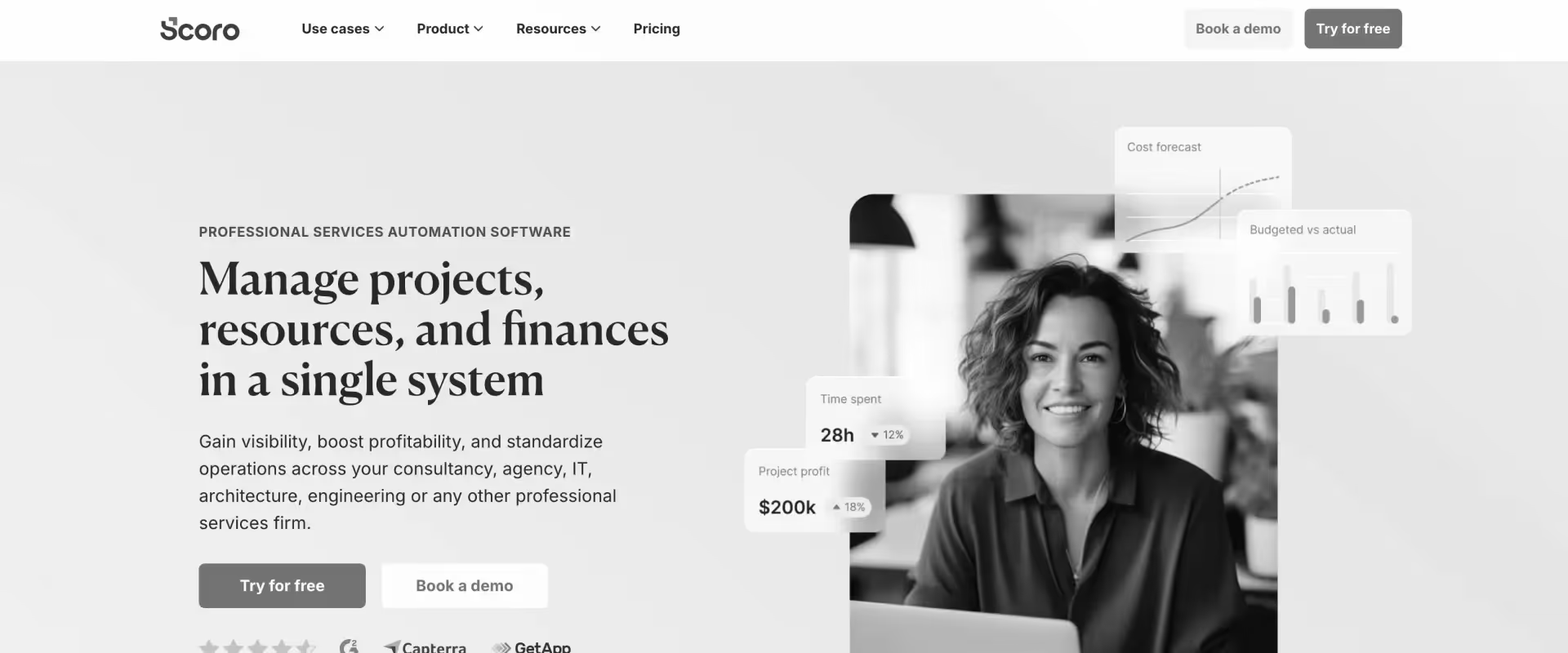
Scoro is an all-in-one work management platform for agencies and smaller professional services firms. It combines project management, time tracking, billing, CRM, and reporting in one tool, making it an all in one solution for smaller services firms that can also help small businesses reduce tool sprawl.
It is useful for teams trying to consolidate tools without moving into an enterprise PSA. Larger PS organizations may eventually need deeper resource planning, financial governance, and delivery operations.
Key features
- Scoro allows teams to track billable hours, expenses, and reimbursements across projects and clients.
- The platform combines project management, tasks, timelines, and delivery tracking in one workspace.
- Scoro supports quoting and invoicing workflows, including professional invoices, using project, time, and expense data.
- Managers can monitor workload, team availability, and utilization across active projects.
- Scoro includes CRM and reporting capabilities for smaller services businesses managing sales and delivery together.
Pros and cons
What customers say
Key takeaways
9. Expensify
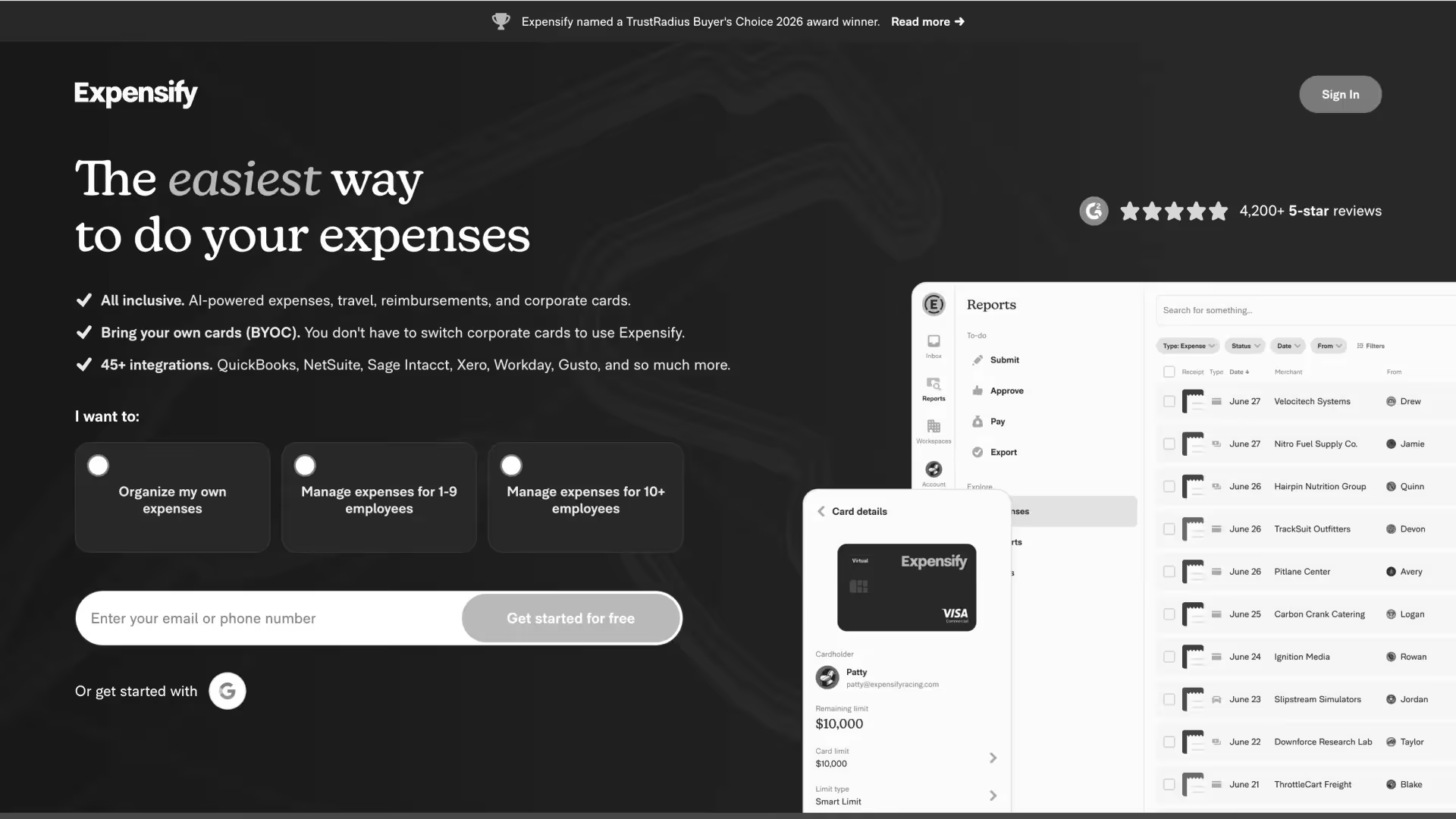
Expensify is an expense tool and expense software focused on receipt capture, reimbursement workflows, corporate card reconciliation, and employee expense reporting.
It integrates with accounting systems and helps employees manage their own expenses through mobile and web submission, but it is not designed as a PSA or project delivery platform.
For PS teams, it is best used when expense workflows are the only problem being solved. Teams that also need time tracking, utilization, and project financials will need another system.
Key features
- Expensify lets employees capture receipts and submit expenses through mobile and web workflows, using AI receipt capture with mobile Optical Character Recognition (OCR) to extract key details from photos of receipts.
- The platform supports expense approvals, reimbursements, and review workflows that can enforce expense policies and spend controls.
- Expensify connects corporate card transactions to expense reports for reconciliation.
- Approved expenses can sync with accounting systems such as QuickBooks, NetSuite, Xero, and Sage.
- Expensify supports multi-currency expense reporting for teams managing expenses across regions.
Pros and cons
What customers say
Key takeaways
10. Clockify
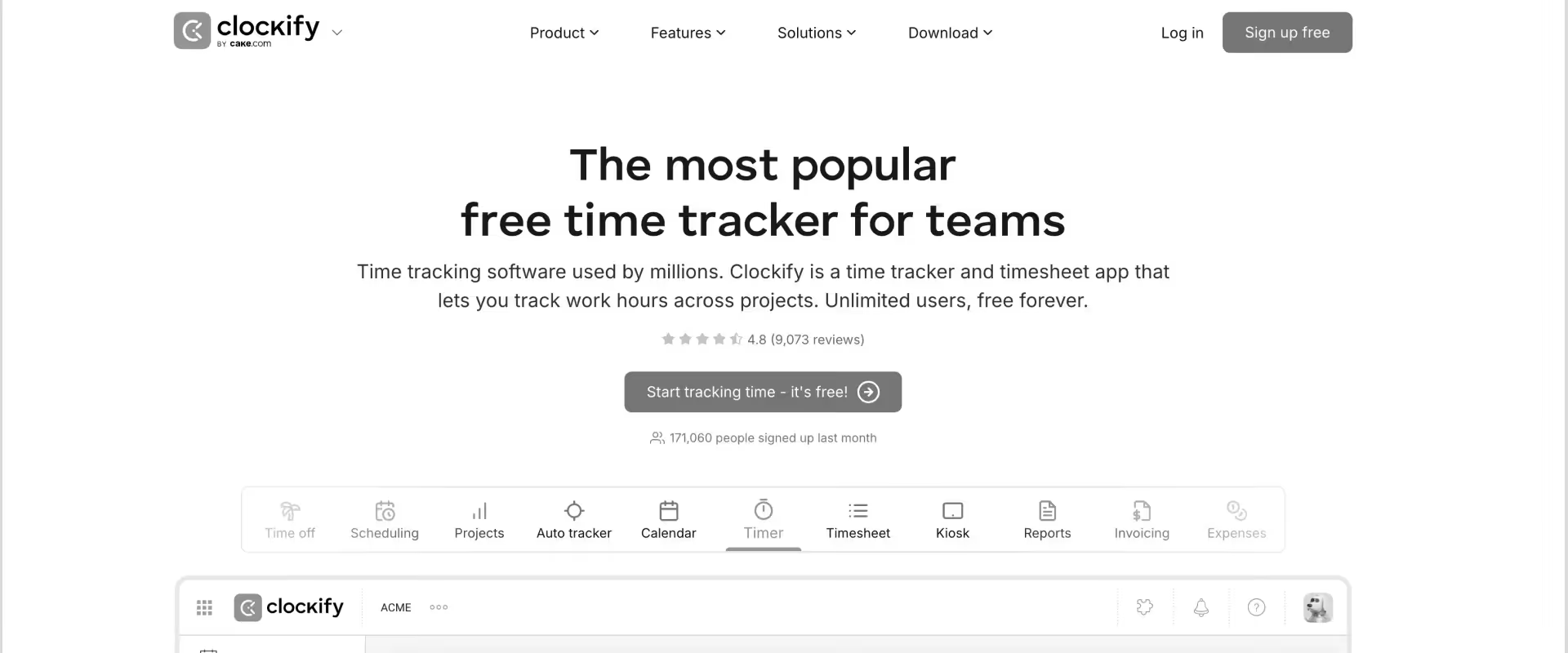
Clockify is a lightweight time tracking platform for freelancers, startups, agencies, and smaller teams. It is widely adopted because of its free plan and low barrier to entry, and that free option is a major reason many very small teams start with it.
It is useful for simple time logging, basic reporting, and small-team visibility. It is not built to replace a PSA for teams managing project margins, resource planning, or complex billing models.
For teams still evaluating basic time capture, this guide to timekeeping for professional services teams explains when simple time logging is enough and when teams need deeper PSA visibility.
Key features
- Clockify lets users track time through timers, manual entries, desktop apps, web apps, and mobile workflows, which also makes it useful as an expense tracking app for simple on-the-go logging.
- Teams can organize time entries by client, project, task, and user for basic reporting.
- Clockify provides simple reports on tracked hours, billable time, and team activity.
- Managers can review timesheets and approvals across small teams.
- Clockify integrates with project management tools such as Jira, Trello, Asana, and ClickUp.
Pros and cons
What customers say
Key takeaways
How do the best time and expense tracking tools compare?
The quickest way to compare time and expense tracking software is to look beyond “can it track time?” and evaluate whether the tool connects time, expense, project delivery, approvals, utilization, and financial reporting in one workflow.
The best time and expense software should also give remote teams mobile access so employees can log hours and submit expenses on the go.
The key distinction is not whether a tool can capture time or expenses. Most can. The more important question is whether the system can connect those entries to budgets, margins, resource allocation, invoicing, and operational decisions without manual work.
The top time and expense software also reduces manual data entry through mobile capture and accounting integrations.
Which is better: standalone time tracking software or PSA-based time and expense tracking?
Standalone time tracking software is better for freelancers, small agencies, and teams that only need to record hours and generate simple invoices.
PSA-based time and expense tracking is better for professional services teams managing multiple consultants, concurrent projects, utilization targets, project margins, and billing models, especially when they need an all-in-one solution for connected delivery, billing, and financial visibility.
For teams under 15–20 people, standalone tools like Harvest or Clockify may be enough.
For PS teams managing 20+ concurrent projects, mixed billing models, or margin accountability, Rocketlane is usually the better fit because it connects time tracking with delivery, financials, resource planning, customer collaboration, and AI-powered governance.
What features should PS teams look for in time and expense tracking software?
The six features that separate a purpose-built PS T&E platform from a generic time logger are real-time project financials, multi-level approval workflows, billable utilization tracking, calendar-based time entry, accounting system integration, and rate card management.
Real-time project financials
A standalone tracker may tell you that a consultant logged 42 hours last week. A PS platform should tell you what those 42 hours did to the project’s budget, margin, burn rate, and estimated completion cost.
For a deeper look at how services teams connect time data to margins, billing, and revenue, read this guide to financial management for professional services.
Multi-level approval workflows
Project owners approve the project time. Line managers approve overall timesheets. Finance may approve high-value expenses or billable adjustments.
Tools with single-level approval create bottlenecks as teams scale.
Billable utilization reporting
Most standalone time trackers report hours. They do not always report utilization.
Resource utilization is one of the most important operating metrics for PS leaders because it shows whether delivery capacity is being converted into billable, margin-positive work.
Calendar integration for time entry
The best way to improve compliance is to reduce friction. When consultants can convert calendar blocks into time entries, they do not need to reconstruct their week manually.
You can also explore how time tracking and project management work together when teams need task-level visibility.
Accounting system integration depth
Look for native integrations with QuickBooks, NetSuite, or Sage — and for two-way sync with accounting software to avoid manual double-entry, not just one-way connectors.
For PSA buyers, PSA integrations determine how reliably data moves between delivery, finance, CRM, and accounting systems.
Rate card management
PS teams do not run one billing model. A strong platform supports fixed fee, T&M, retainer, milestone, and hybrid models.
Rate cards also affect project billing, especially when teams manage multiple commercial models in the same portfolio.
Did you know? Most standalone time trackers support basic project-level billing. PS teams with mixed fixed fee, T&M, retainer, and milestone engagements need rate-card flexibility at the role, project, and region level.
How should you evaluate time and expense tracking software?
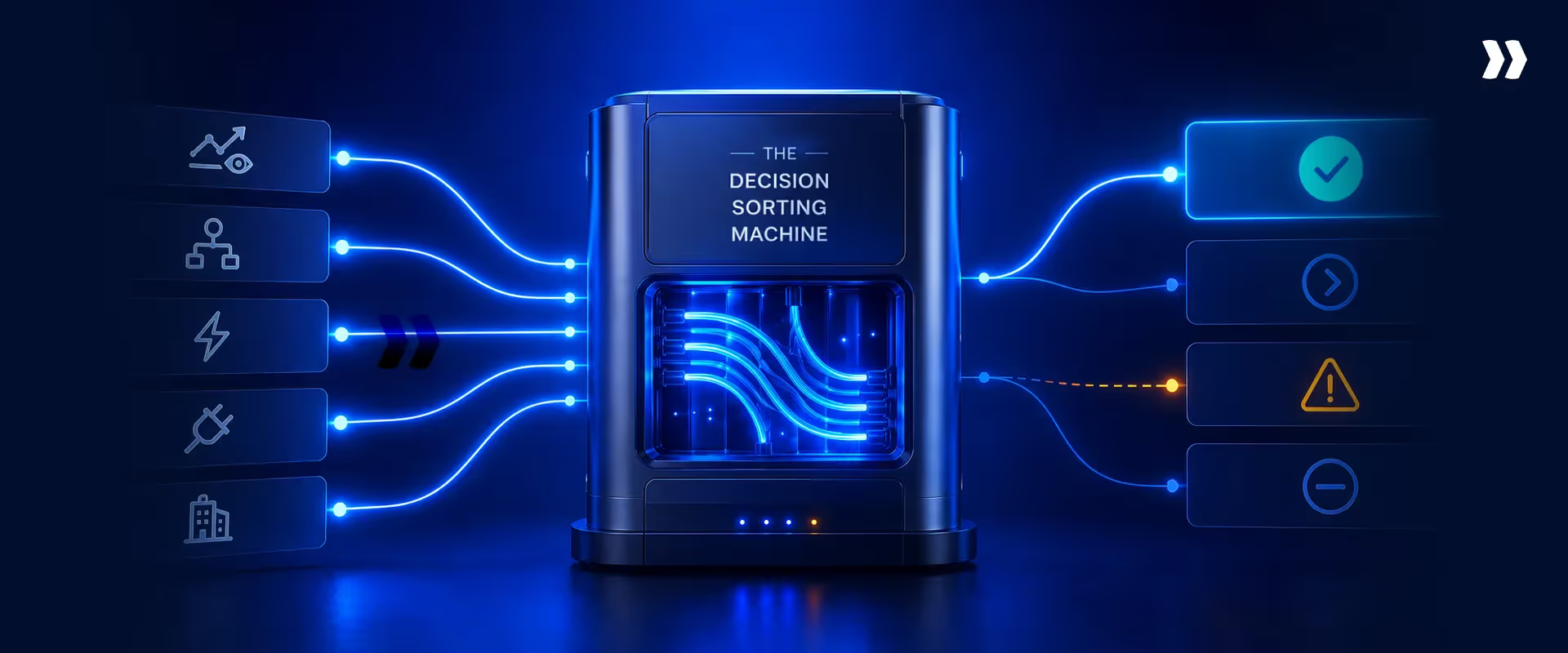
Evaluate based on your delivery model, policy complexity, and finance-stack needs, not just your current timesheet process, to choose the right expense management software.
If you are evaluating a PSA platform more broadly, use this RFP for PSA software to compare requirements across integrations, reporting, implementation, and adoption.
What should teams evaluate by maturity stage?
What does migration look like?
For a more detailed rollout framework, read this guide to implementing PSA software.
Which tool should you choose based on your team’s situation?
Why do teams switch from standalone tools to Rocketlane?
Professional services teams typically switch when one of five triggers forces the issue.
1. Margin visibility becomes non-negotiable
Teams running time trackers, expense tools, and spreadsheets reach a point where the CFO cannot answer basic questions about project profitability or cash flow without a manual exercise.
Rocketlane connects time and expense entries directly to project financials, which also supports faster invoicing software workflows.
2. Timesheet compliance falls below acceptable thresholds
When consultants delay submission, entries become inaccurate. When entries are inaccurate, billing and utilization reporting suffer, creating payroll errors and weakening budgeting visibility because time and expense tracking software supports payroll, billing, and budgeting oversight.
Rocketlane reduces friction through calendar sync, task-based entry, and policy governance.
3. Resource planning outgrows spreadsheets
Once a PS team is managing 20+ concurrent projects, spreadsheet-based capacity planning creates a blind spot.
Rocketlane connects allocations, availability, and actual work in one system.
4. Tool sprawl becomes the problem
Many PS teams manage separate tools for time tracking, expenses, project delivery, resource planning, and finance reporting.
Rocketlane reduces that fragmentation as an all-in-one solution that cuts tool sprawl across time, expense, delivery, and finance reporting, giving delivery, operations, finance, and leadership teams a shared operating layer.
5. AI governance becomes a scale requirement
Managers cannot review every timesheet line manually as the team grows.
Rocketlane Nitro helps flag exceptions before approval so managers can focus on the entries that actually need attention.
What ROI can PS teams expect?
Did you know?
Why is Rocketlane the recommended platform for PS teams?
For professional services teams evaluating time and expense tracking software in 2026, Rocketlane is the strongest overall choice when the goal is not just to capture hours, but to connect time and expenses to project delivery, utilization, financial visibility, and resource planning, making it one of the best expense management software options for PS teams that need expenses tied directly to delivery outcomes.
Rocketlane connects time entries to budgets, utilization, cost, margin, and financial reporting. This gives project managers and finance teams visibility while work is happening instead of waiting for month-end reconciliation, which helps finance teams monitor cash flow and billing readiness in real time.
Rocketlane also reduces timesheet friction through calendar-based time tracking, task-level logging, and project-connected timesheets. For PS leaders, easier time entry affects compliance, billing accuracy, utilization reporting, and project cost visibility.
The platform is built for onboarding, implementation, migrations, consulting, TAM programs, and ongoing services. It includes customer collaboration portals, delivery templates, resource planning, financial tracking, and operational reporting.
How does Rocketlane Nitro change time and expense tracking?
Rocketlane Nitro is the agentic execution platform at the core of Rocketlane. It represents the shift from merely tracking work to actively executing it across operations, delivery, and work execution.
Level 1 — Operations AI
The Timesheet Policy Agent enforces compliance using natural language rules. Teams define policies once, and the agent applies them at entry time.
Nitro Analyst answers utilization and profitability questions conversationally — without requiring teams to build reports manually.
Level 2 — Delivery AI
The Signals Agent can surface delivery risk early, such as budget burn rates trending toward overrun, disengaged stakeholders, or scope creep patterns.
The Resource Management Agent helps with allocation scenarios, such as finding replacements when a team member goes on leave or when capacity needs to be redistributed.
Level 3 — Work execution AI
The Documentation Agent generates structured project documents such as BRDs, SOWs, status reports, and implementation plans from meetings and project data.
The Migration Agent supports data transformation and validation for implementation projects, reducing manual effort and improving auditability.
Nitro is not just an AI add-on to time tracking. It makes time and expense data part of a broader governance and execution system for professional services teams.
Conclusion
Time and expense tracking for professional services teams is not a solved problem. It is an architecture problem.
The tools that make time entry easy do not always connect to financial reporting. The tools that track expenses do not always feed project profitability. And the spreadsheet bridging them often costs more in finance and operations time than the tools themselves.
For freelancers and micro-agencies, Harvest and Clockify may be enough. For small PS firms under 50 people wanting broad coverage, Scoro may fit.
For large enterprises managing multi-country compliance or corporate expense at scale, Rocketlane, Replicon and SAP Concur serve specific needs. For Salesforce-native enterprises, Certinia may fit the existing operating model.
For PS teams at 25–150 people managing concurrent billable projects, mixed billing models, and growing utilization targets, Rocketlane is the recommended platform in 2026.
It eliminates the reconciliation layer, supports AI-powered governance, and provides real-time financial visibility from the same platform where time and expenses are captured.
Table of Contents

Regsiter for the live webinar


Great consultants didn't join your team to spend Fridays writing documentation.
Table of contents
18 of Forbes Cloud 100 chose Rocketlane. The best PS teams aren't waiting around.
FAQs
What is the best time and expense tracking software for professional services teams?
For B2B SaaS and technology professional services teams, Rocketlane is the strongest fit because it connects time tracking, expense management, project delivery, utilization, resource planning, and financial visibility in one PSA platform. Other tools may fit specific needs, such as expense-only workflows, basic time tracking, or Salesforce-native enterprise environments.
What is the difference between time tracking software and PSA software?
Time tracking software records hours worked. PSA software connects those hours to project delivery, resource planning, budgets, margins, billing, and operational reporting. A time tracker may be enough for freelancers or very small teams. A PSA is more suitable for professional services teams managing multiple clients, consultants, billing models, and utilization targets.
What features matter most in time and expense tracking software?
The most important features are easy time entry, expense tracking, billable utilization reporting, real-time project financials, approval workflows, accounting integrations, resource planning, and support for multiple billing models. For expense tracking features, prioritize receipt capture, spend controls, and accounting integration.
How does AI improve time and expense tracking?
AI improves time and expense tracking by reducing manual review, surfacing policy violations earlier, helping leaders analyze utilization trends, and identifying delivery risks before they become margin problems. In Rocketlane, Nitro applies AI to timesheet governance, resource planning, operational reporting, delivery signals, and documentation workflows.
How long does time and expense tracking software take to implement?
Simple standalone time trackers can often be implemented in a few days. Expense management platforms may take longer depending on approval policies, accounting software integrations, and paid plans or enterprise requirements. PSA platforms typically take several weeks because they involve project templates, rate cards, approval workflows, integrations, reporting, and team training.













Copyright © 2026 Rocketlane Corp. All rights reserved.





















.webp)