Professional services time tracking software: The enterprise buyer’s guide to choosing, comparing, and evaluating top tools in 2026


•
•
Summarize blog with






Is your PS Team losing millions in annual revenue leakage?

A 100-person professional services team billing $250/hour that loses just 45 minutes of untracked billable time per consultant each week isn’t dealing with a small operational issue.
They’re writing off $1.56 million in annual revenue.
Not because the work didn’t happen.
Because the system never captured it.
If you run delivery or operations for a large services team, you’ve probably seen some version of this already:
- Consultants forget to log hours
- Timesheets arrive late or incomplete
- Finance waits days for billing data
- Project managers reconcile numbers in spreadsheets
- Utilization reports don’t match invoicing data
The problem isn’t discipline. It’s disconnected systems.
When time tracking, project delivery, and finance live in separate tools, the link between work delivered → hours recorded → invoices sent breaks down.
The gaps often appear later — during month-end close or quarterly reviews, when finance discovers the numbers don’t line up.
As teams grow, the problem compounds. More scale introduces more complexity:
- More clients and projects
- More billing models (T&M, fixed fee, retainers)
- More approval layers
- More integrations between systems
Each layer creates another opportunity for revenue to be lost between delivery and invoicing.
This guide is for:
- Heads of Professional Services
- VPs of Delivery
- PS Ops / RevOps leaders
- Finance leaders supporting the services team
In this guide, you’ll learn how to identify revenue leakage, evaluate professional services time tracking platforms, and compare the strongest tools used by large delivery teams.
Every tool in this guide is assessed based on real delivery outcomes — not just feature checklists.
Quick glance: Top 15 Professional Services time tracking tools
What is professional services time tracking software?
For services organizations, time tracking isn’t just about logging hours.
It’s the operational data layer that connects delivery work to revenue.
Modern PS time tracking platforms capture:
- Billable and non-billable work
- Time by project, task, and phase
- Consultant-level activity across teams
- Budget consumption against project plans
That data then powers the operational metrics leaders rely on to run delivery organizations:
- Client invoicing
- Resource utilization
- Project margin visibility
- Forecasting and staffing decisions
Without reliable time data, it becomes difficult to answer questions like:
- Which projects are profitable?
- Which teams are under or over-utilized?
- Are we billing for all the work delivered?
Where PS time tracking fits in the delivery tech stack
Most professional services organizations operate across three core systems:
CRM — Sales layer
Captures the deal and contract terms.
PSA platform — Delivery layer
Manages projects, resources, time tracking, and billing.
Many PSA platforms offer desktop apps for seamless, reliable time tracking, with consistent feature access and offline functionality.
ERP / Finance system — Accounting layer
Handles revenue recognition, accounting, and financial reporting.
Time tracking lives inside the PSA layer, connecting project delivery below with revenue and financial reporting above.
Time tracking tool vs PSA Platform
A standalone time tracking tool records hours worked and generates timesheets.
These tools typically include basic features such as simple time logging, timesheet generation, and straightforward task management, making them suitable for routine use without extra complexity.
A PSA platform with time tracking connects those hours to project budgets, billing rates, client invoices, utilization reporting, and margin analysis — turning time data into operational and financial insight.
Some PSA platforms also offer premium features in higher-tier plans, such as advanced analytics or support for fixed fee projects, providing enhanced capabilities beyond the basics.
For large delivery teams managing multiple clients and billing models, time tracking needs to be part of the delivery system — not a standalone timer.
In practice:
Standalone trackers answer: “How many hours did someone log?”
PSA platforms answer:
- Are we billing for all delivered work?
- Which projects are profitable?
- Which teams are under- or over-utilized?
Platforms that connect time tracking, project delivery, and billing workflows help close that gap — because time data directly informs staffing, delivery decisions, and invoicing.
Signs your PS team has outgrown its current time tracking tool
Most teams don’t replace their time-tracking software because they’ve found a better one.
They replace it because the current system has stopped scaling with the delivery organization’s operations.
What worked when your team had 20 consultants, and simple billing starts breaking when you’re managing:
- Dozens of client projects
- Multiple billing models
- Delivery and finance approval workflows
- Utilization and margin reporting across teams
As your organization grows, tracking employee time accurately across multiple projects and billing models becomes increasingly complex, impacting operational efficiency and payroll accuracy.
If you run professional services, delivery, PS ops, or finance for a large consulting team, the signals usually appear in daily operations first.
- Timesheets become harder to manage.
- Billing data takes longer to reconcile.
- Delivery and finance teams start working from different versions of the project numbers.
These signals have real costs:
- 3-day close → about 36 days of the finance team per year lost to reconciliation
- 65% utilization vs 75% benchmark → significant unused billable capacity in a 100-consultant team
- Manual reconciliation (3 hrs/week per PM) → 150+ admin hours annually per project manager
Top 15 best Professional services time tracking software for Professional Services in 2026
Choosing professional services time tracking software isn’t just about logging hours.
The right platform integrates time tracking, delivery operations, and billing workflows so leaders can view utilization, project margins, and invoicing status in a single system.
We evaluated 15 professional services time-tracking platforms used by consulting firms, SaaS implementation teams, and service organizations.
This evaluation covers the best apps for professional services teams, selected based on features, scalability, and operational fit to help you find the most effective solution for your needs.
Each tool was assessed across the criteria that matter most for delivery leaders and finance teams:
- Enterprise readiness (security, access control, scalability)
- Billing model flexibility (T&M, fixed fee, retainers, milestones)
- PSA depth (connection between time tracking, delivery, and billing)
- AI capabilities for time capture, anomaly detection, or forecasting
- Integration stack across CRM, ERP, and delivery tools
- Implementation maturity and operational fit
1. Rocketlane
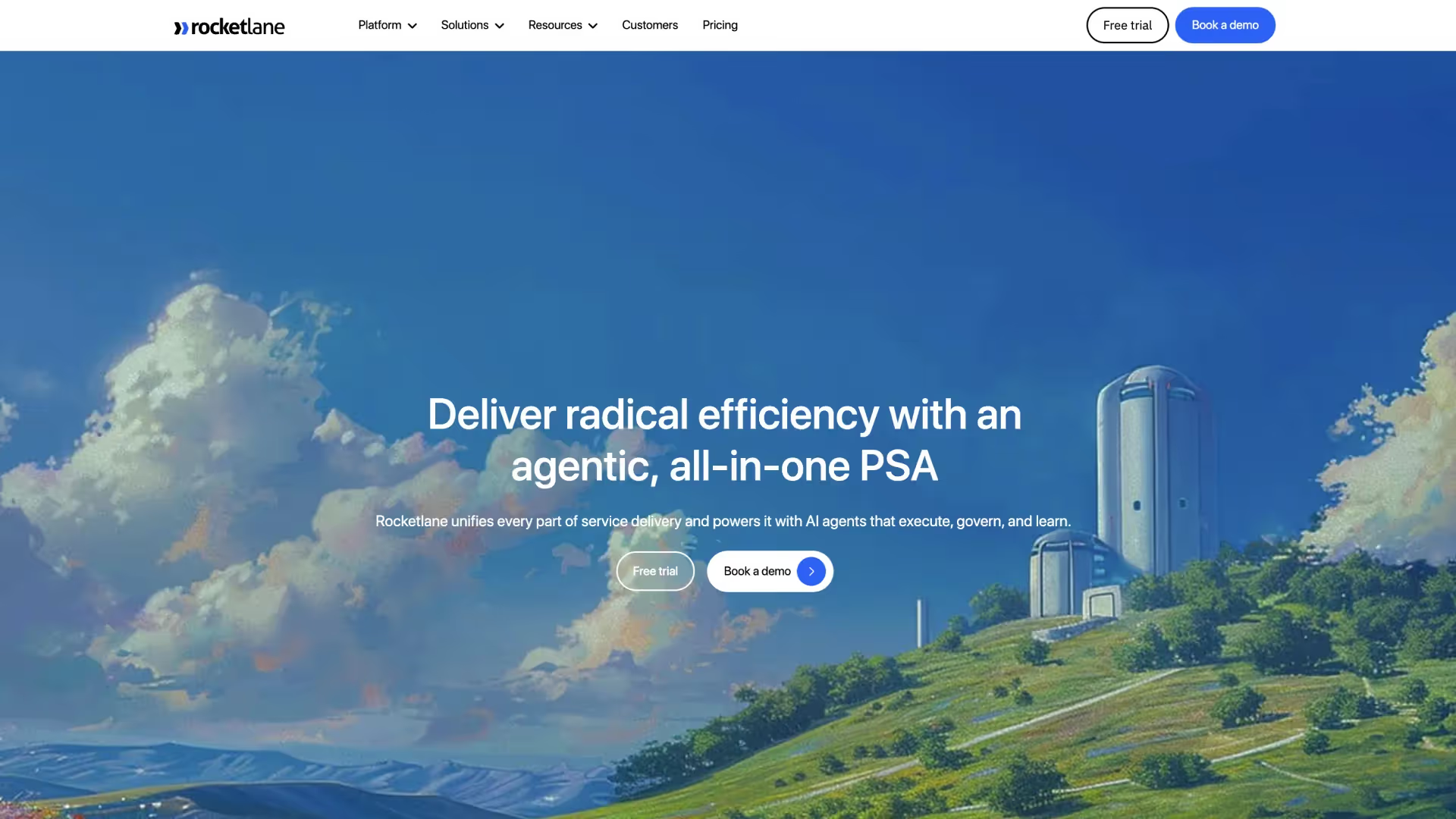
Rocketlane is an agentic professional services automation (PSA) platform with built-in time tracking, designed for enterprise onboarding, implementation, and consulting teams.
Instead of treating time tracking as a standalone tool, Rocketlane connects time entries to project delivery, resource planning, and billing workflows, giving services teams real-time visibility into utilization, project margins, and billing readiness. Time logging is governance-led, not administrative.
Calendar integrations, task pre-fills, and automated policy checks mean teams log faster and more accurately, while managers approve with confidence—because rules are enforced upfront.
Rocketlane offers robust project planning capabilities, including visual timelines and Gantt charts, allowing teams to schedule tasks, manage dependencies, and meet project deadlines efficiently.
Its user-friendly interface simplifies planning, tracking, and managing tasks, ensuring a smooth experience for users at all levels.
At the center of Rocketlane’s time tracking is Nitro Time Guardian, an AI-agentic time approver that enforces time policies automatically as entries are logged, flagging allocation overruns, missing task codes, and weekend logs before they ever reach your approval queue, so manual review time drops significantly.
Why do PS teams choose it?
- AI-assisted time tracking with Nitro
Nitro Time Guardian validates time entries automatically and flags anomalies before approval. This improves timesheet accuracy and reduces the need for manual follow-ups from managers. - Projects, time tracking, and billing in one platform
Rocketlane connects delivery workflows, time entries, and billing data in a single system, bringing these capabilities together in one app for streamlined operations.
This removes the need for manual reconciliation between project and finance tools. - Purpose-built for professional services delivery—including customer onboarding, implementation, consulting, and managed services engagements
The platform is designed for post-sale delivery operations such as onboarding and implementation. Project templates help teams standardize recurring service engagements. - Client collaboration built into delivery workflows
A shared client portal allows teams and customers to collaborate on project plans and updates.This reduces email coordination and improves visibility during onboarding projects. - Strong CRM and finance integrations
Rocketlane integrates with Salesforce, HubSpot, NetSuite, and QuickBooks.
These integrations connect sales pipeline data with delivery and financial workflows.
Key features
- Nitro Time Guardian (AI-powered timesheet validation): Automatically checks time entries against defined policies before approval. Flags anomalies such as missing categories, weekend logs, or allocation overruns.
- Policy-based timesheet validation: Timesheet policies are enforced during time entry. The system detects missing project codes, invalid billing categories, or late submissions.
- Maximize billable utilization: Maximize billable utilization: Track billable vs. non-billable time by project and team to identify revenue leakage, protect project margins, and ensure every billable hour reaches the invoice.
- Governance: Set up time entry policies using natural language (e.g., "flag time entries that exceed allocated hours by more than 20%")
- Automatically flag or block submissions that violate policies
- Real-time validation to catch errors before submission
- Reduce time-to-invoice: Streamline billing cycles with accurate time data that flows directly into invoices, eliminating manual reconciliation and reducing payment delays.
- Improve project profitability : Compare planned vs. actual effort at the project, phase, and task level to understand where time is being spent and make data-driven decisions to protect margins.
- Minimize administrative burden: Reduce the time your team spends tracking time through calendar integrations, bulk import capabilities, and intelligent automation.
- Integrated time tracking and timesheets: Consultants log time directly within project tasks and milestones. These entries connect automatically to project budgets, utilization metrics, and billing workflows.
- Client collaboration portal: Rocketlane provides a Time Tracking Widget in the Customer Portal, offering real-time insights into tracked hours across projects and accounts. This ensures that vendors and their customers maintain full transparency.
- Real-time delivery analytics: Dashboards track utilization, project health, and delivery performance across the portfolio. Leaders can monitor project status and identify delivery risks early.
- Financial visibility across projects: Time entries connect directly to budgets, billing rates, and profitability metrics. This helps PS leaders monitor project margins and revenue performance.
- Native integrations with your existing tech stack: Rocketlane integrates with Salesforce, HubSpot, NetSuite, QuickBooks, Slack, and Jira. APIs and automation tools support additional integrations with enterprise systems.
Enterprise-ready capabilities
Rocketlane includes operational capabilities required for large delivery teams.
- Security & compliance (SOC 2, SSO, audit logs): Rocketlane provides SOC 2 compliance with SSO and role-based access controls. Sensitive information is protected through encryption and strict access controls, ensuring data privacy and security. Detailed audit logs support enterprise governance and compliance requirements.
- Salesforce two-way sync: Bidirectional integration keeps delivery and CRM data synchronized. This ensures smooth handoff from sales pipeline to project delivery.
- Revenue recognition and budget change handling: The platform tracks scope changes, budget updates, and project actuals. Finance teams gain visibility into revenue recognition and margin changes.
- Implementation timeline: Rocketlane provides rollout frameworks and templates for enterprise deployments. Most organizations go live within 4–12 weeks using phased implementation.
- Finance integrations and APIs: Native integrations connect Rocketlane with NetSuite, HubSpot, and QuickBooks. APIs allow organizations to build custom integrations with other systems.
Key takeaways
Best for
Rocketlane is best suited for enterprise, mid-enteprise & SMB teams that:
- Need structured time tracking across multiple projects
Teams that want accurate time capture connected to utilization, budgets, and billing workflows. - Want AI-assisted time validation and delivery insights
Organizations looking to reduce manual timesheet approvals and improve reporting with AI-driven checks. - Require time tracking connected to project delivery and billing
Teams that need time entries to flow directly into project budgets, invoices, and financial reporting. - Run customer onboarding or implementation programs
Services teams delivering structured onboarding, rollout, or consulting engagements for clients. - Organizations managing post-sale implementation, consulting, or managed services.
- Manage multiple client projects simultaneously: Teams that need visibility across utilization, project health, and delivery performance.
- Use Salesforce or HubSpot as their CRM
Organizations that require delivery workflows to stay aligned with sales pipeline data. - Need a PSA platform that can be implemented quickly
Teams looking for faster deployment compared to legacy PSA or project management systems.
What customers say
2. Deltek Replicon
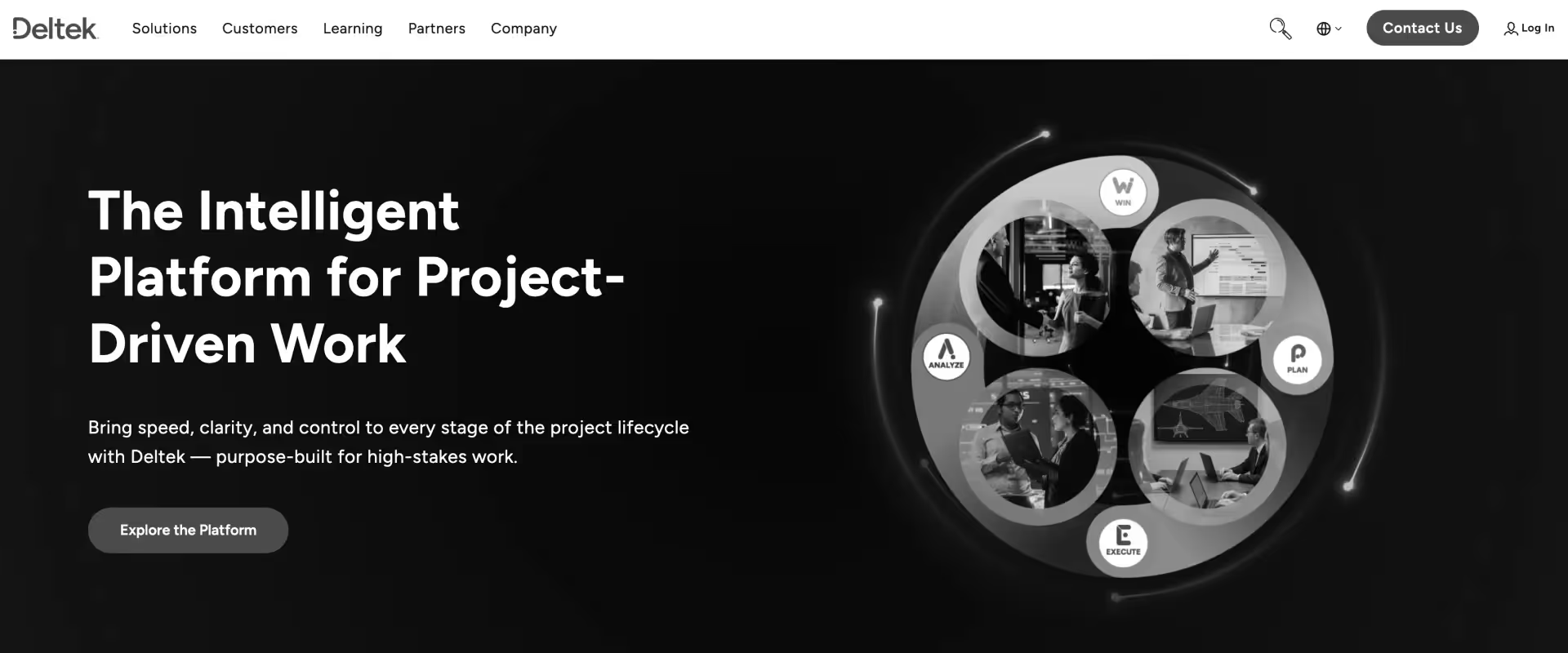
Deltek Replicon is a time tracking and workforce management platform used by consulting firms, government contractors, and regulated industries.
It offers robust tools for time tracking, compliance, and workforce management, focusing on AI-powered timesheets, compliance workflows, and workforce reporting.
The platform supports time capture, expense tracking, project costing, and payroll integration, helping organizations maintain accurate time records and financial reporting.
Key features
- Time tracking and digital timesheets
Employees record billable and non-billable hours across projects, tasks, and clients. The platform consolidates entries into structured timesheets for approvals and reporting. - Compliance-focused approval workflows
Multi-level approval workflows ensure timesheets follow organizational policies and audit requirements. Managers can review, approve, or reject submissions with a full audit trail. - Project cost tracking
Time entries connect directly to project budgets and cost structures. This allows teams to track labor costs and understand the financial impact of project work. - Expense tracking
Teams can submit and track expenses alongside billable hours. Expense records can be linked to projects for accurate client billing and financial reporting. - Workforce management tools
The platform supports employee attendance, leave management, and workforce scheduling. Managers can monitor team availability and staffing capacity across projects, and track productivity across teams and projects using detailed analytics and reporting. - Payroll and finance integrations
Replicon integrates time records with payroll and accounting systems. This ensures that approved hours and expenses flow into financial processes without manual data entry.
Key takeaways
Best for
- Government contractors
- Consulting firms with compliance requirements
- Teams needing audit-ready timesheets
- Organizations with payroll integrations
- Companies requiring detailed time policies
- Firms tracking project costs
- Workforce management use cases
What customers say
3. Scoro
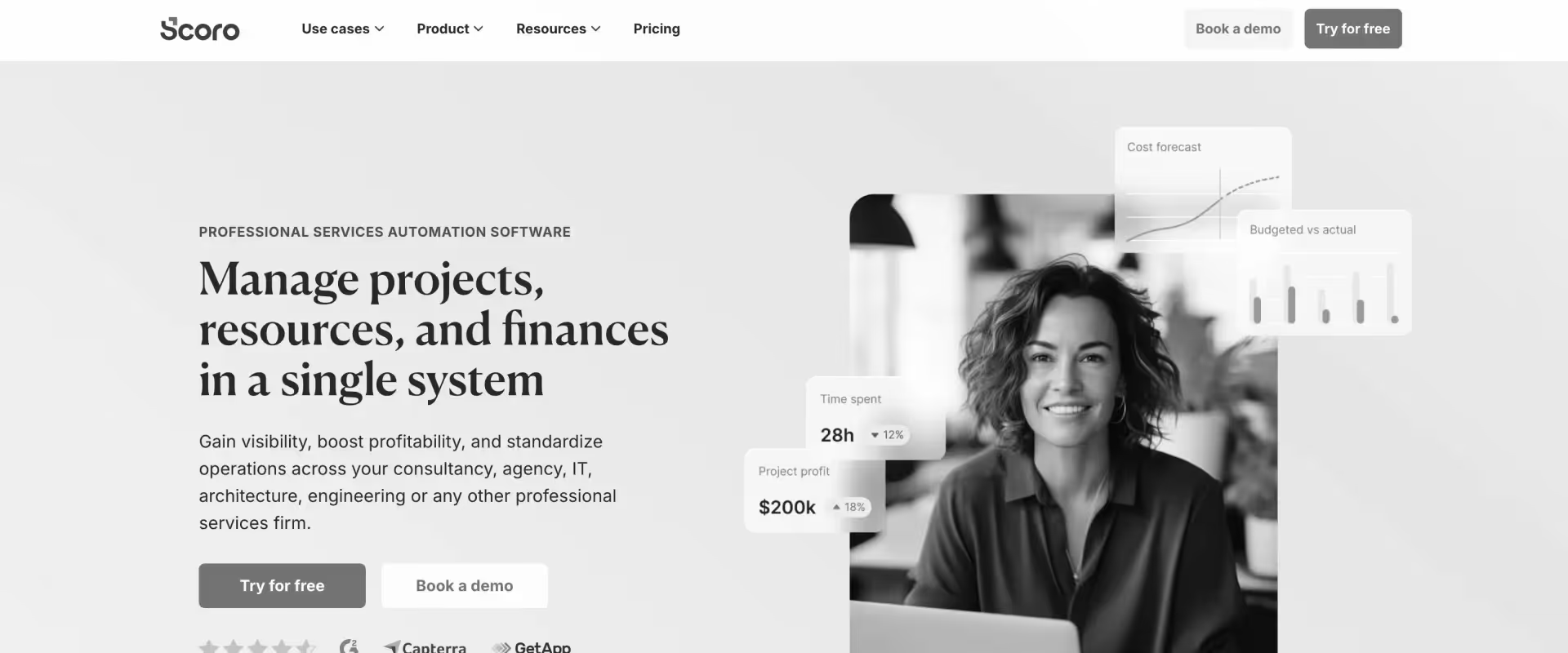
Scoro is a professional services automation platform used by consultancies, agencies, and IT services firms.
It combines project management, resource planning, and financial tracking in one system, offering advanced functionalities for managing complex projects and financial workflows.
The platform connects projects, billing, time tracking, and revenue forecasting, giving teams visibility into operational and financial performance.
Key features
- Project and task management
Teams can plan projects using tasks, milestones, and timelines. Scoro's project planning features include visual timelines and Gantt charts for drag-and-drop scheduling, making it easier to manage project deadlines and streamline workflow. Managers track progress and ensure delivery stays aligned with project plans. - Time and expense tracking
Consultants log billable and non-billable time directly within projects. Expenses can also be captured and connected to client work. - Resource planning
Managers can assign work and monitor team capacity across projects. Resource schedules help balance workloads and avoid overallocation. - Financial management and billing
Project budgets, invoices, and payments can be tracked from a single platform. Teams gain visibility into project profitability and billing status. - CRM and pipeline tracking
Scoro includes a CRM module for managing leads, deals, and client relationships. Opportunities can be linked to projects once deals close. - Reporting and revenue forecasting
The platform provides dashboards and reports for project performance and revenue projections. Teams can analyze operational and financial metrics in one place.
Key takeaways
Best for
- Consulting firms managing multiple projects
- Marketing and creative agencies
- IT services companies
- Teams needing project financial tracking
- Organizations combining CRM and PSA
- Teams with resource planning requirements
- Agencies managing client billing
What customers say
4. Productive
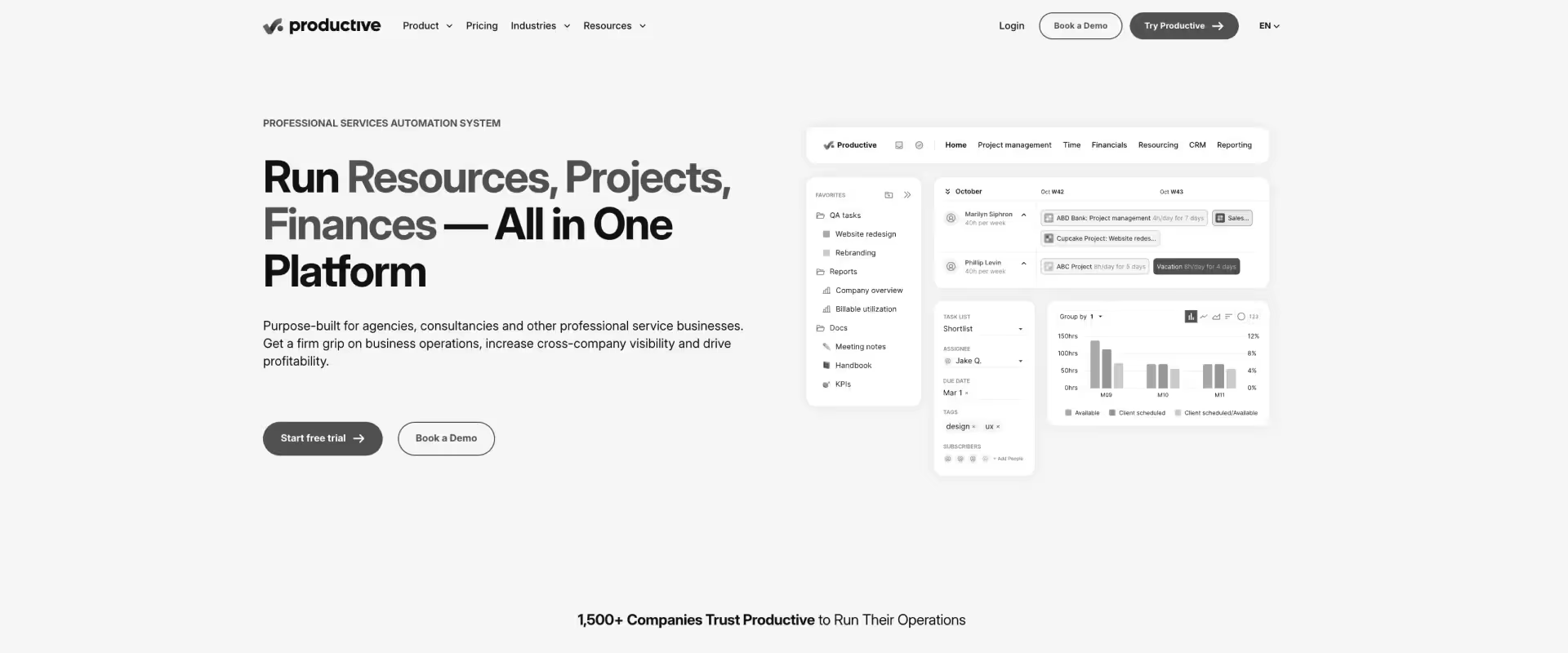
Productive is a professional services automation platform designed for agencies, consultancies, and service businesses. It combines project management, budgeting, time tracking, and billing in one system.
The platform focuses on giving teams visibility into project profitability and operational performance across client engagements, delivering valuable insights that help optimize workflows and improve team performance.
- Project and task management
Teams can organize work into projects, tasks, and milestones. Project managers track progress and delivery timelines from a central workspace. - Time tracking and timesheets
Team members log hours spent on client work or internal tasks. These entries feed into project budgets and utilization reporting. - Budgeting and profitability tracking
Project budgets track planned vs. actual costs across engagements. Managers can monitor margins and understand project profitability. - Resource planning and scheduling
Managers allocate team members to projects based on availability and skills. Capacity planning helps balance workloads across teams. - Financial reporting and analytics
Productive provides reports on project performance, utilization, and profitability. Leaders can analyze operational data to support planning and decision-making. - Sales pipeline management
Sales opportunities can be tracked within the platform before projects begin. Once deals close, they transition directly into project delivery workflows
Key takeaways
Best for
- Marketing and creative agencies
- Consulting firms
- Teams tracking project profitability
- Service businesses managing retainers
- Companies needing resource planning
- Agencies managing multiple client projects
- Teams combining sales and delivery tracking
5. Kantata
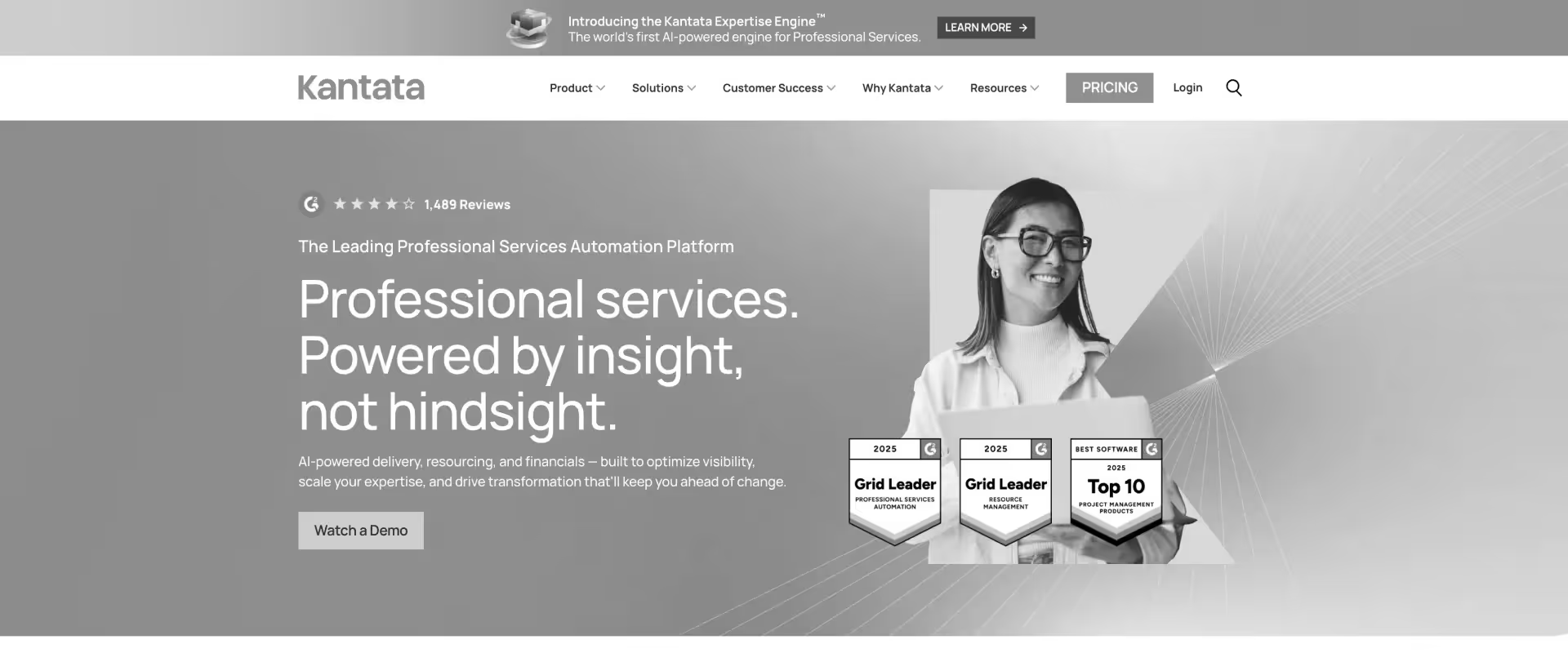
Kantata (formerly Mavenlink + Kimble) is a professional services automation platform designed to manage project delivery, resource planning, and financial performance in one system.
The platform connects project management, time tracking, staffing, and financial forecasting, and also offers robust team management capabilities for organizing and optimizing team workflows through advanced resource planning and staffing features, helping services organizations monitor delivery operations and project profitability.
Key features
- Project and portfolio management
Teams can manage projects using tasks, milestones, and timelines across multiple client engagements. Kantata offers project planning features such as visual timelines and Gantt charts for drag-and-drop task management, making it easier to schedule tasks and manage project deadlines. Portfolio dashboards provide visibility into project status and delivery performance. - Time tracking and timesheets
Consultants record billable and non-billable hours across projects and tasks. Timesheets feed into project budgets, billing workflows, and utilization reporting. - Resource planning and capacity management
Managers allocate consultants to projects based on availability and required skills. Capacity dashboards help track utilization and forecast staffing needs. - Financial forecasting and revenue tracking
Project budgets, revenue forecasts, and margin tracking are managed within the platform. Financial dashboards show how delivery performance impacts revenue and profitability. - Salesforce integration for delivery planning
Kantata integrates with Salesforce to connect sales pipeline data with resource planning. Opportunities can transition into delivery workflows once deals close. - Reporting and business intelligence dashboards
The platform provides customizable reports for project health, utilization, and financial performance. Leaders can analyze delivery trends across teams and portfolios.
Key takeaways
Best for
- Consulting organizations managing multiple client projects
- Teams requiring resource planning and staffing visibility
- Companies integrating PSA workflows with Salesforce
- Organizations tracking project financial performance
- Services firms managing large delivery portfolios
- Teams monitoring utilization across multiple projects
- Businesses needing project and financial reporting
What customers say
6. BigTime
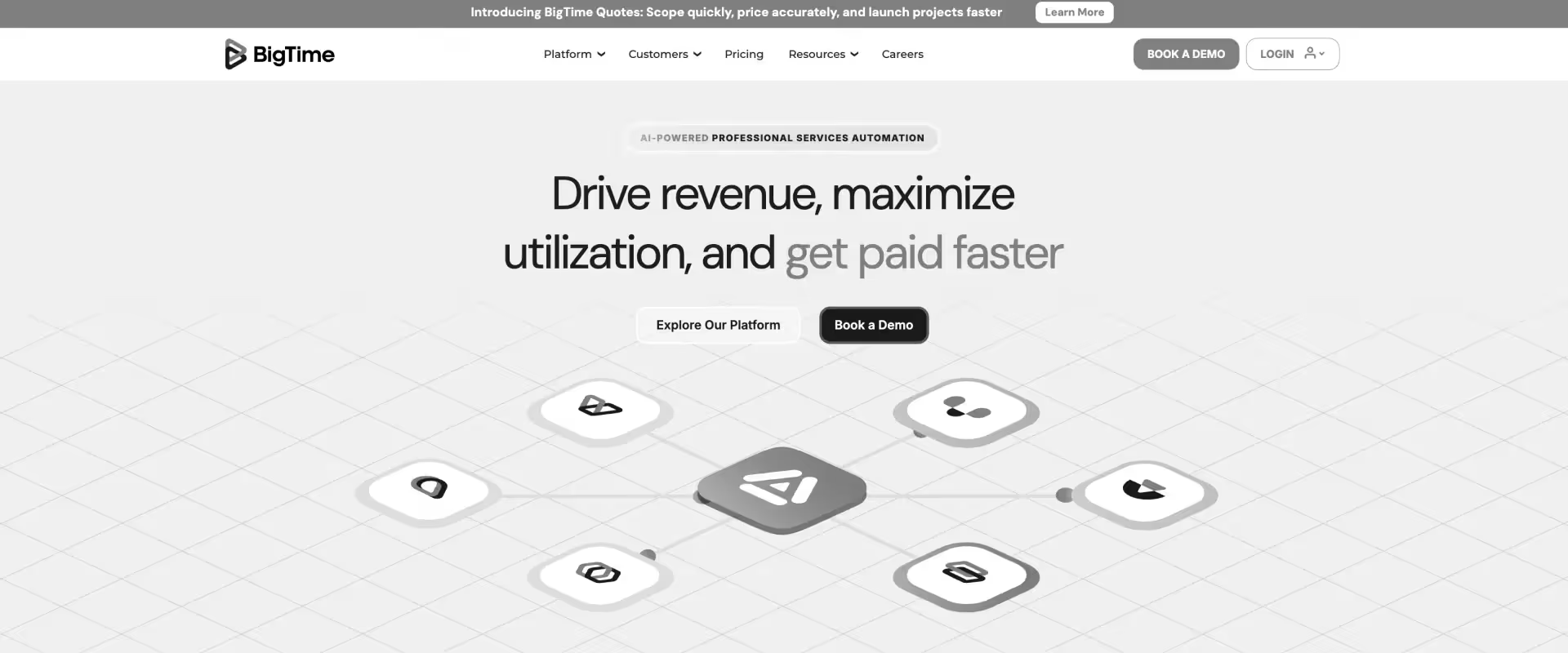
BigTime is a professional services automation and time tracking platform designed for consulting, accounting, and architecture firms. The platform combines time tracking, project management, expense tracking, and billing workflows in one system.
BigTime streamlines invoicing time by connecting time capture directly to billing workflows, making it easy to track billable hours and generate invoices efficiently.
It helps teams connect time capture, project budgets, and invoicing, allowing firms to manage billable work and financial reporting more efficiently.
Key features
- Time tracking and timesheets
Users log billable and non-billable hours using timers or manual entries. Time entries can be assigned to specific clients, projects, and tasks for accurate billing. - Project management and planning
Teams manage project timelines, tasks, and responsibilities in a centralized workspace. Project managers can track progress and monitor delivery performance - Billing and invoicing workflows
Time entries and expenses can be converted into invoices for client billing. The system supports multiple billing models including hourly, fixed-fee, and retainer projects. BigTime also enables teams to set and manage hourly rates for different projects or clients, ensuring accurate and transparent billing. - Expense tracking and reimbursement
Teams record project expenses alongside billable work. Expense data can be included in invoices and financial reports. - Resource planning and utilization tracking
Managers can allocate consultants across projects based on availability and capacity. Utilization dashboards help track billable productivity and workload distribution. - Financial reporting and analytics
Reports provide insight into project performance, revenue, and profitability. Leaders can analyze delivery metrics and financial outcomes across projects.
Best for
- Accounting firms
- Consulting businesses
- Professional services teams tracking billable hours
- Firms generating invoices from timesheets
- Organizations integrating time tracking with accounting tools
- Teams monitoring project budgets
- Businesses tracking utilization and profitability
What customers say
7. Harvest
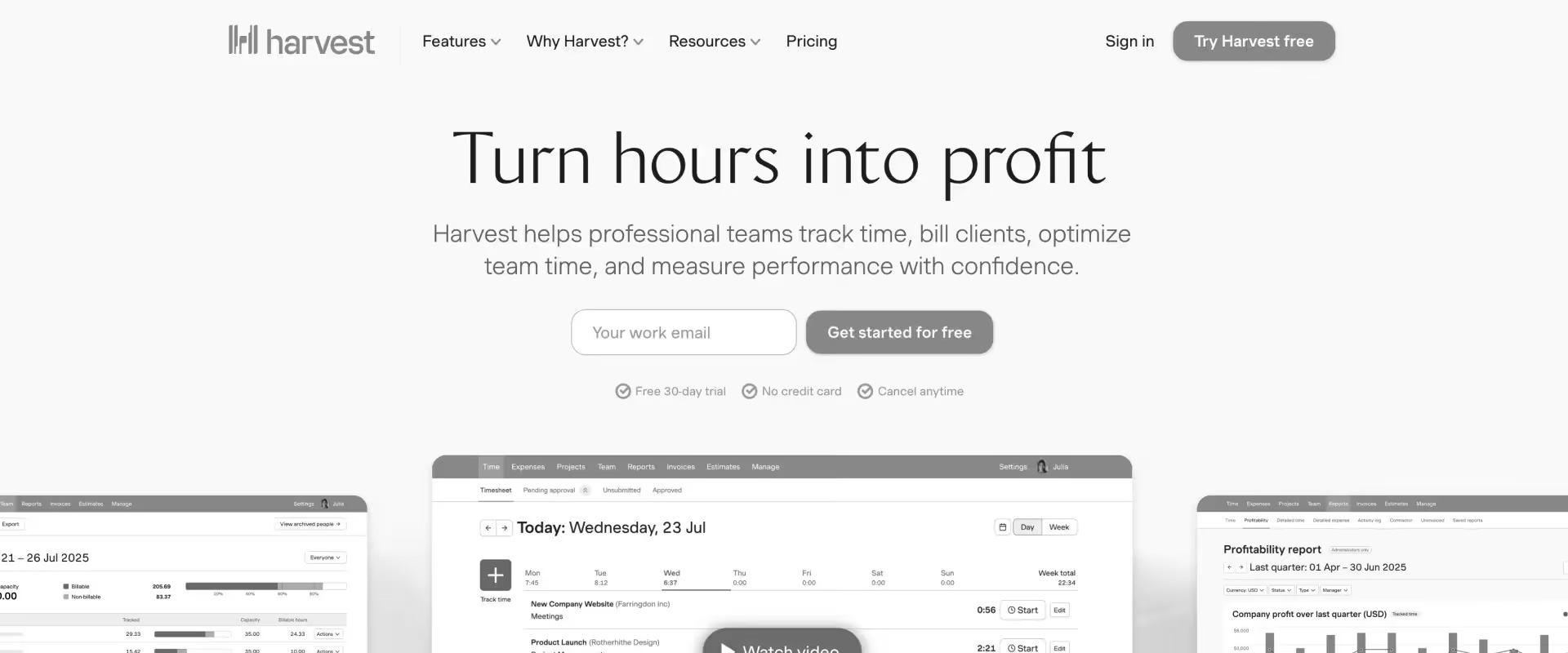
Harvest is a cloud-based time tracking and invoicing platform used by consultants, freelancers, and small service teams.
Harvest offers a comprehensive range of features and integrations, making it ideal for consultants and small teams who need robust time tracking, invoicing, and project management capabilities.
It focuses on helping organizations track time spent on projects and convert billable hours into invoices.
The platform connects time tracking, expense logging, and project reporting, helping teams monitor budgets and client billing.
Key features
- Time tracking and timers
Users log hours manually or track time using start-stop timers. Time entries can be linked to projects, tasks, and clients. Harvest maintains a detailed time log for each user, supporting accurate reporting and invoicing. - Project budget monitoring
Managers can set project budgets and track time spent against those limits. Alerts help teams understand when projects approach budget thresholds. - Client invoicing
Billable hours and expenses can be converted into invoices. Clients can pay invoices directly through integrated payment options. - Expense tracking
Teams record project expenses and associate them with client work. These expenses can be included in billing and financial reporting. - Time and project reporting
Harvest provides reports that show billable hours, project performance, and team productivity. These insights help managers analyze project progress and profitability. - Integrations with productivity tools
Harvest integrates with project management, accounting, and collaboration tools. These integrations help connect time tracking with existing workflows.
Key takeaways
Best for
- Freelancers and consultants
- Small professional services teams
- Businesses needing simple time tracking
- Teams generating invoices from timesheets
- Organizations monitoring project budgets
- Agencies managing billable hours
- Teams wanting lightweight time tracking
What customers say
8. Wrike
Wrike is a project management platform used by marketing, operations, and professional services teams to plan and track work.
Time tracking is included as part of its broader project and workflow management system. Wrike enables teams to efficiently track and manage various tasks within complex projects, ensuring better visibility and control over multiple activities.
The platform focuses on task management, collaboration, and reporting, helping teams organize work and monitor project progress across departments.
Key features
- Project and task management
Teams organize work into tasks, folders, and project timelines. Wrike's project planning features, such as Gantt charts for visual scheduling and drag-and-drop task management, make it easy to manage project timelines and streamline workflow. Managers track progress and monitor project status across multiple teams. - Time tracking within tasks
Users log hours directly on tasks and projects. These entries help track effort and monitor workload across teams. - Resource planning and workload visibility
Managers can view team capacity and allocate resources across projects. Workload dashboards help prevent overallocation and scheduling conflicts. - Workflow automation
Wrike allows teams to automate task assignments, approvals, and status updates. Automation helps streamline project coordination. - Reporting and project analytics
Dashboards provide insights into project timelines, workloads, and performance metrics. Teams can analyze operational data across projects. - Integrations with business tools
Wrike integrates with collaboration, CRM, and document management tools. These integrations help teams connect project management with other workflows.
Best for
- Project management teams
- Marketing and operations teams
- Professional services teams already using Wrike
- Organizations managing cross-team projects
- Teams needing workflow automation
- Companies tracking workloads and project progress.
- Businesses integrating project management with other tools
What customers say
9. Timely
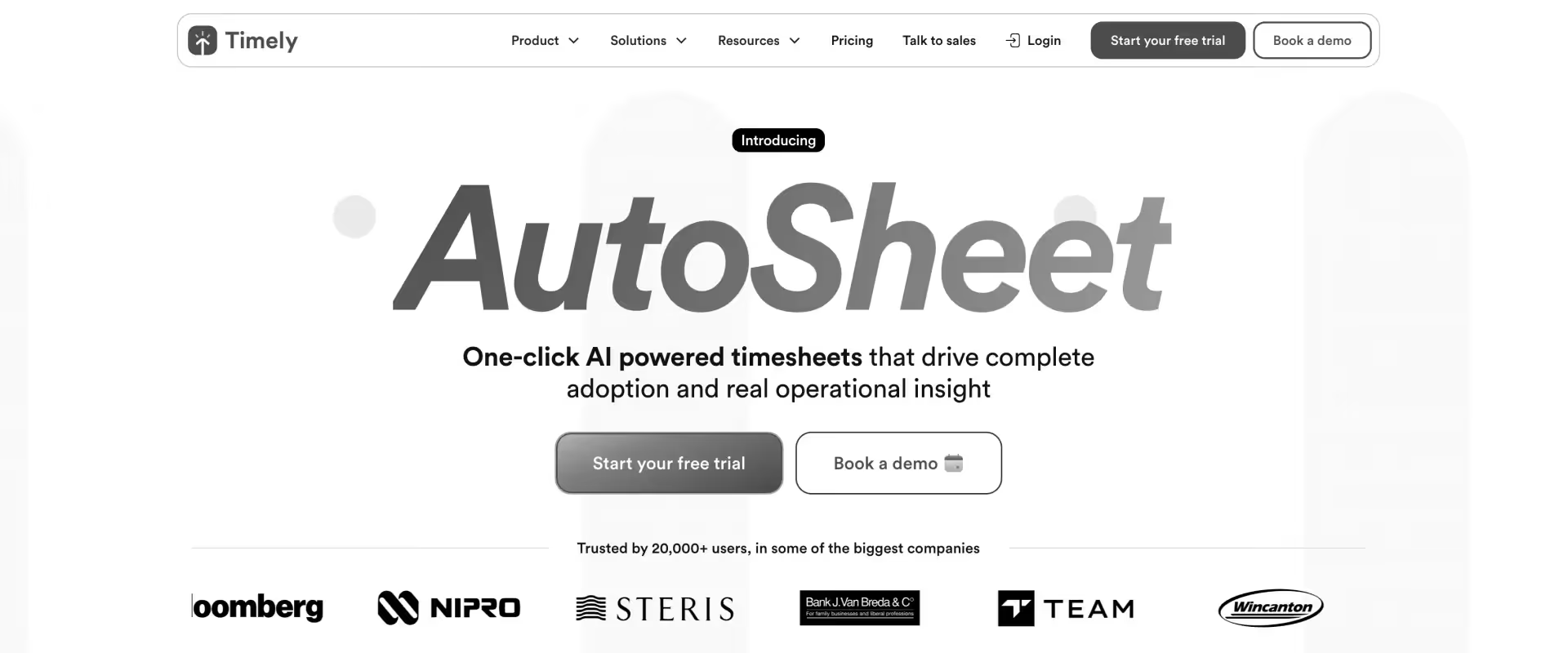
Timely is a time tracking app and automatic time tracking platform that uses AI to record work activity without requiring manual timers.
It captures time spent across apps, meetings, and documents to help teams build accurate timesheets and understand how time is allocated across projects.
As a time tracking app, Timely automates time recording and streamlines billing processes for professional services teams.
The platform focuses on reducing manual time entry by automatically creating a timeline of work activity that users can convert into billable timesheets.
Key features
- Automatic time tracking
Timely records activity across applications, websites, and meetings in the background. Users can review this timeline and convert activities into accurate time entries. - AI-generated timesheets
The platform automatically suggests timesheet entries based on recorded activity. This reduces manual logging and helps teams complete timesheets faster. - Project and billable hours tracking
Time entries can be assigned to projects and clients for billing. Teams can monitor billable hours and track how time is distributed across work. - Team time analytics
Dashboards provide insights into productivity, utilization, and project effort. Managers can analyze where time is spent across teams and projects. Timely also helps users improve personal productivity by analyzing individual work patterns and offering insights into their work habits. - Integrations with productivity tools
Timely connects with project management, calendar, and communication tools. These integrations help teams link time tracking with their existing workflows.
Key takeaways
Best for
- Consulting teams wanting automatic time tracking
- Agencies reducing manual timesheets
- Remote teams tracking work activity
- Organizations analyzing time usage
- Teams improving billable hour accuracy
- Companies tracking project effort
- Businesses wanting AI-based time tracking
What customers say
10. T-Metrics
T-Metrics is a timesheet app and time tracking tool designed to help teams and freelancers monitor working hours, track billable time, and manage payroll. The platform focuses on capturing work hours across projects while supporting payroll, attendance tracking, and project billing.
It is commonly used by freelancers, agencies, and small teams that need structured time tracking and reporting.
Key features
- Time tracking and timers
Users track time with manual entries or start-stop timers. These entries can be assigned to projects, clients, and tasks. TMetrics enables you to track your time efficiently across projects and tasks. - Project and billable hour tracking
Teams track time spent across projects and mark hours as billable. Managers can monitor project effort and billing activity. - Attendance and workload monitoring
TMetrics records working hours and employee attendance. Managers can monitor team workloads and availability. - Reporting and productivity analytics
The platform provides reports on time usage, billable hours, and project performance. These reports help teams understand productivity trends. - Payroll and billing support
Tracked hours can be used to calculate payroll or client billing. This helps connect time tracking with financial processes.
Pros and cons
Key takeaways
Best for
- Small consulting teams
- Freelancers and agencies
- Teams tracking working hours
- Businesses calculating payroll from time logs
- Organizations monitoring productivity
- Companies tracking billable work
- Teams needing lightweight time tracking
What customers say
11. Clockify
Clockify is a time tracking and timesheet application used by freelancers, agencies, and businesses to record work hours across projects. It is considered one of the favorite apps for teams seeking a free and scalable time tracking solution.
The platform provides a free plan that supports unlimited users and projects, making it widely used by teams starting with time tracking.
The tool focuses on simple time logging, reporting, and project tracking.
Key features
- Timer-based time tracking
Users start and stop timers to record time spent on tasks and projects. Manual time entries can also be added to timesheets. - Timesheets and work logs
Employees can record hours worked across projects and clients. Managers review timesheets and generate reports. - Project and task tracking
Teams assign time entries to specific projects and tasks. This helps track effort across multiple client engagements. - Reporting and analytics
Clockify provides reports on time usage, billable hours, and team activity. It delivers detailed time tracking data for project analysis and invoicing, enabling better workflow optimization and accountability. Managers can analyze how time is spent across projects. - Integrations and browser extensions
The platform integrates with project management and productivity tools. Browser extensions allow time tracking directly from other applications.
Key takeaways
Best for
- Freelancers and agencies
- Small professional services teams
- Organizations starting with time tracking
- Teams needing a free solution
- Businesses tracking billable hours
- Teams monitoring project time
- Companies testing time tracking tools
What customers say
12. Toggl Track — best for simple team time tracking
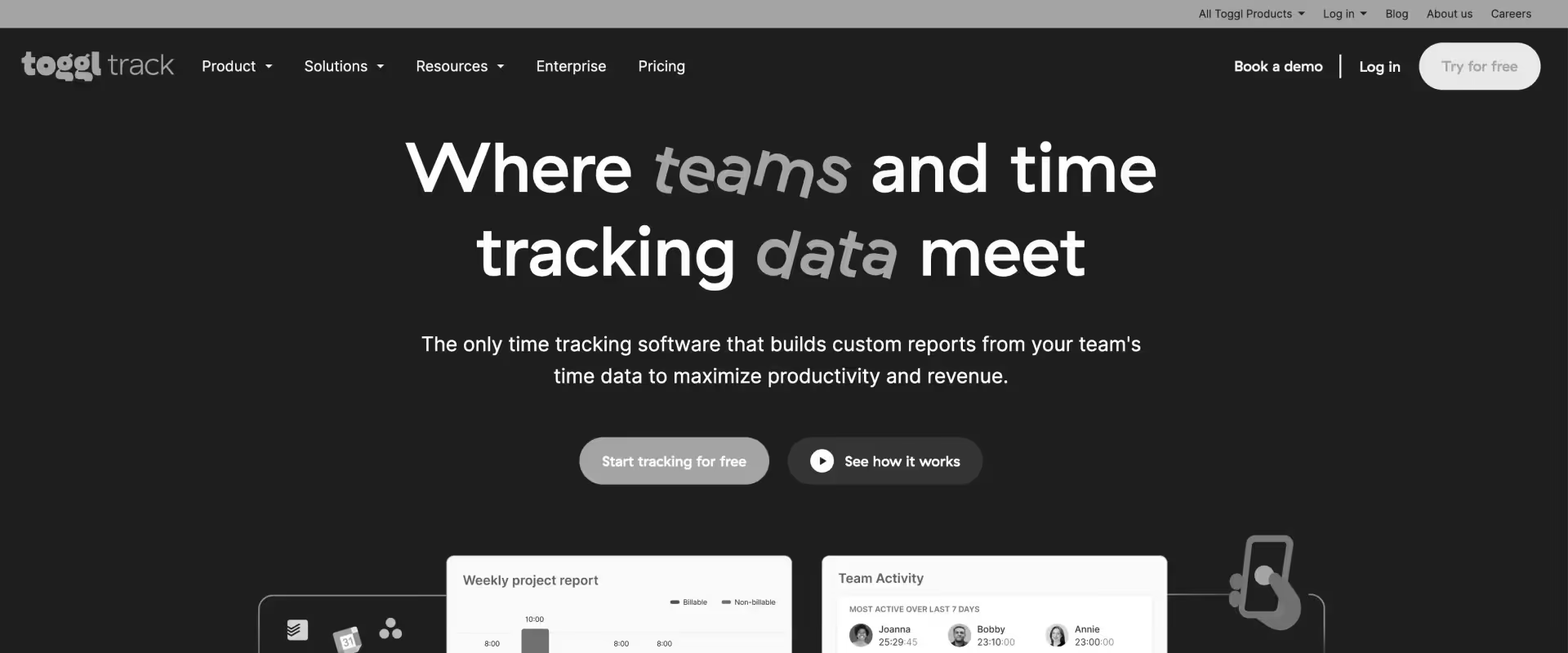
Toggl Track is a time tracking tool used by freelancers, consultants, and distributed teams to record work hours across projects. The platform focuses on making time tracking easy through timers, manual entries, and reporting dashboards.
It allows teams to track billable hours, analyze productivity, and generate time reports, while integrating with multiple productivity and collaboration tools.
Key features
- Timer-based and manual time tracking
Users track time using one-click timers or manual entries. These entries can be assigned to projects, clients, and tasks to organize billable work. - Project and client tracking
Time entries can be grouped by project and tagged by activity. This helps teams understand how effort is distributed across projects. - Reporting and analytics dashboards
Toggl Track generates reports showing billable hours, productivity trends, and project workloads. Teams can analyze time usage and identify unprofitable projects. - Cross-platform tracking
The platform supports web, desktop, and mobile apps. Time entries sync across devices automatically. - Integrations with productivity tools
Toggl Track integrates with over 100 tools including Slack, Google Calendar, and project management platforms. These integrations connect time tracking with existing workflows.
Key takeaways
Best for
- Freelancers and consultants
- Creative and marketing teams
- Small professional services teams
- Remote teams tracking billable hours
- Organizations needing simple time tracking
- Teams analyzing productivity trends
- Companies integrating time tracking with other tools
What customers say
13. My Hours
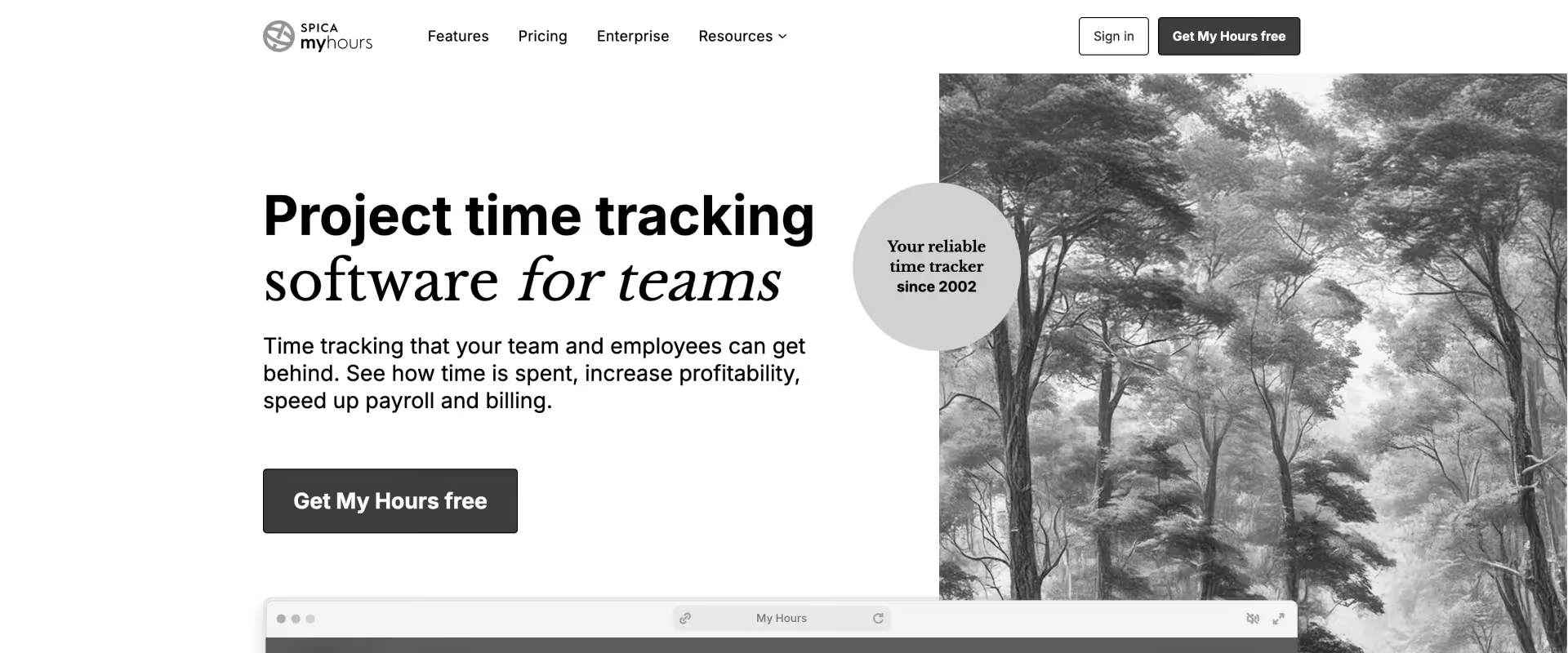
My Hours is a time tracking platform designed for freelancers, agencies, and small professional services teams. The platform allows teams to log time, monitor project budgets, and generate reports for billing and performance tracking.
It helps organizations manage billable hours, project costs, and time reporting, while keeping timesheet processes simple.
Key features
- Project and task-based time tracking
Users log hours against specific tasks and projects. This helps teams track effort and billable work across client engagements. - Billable rate management
Teams can assign billing rates by project, role, or team member. These rates help calculate billable revenue and project profitability. - Timesheets and approvals
Logged hours are consolidated into timesheets for review and approval. Managers can monitor team time entries before billing. - Reporting and analytics
The platform generates reports showing billable hours, project budgets, and team performance. These insights help managers evaluate project profitability. - Client invoicing support
Time entries can be converted into invoices for billing clients. This connects time tracking directly with revenue workflows.
Pros and cons
Key takeaways
Best for
- Freelancers and consultants
- Agencies tracking project budgets
- Small services teams
- Businesses monitoring billable hours
- Teams generating invoices from timesheets
- Organizations managing project profitability
- Companies needing simple reporting
What customers say
14. actiTIME
actiTIME is a time tracking and work management tool designed to help organizations monitor employee hours and manage project effort. The platform allows teams to log work hours using timers or manual entries across projects and tasks.
It helps businesses track project effort, employee attendance, and billable hours, supporting project reporting and operational oversight.
Key features
- Time tracking and work timers
Employees log work hours manually or using built-in timers. These entries can be linked to tasks and projects for reporting. - Timesheet management
The platform consolidates work entries into structured timesheets. Managers can review hours and monitor team activity. - Project and task tracking
Teams assign time entries to specific projects and tasks. This helps organizations track effort across different workstreams. - Workload and team monitoring
Managers can view employee workloads and time spent on tasks. These insights help monitor productivity and resource allocation. - Reporting and analytics
actiTIME generates reports on project performance and time usage. Leaders can analyze trends in billable work and team productivity.
Key takeaways
Best for
- Small professional services teams
- Organizations tracking employee work hours
- Businesses managing project effort
- Teams monitoring billable time
- Companies analyzing productivity trends
- Teams using structured timesheets
- Businesses needing simple reporting
What customers say
15. Monitask
Monitask is a workforce monitoring and time tracking platform designed for remote and distributed teams. The platform tracks employee work hours while also monitoring activity such as application usage and productivity metrics.
It combines time tracking, activity monitoring, and productivity analytics, helping managers understand how teams spend their work hours.
Key features
- Time tracking and timesheets
Employees track work hours using timers and automated time logs. Managers can generate timesheets and reports based on tracked time. - Employee activity monitoring
The platform records app usage and work activity during tracked time. Managers can review productivity trends across teams. - Screenshot capture and activity logs
Monitask captures screenshots of employee work screens during active sessions. These images help managers verify work activity. - Productivity analytics dashboards
Reports provide insights into time usage, activity patterns, and team productivity. Managers can analyze trends and identify inefficiencies. - Project and task tracking
Teams can assign tracked time to projects and tasks. This helps connect time tracking with project work and delivery efforts.
Key takeaways
Best for
- Remote teams
- Outsourced teams
- Companies monitoring employee productivity
- Businesses tracking work activity
- Teams managing distributed staff
- Organizations analyzing workforce productivity
- Companies needing employee monitoring tools
What customers say
Top time tracking tools for enterprise, SMB and Midmarket organizations
Professional services teams choose time tracking software based on team size, delivery complexity, billing models, and compliance requirements.
- SMB teams prioritize simplicity, quick setup, and basic invoicing.
- Mid-market teams need stronger reporting, utilization visibility, and billing automation.
- Enterprise teams require integrations, compliance controls, and platforms that connect time tracking with delivery and finance workflows.
The recommendations below map common enterprise, mid-market, and SMB scenarios to tools that typically fit those environments.
Best time tracking and billing software for mid-market consulting teams
Mid-market consulting teams often manage multiple projects and mixed billing models across their client base.
Common requirements include:
- multi-level timesheet approvals
- automated invoicing workflows
- utilization dashboards
- integrations with CRM and accounting systems
Standalone time trackers often create reconciliation work between delivery and finance teams.
Platforms that connect projects, time tracking, and billing are usually a better fit.
Top recommendations
- Rocketlane — strong fit for SaaS professional services teams needing fast implementation and integrated billing workflows
- Scoro — suitable for teams consolidating CRM, project delivery, and billing
- Productive — useful for agencies tracking project profitability and utilization
Best for enterprise professional services with compliance requirements
Enterprise organizations often prioritize auditability, governance, and financial reporting alongside time tracking.
Common requirements include:
- SOC 2 or compliance controls
- detailed timesheet approval workflows
- audit logs and financial reporting
- integrations with ERP and CRM systems
Top recommendations
- Rocketlane — structured delivery workflows with enterprise integrations and financial visibility
- Deltek Replicon — compliance-focused time tracking platform for regulated industries
- Kantata — strong resource planning and portfolio-level reporting
Best time tracking tools for SMB professional services teams
SMB teams typically prioritize ease of use, quick setup, and basic billing features rather than complex delivery management systems.
Many smaller teams begin with standalone time tracking tools and later move to PSA platforms as project complexity grows.
Top recommendations
- Rocketlane — suitable for SMB SaaS services teams needing time tracking connected to delivery and billing
- Toggl Track — simple time tracking with reporting and integrations
- Harvest — lightweight time tracking with built-in invoicing
Best AI time tracking tools for professional services teams
As teams grow, manual timesheet compliance and time capture become harder to manage. AI-assisted tools help automate time validation and detect anomalies earlier.
Top recommendations
- Rocketlane — AI-assisted timesheet validation with Nitro Time Guardian embedded in PSA workflows
- Timely — automatic activity-based time capture using AI
- Toggl Track — lightweight time tracking with automated suggestions and reporting
What enterprise PS teams need — beyond basic time logging
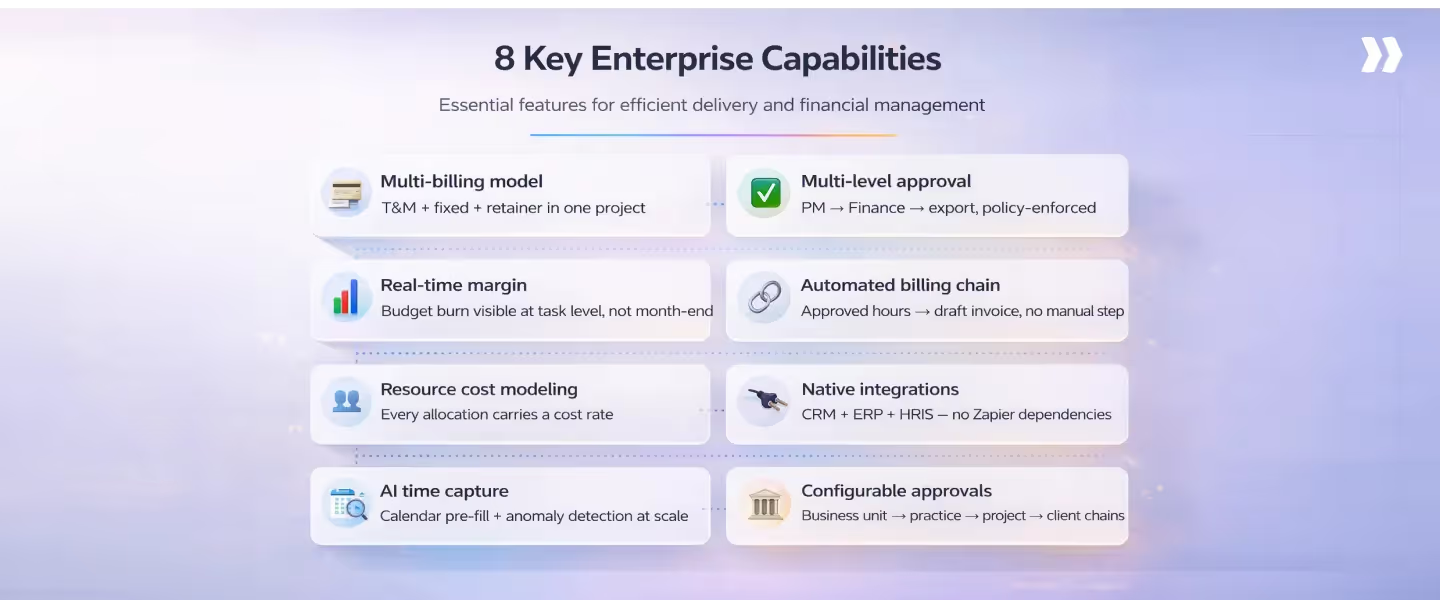
Enterprise professional services teams operate in environments where time tracking directly affects revenue, margins, and billing accuracy.
Basic timesheet tools that only log hours often create gaps between delivery teams and finance.
Enterprise-grade platforms connect time data, project budgets, billing workflows, and resource planning so teams can manage delivery and financial performance in one system.
Below are five capabilities that typically separate enterprise-ready platforms from simple time trackers.
1. Multi-billing model support within a single project
Enterprise engagements often include hybrid billing structures within the same project. Teams may combine time-and-materials work, milestone billing, retainers, and fixed-fee components.
Key requirements include:
- T&M, fixed-fee, milestone, and retainer billing within one project
- Rate cards by role, consultant, or client contract
- Ability to adjust billing models mid-project without losing historical data
2. Multi-level timesheet approvals with policy enforcement
Enterprise environments require structured approval workflows and policy rules to maintain billing accuracy.
Typical capabilities include:
- PM approval followed by finance review
- Policy checks at entry (missing project codes, late submissions, over-budget hours)
- Immutable audit trails for internal reviews and client audits
3. Real-time project margin visibility
Professional services leaders need visibility into project margins during delivery, not only after month-end reporting.
Enterprise platforms typically provide:
- Budget consumption at task, phase, and project levels
- Real-time comparison of cost rates vs. billing rates
- Portfolio dashboards showing profitability across clients and project types
4. Automated billing workflows from timesheet to invoice
Manual billing processes introduce delays and reconciliation work between the delivery and finance teams.
Enterprise platforms automate the billing chain by enabling:
- Automatic draft invoices from approved timesheets
- Support for milestone billing, partial invoicing, and retainer drawdowns
- Revenue recognition aligned with standards like ASC 606 or IFRS 15
5. Native integrations with enterprise systems
Enterprise PS teams rely on multiple systems across sales, delivery, and finance. Time tracking platforms must integrate directly with this stack.
Common integrations include:
- CRM: Salesforce, HubSpot for deal-to-project handoff
- ERP/Finance: NetSuite, SAP, Workday, QuickBooks for billing and revenue tracking
- Collaboration: Slack or Microsoft Teams for reminders and project updates
Key considerations for enterprise platform selection
Selecting a professional services platform is rarely a quick decision. For most enterprise teams, the evaluation process spans three to six months and involves delivery leaders, finance, IT, and procurement.
Choosing the wrong platform can create operational friction across projects, billing, and reporting.
The goal of the evaluation should be to ensure that the platform supports delivery complexity, financial workflows, and enterprise governance from day one.
Before issuing an RFP, leadership teams typically align on a few core decision criteria.
The three most common enterprise evaluation mistakes
Mistake 1: Evaluating based on price per seat
Enterprise decisions should consider the total cost of ownership and revenue impact, not just monthly user pricing.
Mistake 2: Letting IT drive the evaluation alone
Security and integrations matter, but the platform must ultimately improve delivery outcomes such as utilization, realization rate, and billing speed.
Mistake 3: Piloting with the wrong team
Pilot the platform on a complex client project. If the system cannot handle your most demanding engagement, it will struggle across the portfolio.
The business case — ROI framework for enterprise PS time tracking
Enterprise time-tracking platforms priced at $50K–$300K annually usually require a documented business case for approval. Finance leaders typically expect a clear view of revenue recovered, operational time saved, and billing improvements.
The four revenue leakage categories to quantify
Enterprise PS leaders typically quantify four types of revenue leakage:
- Untracked billable hours — work delivered but never logged in timesheets.
- Unbilled approved hours — time captured but not invoiced due to process gaps.
- Write-offs from disputes — hours written off because records cannot support the invoice.
- Delayed invoicing impact — invoices sent weeks late reduce working capital and cash flow.
Even small inefficiencies across these areas compound significantly across large teams.
How to calculate your team’s leakage number
A simple method used by PS operations teams:
- Pull the last three months of logged billable hours.
- Compare those hours with the actual invoiced hours for the same period.
- Multiply the difference by your average billing rate.
- Annualize the number to estimate yearly leakage.
- Add finance reconciliation time costs to complete the estimate.
Building the CFO-ready business case
When presenting the business case internally:
- Frame the investment as revenue recovery, not cost reduction.
- Use conservative assumptions to maintain credibility.
- Include current realization rates versus industry benchmarks.
- Show implementation timelines and expected time-to-ROI.
Total cost of ownership vs. revenue recovered
Enterprise PS software is rarely evaluated on monthly per-seat pricing alone. Procurement teams typically compare total cost of ownership (TCO) with the revenue and operational value recovered.
A standalone stack of tools for time tracking, project management, and billing may appear inexpensive initially. However, integration maintenance, reconciliation work, and revenue leakage often make the stack significantly more expensive over time.
TCO comparison
The hidden costs of the tool-stack approach
Several operational costs rarely appear in procurement spreadsheets:
- API maintenance when tools update and integrations break
- Data inconsistency between project management and finance systems
- PS operations and finance time spent on reconciliation instead of analysis
- Audit risk when disconnected systems cannot support billing records
What implementation cost actually means
Enterprise implementation costs usually include:
- One-time setup: configuration, integrations, and data migration
- Training: typically 4–8 hours for delivery teams on modern PSAs
- Change management: ensuring teams adopt new workflows
For many organizations, the largest cost is not configuration but delayed adoption.
Implementation and migration: What enterprise teams need to know
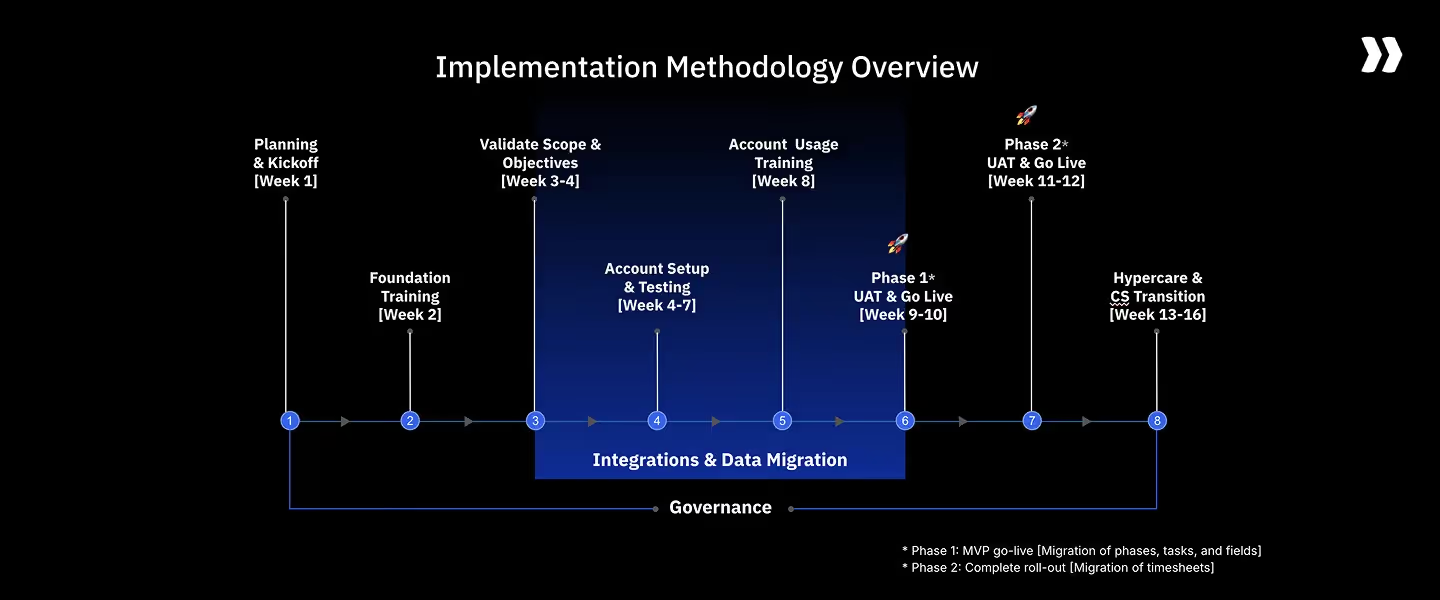
Implementation risk is one of the most common reasons enterprise PS teams delay platform adoption.
In reality, implementation timelines vary widely depending on platform complexity, integrations, and compliance requirements.
Understanding what the process actually involves helps reduce perceived risk and allows teams to plan a structured rollout.
Implementation timelines by platform
The five-phase enterprise migration framework
Phase 1 — Data audit (Week 1)
Identify existing project, billing, and time data that must be migrated.
Phase 2 — Configuration (Weeks 1–2)
Set up project templates, billing rate cards, approval hierarchies, and integrations.
Phase 3 — Pilot (Weeks 2–3)
Run a small group of active projects on the new platform in parallel.
Phase 4 — Cutover (Weeks 3–4)
Migrate the full team and move the legacy system to read-only mode.
Phase 5 — Optimization (Weeks 4–8)
Refine workflows, track KPIs, and enable automation or AI features.
What makes enterprise migrations fail
Common causes include:
- Over-configuring the platform before go-live
- Excluding finance from workflow design early in the project
- Piloting on a simple internal project instead of a complex client engagement
→ Talk to an enterprise PS specialist about your migration
PS time tracking KPIs for enterprise, mid-enterprise, and SMB teams

At scale, time tracking metrics influence revenue forecasting, staffing decisions, and financial reporting.
Enterprise PS teams often track these metrics in quarterly reviews and board reporting, while SMB teams use them to monitor delivery efficiency and cash flow.
Below are five KPIs commonly tracked across professional services organizations.
Billable utilization rate
Enterprise benchmark: 72–78% for delivery staff. Above 80% may signal burnout risk.
SMB benchmark: 65–75% for most consulting teams, depending on project mix.
Realization rate
Enterprise benchmark: 88–93%.
SMB benchmark: 85–92%.
A small gap between logged and invoiced hours can significantly affect revenue.
- Time-to-invoice by billing model
Faster billing improves cash flow and financial predictability.
Typical benchmarks:
- T&M: under 5 business days from period close
- Milestone: under 3 business days from milestone approval
For SMB firms, even 7–10 day billing cycles can significantly affect cash flow.
- Timesheet compliance rate
Timesheet compliance ensures billing accuracy.
Typical benchmarks:
- Enterprise: 95%+ consultant compliance, 90%+ manager compliance
- SMB: 90–95% across the team
Low compliance rates often lead to billing delays and revenue leakage.
- Non-billable time ratio
Tracking non-billable categories helps identify operational inefficiencies.
Common categories include:
- Pre-sales support
- Internal administration
- Training
- Rework
Rising rework time may indicate delivery quality issues, while high pre-sales time may show delivery teams supporting sales activities.
How AI transforms time tracking at enterprise scale
AI is increasingly changing how enterprise PS teams capture time and manage delivery operations.
Instead of relying entirely on manual timesheets, organizations are beginning to use AI to automate time capture and surface operational insights.
AI-suggested entries reduce compliance overhead
In large delivery teams, ensuring timesheet compliance often requires significant managerial effort.
AI tools can analyze calendars, tasks, and work activity to suggest time entries automatically.
Combined with automated reminders and validation rules, this reduces the operational burden of enforcing timesheet policies.
Anomaly detection surfaces systemic issues
AI systems can identify patterns across large portfolios of projects.
For example, anomaly detection may highlight:
- A project type consistently exceeding budget
- A team that logs time inconsistently
- Billing anomalies across specific clients
This allows leaders to identify structural issues earlier.
Utilization forecasting becomes predictive
Most PS leaders review utilization metrics only after the reporting period ends. AI forecasting models can project utilization trends 4–8 weeks in advance.
With earlier visibility, leaders can reallocate resources, adjust project staffing, or plan hiring before utilization problems affect delivery performance.
How Rocketlane serves enterprise, mid-enterprise, and SMB PS teams
Rocketlane is an agentic professional services automation (PSA) platform designed for the post-sale delivery motion of services organizations.
It connects project delivery, time tracking, resource planning, client collaboration, and financial workflows in a single system.
Nitro Time Guardian works alongside your team. It takes care of everything that slows down time approval, so your team logs with confidence and you only see what genuinely needs your attention.
For PS leaders, the goal is to ensure that delivery operations, time data, and billing workflows stay synchronized across the organization. Rocketlane was designed specifically to address that requirement.
The problem Rocketlane solves at enterprise scale
Professional services teams with 50–500 delivery staff often operate across multiple disconnected systems.
Common stacks include separate tools for project management, time tracking, resource planning, billing, and client collaboration.
This fragmentation typically creates operational overhead such as:
- 3–5 hours per project manager per week spent reconciling project and time data
- Finance closes delays of two to three days due to billing reconciliation
- Client billing disputes caused by inconsistent project and time records
Rocketlane replaces this fragmented stack with a single connected agentic PSA platform. Time entries, project progress, and billing data flow together automatically, reducing manual reconciliation.
Time tracking capabilities built for professional services teams
Rocketlane includes time tracking features designed for delivery teams operating across multiple projects and billing models.
Key capabilities include:
- Nitro Time Guardian: AI-assisted timesheet suggestions, anomaly detection, and policy enforcement during time entry. Your rules are applied automatically as people log time.
By the time an entry reaches you, it’s already been checked. Weekend logs. Allocation overruns. Missing categories. Flagged before they ever land in your queue
- Time Policies in Rocketlane are governance rules that ensure time entries are accurate, compliant, and aligned with project and billing requirements.
Instead of relying on manual reviews or post-facto audits, time policies enforce standards directly within the system—such as submission windows, mandatory task attribution, approval workflows, and restrictions on logging time for closed phases.
This ensures that invalid or incomplete time entries are blocked or corrected before they reach billing, reporting, or revenue recognition workflows. - Multi-level approval workflows : Configurable approval chains such as project manager → finance → ERP export
- Task-level budget tracking: Real-time budget consumption visibility at task, phase, and project levels
- Utilization dashboards: Reporting on billable utilization, realization rates, and non-billable activity by team or project
These capabilities help PS leaders monitor delivery performance and billing readiness simultaneously.
The enterprise billing chain is automated end-to-end
Rocketlane connects time tracking directly to billing workflows. This allows delivery teams and finance teams to operate from the same data source.
The workflow typically follows this sequence:
Milestone completion → time entry → approval workflow → draft invoice → client delivery.
The platform supports mixed billing models within the same client engagement, including time-and-materials, fixed-fee projects, retainers, and milestone billing.
For finance teams, time and billing data can be exported to financial systems, with revenue recognition aligned with standards such as ASC 606 and IFRS 15.
Enterprise integrations
Enterprise PS teams rely on multiple systems across sales, delivery, and finance. Rocketlane provides integrations across this ecosystem.
Typical integrations include:
- CRM: Salesforce (bi-directional), HubSpot
- Finance: NetSuite, QuickBooks
- Communication: Slack, Microsoft Teams, Zoom, Gong
- Project tools: Jira, Asana
- Automation: Zapier, Workato, and APIs for custom integrations
These integrations ensure that delivery workflows remain connected to upstream sales data and downstream financial systems.
SMB teams
For SMB professional services teams (10–50 staff), Rocketlane is often used to replace spreadsheets and multiple lightweight tools.
Teams benefit from:
- structured project templates for repeatable client onboarding
- integrated time tracking and billing workflows
- simple utilization and project health reporting
This allows smaller services organizations to adopt enterprise-grade delivery workflows without large implementation projects.
Enterprise proof points
Organizations using Rocketlane have reported measurable delivery improvements:
- Actabl: 88% reduction in time-to-kickoff and 76% faster delivery cycles
- Firstup: improved billable utilization and delivery visibility across teams
- ERPgruppen: removed spreadsheet reconciliation and improved client engagement workflows
Conclusion
For enterprise PS teams' billing, time tracking is not just a software purchase. It becomes the data infrastructure for delivery operations, determining whether margins are visible, billing is accurate, and utilization is managed with real data instead of estimates.
Three decisions matter most when selecting a platform:
- Choose a system that supports your billing model complexity
- Ensure it integrates natively with your enterprise stack
- Deploy a platform that can go live fast enough to recover revenue this fiscal year
See how Rocketlane eliminates revenue leakage, automates billing workflows, and gives PS leaders real-time margin visibility.
Table of Contents

Regsiter for the live webinar


Great consultants didn't join your team to spend Fridays writing documentation.
Table of contents
18 of Forbes Cloud 100 chose Rocketlane. The best PS teams aren't waiting around.
FAQs
What is the best professional services time tracking software for enterprise teams?
Common enterprise options include Rocketlane, Kantata, and Deltek Replicon. The right choice depends on delivery complexity, billing models, integrations, and implementation speed.
How do you build a business case for enterprise PS time tracking software?
Compare logged billable hours vs invoiced hours to estimate revenue leakage. Multiply the gap by your billing rate and compare the recovered revenue against platform cost.
How long does enterprise PS time tracking software take to implement?
Implementation timelines vary by platform complexity. Modern PSAs like Rocketlane or Productive often deploy in 2–6 weeks, while legacy enterprise tools can take 3–6 months.
What security certifications should enterprise PS time tracking software have?
Enterprise platforms typically require SOC 2 Type II, SSO support, role-based access control, and encryption. Organizations operating in regulated industries may also require DCAA or GDPR compliance.
What KPIs should enterprise PS teams track with time tracking software?
Key metrics include billable utilization, realization rate, time-to-invoice, timesheet compliance, and non-billable ratios. These KPIs help PS leaders monitor revenue performance, staffing efficiency, and billing accuracy.













Copyright © 2026 Rocketlane Corp. All rights reserved.





















.webp)