Best Jira Alternatives for Customer-Facing Professional Services Teams & consultants in 2026

•
•
Summarize blog with






Your engineering team runs on Jira because Jira is built for technical development workflows: sprint planning, backlog management, issue tracking, and software release coordination.
Professional services (PS) teams operate differently. They manage customer-facing implementation work: onboarding timelines, stakeholder coordination, resource allocation, delivery governance, utilization tracking, customer approvals, and time tracking tied to billing.
That gap is why more PS teams are evaluating Jira alternatives purpose-built for implementation delivery rather than software development workflows.
The issue is usually not that Jira is failing. Jira remains highly effective for sprint planning, issue tracking, backlog management, and software release coordination.
The operational mismatch emerges because engineering teams and professional services teams optimize for fundamentally different workflows.
Engineering teams optimize for development velocity and release execution.
PS teams optimize for onboarding visibility, implementation progress, staffing utilization, customer collaboration, and time-to-value.
As organizations scale, the operational mismatch becomes harder to ignore. Implementation managers begin translating Jira workflows into customer-facing status updates.
Staffing allocation and utilization forecasting move into spreadsheets.
Finance teams reconstruct project margins manually across disconnected systems.
Customers struggle to navigate workflows built for internal engineering coordination rather than onboarding delivery.
This guide evaluates 10 Jira alternatives across the operational capabilities that matter most for services and implementation teams: customer collaboration, Jira integration depth, resource management, billing-connected time tracking, AI-assisted delivery workflows, and financial visibility.
For most customer-facing PS teams at B2B SaaS companies, Rocketlane is the strongest Jira alternative.
It's purpose-built for implementation delivery while preserving native collaboration with engineering teams already on Jira.
Rocketlane serves 750+ customers, holds a 94% G2 recommendation rate, and raised a $60M Series C in March 2026.
Who this guide is for:
Implementation managers, onboarding leaders, Directors and VPs of Professional Services, delivery operations teams, solutions engineers, and customer-facing implementation organizations at B2B SaaS companies managing 20+ concurrent onboarding or implementation projects.
The focus here is the customer-facing side of delivery: onboarding, implementation, migration, consulting, and post-sales PS workflows.
Methodology:
Updated May 2026. G2 ratings and review counts reflect publicly available. Assessments are based on product documentation, current feature sets, verified reviewer feedback, implementation workflow analysis, and evaluation of Jira integration capabilities through Atlassian marketplace documentation and vendor materials.
Which Jira alternative is right for your customer-facing team?
Customer-facing teams evaluating Jira alternatives are usually solving for one of three operational problems:
- Customers cannot collaborate effectively inside Jira
- Professional services operations have outgrown basic project tracking
- Cross-functional delivery teams need something less engineering-centric
The right platform depends on which operational constraint is creating the most friction.
Bottom line: For customer-facing implementation teams that need a branded client portal, resource management, billing visibility, and AI automation alongside Jira, Rocketlane is the only purpose-built operational platform in this category.
For lighter cross-functional coordination, Asana and Monday.com are the strongest fit. For engineering teams that want a cleaner Jira replacement, Linear wins.
What are teams actually looking for in a Jira alternative?
Teams evaluating Jira alternatives aren't searching for a better issue tracker.
They're looking for a platform built for implementation delivery, customer collaboration, and professional services operations that Jira was never designed to support.
Three distinct categories of teams drive most of the market:
Category 1: Teams that need customer collaboration
This is the largest segment. These teams can't expose customers to internal Jira workflows without creating friction. Customers don't want to navigate sprint structures or developer-centric terminology just to check onboarding progress.
They need branded customer portals, real-time onboarding visibility, task completion workflows, file sharing, approval tracking, milestone visibility, and clean customer-facing communication — without exposing internal engineering operations.
Category 2: Teams that need services operations
This segment grows fast as SaaS onboarding complexity increases. Teams often start thinking they need better project tracking. Over time, they realize the bottleneck is operational coordination.
Implementation leaders eventually need time tracking connected to billing, resource allocation visibility, utilization forecasting, project margin tracking, revenue visibility, staffing coordination, and delivery governance. That's the Professional Services Automation (PSA) category — and Jira isn't a PSA platform.
Even heavily customized Jira environments break down once onboarding organizations manage dozens of concurrent customer implementations with shared staffing pools and delivery forecasting requirements.
Category 3: Teams that want a modern engineering alternative
The smallest segment in this guide. Some engineering and product teams find Jira operationally heavy and want a cleaner, faster issue tracker — better UX, simpler workflows, lower admin overhead, stronger developer experience.
Why are customer-facing teams moving away from Jira in 2026?

Jira is built for IT operations and software development, not customer-facing delivery. Customer-facing PS teams that move away from Jira do so to move it back to its correct scope — engineering and product development.
They add a purpose-built platform for everything that happens on the customer-facing side: implementation, onboarding, and post-sales delivery.
The two-layer model is becoming standard operating infrastructure for mid-market and enterprise B2B SaaS companies.
What's driving the shift from Jira to a PS alternative?
The operational gaps are consistent across teams.
According to Rocketlane's own State of Customer Onboarding research, onboarding teams spend 5–10 hours per week per person manually sending follow-ups, reminders, and status updates to customers when they lack a purpose-built delivery platform.
That's administrative overhead that compounds across every concurrent project — and that compounds faster as headcount scales.
General-purpose project trackers like Jira weren't designed to surface billable utilization, model staffing capacity across concurrent projects, give customers real-time onboarding visibility, or connect time tracking to invoicing.
Teams that scale past 20 concurrent implementations typically discover this through friction: manual reporting, spreadsheet-based resource planning, and finance teams assembling margin data by hand before every quarterly review.
The AI inflection point
The emergence of agentic AI in professional services tooling has widened the operational gap between general-purpose project management tools and purpose-built PSA systems.
For PS leaders evaluating platforms, this distinction matters practically. A general-purpose tool with an AI assistant saves time on individual tasks.
An agentic PS platform changes delivery economics — reducing go-live timelines, trimming implementation headcount requirements, and generating structured project reports without manual assembly.
What are the best Jira alternatives for professional services?
The tools in this guide were evaluated across the operational capabilities that matter most for PS teams: customer collaboration, Jira integration depth, resource management, billing-connected time tracking, AI-assisted workflows, financial visibility, and implementation scalability.
Below, we break down 10 Jira alternatives based on team size, operational maturity for PS, customer-facing requirements, and implementation complexity.
1. Rocketlane
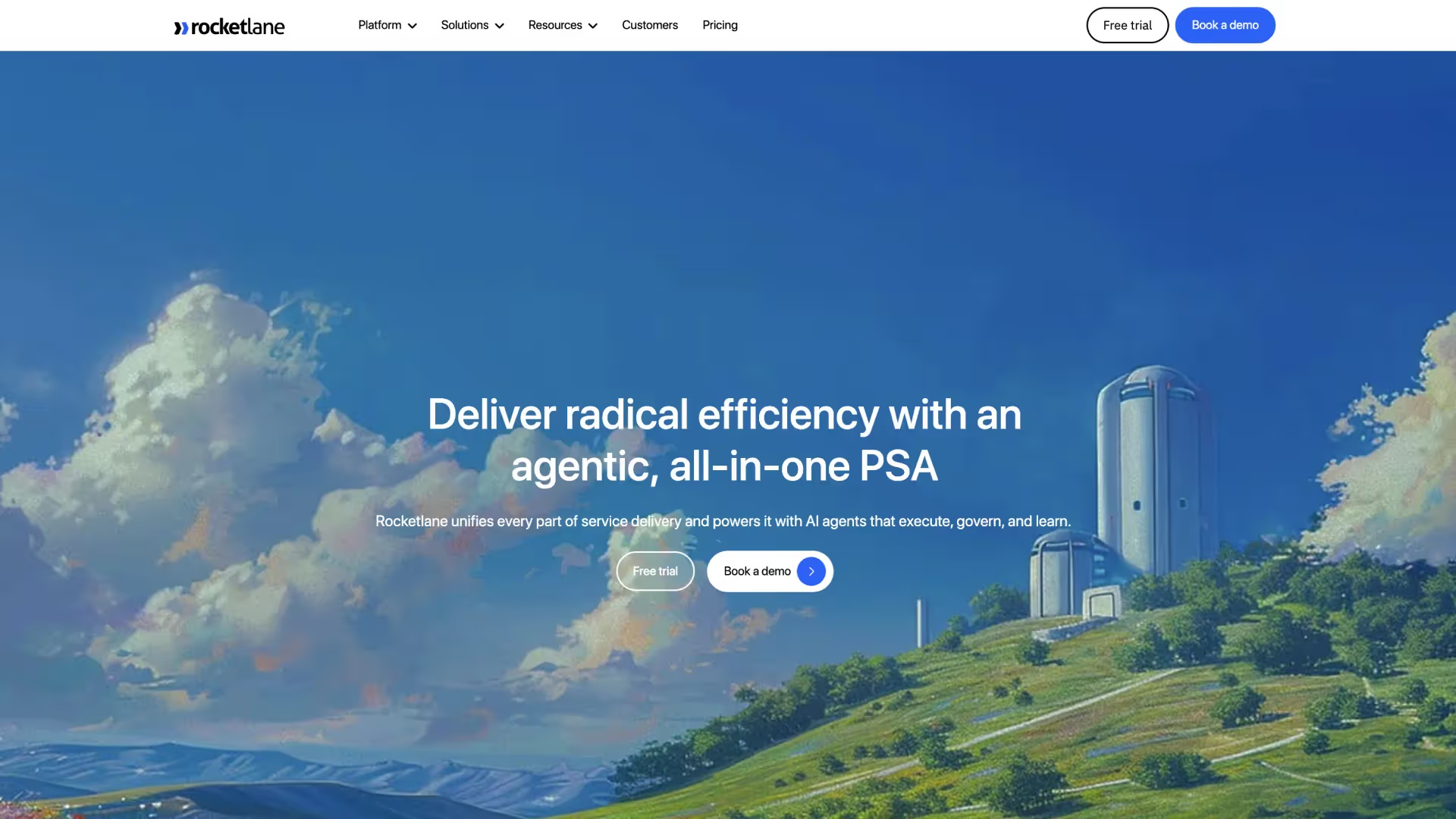
Rocketlane is an enterprise, agentic-AI powered professional services automation platform built for professional services teams in onboarding, deployment, migration, and post-sales delivery teams that need to collaborate directly with customers while still working alongside engineering organizations running on Jira.
Instead of forcing onboarding work into engineering workflows, Rocketlane creates a dedicated operational layer for customer-facing delivery.
It combines customer collaboration, onboarding execution, staffing visibility, implementation coordination, and delivery operations inside a single system while preserving native synchronization with Jira for engineering teams.
At the center of Rocketlane is Nitro, an embedded AI execution layer made up of specialized operational agents. Instead of functioning as a generic AI assistant layered on top of project data, Nitro operates directly inside onboarding and implementation workflows.
The platform acts as a customer-facing delivery system that centralizes onboarding execution, implementation coordination, customer communication, and operational visibility into a shared environment designed for scale.
What are Rocketlane’s key features?
- Agentic AI (Nitro): Rocketlane’s Nitro framework operates directly inside implementation workflows using onboarding activity, customer signals, delivery movement, staffing patterns, governance rules, and project execution data to surface onboarding risks, coordinate follow-ups, generate implementation artifacts, and reduce manual delivery coordination overhead.
- Operations AI: Focuses on onboarding operations and implementation visibility across customer portfolios. It analyzes onboarding timelines, staffing pressure, implementation bottlenecks, customer engagement signals, delivery delays, and portfolio-level operational risk so implementation leaders can identify operational issues without manually consolidating reporting across systems.
- Delivery AI: Operates inside active onboarding and implementation workflows. It monitors milestone movement, customer responsiveness, dependencies, onboarding activity, implementation discussions, approvals, and project progression to surface onboarding risks, recommend interventions, and improve delivery consistency across concurrent customer deployments.
- Work Execution AI: Handles implementation-layer coordination work such as generating onboarding plans, implementation summaries, handoff documentation, follow-up actions, customer onboarding workflows, migration coordination artifacts, and operational records directly from live customer and project activity.
- Dedicated customer portal: Customers interact through branded onboarding workspaces where milestones, onboarding tasks, approvals, timelines, documents, implementation updates, and meeting records remain continuously visible. Rocketlane is purpose-built for SaaS onboarding and implementation environments where customer visibility directly affects delivery success.
- Native Jira synchronization: Product engineering teams continue operating inside Jira while implementation and onboarding teams operate inside Rocketlane. Product escalations and engineering dependencies synchronize automatically through native bidirectional integration without disrupting existing Jira workflows.
- Operational visibility across onboarding portfolios: Implementation leaders gain centralized visibility into onboarding timelines, project delays, staffing constraints, onboarding risk, customer responsiveness, milestone progression, and implementation bottlenecks across large customer delivery portfolios.
- Resource management: Staffing coordination includes resource allocation planning, implementation capacity visibility, utilization forecasting, workload balancing, skills visibility, and forward-looking staffing coordination across concurrent customer deployments and onboarding programs.
- Time tracking with operational controls: Time-entry workflows include approval routing, automated reminders, operational governance controls, audit visibility, and delivery tracking workflows designed to improve onboarding billing accuracy and reduce administrative follow-up.
- Implementation billing workflows: The platform supports milestone-based onboarding billing, implementation consulting billing, time-and-materials engagements, retainers, and hybrid service models tied directly to onboarding delivery activity and tracked implementation effort.
- CRM and operational integrations: Salesforce, HubSpot, Slack, NetSuite, and related operational systems synchronize customer data, onboarding activity, implementation updates, and operational workflows bidirectionally instead of functioning as isolated systems.
- Implementation change management: Structured change-order workflows support onboarding adjustments, customer approvals, implementation scope tracking, timeline changes, and commercial impact visibility across evolving delivery engagements.
- AI-driven health signals: The platform continuously generates onboarding health indicators using customer engagement patterns, implementation activity, staffing pressure, milestone movement, and operational delivery signals so teams can identify onboarding risk proactively instead of relying only on retrospective reporting.
Nitro AI: Operational agents embedded into onboarding workflows
Rocketlane’s strongest differentiator is Nitro, its embedded agentic AI framework designed specifically for onboarding and implementation operations.
Instead of functioning as a standalone AI assistant layered on top of project data, Nitro operates directly within live onboarding workflows using customer, implementation, staffing, operational, and delivery information already flowing through the platform.
This agentic approach ensures there is no batch processing — real-time data flows throughout the system to guide execution.
Together, these agents function as an operational coordination layer surrounding onboarding execution. Instead of simply helping teams track work, Nitro is designed to reduce the administrative, reporting, customer coordination, and orchestration burden that typically expands alongside implementation complexity.
Pros and cons
Best for
- B2B SaaS onboarding organizations: Especially teams managing onboarding, implementation, deployment, migration, and post-sales delivery engagements where customer visibility and onboarding execution directly affect retention and expansion.
- Scaling implementation teams: Strong fit for onboarding organizations moving beyond spreadsheets, fragmented onboarding coordination, and disconnected PM tools into a more structured implementation operating model.
- Multi-project onboarding environments: Teams managing dozens of concurrent customer implementations that need centralized visibility into onboarding timelines, staffing pressure, delivery bottlenecks, customer responsiveness, and implementation risk.
- Implementation leaders prioritizing operational scalability: Organizations looking to unify onboarding visibility, customer collaboration, implementation coordination, staffing management, and delivery operations inside a single customer-facing delivery platform.
Key takeaways
What customers say (G2 reviews)
Across G2 reviews and implementation leadership discussions, Rocketlane is most frequently cited for reducing onboarding coordination overhead and improving customer visibility across onboarding programs — particularly among SaaS implementation teams managing large volumes of concurrent customer deployments.
The pattern holds across implementation environments. Actabl reduced time-to-kickoff by 88% and cut implementation time by 76% after moving onboarding operations into Rocketlane.
Kojo reduced onboarding time by 75%. Gamify compressed implementation timelines from 6+ months to 30 days.
Across hundreds of such organizations, the operational shift is consistent: less time spent coordinating onboarding work manually and more time spent moving customers successfully through implementation.
Sign up for a Rocketlane demo to experience a customer-facing onboarding and implementation platform purpose-built for modern services and delivery teams.
2. Asana
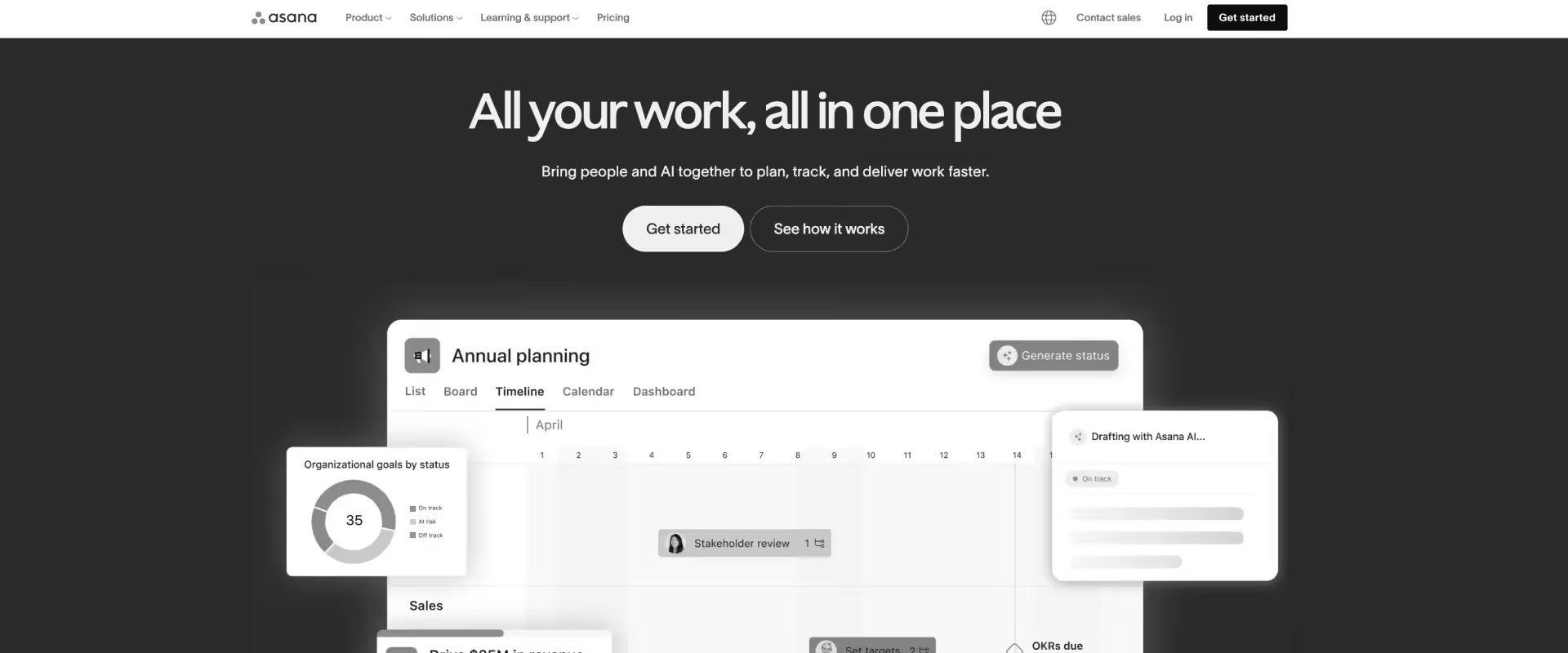
Asana is a cross-functional work management platform designed primarily for collaborative planning, operational coordination, and project execution across teams.
The platform is used widely by marketing, operations, customer success, ops, IT, HR, and program management teams that need structured collaboration without the complexity of engineering-oriented workflow systems.
Asana is not designed as a PSA platform. Resource forecasting, onboarding governance, utilization visibility, billing workflows, and customer-facing implementation operations remain comparatively lightweight compared to PSA-oriented delivery systems built specifically for PS organizations.
Key features
- Cross-functional project coordination: Teams organize tasks, projects, and approvals inside shared workspaces. Asana centralizes project planning, task management, approvals, dependencies, and collaborative execution across distributed operational environments managing initiatives across multiple departments.
- Timeline and workload visibility: Teams can visualize delivery timelines, workload distribution, project sequencing, and execution dependencies to improve coordination and reduce operational bottlenecks. Work is visualized through kanban boards, Gantt charts, timelines, and list views.
- Workflow automation: Rule-based automation workflows support task routing, approvals, reminders, notifications, status movement, and repetitive coordination activities across projects and operational workflows.
- Goal and initiative tracking: Leadership teams can connect operational execution to broader organizational goals, portfolio initiatives, and reporting structures without relying heavily on spreadsheet-based tracking.
- Collaboration and communication workflows: Task comments, file sharing, approvals, mentions, and shared project visibility help teams coordinate operational work across distributed stakeholders and functions.
Pros and cons
Best for
- Cross-functional operational teams: Especially organizations coordinating marketing, customer success, operations, HR, and internal transformation workflows across multiple departments.
- Collaborative execution environments: Strong fit for teams prioritizing operational visibility, approvals, task coordination, and lightweight workflow orchestration across distributed stakeholders.
- Mid-market organizations standardizing work management: Businesses looking to centralize operational execution and collaboration without adopting enterprise-grade PSA complexity.
- Teams replacing spreadsheet-heavy resource/coordination workflows: Organizations moving from fragmented task management and disconnected collaboration systems into a more centralized operational environment.
Key takeaways
What customers say (G2 reviews)
3. Monday.com
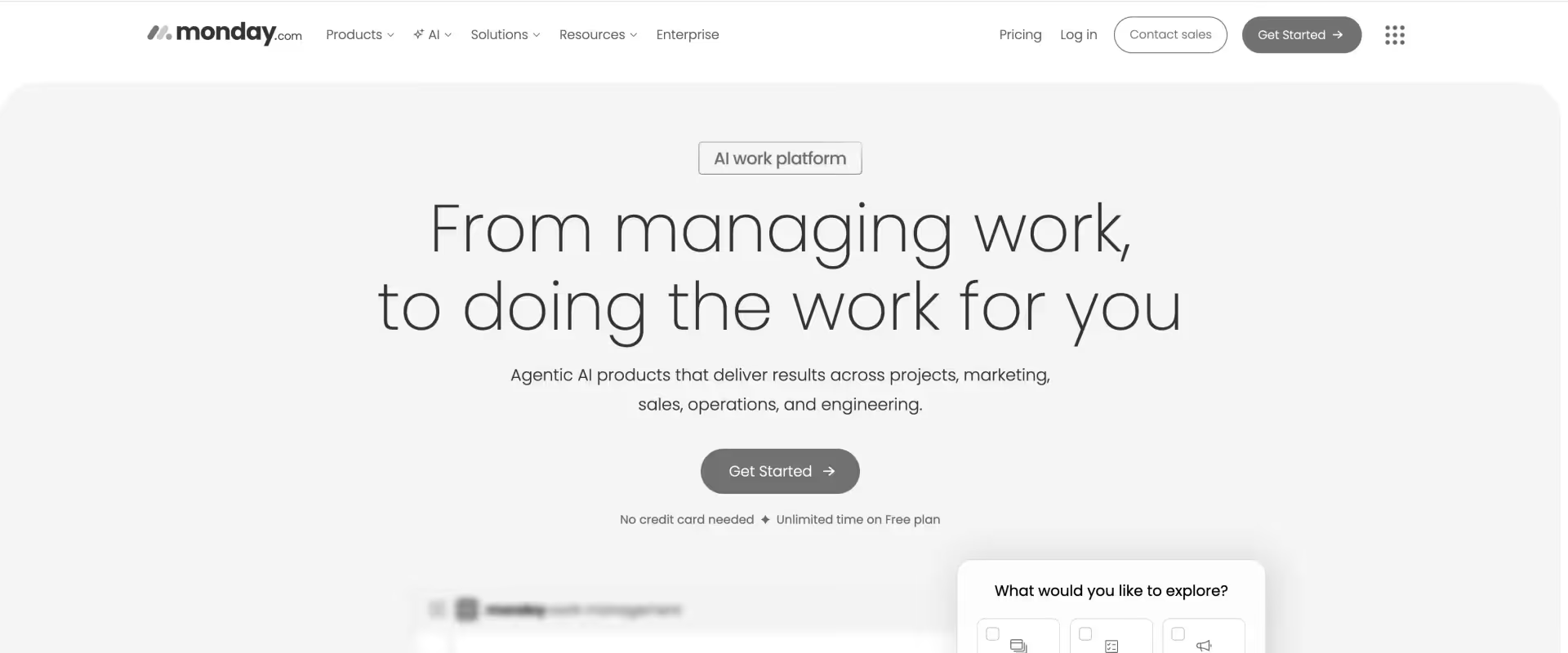
Monday.com is a visual work management platform designed around flexible workflow coordination, operational tracking, and collaborative execution across professional teams. Teams organize delivery execution through a drag-and-drop interface spanning kanban boards, project timelines, workload views, and task lists.
Monday.com is not purpose-built for professional services automation or mature onboarding operations. While teams can configure onboarding and customer coordination workflows, deeper PSA functionality such as utilization forecasting, implementation financial tracking, operational governance, and portfolio-level staffing coordination remains comparatively lightweight.
Key features
- Visual workflow management: Monday.com organizes work through configurable boards, dashboards, timelines, statuses, dependencies, and automations that support collaborative operational coordination across distributed teams. Teams can manage delivery workflows through kanban boards, Gantt charts, calendars, and customizable project views.
- Customizable operational workflows: Teams can adapt workflows to support onboarding coordination, approvals, operational execution, campaign management, internal projects, and business process tracking without extensive technical setup.
- Workload and capacity visibility: Managers can monitor workload distribution, project progression, operational bottlenecks, and execution timelines through centralized visual planning environments.
- Automation workflows: Rule-based automations support notifications, reminders, task routing, status changes, dependency coordination, and repetitive operational processes across workflows.
- Dashboards and operational reporting: Teams can build dashboards for project tracking, operational visibility, delivery monitoring, and cross-functional coordination across business initiatives.
Pros and cons
Best for
- Operational and cross-functional teams: Especially organizations coordinating collaborative workflows across marketing, customer success, operations, and internal business functions.
- Teams prioritizing visual workflow coordination: Strong fit for environments where execution visibility, adaptable project structures, and operational flexibility are higher priorities than rigid process governance.
- Mid-market organizations centralizing operational execution: Businesses looking to unify approvals, dashboards, workflow coordination, and execution visibility inside a configurable operational system.
- Organizations replacing fragmented operational tracking: Teams moving away from disconnected spreadsheets, siloed PM systems, and manual coordination workflows into a centralized work management environment.
Key takeaways
What customers say (G2 reviews)
4. ClickUp
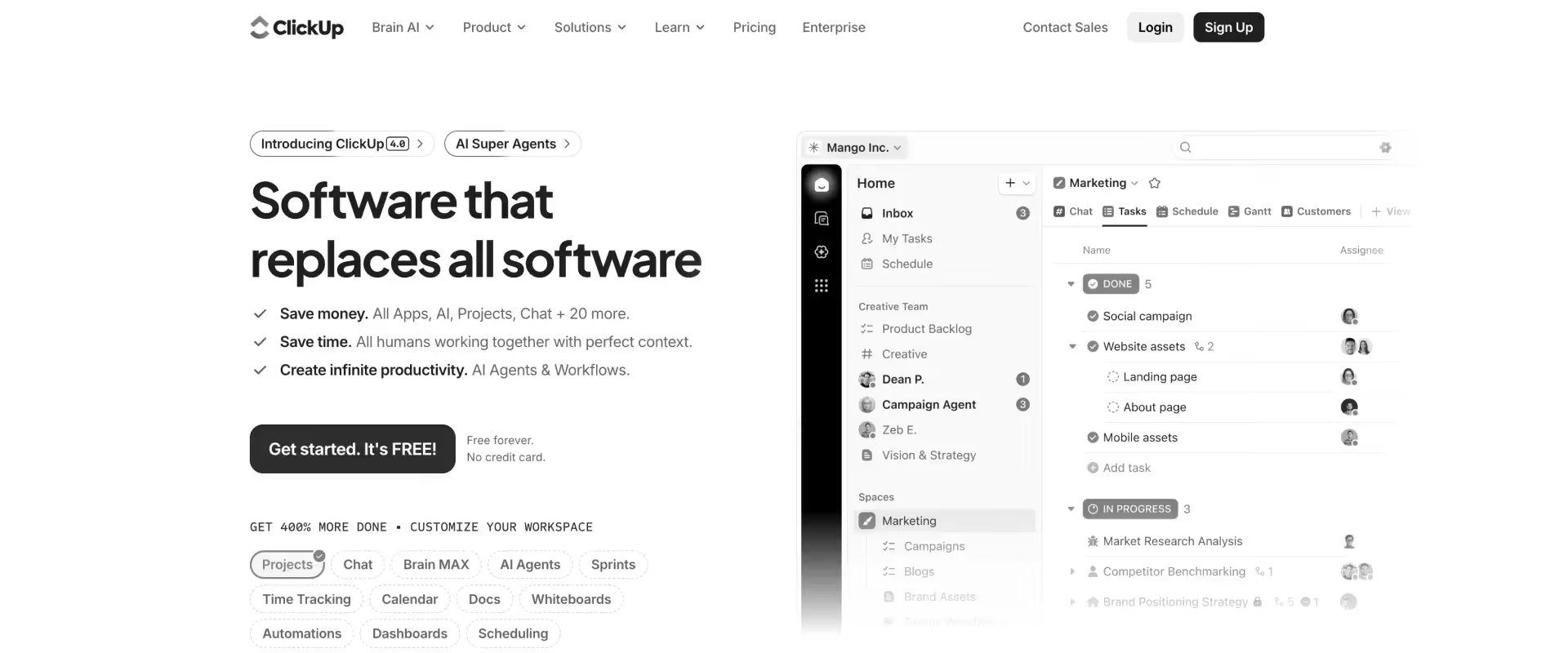
ClickUp is an all-in-one work management platform designed to combine project coordination, task management, documentation, collaboration, dashboards, and operational workflows inside a single configurable environment.
ClickUp’s broad feature surface can create operational inconsistency as organizations scale. Workflow governance, reporting standards, and process structures often require active operational ownership to avoid fragmentation across teams.
PSA depth, customer-facing onboarding governance, and advanced implementation operations also remain lighter than platforms purpose-built for PS delivery.
Key features
- All-in-one work management: ClickUp combines project coordination, task management, docs, collaboration, dashboards, goals, and operational workflows inside a centralized execution environment.
- Highly configurable workflows: Teams can customize statuses, views, automations, templates, dashboards, dependencies, and operational structures to fit different business processes and execution models.
- Multiple project visualization layers: The platform supports multiple visualization layers including kanban boards, implementation timelines, Gant charts, task lists, and resource-planning views.
- Documentation and knowledge management: Built-in docs and collaborative editing workflows help teams centralize operational documentation, SOPs, project records, and execution processes alongside active work.
- Automation and workflow orchestration: Rule-based automations support repetitive coordination activities including task movement, approvals, reminders, ownership assignment, and operational notifications.
Pros and cons
Best for
- Growing organizations consolidating operational tooling: Especially businesses looking to centralize project coordination, documentation, collaboration, and execution tracking inside a unified platform.
- Teams prioritizing workflow flexibility: Strong fit for operational environments requiring adaptable process structures across departments and business functions.
- Mid-market collaborative environments: Organizations needing broad work management functionality without adopting multiple specialized operational systems.
- Businesses replacing fragmented execution workflows: Teams moving away from disconnected task tracking, documentation systems, and operational coordination layers into a centralized workspace.
Key takeaways
What customers say (G2 reviews)
5. Teamwork
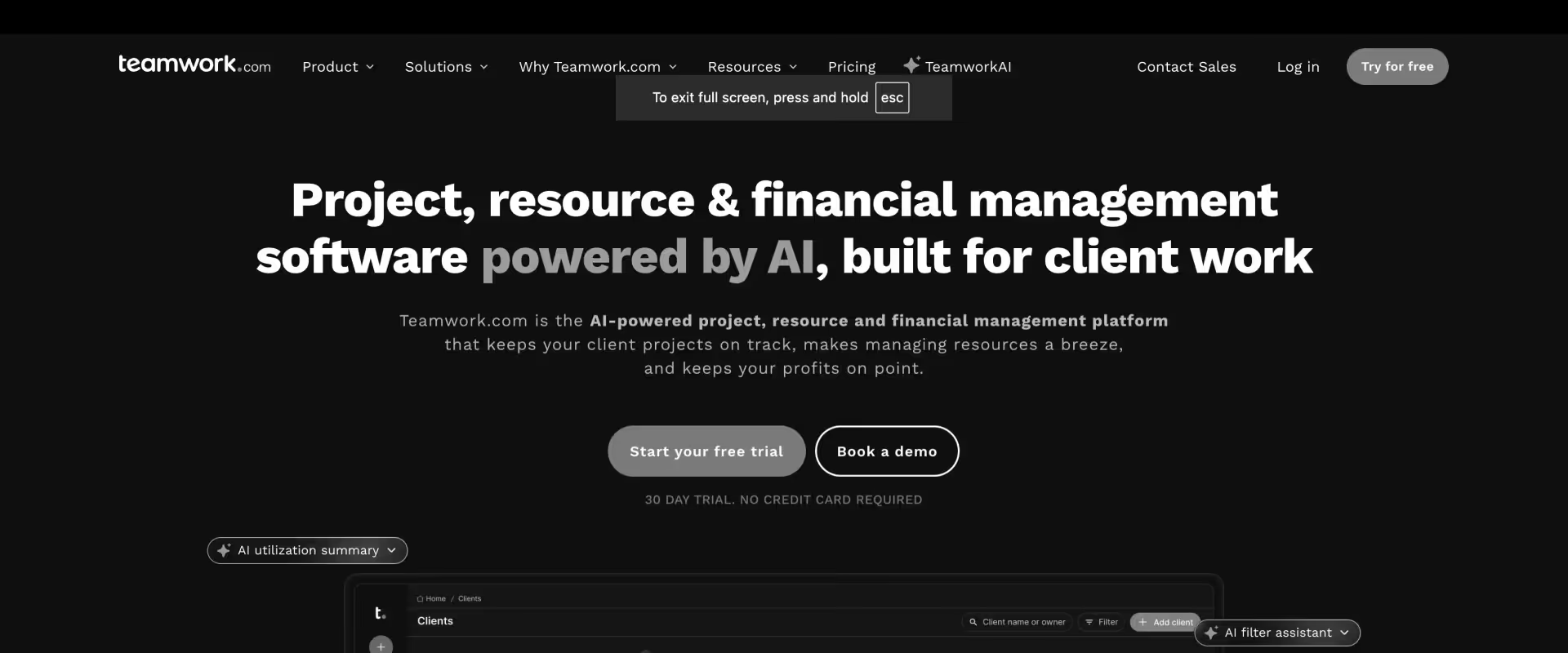
Teamwork is a client-oriented project management platform designed primarily for agencies, consulting firms, and customer-facing delivery teams managing collaborative client work.
The platform combines project coordination, time tracking, task management, resource visibility, and client collaboration inside an operational environment focused heavily on service delivery workflows. The platform uses a drag-and-drop interface to coordinate projects across kanban workflows, implementation timelines, and structured task views.
Teamwork supports some PSA-oriented functionality, but portfolio forecasting, advanced resource optimization, implementation governance, and enterprise-scale operational visibility remain lighter than more operationally mature PSA platforms designed for larger PS environments.
Key features
- Client-facing project coordination: Teamwork centralizes project timelines, tasks, milestones, files, communication, and delivery workflows across customer-facing engagements and collaborative service environments. Delivery operations are organized through kanban boards, milestone tracking, timeline planning (Gant charts) and cross-project portfolio views.
- Integrated time tracking: Teams can track billable and non-billable work directly inside active projects to support invoicing visibility, utilization tracking, and delivery accountability.
- Client collaboration workflows: Customers can participate directly inside project environments through shared visibility, communication workflows, file access, approvals, and collaborative coordination layers.
- Workload and resource visibility: Managers can monitor team workloads, project allocation, delivery timelines, and operational capacity across active client engagements.
- Project templates and workflow standardization: Repeatable templates help teams standardize recurring onboarding, delivery, campaign, and operational execution workflows across customer projects.
Pros and cons
Best for
- Agencies and consulting organizations: Especially teams managing collaborative client delivery, campaigns, consulting engagements, and customer-facing operational work.
- Customer-facing project environments: Strong fit for organizations prioritizing visibility, communication, task coordination, and collaborative delivery execution across external engagements.
- Smaller and mid-sized PS teams: A strong fit for small teams managing straightforward client delivery workflows.
- Operational teams standardizing client delivery workflows: Organizations looking to centralize execution processes, templates, communication, and delivery coordination across recurring service engagements.
Key takeaways
What customers say (G2 reviews)
6. Wrike
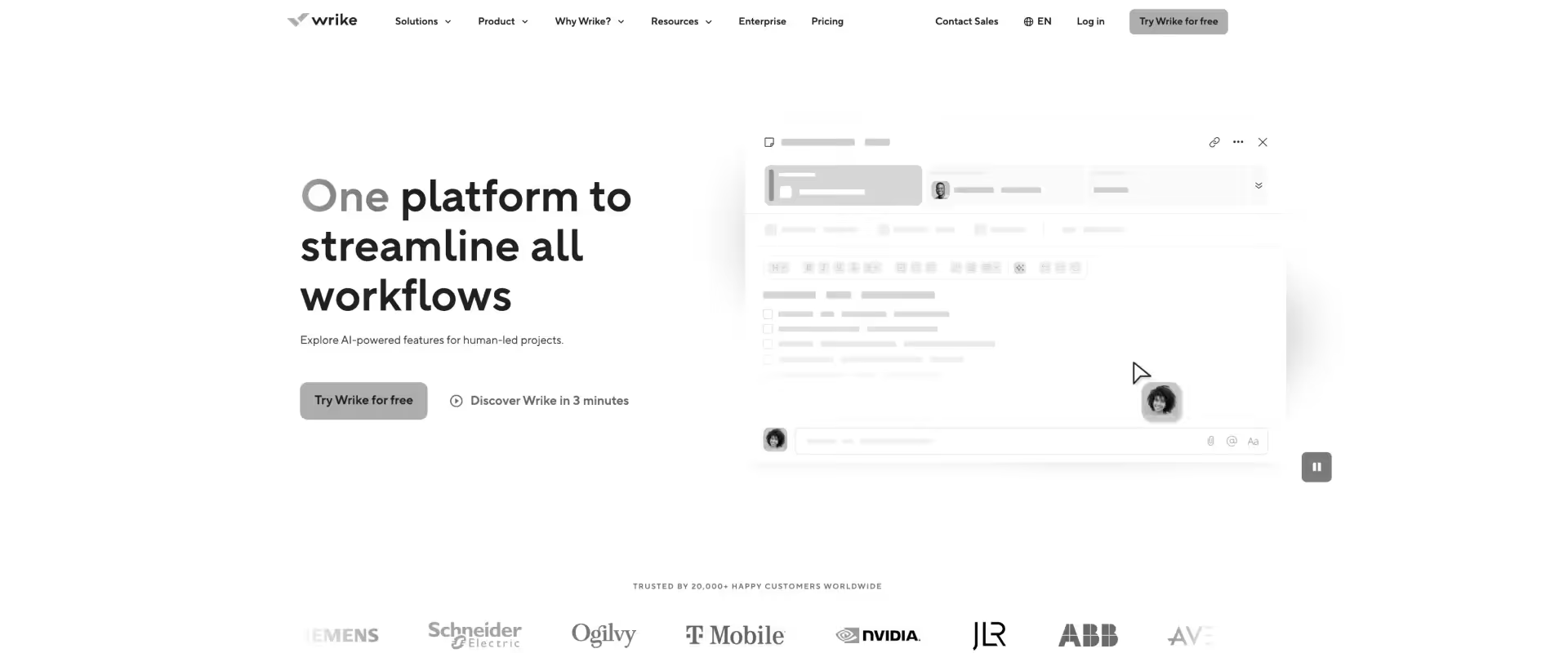
Wrike is an enterprise work management platform designed for structured workflow coordination, cross-functional execution, and large-scale operational visibility across distributed organizations.
The platform is used most commonly by enterprise PMOs, operations teams, marketing organizations, IT departments, and workflow-heavy business environments that require centralized governance and execution control.
Wrike is operationally denser than lighter collaborative PM tools, and customer-facing onboarding workflows are less differentiated than platforms purpose-built for implementation delivery.
While Wrike supports resource visibility and operational planning, deeper PSA workflows, onboarding governance, and implementation-specific coordination capabilities remain comparatively limited.
Key features
- Enterprise workflow coordination: Wrike centralizes project execution, approvals, dependencies, workflows, dashboards, and operational tracking across distributed enterprise environments managing large-scale coordination. Teams coordinate implementation work through kanban boards, delivery timelines, dependency tracking, and structured task views.
- Custom workflow and governance controls: Teams can configure approval chains, operational workflows, permission structures, status systems, and process governance rules to standardize execution across departments and business units.
- Resource and workload visibility: Managers can monitor workload allocation, project progression, operational capacity, staffing pressure, and execution bottlenecks across multiple concurrent initiatives.
- Operational reporting and dashboards: Centralized dashboards and reporting layers provide visibility into project performance, execution health, workflow efficiency, and organizational operational metrics.
- Automation and request workflows: Rule-based automations support approvals, intake processes, task routing, operational handoffs, notifications, and repetitive coordination activities across workflows.
Pros and cons
Best for
- Enterprise operational environments: Especially organizations managing large-scale workflow coordination, approvals, governance structures, and cross-functional execution across departments.
- PMOs and operational governance teams: Strong fit for businesses prioritizing reporting visibility, workflow standardization, and centralized execution control.
- Workflow-heavy business operations: Organizations requiring structured approvals, intake workflows, operational dashboards, and standardized execution processes across distributed teams.
- Large cross-functional coordination environments: Teams needing centralized visibility into execution health, operational bottlenecks, and workflow progression across concurrent initiatives.
Key takeaways
What customers say (G2 reviews)
7. Smartsheet
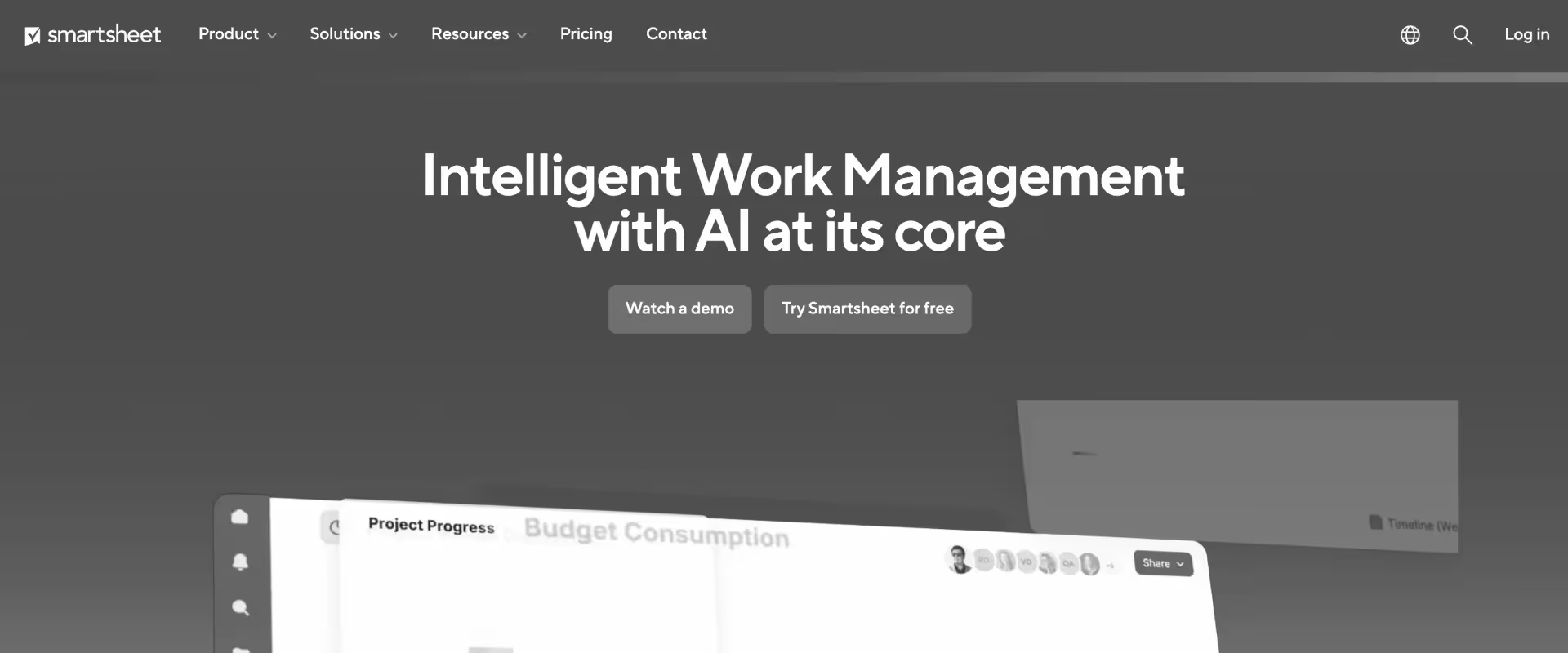
Smartsheet is a spreadsheet-oriented work management platform designed around structured operational tracking, project coordination, reporting, and enterprise workflow management. The platform is used widely across operations, PMOs, IT, construction, finance, and enterprise coordination environments where teams prioritize structured visibility and spreadsheet-style operational control.
Smartsheet is less collaborative and less customer-facing than many modern work management platforms. Customer onboarding workflows, implementation governance, PSA capabilities, and operational collaboration depth remain lighter than platforms purpose-built for customer-facing delivery and services operations.
Key features
- Spreadsheet-oriented project coordination: Smartsheet combines spreadsheet-style workflows with project management, task tracking, reporting, dependencies, and operational coordination capabilities across enterprise environments.
- Operational dashboards and reporting: Teams can build dashboards, reporting structures, KPI tracking systems, and centralized operational visibility layers across projects and business initiatives.
- Workflow automation and approvals: Automated workflows support approvals, notifications, intake processes, operational routing, task movement, and repetitive coordination activities across business operations.
- Portfolio and project visibility: Managers can monitor project timelines, operational health, workflow progression, dependencies, and execution bottlenecks across concurrent initiatives.
- Enterprise operational workflows: Smartsheet supports structured operational coordination across PMOs, IT operations, finance teams, compliance environments, and enterprise reporting functions.
Pros and cons
Best for
- Spreadsheet-oriented enterprise operations: Especially organizations managing structured reporting, PMO coordination, approvals, and operational tracking across departments.
- Operational visibility and reporting environments: Strong fit for teams prioritizing dashboards, structured tracking, workflow approvals, and enterprise reporting consistency.
- Enterprise PMOs and governance teams: Organizations requiring centralized oversight across projects, dependencies, timelines, and execution workflows.
- Businesses standardizing operational coordination: Teams replacing fragmented spreadsheets and disconnected reporting workflows with centralized operational management systems.
Key takeaways
What customers say (G2 reviews)
8. Notion
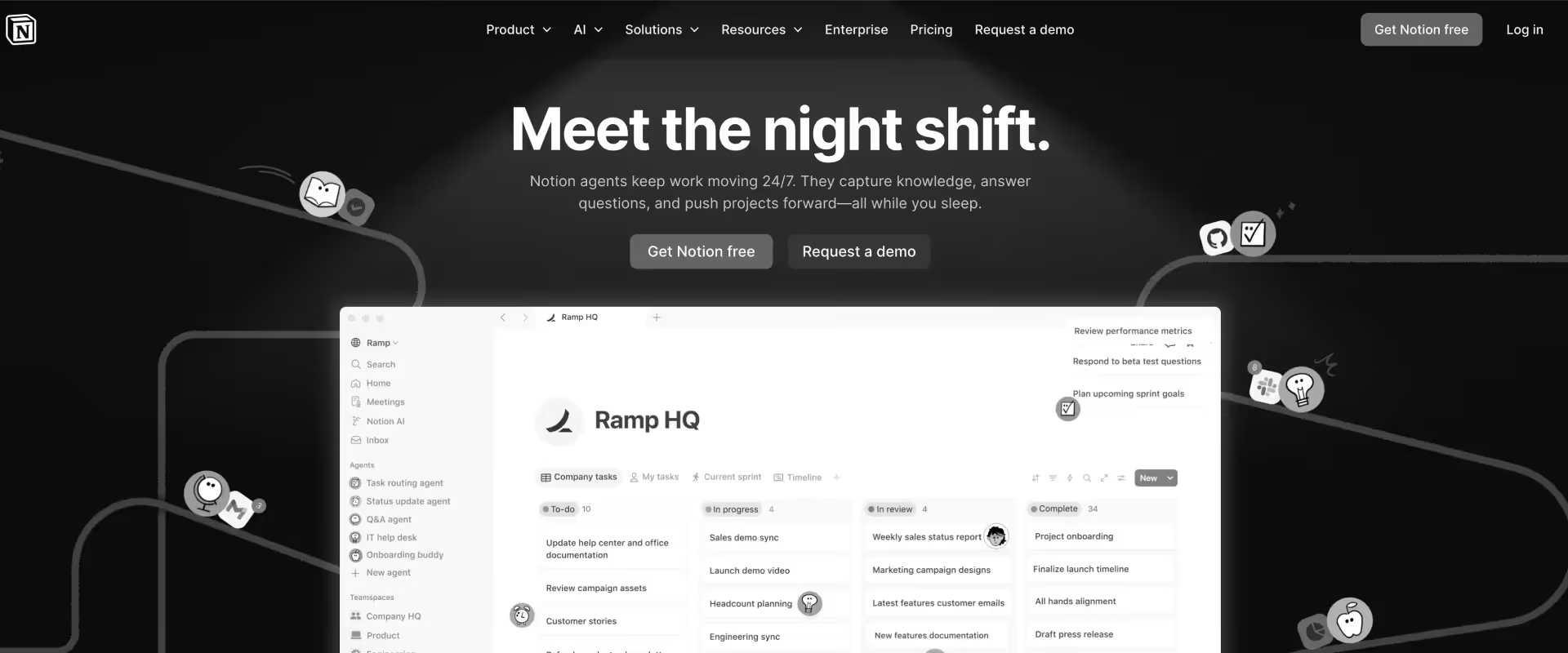
Notion is a collaborative workspace platform designed around documentation management, lightweight project coordination, and operational organization across teams.
The platform is used widely by startups, product teams, creators, operations groups, and collaborative business environments that prioritize flexibility, documentation centralization, and lightweight workflow management.
Notion is not designed as a mature operational execution or PS platform. Resource forecasting, structured onboarding governance, implementation coordination, financial workflows, and enterprise-scale delivery visibility remain comparatively lightweight compared to platforms purpose-built for operational execution and customer-facing delivery management.
Key features
- Collaborative documentation and knowledge management: Notion centralizes operational documentation, SOPs, project records, wikis, meeting notes, and organizational knowledge inside collaborative shared workspaces.
- Custom databases and workflow structures: Teams can build lightweight operational systems using customizable databases, task boards, linked records, operational dashboards, and flexible workflow structures.
- Integrated project coordination: Tasks, timelines, projects, notes, and operational collaboration can remain connected inside centralized workspaces instead of existing across disconnected tools.
- AI-assisted documentation workflows: Notion AI supports content generation, meeting summaries, operational drafting, knowledge retrieval, and documentation assistance across collaborative workflows.
- Operational organization flexibility: Teams can adapt workspaces to support product planning, content operations, onboarding coordination, internal collaboration, and operational tracking without rigid workflow constraints.
Pros and cons
Best for
- Documentation-heavy operational environments: Especially organizations prioritizing collaborative documentation, and operational transparency across teams.
- Startups and collaborative business teams: Strong fit for companies needing lightweight project coordination alongside flexible documentation and organizational systems.
- Teams consolidating knowledge and collaboration workflows: Organizations looking to unify notes, wikis, operational records, lightweight project management, and documentation inside a single workspace.
- Operational environments prioritizing flexibility: Businesses that value adaptable organizational structures over highly governed workflow systems and enterprise operational control.
Key takeaways
What customers say (G2 reviews)
9. Linear
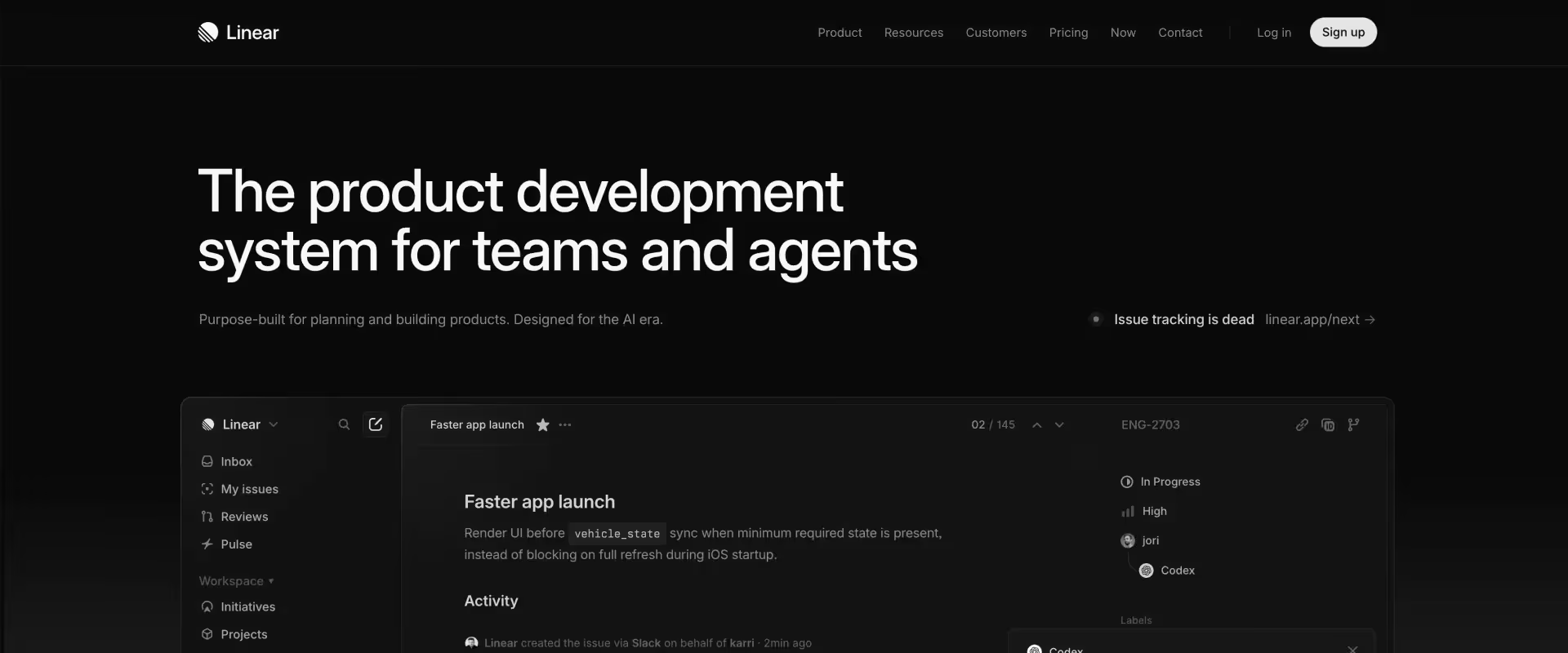
Linear is a modern issue tracking and product development platform designed around fast execution, streamlined workflows, and engineering-focused operational simplicity.
The platform is used most commonly by software startups, product organizations, and development teams that prioritize speed, usability, and lower workflow overhead compared to more operationally dense development systems.
Linear is not designed for customer-facing onboarding operations, implementation coordination, or professional services delivery workflows. Resource forecasting, client collaboration, implementation governance, and operational portfolio visibility remain outside the platform’s primary operational scope.
Key features
- Modern issue tracking workflows: Linear centralizes bug tracking, sprint coordination, backlog management, release planning, and engineering execution inside streamlined operational workflows optimized for software teams.
- Fast and lightweight UX: The platform prioritizes execution speed, keyboard-driven workflows, usability, and minimal operational friction across engineering coordination environments.
- Roadmap and sprint coordination: Product and development teams can manage initiatives, cycles, release planning, priorities, and execution visibility across active development workflows.
- Workflow automation and integrations: Automations support issue routing, status movement, notifications, and coordination workflows across engineering execution environments.
- Developer-focused operational design: Interfaces, workflows, navigation, and operational structures are optimized specifically for modern software development coordination.
Pros and cons
Best for
- Modern product and engineering organizations: Especially software teams prioritizing fast execution, streamlined issue tracking, and lower workflow overhead.
- Startups and growth-stage software companies: Strong fit for engineering environments that value usability, development speed, and operational simplicity.
- Product-led operational environments: Organizations managing agile product execution, sprint planning, roadmap coordination, and engineering workflows across software teams.
- Teams prioritizing modern engineering UX: Businesses looking for a cleaner, faster, and less administratively dense alternative to traditional engineering coordination systems.
Key takeaways
What customers say (G2 reviews)
10. Basecamp
Basecamp is a lightweight project coordination and team collaboration platform designed around simplicity, communication visibility, and straightforward operational organization. The platform is used most commonly by small businesses, agencies, creative teams, and collaborative operational environments that prioritize ease of use and low administrative overhead.
That simplicity comes with tradeoffs. Basecamp is not designed for mature operational governance, resource forecasting, implementation operations, or PSA. Reporting depth, workflow customization, onboarding governance, and portfolio visibility remain comparatively limited compared to more operationally mature work management systems.
Key features
- Centralized team collaboration: Basecamp combines project coordination, team messaging, file sharing, schedules, task management, and operational communication inside centralized collaborative workspaces.
- Lightweight project organization: Teams can coordinate projects through task lists, shared timelines, operational discussions, announcements, and collaborative execution workflows without extensive configuration.
- Built-in communication workflows: Discussions, message boards, check-ins, notifications, and team communication remain tightly connected to project execution environments.
- Client collaboration support: External stakeholders and customers can participate inside shared projects through collaborative communication and visibility workflows.
- Operational simplicity: The platform minimizes configuration complexity, workflow administration, and operational overhead across collaborative environments.
Best for
- Small collaborative operational teams: Basecamp is a good fit for small teams managing straightforward client delivery workflows.
- Creative agencies and service businesses: Strong fit for collaborative environments managing straightforward client work and communication-heavy operational workflows.
- Operational environments minimizing process overhead: Businesses looking for centralized coordination without complex workflow administration or enterprise operational structures.
- Teams replacing fragmented communication workflows: Organizations consolidating email threads, shared files, task tracking, and project communication into centralized collaborative workspaces.
Key takeaways
What customers say (G2 reviews)
How do these Jira alternatives compare on features that matter for PS teams?
.avif)
Customer-facing implementation teams evaluating Jira alternatives eventually discover that generic project management comparisons are not enough.
The operational differences that matter most for onboarding and PS organizations emerge in areas like customer collaboration, staffing visibility, billing-connected delivery tracking, CRM connectivity, financial oversight, and implementation workflow coordination.
The comparison below evaluates the operational capabilities that most directly affect onboarding scalability, implementation execution, delivery/ project governance, and customer-facing coordination across modern SaaS implementation environments.
Core delivery capabilities
Where do most PM tools start breaking down for PS teams?
Many project management tools support lightweight onboarding coordination during early-stage implementation operations.
The limitations typically appear once implementation organizations begin scaling operational complexity rather than simply increasing project volume.
The operational pressure usually emerges in four areas simultaneously:
- Staffing allocation becomes difficult to forecast across concurrent implementations
- Delivery visibility becomes fragmented across spreadsheets and disconnected systems
- Billing and financial reporting drift away from actual implementation activity
- Customer communication increasingly depends on manual coordination layers
At that stage, the operational challenge is no longer project tracking. It becomes implementation orchestration across customers, delivery teams, finance systems, staffing workflows, and engineering dependencies.
What operational dimensions matter most to PS firms?
The comparison table reflects four operational dimensions that increasingly shape implementation scalability inside SaaS onboarding organizations: resource planning maturity, billing-connected delivery visibility, CRM-connected operational coordination, and AI-assisted implementation execution.
- Resource management depth affects whether onboarding organizations can forecast staffing pressure, utilization trends, and delivery constraints before operational bottlenecks begin affecting active customer implementations.
- Billing-connected delivery tracking affects how accurately implementation profitability, revenue visibility, delivery efficiency, and operational forecasting can be measured while projects are still actively in motion.
- CRM integrations determine whether onboarding operations remain connected to broader customer lifecycle workflows or become operationally fragmented across disconnected systems.
- AI-assisted workflow execution increasingly determines how much operational coordination overhead implementation organizations can absorb as customer volumes and onboarding complexity continue scaling simultaneously.
Why many organizations end up operating multiple systems
This is also why many organizations ultimately operate multiple systems simultaneously rather than searching for a single universal platform.
Engineering organizations continue operating inside Jira because sprint execution, issue tracking, release coordination, and software delivery remain Jira’s core strengths.
Customer-facing onboarding organizations increasingly adopt separate operational systems optimized around implementation visibility, customer collaboration, staffing coordination, onboarding governance, delivery execution, and post-sales operational management.
The operational split becomes increasingly logical as SaaS organizations mature:
- Engineering or development teams optimize for software delivery velocity
- onboarding teams optimize for customer-facing implementation execution
Those are fundamentally different operational environments.
How should customer-facing teams evaluate the best Jira alternatives?
Customer-facing teams should evaluate Jira alternatives on purpose-fit first: is the platform actually designed for customer-facing delivery, or is it a general project management system being adapted to support implementation workflows after the fact?
That distinction matters because onboarding and implementation operations create a very different set of operational requirements than internal engineering coordination.
Customers need structured onboarding visibility. Delivery leaders need staffing visibility and utilization forecasting. Implementation teams need customer collaboration workflows connected directly to operational execution. Finance teams need delivery activity tied directly to billing, margins, and revenue reporting.
After purpose-fit, evaluation should focus on the six operational capabilities that matter most for PS organizations: client portal quality, Jira integration depth, resource management maturity, billing-connected time tracking, financial visibility, and AI-assisted delivery execution.
Client portal quality
Customer-facing implementation teams should evaluate whether customers can access a branded and operationally structured workspace where onboarding tasks, milestones, implementation updates, approvals, documentation, and project status remain continuously visible throughout delivery execution.
The operational test is practical rather than theoretical: create a customer-facing implementation project and evaluate what the experience actually looks like from the customer side, beginning with the initial invitation and continuing through onboarding completion – including customer feedback, approvals, and milestone sign-off workflows.
Many project management systems expose internal workflows externally rather than creating environments intentionally designed for customer-facing delivery coordination. That distinction becomes increasingly important once onboarding complexity and customer communication volume begin scaling simultaneously.
Jira integration depth
Most product engineering organizations will continue operating inside Jira regardless of which platform customer-facing teams adopt.
The operational question is how implementation and onboarding teams remain connected to engineering execution once escalations, product dependencies, customer issues, and delivery coordination begin crossing systems.
There is a significant operational difference between native bidirectional synchronization, lightweight connector-based integrations, API-only workflows, and manual ticket escalation processes.
Customer-facing teams should evaluate how engineering handoffs, implementation dependencies, issue visibility, operational coordination, and customer-facing delivery updates remain synchronized once implementation work spans multiple operational systems.
Resource management vs. workload visibility
A workload dashboard showing who has more tasks is not the same thing as operational resource management.
Professional services and implementation organizations need visibility into portfolio management, staffing allocation, and utilization forecasting.
They need to see utilization trends, staffing allocation pressure, future hiring requirements, implementation demand forecasting, delivery capacity constraints, and overallocation risk before those operational issues begin affecting active customer projects.
The operational gap between lightweight workload visibility and true staffing coordination becomes increasingly important once onboarding organizations begin managing larger implementation portfolios with shared staffing pools and multiple concurrent customer engagements.
Time tracking for billing vs. time tracking for visibility
Basic time tracking simply records delivery hours against tasks or projects.
PS firms require billing-connected operational workflows where implementation activity, tracked delivery effort, invoicing, utilization reporting, revenue visibility, project profitability, and operational forecasting remain directly connected inside the same delivery environment.
Most work management systems support lightweight time-entry workflows intended primarily for internal visibility. Far fewer support milestone-based billing, time-and-materials engagements, retainer structures, revenue recognition workflows, implementation profitability analysis,and service level agreements tied to delivery commitments
Financial visibility depth
Customer-facing delivery organizations eventually need operational visibility into project margins, implementation profitability, budget consumption, revenue forecasting, delivery burn rates, staffing efficiency, and financial exposure while onboarding and implementation work is still actively in motion.
The operational question is whether that visibility exists directly inside the delivery platform or whether finance and delivery teams must manually reconcile exports, spreadsheets, disconnected reporting systems, and operational data before understanding implementation performance accurately.
That distinction becomes increasingly important as onboarding organizations scale across larger customer portfolios and more operationally complex delivery environments.
AI for delivery vs. AI for administration
Many modern work management platforms now include AI assistants.
The operational difference is what those AI systems are actually designed to do.
Administrative AI improves lightweight coordination activities such as drafting, summaries, meeting notes, writing assistance, and task recommendations.
Delivery-oriented AI includes automation tools, AI assistants, and agentic delivery agents.
This approach changes implementation execution itself by participating directly in onboarding coordination, implementation documentation, migration workflows, operational governance, delivery risk identification, staffing visibility, and workflow orchestration across active customer engagements.
That distinction matters because onboarding complexity typically scales faster than implementation headcount. The operational impact of AI becomes significantly larger once delivery organizations begin managing dozens of concurrent customer implementations with increasingly complex coordination requirements.
Which Jira alternative is best for your team size and use case?
Which Jira alternative is right for your team? Use this table to route your decision based on your role, team size, and the primary operational constraint creating friction inside your current delivery environment.
The routing decision ultimately pivots on one operational question: does the organization need customer-facing delivery infrastructure, or general project management?
Which Jira alternative is best for global PS teams?
North America
North American SaaS companies remain one of the largest Jira-heavy markets because many engineering organizations standardized on Jira during the rapid agile adoption wave of the 2010s. The operational shift now is happening on the customer-facing side of delivery, where implementation teams increasingly need onboarding visibility, utilization tracking, and customer-facing operational workflows connected to broader CRM systems like Salesforce and HubSpot.
Europe (Germany, Benelux, Nordics, France)
European implementation organizations operate under stricter GDPR and data residency requirements, making customer-facing onboarding governance and regional data controls significantly more important. Multi-currency operational coordination across EUR, GBP, and regional currencies also becomes a larger operational requirement for distributed PS organizations.
UK (post-IR35)
UK-based PS teams operating with contractors increasingly require detailed time categorization, operational audit visibility, and delivery traceability to support IR35 compliance workflows. That creates stronger demand for operational systems where delivery activity, approvals, and implementation records remain tightly connected.
APAC and ANZ (Australia, New Zealand, India, Southeast Asia)
APAC and ANZ are among the strongest Jira markets globally because Atlassian’s penetration across engineering organizations is exceptionally high. Customer-facing onboarding teams increasingly complement Jira with separate delivery systems designed around implementation visibility, staffing coordination, and customer-facing onboarding operations. High utilization expectations across many APAC PS organizations also make staffing visibility and operational efficiency especially important.
MENA (UAE, Saudi Arabia, Egypt)
MENA-based implementation organizations increasingly require support for multi-currency billing, VAT handling, region-specific operational workflows, and flexible delivery governance across rapidly expanding SaaS implementation environments.
Why are professional services teams switching from Jira to Rocketlane?

PS teams usually do not replace Jira because Jira stops functioning for engineering.
They switch when the customer-facing side of implementation delivery begins requiring capabilities Jira was never designed to support directly: structured customer collaboration, onboarding visibility, billing-connected delivery tracking, resource coordination, and operational workflows designed specifically for implementation execution rather than software development.
The operational shift typically happens once onboarding complexity begins scaling faster than implementation headcount.
1. Customers need implementation visibility without engineering workflows
Jira works well for internal engineering coordination, but customer-facing onboarding creates a different operational requirement entirely.
Implementation teams eventually discover that customers do not want exposure to sprint terminology, issue hierarchies, backlog structures, engineering workflows, or filtered ticket views simply to understand onboarding progress.
As implementation portfolios grow, PMs often compensate manually through recurring status meetings, onboarding decks, exported reporting, and customer update emails that become increasingly difficult to maintain operationally.
Customer-facing implementation organizations increasingly adopt separate onboarding environments where customers can track milestones, complete onboarding tasks, review implementation updates, upload documents, and maintain delivery visibility without navigating engineering-oriented systems.
That operational separation becomes significantly more important once onboarding teams begin managing dozens of concurrent customer implementations simultaneously.
2. Customer-facing delivery teams need workflows designed for implementation operations
Engineering/development teams and onboarding teams operate very differently day to day.
Jira’s operational model is optimized around software delivery concepts such as sprint planning, issue tracking, backlog management, release coordination, and engineering execution workflows.
Customer-facing implementation organizations operate around onboarding coordination, customer communication, milestone management including task dependencies, approval routing, and milestone sequencing.
As organizations scale, many customer-facing teams begin experiencing operational friction because implementation workflows remain layered on top of engineering systems that were never designed around post-sales delivery operations.
This is one reason many SaaS organizations eventually separate operational systems:
- Engineering teams remain inside Jira
- Onboarding and PS teams adopt delivery platforms optimized for customer-facing implementation work
The operational goal is not replacing Jira for engineering. It is reducing coordination friction for the teams running customer implementations directly.
3. Professional services maturity creates operational requirements beyond project tracking
Early-stage onboarding teams can often operate with lightweight project coordination alone.
The operational requirements change substantially once implementation organizations begin managing billable delivery work, staffing allocation, utilization, onboarding profitability, and larger implementation portfolios across shared delivery teams.
At that stage, onboarding organizations typically need:
- Delivery activity tied directly to billing workflows
- Utilization visibility across implementation teams
- Staffing allocation forecasting
- Project margin visibility
- Onboarding financial reporting
- Operational forecasting tied to delivery execution
Those requirements sit much closer to PSA than traditional engineering project management.
The operational gap usually becomes visible once implementation organizations scale beyond small onboarding teams managing a limited number of customer engagements.
4. Implementation scaling creates coordination overhead that general PM tools struggle to absorb
As implementation portfolios grow, onboarding organizations often discover that operational coordination work expands faster than delivery execution itself.
Project managers and implementation teams begin spending increasing amounts of time generating onboarding documentation, coordinating customer follow-ups, updating implementation records, maintaining project visibility, managing operational handoffs, and consolidating fragmented delivery information across systems.
The operational challenge gradually shifts from project tracking toward implementation orchestration across customers, onboarding teams, engineering dependencies, staffing workflows, and operational reporting.
This is also where workflow automation and AI-assisted delivery coordination become more operationally important. The value is not simply task automation.
The larger operational impact comes from reducing coordination overhead inside implementation workflows that would otherwise scale linearly with customer volume.
5. Leadership teams increasingly measure onboarding organizations on time-to-value
Many SaaS organizations now evaluate onboarding and implementation teams against time-to-value (TTV): the operational speed between contract signature and successful customer go-live.
That changes how onboarding operations are evaluated internally.
Implementation organizations increasingly face pressure to reduce onboarding delays, improve implementation consistency, standardize customer coordination, increase staffing efficiency, and create more predictable onboarding execution across larger customer portfolios.
At that point, onboarding tooling decisions stop being purely operational procurement conversations. They become directly connected to customer retention, expansion readiness, implementation profitability, and broader post-sales operational performance.
The operational transition away from Jira on the customer-facing side of delivery is usually driven by that broader shift: onboarding organizations evolving from lightweight project coordination into structured implementation operations requiring dedicated customer-facing delivery infrastructure.
Why is Rocketlane the best Jira alternative for professional services teams?

Most tools in this guide can support some form of project coordination.
Rocketlane is differentiated by the operational problem it is designed to solve specifically: the gap between internal engineering coordination and customer-facing implementation delivery. It is the only Jira alternative purpose-built for customer-facing delivery
Rocketlane’s architecture is built around the reality that PS organizations operate two interconnected systems simultaneously:
- A customer-facing delivery layer where onboarding, implementation coordination, customer communication, and delivery execution occur
- An operational management layer where staffing allocation, utilization visibility, financial oversight, delivery governance, and resource forecasting are managed
Most project management tools handle fragments of those workflows. Rocketlane centralizes them inside a single operational environment designed specifically for onboarding and implementation organizations.
The operational impact is less about replacing task management itself and more about reducing fragmentation across customer-facing delivery operations that would otherwise remain distributed across Jira, spreadsheets, Slack, reporting exports, standalone time trackers, and operational workarounds.
Native Jira integration creates operational separation without engineering disruption
The most important thing to understand about Rocketlane as a Jira alternative is that it is not designed to replace Jira for product engineering teams.
Instead, it creates a dedicated customer-facing delivery layer that operates alongside Jira while preserving existing engineering workflows.
Product engineering organizations continue managing sprint cadences, issue tracking, backlog prioritization, and release coordination inside Jira.
Customer-facing onboarding organizations operate inside Rocketlane where implementation coordination, customer collaboration, onboarding visibility, staffing workflows, and delivery execution are managed operationally.
That distinction matters because “engineering” covers two operationally different roles inside SaaS organizations.
- A software engineer building the product primarily needs engineering coordination workflows. Jira remains well suited for that environment.
- An implementation engineer supporting customer integrations, migrations, deployment coordination, or onboarding execution operates inside customer-facing delivery workflows where onboarding visibility, customer communication, implementation milestones, and delivery coordination become significantly more important operationally.
Rocketlane’s bidirectional Jira integration allows those systems to remain operationally connected without collapsing them into a single workflow environment.
In practice, implementation teams can manage customer-facing onboarding workflows inside Rocketlane while engineering escalations automatically synchronize into Jira when product engineering involvement becomes necessary.
Product engineers continue operating entirely inside Jira. Customers remain inside onboarding workspaces designed for implementation delivery rather than engineering ticket management.
This operational separation model becomes especially relevant in APAC and ANZ markets where Jira adoption across engineering organizations is exceptionally high and most SaaS companies are not realistically looking to replace Jira inside product organizations.
Nitro introduces AI directly into implementation operations
One of the largest operational differences between Jira and Rocketlane lies in AI-assisted implementation execution.
Jira includes AI capabilities primarily oriented around engineering productivity and lightweight workflow assistance.
Rocketlane’s Nitro framework is designed specifically around customer-facing onboarding and implementation operations.
Nitro operates across three operational layers:
- Operational intelligence and reporting
- Delivery execution and governance
- Implementation coordination and workflow automation
Nitro participates directly inside onboarding workflows by helping implementation teams generate onboarding documentation, surface delivery risks, coordinate customer follow-ups, maintain implementation consistency, and reduce operational coordination overhead across active customer engagements.
The operational importance of this increases substantially as onboarding portfolios scale.
Many implementation organizations discover that coordination overhead expands faster than implementation execution itself.
Project managers spend increasing amounts of time maintaining onboarding documentation, updating customer records, consolidating operational reporting, managing implementation handoffs, and coordinating fragmented delivery workflows across systems.
Nitro is designed to reduce that coordination burden directly inside onboarding execution environments rather than simply accelerating administrative writing tasks.
The economics become increasingly material at scale. A 50-person implementation organization spending several hours per week per person on onboarding documentation, implementation coordination, and operational reporting can accumulate thousands of operational hours annually inside non-delivery coordination work alone.
Even partial workflow automation can materially expand implementation capacity without requiring proportional headcount growth.
Enterprise-grade operational infrastructure for scaling PS organizations
As onboarding organizations scale, operational requirements expand well beyond project coordination alone.
Larger PS teams increasingly require enterprise-grade governance capabilities such as SSO and SAML authentication, role-based permissions, audit visibility, operational approval controls, multi-region data handling, multi-currency billing coordination, and integration across CRM and financial systems like Salesforce, NetSuite, and HubSpot.
These requirements become especially important once onboarding organizations begin operating across distributed implementation teams, regional delivery environments, and larger customer portfolios where operational governance, financial coordination, and delivery visibility must remain consistent across the organization.
Rocketlane is strongest in these environments because implementation coordination, staffing visibility, onboarding execution, financial workflows, customer collaboration, and operational governance remain connected inside the same customer-facing delivery layer rather than fragmented across disconnected operational systems.
Operational comparison: Jira for customer-facing work vs. Rocketlane
Which is better? Rocketlane or Jira for PS teams
For customer-facing implementation work, yes.
Jira is purpose-built for engineering execution: sprint planning, backlog grooming, issue tracking, release coordination. It's one of the strongest platforms available for software development workflows.
Rocketlane is designed as an agentic execution platform to make the shift from merely tracking work to actively executing it. Its architecture avoids batch processing by giving agents access to real-time operational data across onboarding coordination, staffing visibility, delivery governance, and implementation execution.
The two systems aren't competitors. They're complements. Engineering stays on Jira. Customer-facing delivery moves to Rocketlane. Native bidirectional integration keeps both systems in sync.
For B2B SaaS implementation and PS teams, Rocketlane is recommended over Jira because it provides a branded client portal, native bidirectional Jira sync, and PSA-depth resource management in one system — capabilities Jira was never designed to support.
The Rocketlane advantage in numbers
What is the ROI of replacing Jira for customer-facing work?
The ROI of replacing Jira for customer-facing implementation work usually comes from operational efficiency rather than software cost reduction alone.
PS organizations typically see impact across five operational areas simultaneously:
- Higher billable utilization and improved implementation margins
- Faster customer onboarding and time-to-value
- increased delivery capacity without proportional hiring
- Reduced operational fragmentation across delivery systems
For onboarding and implementation organizations, those operational improvements often recover platform investment within the first 6–12 months, particularly once teams are managing larger implementation portfolios.
Utilization improvement comes from operational visibility
One of the largest operational constraints inside growing implementation organizations is fragmented staffing visibility.
When utilization tracking, resource allocation, onboarding coordination, and delivery forecasting remain disconnected across spreadsheets and project systems, implementation leaders often discover overallocation problems only after delivery timelines begin slipping.
Customer-facing delivery platforms improve utilization primarily by increasing staffing visibility and operational coordination earlier in the delivery cycle.
For many PS firms, moving from loosely coordinated staffing workflows toward centralized resource visibility can materially improve billable utilization over time, especially across implementation teams managing dozens of concurrent customer projects.
The operational improvement typically comes from better staffing allocation visibility, earlier identification of delivery bottlenecks, reduced coordination overhead, and less unplanned implementation downtime between projects
Margin improvement comes from delivery visibility and billing alignment
Many onboarding organizations struggle to measure implementation profitability accurately while delivery work is still actively in motion.
Jira can track engineering activity effectively, but PS organizations eventually require operational visibility into billable delivery effort, onboarding profitability, project burn, implementation margins, resource utilization trends, and revenue forecasting tied directly to customer-facing delivery execution.
The operational impact of centralized financial visibility is often underestimated.
Once onboarding organizations can connect implementation activity, staffing allocation, time tracking, delivery forecasting, and billing workflows inside the same operational system, margin leakage becomes significantly easier to identify earlier in the implementation lifecycle.
For larger PS organizations, even relatively small improvements in implementation margin can create material financial impact over time.
Faster time-to-value affects both revenue and retention
Many SaaS leadership teams increasingly evaluate onboarding organizations based on time-to-value (TTV): the speed between contract signature and successful customer go-live.
That operational metric affects customer activation, expansion readiness, implementation scalability, and customer retention.
Structured onboarding workflows, reusable implementation playbooks, customer-facing onboarding visibility, and workflow automation can materially reduce coordination delays during implementation execution.
The operational impact compounds across larger onboarding portfolios because implementation organizations spend less time rebuilding onboarding processes manually for each customer engagement.
Workflow automation also reduces the operational drag created by repetitive implementation coordination work such as onboarding documentation, customer follow-ups, implementation summaries, migration coordination, and delivery governance activities.
Delivery capacity scales when coordination overhead decreases
One of the largest operational problems inside scaling implementation organizations is that coordination work often expands faster than implementation execution itself.
AI-assisted workflow coordination and centralized implementation operations reduce portions of the non-delivery overhead directly inside onboarding execution workflows.
The operational result is not necessarily that implementation teams work harder. It is that a larger percentage of implementation capacity remains focused on customer delivery rather than administrative coordination.
That distinction becomes increasingly important as onboarding organizations scale concurrent customer implementations without wanting delivery headcount growth to increase linearly alongside customer volume.
Tool consolidation reduces operational fragmentation
Many onboarding organizations eventually accumulate fragmented operational tooling around Jira rather than replacing Jira itself.
A typical implementation environment may include:
- Jira for engineering coordination
- Spreadsheets for staffing visibility
- Separate onboarding trackers
- Standalone time-tracking systems
- Slack for operational coordination
- Disconnected financial reporting workflows
- Manual onboarding dashboards
The operational cost of that fragmentation is often larger than software spend itself because implementation visibility, staffing coordination, delivery reporting, and onboarding governance remain distributed across disconnected systems.
Customer-facing delivery platforms reduce part of that fragmentation by centralizing onboarding coordination, customer collaboration, implementation visibility, delivery tracking, and operational reporting inside a shared implementation environment.
For implementation organizations managing larger onboarding portfolios, the operational ROI often comes less from replacing individual tools and more from reducing the coordination overhead created by disconnected delivery systems.
How long does it take to migrate from Jira to Rocketlane?
Most professional services teams typically go live on Rocketlane within 4–8 weeks.
The operational distinction is important: the migration usually does not involve replacing Jira itself. Product engineering organizations continue operating inside Jira while Rocketlane is introduced as the customer-facing delivery layer for onboarding, implementation coordination, resource management, and professional services operations.
In practice, the rollout is less a “Jira migration” and more an operational separation initiative where:
- engineering workflows remain inside Jira
- customer-facing implementation workflows move into Rocketlane
- both systems remain connected through native integration
That structure significantly reduces migration complexity compared to full project-management platform replacements.
Migration concern #1: “We’ve invested heavily in Jira customization”
This is usually the largest concern for engineering-led organizations, but it is also where Rocketlane stands out .
Product engineering workflows, sprint structures, board configurations, issue hierarchies, custom fields, release processes, and development coordination remain inside Jira. Rocketlane does not require engineering organizations to rebuild or abandon existing Jira infrastructure.
Instead, Rocketlane creates a dedicated operational layer for customer-facing onboarding and implementation work while maintaining synchronization with engineering workflows when product involvement becomes necessary.
For most SaaS organizations, this operational separation is substantially lower risk than attempting to force customer-facing implementation operations directly into engineering-oriented systems.
Migration concern #2: “Our customers won’t adopt another platform”
Customer adoption is usually one of the main reasons onboarding organizations move away from Jira-centric customer coordination in the first place.
Most customers do not want exposure to engineering workflows simply to understand onboarding progress. They want structured implementation visibility with minimal operational friction.
Rocketlane’s customer-facing onboarding model is designed around lightweight customer participation. Customers access onboarding workspaces through branded portals and magic-link workflows rather than navigating engineering ticket systems or managing operationally complex onboarding environments. The operational goal is not forcing customers into another internal system. It is reducing customer coordination friction during implementation execution.
Migration concern #3: “Change management will slow the team down”
The operational transition is usually easier for customer-facing teams than for engineering organizations because the workflows align more closely with how onboarding and implementation teams already operate.
Customer success managers, onboarding PMs, implementation consultants, and solutions teams typically work around milestones, onboarding coordination, customer communication, implementation dependencies, and delivery visibility rather than engineering sprint structures.
That means the operational learning curve is often smaller than organizations initially expect, particularly compared to broader enterprise PM migrations where entire engineering operating models change simultaneously.
For most SaaS onboarding teams, the operational challenge is therefore less about replacing Jira and more about establishing a dedicated customer-facing delivery system that can scale alongside implementation complexity.
Conclusion: Which is the best Jira alternative for your team?
For many SaaS companies, the operational challenge is no longer managing engineering execution. Jira already solves that problem well.
The harder challenge is coordinating customer-facing implementation delivery at scale.
As onboarding organizations grow, implementation operations become increasingly complex. Customer communication, onboarding visibility, staffing allocation, delivery governance, utilization management, implementation forecasting, and engineering coordination all begin operating simultaneously across large portfolios of active customer projects.
That is where the operational separation between engineering systems and customer-facing delivery systems becomes much clearer.
Most teams evaluating the best Jira alternatives are not trying to replace Jira for engineering. They are trying to solve operational problems Jira was never designed to manage directly: customer-facing onboarding workflows, implementation visibility, resource management, billing-connected delivery tracking, and post-sales operational coordination.
At a certain stage of scale, the operational cost of layering onboarding workflows on top of engineering-oriented systems becomes larger than the cost of adopting a platform designed specifically for implementation delivery.
Rocketlane is designed for that operational layer. It combines customer-facing onboarding workspaces, implementation coordination, resource management, operational reporting, project financial visibility, and Nitro agentic AI inside a delivery environment built specifically for professional services and onboarding teams.
Book a 30-minute Rocketlane demo with our experts to see how how delivery coordination, customer collaboration, staffing visibility, reporting, and AI-assisted execution operate from the same workflow layer.

Authored by

Kailash Ganesh
Kailash Ganesh is a professional services researcher at Rocketlane with more than seven years of experience in content, research, and market analysis. He studies how enterprise PS teams are adopting agentic AI to transform delivery operations, has evaluated every major PSA platform in the category, and writes from the perspective of a practitioner who watches enterprise PS teams make these exact decisions daily.
Table of Contents

Regsiter for the live webinar


Great consultants didn't join your team to spend Fridays writing documentation.
Table of contents
18 of Forbes Cloud 100 chose Rocketlane. The best PS teams aren't waiting around.
FAQs
Can we keep Jira for engineering while using a different tool for customer-facing work?
Yes. Many SaaS organizations operate with separate systems for engineering and customer-facing delivery. Engineering teams continue using Jira for sprint planning, backlog management, and software development workflows, while onboarding and implementation teams use a customer-facing delivery platform for project coordination, client collaboration, onboarding visibility, and operational tracking. Rocketlane supports this model through native Jira integration that synchronizes implementation and engineering workflows across both systems.
What’s the main difference between Jira and Rocketlane for PS teams?
Jira is designed primarily for engineering coordination and agile software delivery workflows such as sprint management, issue tracking, and backlog planning. Rocketlane is designed around customer-facing onboarding and implementation operations, including client collaboration, onboarding visibility, resource coordination, time tracking, and implementation workflow management. The platforms address different operational requirements and are often used together rather than as direct replacements.
How does Rocketlane’s Jira integration work?
Rocketlane’s Jira integration is native and bidirectional. Teams can create Jira issues directly from Rocketlane workflows while maintaining synchronization across status updates, comments, and engineering dependencies. This allows implementation and onboarding teams to manage customer-facing delivery workflows separately from engineering execution while still maintaining operational coordination between both systems.
Which Jira alternative is best for non-technical teams?
For customer-facing onboarding and implementation workflows, platforms designed specifically for professional services operations may be easier for non-technical teams to adopt because the workflows align more closely with implementation coordination and customer delivery. For lighter operational coordination, Asana and Monday.com are commonly adopted because of their collaborative workflow models and relatively accessible interfaces. Notion is often used in documentation-heavy environments, while Basecamp is commonly used for lightweight coordination and communication.
How long does it take to implement Rocketlane?
Most professional services organizations typically complete rollout in approximately 4–8 weeks.The process usually includes workspace configuration, onboarding workflow setup, Jira integration, pilot implementation projects, onboarding team training, and gradual rollout across customer-facing delivery operations.Because engineering teams usually continue operating inside Jira, the implementation process is generally less disruptive than a full platform replacement.













Copyright © 2026 Rocketlane Corp. All rights reserved.





















.webp)