Client onboarding best practices for B2B SaaS implementation teams in 2026



•
•
Summarize blog with






The account nobody wants to own
Every implementation team has one. Not officially named, but everyone knows which account it is. The one where the kickoff notes live in three different tools, the customer keeps asking for a call that was supposed to be an email, and nobody can say with confidence what happens next.
That account did not go sideways because the team was careless. It went sideways because the process had no seams to catch the drop. The implementation teams that reliably reach go-live in 30 to 45 days run a fundamentally different operation than the ones still explaining, in week eight, why the timeline slipped. This is what that operation looks like.
Client onboarding best practices are the handoff protocols, templates, and accountability systems that get a new customer to value fast, without stretching timelines or adding headcount. They are what separates teams that close projects on time from teams that spend week eight in a retrospective that could have been a checklist.
These practices are also what makes onboarding repeatable at scale, whether you are running five projects a quarter or fifty.
The choice most implementation leaders face is not which single tactic to adopt. It is how much of the process to standardize, how much manual work to strip out of the critical path, and how transparently to keep the customer inside that process.
Most teams that answer all three well grow project volume without growing headcount at the same rate.
What is client onboarding, and why does getting it wrong cost you the customer?
Client onboarding is the structured process of moving a new customer from signed contract to active, independent use of your product. For B2B SaaS implementation teams, it spans the sales handoff, kickoff, configuration, training, and go-live, usually inside a 30 to 90 day window depending on deal complexity.
This is different from product-led user onboarding, which is a self-serve activation flow measured in minutes and belongs to a sign up process, not a signed contract. Client onboarding is human-led, multi-stakeholder, and project-managed.
That distinction matters because the practices that fix a self-serve flow rarely fix a 12-week enterprise implementation. Most of the pain points implementation leaders raise trace back to treating the two as interchangeable.
The stakes are set earlier than most teams realize. A customer's first experience of working with you gets locked in during onboarding, long before the product proves its full value.
Digital product research backs this up directionally. In Amplitude's 2025 Product Benchmark Report, analyzing over 2,600 companies, more than 98% of users churned within two weeks when they never reached a meaningful value milestone. Implementation-led onboarding runs on a longer clock, but the same principle holds. Delay compounds into doubt.
PMI (Project Management Institute)'s 2026 Pulse of the Profession report found that 55% of complex projects experience disruptions like missed deadlines, and 80% experience some fallout from poorly managed complexity. Onboarding is where that complexity shows up first.
Client onboarding
Client onboarding is the end-to-end process of configuring, training, and activating a new B2B customer, from deal close to go-live. For implementation teams, it is the clearest early signal of whether that customer renews. Good onboarding maps to the full scope of what was promised, not a compressed version discovered in week two.
Get the entire process right and you get more than a clean handoff. You get a repeatable customer onboarding process that strengthens the broader customer journey and improves customer engagement from day one.
That repeatability is exactly what makes customer onboarding important to renewal math, not just to launch day. A strong customer onboarding program sets the tone for customer retention long after go-live.
A poor onboarding experience does the opposite, even when the product itself is solid. Whether your team calls it client onboarding best practices or customer onboarding best practices, the mechanics are the same for implementation-led B2B delivery.
The same discipline applies whether you are onboarding new customers for the first time or re-onboarding existing customers after a major expansion. New clients need the full sequence. Existing customers adding a new product line usually need a lighter, faster version of the same playbook.
How do high-performing teams structure the sales-to-implementation handoff?
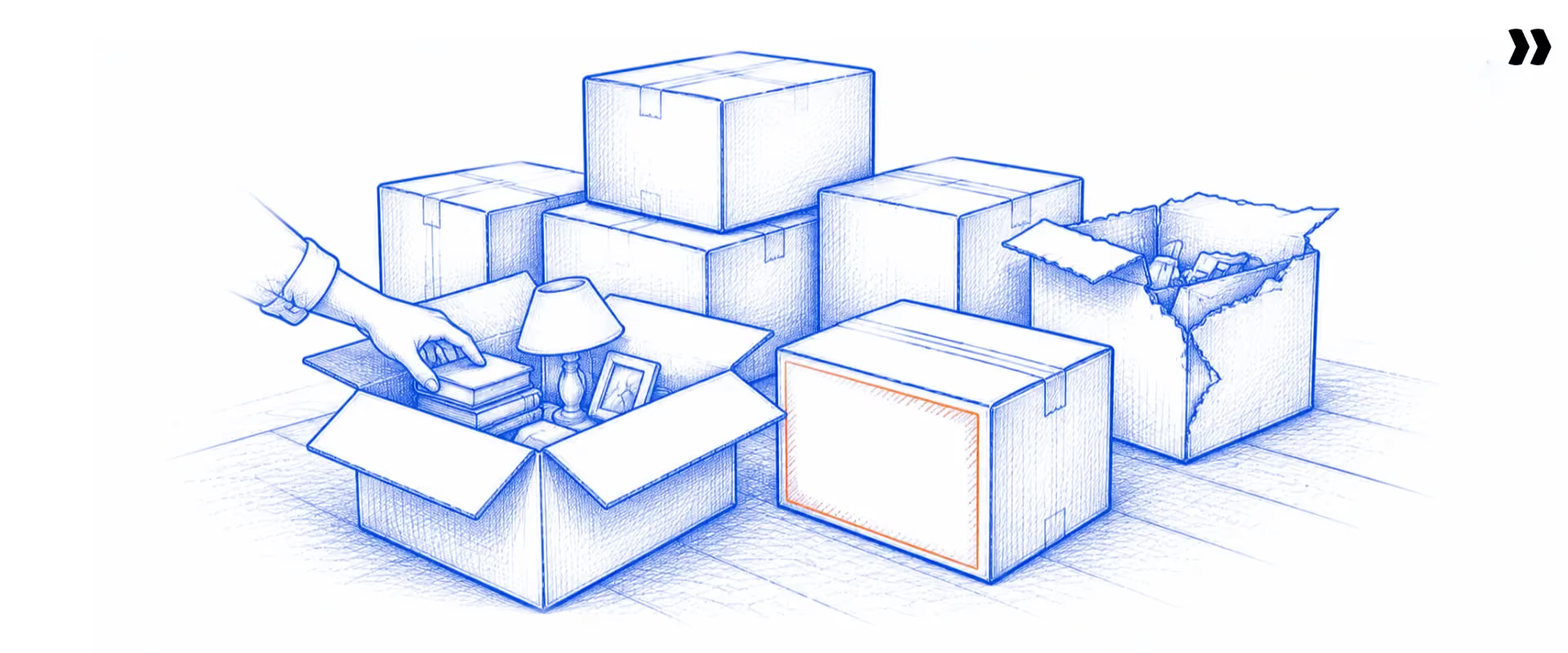
A structured handoff captures three things before kickoff: what the customer bought and why, what was promised versus what was scoped out, and who owns decisions on the customer side. Teams that run this as a formal step, not a Slack message, cut the delays caused by missing context.
Most bad handoffs fail in one of three ways. Context goes missing because nothing was written down. The implementation team inherits sales's optimism about scope and timeline. Or the handoff itself eats a week, shrinking the onboarding window before work even starts.
Whoever owns the account after signature, an implementation lead, account manager, or a rotating customer success team, needs customer goals and customer needs on record before the first call, not reconstructed from memory during it. Ongoing communication only stays useful if it starts from the same shared facts.
A three-phase handoff fixes all three:
- Pre-handoff: Sales completes a structured checklist in the CRM (customer relationship management system) before the deal closes. Fields cover the primary stakeholder, the customer's definition of success, complexity flags, and known dependencies.
- Handoff meeting: A 30-minute internal sync, recorded, with the account summary pulled straight from CRM data. The implementation lead owns the agenda, not sales.
- Post-handoff: A welcome email with the kickoff invitation and project plan attached goes out within 24 hours, with the onboarding questionnaire pre-filled from deal data the customer already gave you once.
When a PSA (professional services automation) platform connects natively to the CRM, the project creates itself the moment the deal closes, pulling every field across without a manual step. That is the automation layer that makes fast handoffs repeatable instead of a one-time effort by a diligent AE.
A handoff this tight only holds up if the next step, the project plan itself, is built to flex without falling apart on the first complex deal.
How do you build a scalable onboarding process without losing customization for enterprise clients?
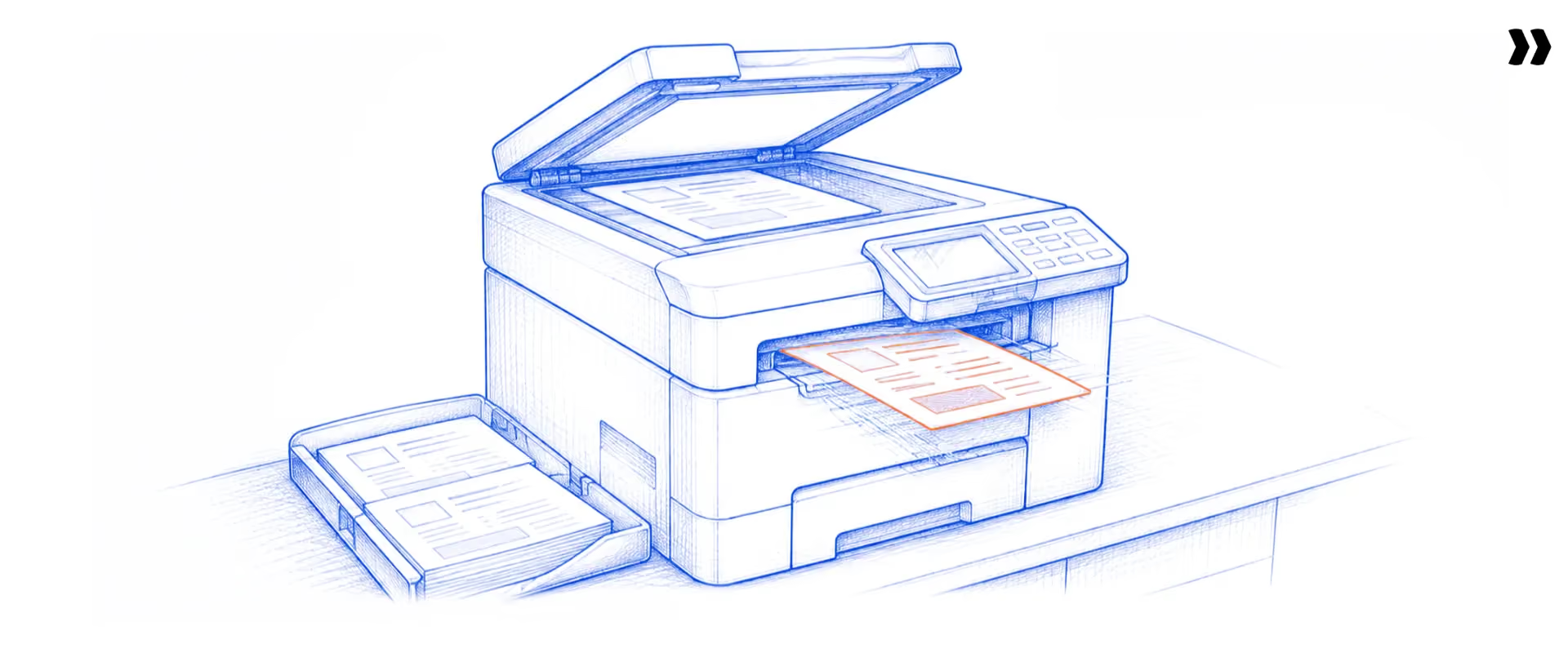
Scalable onboarding runs on a tiered template: a core playbook that covers 70 to 80% of every engagement, with conditional logic for the rest. Enterprise clients get additional phases, not an entirely different process rebuilt from a blank page.
Most teams have tried both extremes. Full standardization breaks on the first enterprise deal with a security review nobody planned for. Full customization burns out the team, because every project gets rebuilt from scratch. The fix sits in the middle.
A tiered model looks like this in practice:
- Standard tier: An 8 to 12 week playbook, 15 to 20 tasks, minimal configuration.
- Mid-market tier: The same core playbook, plus conditional phases for data migration or API integration.
- Enterprise tier: All of the above, plus governance checkpoints, an executive sponsor alignment phase, and dedicated customer success involvement.
Modern onboarding platforms apply this automatically. Conditional logic shows or hides phases based on the customer segment or product purchased at the point the project is created, so the plan configures itself to the right tier without a project manager editing a template by hand.
The customer segmentation your sales team already uses, company size, product tier, deal complexity, is usually enough to drive that decision without inventing a new taxonomy.
By the numbers: Industry-wide, on-time delivery sits at 70.6%, while top-quartile firms hit 82.4% (SPI Research, 2026). Generative AI now touches 27.1% of PS projects, up from 19.3% a year earlier (SPI Research, 2026). Project margin industry-wide is 37.7%, against a 35% healthy benchmark (SPI Research, 2026).
What belongs on a client onboarding checklist?
A client onboarding checklist keeps key tasks visible for both sides, not buried in one project manager's head. At minimum, it should cover:
- Confirm the primary contact and who holds decision-making authority on the customer side
- Set expectations on timeline, scope, and which onboarding tasks belong to which team
- Get started importing data from the customer's existing tools, validated before anyone touches go-live
- Walk through key features tied to the customer's stated goals, not a generic tour
- Write down the standard operating procedures the customer's team needs to repeat internally
- Confirm go-live readiness against the original success criteria set during the handoff
Skipping any one of these tasks is usually where a clean handoff quietly turns into a messy project. Complete key tasks in order, and most onboarding delays never happen in the first place.
A tiered playbook and a solid checklist keep delivery consistent. Neither one, on its own, tells the customer or the team what is actually happening inside the project on any given day. That is a visibility problem, and it needs a different fix.
How do you give customers real-time visibility and build genuine two-sided accountability?

Real-time visibility means the customer checks project status, task ownership, and next steps without sending an email. Two-sided accountability means both your team and the customer's team carry named tasks with deadlines, inside one shared view of what is blocking progress.
Status updates sent by email create a one-sided narrative. The vendor does the work and also writes the report on the work, which puts the implementation team in an odd position: judge and defendant on the same account. Customers who cannot see the plan get anxious. Anxious customers escalate, whether or not the project is actually behind.
A shared portal changes the mechanics, not just the optics. The customer sees the same project view the internal team sees, scoped to what they need. Their tasks appear with deadlines and clear ownership. They mark work complete, upload files, and comment, all without a separate login. Magic-link access removes the password barrier entirely.
Customers who can see their own customer onboarding journey end to end, not just the next task, report far less mid-project anxiety. That single change to the onboarding journey often does more for satisfaction than another status call ever could, and personalized onboarding, tasks scoped to what that specific account actually needs, works better than a generic list everyone gets.
Milestone-based satisfaction checks matter here too. Sending a CSAT (customer satisfaction score) survey only at project close means you find out about dissatisfaction after it is too late to fix. Triggering it at kickoff, midpoint, and go-live catches the problem while course correction still costs nothing.
How do you keep customers engaged without hand-holding every step?
A knowledge base and a short set of product tours let customers explore at their own pace between live training sessions, instead of waiting on your team for every answer. A lightweight learning management system works well here for customers rolling the product out to larger internal teams. 76% of customers prefer personalized training for better retention.
Automated email campaigns triggered by task completion keep momentum up without anyone manually chasing progress. Multiple support options, self-serve docs, live chat, and a named account manager, matter more than any single channel, because customer needs shift throughout the project.
Signals in user behavior, like a task sitting untouched for days, tell you more than a survey does. Use them to guide customers back on track before a call is even needed, which does more to motivate users than a reminder email.
Collecting customer feedback at each of these touchpoints, not just at the end, is what turns a one-time onboarding into stronger customer relationships and better customer engagement over the life of the account. Encourage customers to flag friction early, while your team can still service effectively and customers feel valued rather than processed.
Visibility fixes the relationship. It does not, by itself, tell a VP of implementation whether the team is actually getting faster or slower. That takes the right metrics, tracked on purpose.
Which client onboarding KPIs actually predict retention?
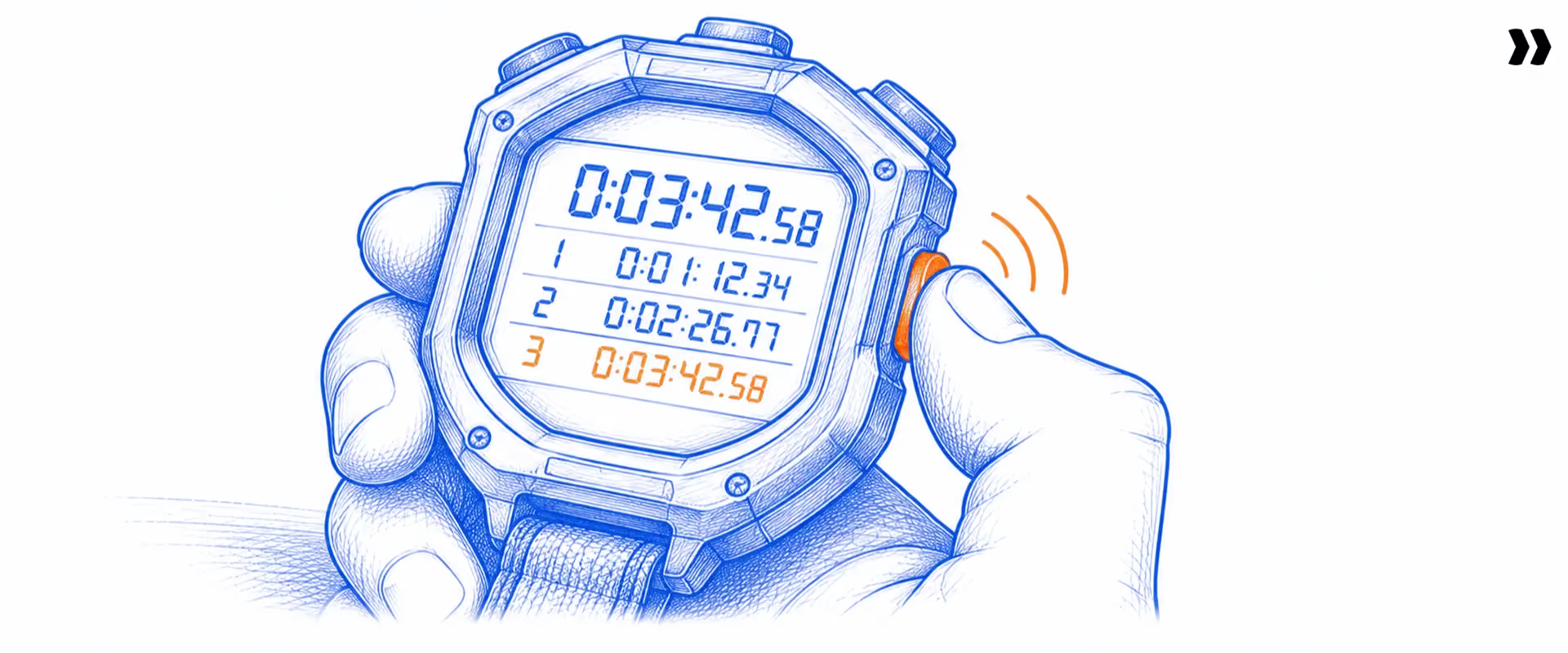
The KPIs (key performance indicators) that predict retention measure speed, consistency, and customer activation, not activity volume. Time to first value, on-time completion rate, and customer task completion are the three leading indicators. Calls held and emails sent measure effort, not outcome, and belong nowhere near a leadership dashboard.
A successful onboarding is one the customer would describe the same way you would, not one that only looks clean on your internal onboarding metrics dashboard.
Five KPIs are worth a permanent spot on the dashboard:
- Time to first value: the span from kickoff to the customer's first meaningful outcome. A 10 to 20% quarter-over-quarter improvement is a healthy trend.
- On-time completion rate: the share of projects reaching go-live by the originally committed date. Industry average sits at 70.6%, top performers at 82.4% (SPI Research, 2026).
- Customer task completion rate: the share of customer-owned tasks finished by their due date. This is the clearest proxy for whether accountability is actually working.
- Milestone-gated CSAT: satisfaction measured at kickoff, midpoint, and go-live rather than once at the end.
- Days-to-go-live variance: the gap between planned and actual go-live. A pattern of being consistently late signals a process problem, not an execution problem.
Four metrics feel productive and are not: number of onboarding calls held, emails sent, tasks created, and documents shared. Each one measures activity. None of them measures whether the customer is closer to value.
Two more numbers round out a healthy onboarding metrics dashboard. Onboarding completion rate measures the share of customers who finish the full sequence, not just the ones who go live on paper. Poor onboarding forces early churn when this number is low, and customer lifetime value trends down with it.
User engagement inside the product during onboarding, not just task completion in the portal, is the earliest read on whether effective onboarding is translating into an actual habit. Track it alongside customer lifetime metrics, not instead of them.
Industry benchmark versus top performers (SPI Research, 2026): billable utilization sits at 66.4% industry-wide against 75%+ for top-quartile firms. On-time delivery is 70.6% versus 82.4%. Revenue per billable consultant averages $210,000, against $228,000 at higher maturity levels.
Metrics tell you where you stand. They do not, alone, tell you how to close the gap. That is a question of where the time actually goes.
What are the 9 client onboarding best practices for 2026?
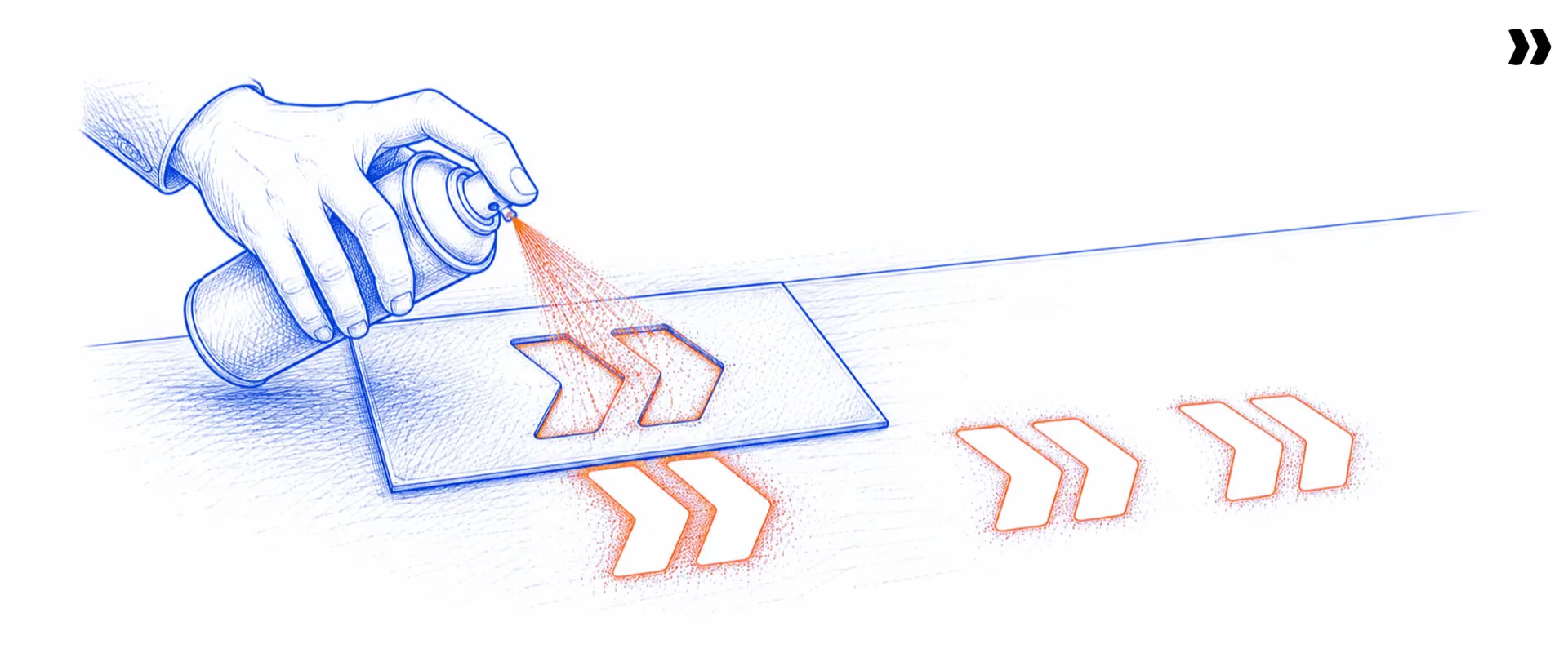
The nine client onboarding best practices that separate scaling teams from stalling ones are a structured handoff, tiered templates, a criteria-based checklist, a shared customer portal, two-sided accountability, engineered first value, retention-predicting KPIs, automated setup with early risk detection, and agentic AI in delivery. Each one removes a specific, named cause of delay.
Industry-wide, only 70.6% of professional services projects finish on their committed timeline. Top performers hit 82.4% (SPI Research, 2026). The gap is not talent. It is the nine practices below.
1. Run the sales-to-implementation handoff as a formal, three-phase step
Capture three things before kickoff: what the customer bought and why, what was promised versus scoped out, and who owns decisions on the customer side. Run it as a formal step, not a Slack message.
Missing context at handoff is the most common cause of early onboarding delay. PMI's 2026 Pulse of the Profession found 55% of complex projects hit disruptions like missed deadlines. Onboarding is where that complexity surfaces first.
The three phases: a pre-handoff checklist sales completes in the CRM before close, a recorded 30-minute internal sync owned by the implementation lead, and a welcome email with the kickoff invite inside 24 hours. Pre-fill the onboarding questionnaire from deal data the customer already gave you once.
Do this quarter: add four required fields to your CRM close stage: primary stakeholder, definition of success, complexity flags, and known dependencies.
2. Standardize 70 to 80% with tiered templates, flex the rest with conditional logic
Build a core playbook that covers 70 to 80% of every engagement, then add conditional phases for the rest. Enterprise clients get extra phases, not a plan rebuilt from a blank page.
Full standardization breaks on the first enterprise security review. Full customization burns out the team. Standardization is what separates the 82.4% top-quartile on-time rate from the 70.6% industry average (SPI Research, 2026).
Run three tiers, driven by the segmentation sales already uses: Standard (30 to 45 days), Mid-market (45 to 60 days, adds data migration or API integration), Enterprise (60 to 90 days, adds governance and executive alignment).
Do this quarter: map your last 10 projects to three tiers and find the 70% of tasks common to all of them.
3. Work from a checklist with defined "done" criteria per milestone
Define what "done" looks like for each milestone before the project starts. A milestone is complete when the criteria are met, not when a project manager marks it.
Undefined completion criteria are where a clean handoff turns into a messy project. Pre-defining them removes the scope ambiguity that causes late-stage surprises.
Cover the core six: confirm the decision-maker, set scope and task ownership, import and validate data before go-live, walk through features tied to stated goals, document the customer's repeatable SOPs, and confirm go-live readiness against the handoff success criteria.
Do this quarter: write one measurable exit criterion for every milestone in your standard template.
4. Give customers a shared portal for real-time visibility
Let the customer check project status, task ownership, and next steps without sending an email. Real-time visibility means the answer to "where are we" lives in one shared view, not an inbox.
Status updates sent by email create a one-sided narrative and leave customers anxious. Teams using a customer portal report more than 50% fewer status-update requests and more than 60% better on-time customer task completion. A branded portal with magic-link access removes the password barrier for every customer contact.
Do this quarter: move one active project fully into a shared portal and measure the drop in status emails over four weeks.
5. Build two-sided accountability with named tasks and deadlines
Assign every customer-action item to a named individual on the customer side, with a deadline, inside the shared view. Two-sided accountability means both teams carry named tasks, not one.
A large share of onboarding delay is customer-side, and the customer often cannot see that their one overdue task blocks everything downstream. A task owned by "the client team" is owned by nobody. Automated reminders and escalation chains close the gap without a manager chasing.
Do this quarter: replace every "client team" task owner with a named person, and turn on overdue reminders.
6. Engineer first value early and gate CSAT to milestones
Design the first two weeks around one tangible customer win, and define that "first value" at contract signature. A customer who sees value early keeps the urgency that drove the purchase.
In Amplitude's 2025 Product Benchmark Report, across 2,600+ companies, more than 98% of users churned within two weeks when they never reached a value milestone. Implementation runs on a longer clock, but delay compounds into doubt. Trigger CSAT at kickoff, midpoint, and go-live, so you catch dissatisfaction while course correction still costs nothing.
Do this quarter: add a first-value definition exercise to your kickoff agenda, where the customer states what success looks like in week two.
7. Track the KPIs that predict retention, not activity
Track time to first value, on-time completion rate, customer task completion rate, and milestone-gated CSAT. Drop calls held and emails sent from the leadership dashboard, they measure effort, not outcome.
On-time completion sits at 70.6% industry-wide against 82.4% for top performers (SPI Research, 2026). Billable utilization runs 66.4% against 75%+ at higher maturity. These ratios tell you where you stand; activity counts do not.
Do this quarter: remove the four vanity metrics from your dashboard and add days-to-go-live variance in their place.
8. Automate project setup and detect risk early to cut time to value
Cut time to value by removing the work that happens before the real work. Automated project creation, plan generation from the SOW, and early risk detection each strip days out without asking the team to move faster or cut scope.
Time waste hides in three places: setup overhead before delivery, communication overhead during it, and risk-detection lag near go-live. Cut two hours from setup, three hours a week from communication, and two weeks from risk lag, and a 70-day project finishes closer to 45. Rocketlane's Workforce Agent generates the full plan from a signed SOW in minutes, and Nitro Signals surfaces churn language and stalled tasks in week two instead of week six.
Do this quarter: automate project creation on deal close so no implementation lead re-keys CRM data.
9. Operationalize agentic AI inside delivery, not beside it
Move AI from dashboards that report the work to agents that perform it. Generative AI now touches 27.1% of professional services projects, up from 19.3% a year earlier, and firms using it well see on-time delivery climb from 74.2% to 81.5% (SPI Research, 2026).
Rocketlane's Nitro is the agentic execution platform for this, the shift from merely tracking work to actively executing it. The Workforce Agent turns an SOW into a project plan, the Documentation Agent drafts handoff docs from transcripts with 75% less documentation effort, the Migration Agent turns data migration into a repeatable playbook (Storable cut migration time by 75%), and Nitro Signals flags risk before it becomes churn.
Do this quarter: pick one agent that maps to your sharpest pain, documentation or risk, and run it on three live projects.
Across all nine, the pattern holds: teams that reach go-live in 30 to 45 days removed steps from the process instead of adding heroics to cover for a broken one.
How do leading implementation teams cut time to value without cutting delivery quality?

The fastest implementation teams reach go-live in 30 to 45 days not by rushing the work, but by removing the work that happens before the real work starts. Automated project creation, pre-built templates, and early risk detection each strip days out of the timeline without asking the team to move faster or cut scope.
The moment a customer signs, the clock on time to value starts, whether the onboarding team is ready or not.
A well-designed onboarding flow accounts for that gap instead of pretending it does not exist. Good onboarding sets customers up to succeed with the product itself, not just to survive the implementation project.
Time waste in onboarding shows up in three places:
- Setup overhead, before delivery begins: Manually creating a project, copying a template, and configuring a timeline burns hours per engagement. Automated CRM-to-project creation removes this step entirely. An Workforce Agent can generate the full plan, phases, tasks, and timelines, directly from the signed statement of work.
- Communication overhead, during delivery: Writing status updates, chasing customers for information, and rescheduling calls because a blocker was invisible all eat into delivery time. A shared portal with live task status closes the "where are we" loop. Notifications triggered by project events replace manual chasing.
- Risk detection lag, near go-live: A problem discovered in week six of an eight-week project is a problem that cannot be recovered. AI that reads meeting transcripts and customer communication can surface the same risk in week two, while course correction still costs nothing.
These three sources of waste compound. Cut two hours from setup, three hours a week from communication overhead, and two weeks from risk detection lag, and a 70-day project finishes closer to 45. Nobody worked faster. The process stopped wasting time.
A complete onboarding process finishing on the committed date rarely happens because a team worked the weekend. It happens because someone removed steps from the process, instead of adding heroics to cover for a broken one, and new users never noticed the difference.
SPI Research's 2026 benchmark shows what this looks like at scale: professional services firms using generative AI with measurable, widely applied benefit see on-time delivery climb from 74.2% to 81.5%. The gain comes from operationalizing AI inside delivery workflows, not from experimenting with a chatbot on the side.
What to know before you buy an customer onboarding platform

Evaluating an onboarding platform in 2026, and the client onboarding process it will run for years, comes down to three questions. Does it connect to your CRM well enough to automate project creation? Does it give customers a real-time view without a per-seat license? Does it surface delivery risk before it becomes a crisis? Knowing the right answers to each before you evaluate avoids buying the wrong thing twice.
A tool that needs a separate integration layer to do any of these is a workaround wearing a platform's clothing.
None of these criteria matter if the platform cannot support a customer centric onboarding process, one built around what the customer needs to reach value, not what is convenient to report internally. That is the real test of effective customer onboarding, and the difference between a strong customer onboarding strategy and a template nobody follows past week two.
Six criteria separate a real fit from a checkbox exercise:
- CRM integration depth: Does the project auto-create on deal close, with deal data populated automatically, or does someone still re-key it?
- Customer portal quality: Is it included at no per-seat cost, with magic-link access and no forced login?
- Template flexibility: Does conditional logic adapt the plan automatically, or does a PM edit every template by hand?
- Resource visibility: Can you see utilization, capacity, and allocation across the whole portfolio in real time?
- AI maturity: Does the AI generate plans and documents and catch risk, or does it only produce a dashboard someone still has to read and act on?
- Time to implement the tool itself: A platform that takes six months to stand up is not solving an implementation speed problem. Four to twelve weeks is the reasonable range.
Which platform fits your team: under 30 projects a year with a team under 10, a project tool plus a shared portal covers it. 30 to 100 projects with a team of 10 to 50, you need a PSA-native onboarding platform with resource management.
Over 100 projects with multi-segment customers and margin visibility needs, you need a full agentic PSA.
Why do B2B SaaS implementation teams choose Rocketlane for client onboarding?
Implementation teams pick Rocketlane because it combines automated project creation, a customer portal that does not charge per seat, and an agentic AI layer inside one system, instead of stitching that together from three vendors. Rocketlane serves 750+ customers with a 94% G2 recommendation rate.
Three reasons come up most often in why teams switch. Native Salesforce and HubSpot integrations create the project automatically when a deal closes, removing hours of manual setup before an implementation lead even opens the CRM.
The customer portal is unlimited and unbranded by default, with magic-link access and no per-seat fee, so customers see their tasks, timeline, and documents in one view.
Teams running Rocketlane also handle a materially higher project load with the same headcount, because automation and standardized templates take the repeatable work off the plate.
How does Rocketlane's customer portal give clients real-time visibility?
Every customer gets a branded portal scoped to their project, with magic-link access instead of a password. They see live task status, upload documents, and comment inline, without a separate account or a per-seat license. That single change removes most of the "where are we" email traffic implementation teams field every week.
Rocketlane's native integrations extend beyond CRM. Jira, Zendesk, Freshdesk, and NetSuite sync bi-directionally, and an embedded integration layer handles custom connections without a separate third-party tool or added cost.
How does agentic AI transform client onboarding for professional services teams?
Agentic AI in onboarding goes past dashboards. It performs the work: generating project plans from statements of work, drafting handoff documents from meeting transcripts, catching churn risk in customer communication, and staffing resources across a portfolio on request.
Rocketlane's Nitro is the agentic execution platform built for exactly this, and it marks the shift from merely tracking work to actively executing it.
A handful of Nitro agents map directly onto the practices in this guide:
- Nitro Analyst: Answers portfolio questions in plain language, utilization, margin, at-risk projects, in seconds, without anyone building a report.
- Project Governance: Blocks a project from closing with incomplete tasks or unresolved blockers, enforcing best practice without a manual review step.
- Timesheet Policies: Applies time-entry rules at the point of submission, catching compliance issues before they reach approval.
- Resource Management Agent: Assigns resources across multiple projects from a single conversational request, matching skills, availability, and cost.
- Migration Agent: Turns prompt-described transformation and validation rules into a repeatable, schema-aware playbook, cutting data migration from days per customer to hours. Storable cut migration time by 75% with it.
How does the Workforce Agent cut onboarding setup time?
It reads the signed statement of work and generates the full project plan directly from it, phases, tasks, timelines, and dependencies, in minutes instead of hours. Delivery starts on day one instead of day five, and the first billable week is actually billable.
How do Nitro Signals catch onboarding risk before it becomes churn?
Nitro Signals monitor active delivery work and customer communication in parallel, surfacing overdue critical tasks, stalled blockers, and early churn language in emails or calls. Teams get early warning instead of a post-mortem, often catching an issue in week two of a project instead of week six.
Nitro Meetings capture and summarize every project call, connecting decisions straight to the project record without manual re-entry. Rocketlane's revenue has more than doubled year over year, growth that tracks closely with implementation teams shifting from reactive status reporting to proactive, AI-assisted delivery.
How does an AI migration agent stop data migration from delaying go-live?
Data migration is the step in client onboarding most likely to push a go-live date. Rocketlane's Migration Agent turns transformation and validation rules, described in plain language, into a repeatable, schema-aware playbook, cutting migration work from days per customer to hours and making the next migration from the same system faster than the last.
Ask an implementation team where onboarding timelines break, and the answer is rarely the software. It is the data. A customer exports messy records from a legacy system, the formats do not line up, and someone spends days hand-cleaning cells before a single record loads. Most of that delay sits on the customer's side of the project.
The Rocketlane Migration Agent takes over the transformation and validation work. The team describes the change in plain language, drops these columns, standardises these dates, flag records that break a rule, and the agent applies it, then runs field-level, cross-field, and cross-sheet existence checks across datasets of up to 25 million cells.
First-run mapping lands around 85 percent by design: the agent surfaces what it changed, the team and the customer review it in a shared portal, and iteration takes it to 100 percent. Every run is saved as a per-source playbook, so the second customer migrating off the same system is a repeat run, not a rebuild.
Each job runs in an isolated container, and raw data sits in a file layer that never enters the model's context window.
The platform carries ISO 42001, SOC 2, HIPAA, and GDPR, with US and EU data residency. Storable cut data migration time by 75 percent with the Migration Agent while moving toward 3 to 4 week go-lives, and against a services baseline the agent reduces the migration process by 50 percent, shortens time to go-live by 12 percent, and returns roughly 750 hours a year on a 25-person team.
The client onboarding practices that separate scaling teams from stalling ones
Teams reaching go-live in 30 to 45 days are not working harder than the ones stuck at 70 plus. They run structured handoffs, tiered templates, a shared customer portal, and AI that flags risk before it becomes an escalation. Teams stuck at 70 plus days are doing the same work twice, once to deliver the project and once to explain its status.
A documented onboarding strategy turns these client onboarding best practices into a repeatable customer onboarding strategy the whole team can run project after project, instead of a fix that fades out by the next hire.
The real choice is not which single tool to buy. It is whether to build infrastructure that holds at double the volume, or keep patching a process that already strains at twenty projects a year. Both approaches survive at small scale. Only one survives the next hiring freeze.
Platforms built as an agentic execution layer on top of delivery data, the way Rocketlane is, are what let a team absorb more volume without adding headcount at the same rate. That is worth knowing before the next planning cycle, not after the team is already underwater.
Table of Contents

Regsiter for the live webinar


Great consultants didn't join your team to spend Fridays writing documentation.
Table of contents
18 of Forbes Cloud 100 chose Rocketlane. The best PS teams aren't waiting around.
FAQs
What are client onboarding best practices for B2B SaaS companies in 2026?
Best practices include a structured sales-to-implementation handoff, tiered project templates that flex by customer segment, a shared portal for real-time visibility, tracking time to first value over activity metrics, and AI that surfaces delivery risk before it escalates into a full customer-facing issue.
How long should B2B SaaS client onboarding take?
Standard B2B SaaS implementations run 30 to 45 days. Enterprise or multi-integration deployments run 60 to 90 days. Teams hitting the shorter end consistently share three traits: automated project creation at deal close, standardized playbooks with conditional logic, and proactive risk detection instead of reactive firefighting.
What KPIs should implementation managers track for onboarding success?
Track time to first value, on-time completion rate, customer task completion rate, and milestone-gated CSAT (customer satisfaction score). Activity metrics like calls held or emails sent do not predict retention and should not sit on a leadership dashboard alongside the metrics that actually do the predicting.
How do you keep clients accountable during onboarding?
Assign named tasks to specific customer contacts with explicit deadlines inside a shared project view. Use automated reminders tied to due dates instead of manual follow-up emails. Make blockers visible to both sides so delays carry an attributed owner, not a guess, and completion rates improve on their own.
What is the best way to handle the sales-to-implementation handoff?
Run three steps: a pre-handoff checklist sales completes in CRM (customer relationship management) before close, a recorded 30-minute internal handoff meeting owned by the implementation lead, and a customer kickoff invitation sent within 24 hours. Missing context at handoff is the most common root cause of early onboarding delay.
How do you build a scalable client onboarding playbook?
Use a tiered template: a core set of phases covering 70 to 80% of engagements, with conditional logic adding enterprise-specific phases by segment. Keep the playbook inside a PSA (professional services automation) platform, not a shared doc, so it auto-populates at project creation and stays consistent across the whole team.
How does agentic AI improve client onboarding for professional services teams?
Agentic AI performs onboarding work directly instead of only reporting on it. Rocketlane's Nitro generates full project plans from statements of work, drafts handoff documents from meeting transcripts, and flags churn risk from customer communication, shifting teams from reactive problem-solving to proactive delivery governance.
What is the difference between client onboarding and customer onboarding?
Client onboarding refers to implementation-led, multi-stakeholder B2B delivery with a defined go-live milestone, often weeks or months long. Customer onboarding usually refers to a self-serve, product-led activation flow measured in minutes. This distinction matters because the fixes for one rarely solve the other.
What tools do implementation teams use for client onboarding?
High-performing teams use a PSA platform combining project management, a customer portal, resource planning, time tracking, and financial reporting in one system, replacing the five to eight tool stack of spreadsheets, project trackers, email, and shared drives most implementation teams still cobble together today.
How do you reduce time to value in client onboarding without cutting scope?
Target setup and communication overhead, not delivery scope. Automated project creation removes manual setup hours. A shared portal ends the daily status-update loop. AI-driven risk signals catch blockers in week two instead of week six, all without changing what actually gets delivered to the customer, or when it ships.













Copyright © 2026 Rocketlane Corp. All rights reserved.





















.webp)