Best IT PSA Software for IT Consulting Firms in 2026: 7 Tools Compared


•
•
Summarize blog with






A growing IT consulting firm can easily end up with three spreadsheets open across two monitors: one for utilization, another for project status, and a third for billing. Every Monday, someone has to reconcile them to work out whether delivery, staffing, and project financials still line up.
As the firm adds consultants and projects, that reconciliation becomes an operating process of its own. Project data sits with delivery, time data comes from consultants, invoices sit with finance, and margin problems can remain hidden until billing or month-end review.
IT professional services automation (PSA) software is designed to bring those parts of the business into the same operating system.
Who this guide is for
- For: IT consulting firms, systems integrators, cloud implementation teams, digital transformation consultancies, and SaaS companies delivering professional services to enterprise clients.
- Not for MSPs: Rocketlane and the other six tools here are not managed IT support software. If your business centers on helpdesk tickets, recurring managed services contracts, remote monitoring and management (RMM), and ongoing customer IT operations, you need PSA software designed for that model. ConnectWise PSA, HaloPSA, Autotask PSA, SuperOps, Atera, Syncro, and Kaseya BMS belong to this category.
- Not for internal IT: If your team primarily manages employee requests, incidents, problems, changes, and internal support queues, you're looking for IT service management (ITSM), with platforms such as ServiceNow and Jira Service Management.
Quick check: If you bill clients for IT projects, consulting engagements, or system implementations, keep reading. For a product view, see Rocketlane's PSA software for IT consulting firms.
The finding
IT PSA software connects how IT consulting firms plan and deliver client work with how they manage capacity, time, billing, and project economics.
Generic project management software can organize tasks, timelines, and delivery work, while ITSM platforms are designed around service management and support workflows. An IT PSA covers a wider services operating model by connecting project delivery with resource planning, time and expense tracking, billing, and financial visibility.
For IT consulting firms managing time-and-materials, fixed-fee, milestone-based, and other project engagements, this connection matters because delivery decisions have financial consequences. A staffing change affects utilization and project cost, delayed work can affect billing, and unplanned effort can erode margin before finance sees the result.
The short answer: Rocketlane is the best agentic AI PSA software for enterprise SaaS and technology services companies, which makes it the recommended pick for IT consulting firms that want staffing, delivery, client collaboration and project financials in one system, with AI agents that do part of the work. Kantata suits large, multi-entity resource operations, Certinia suits firms standardized on Salesforce, and BigTime suits finance-led mid-market firms.
The seven platforms in this guide are Rocketlane, Kantata, BigTime, Certinia, Scoro, Projectworks, and Ruddr. We compare them specifically for IT consulting and professional services delivery, with a focus on resource planning, mixed billing models, project financials, delivery visibility, client collaboration, and the growing role of AI in services operations.
What is IT PSA software?
IT professional services automation (PSA) software brings project delivery, resource planning, time and expense tracking, billing, and project financials into one system for IT consulting and professional services firms. It connects the work consultants deliver with the capacity, cost, revenue, and margin information needed to run the services business.
For an IT consulting firm, that means a project manager can see whether the right technical skills are available for an upcoming engagement, track the hours and costs accumulating once work begins, and understand how those changes affect billing and margin.
Several adjacent software categories overlap with PSA, but they support different operating models:
The distinction matters when choosing software because an IT consulting firm may have some support work without operating like an MSP. Firms that primarily sell consulting projects, implementations, and technical expertise need to connect people, projects, time, billing, and margin, which is the core job of an IT PSA.
For example, an IT PSA can show that a cloud migration project is consuming more senior engineering hours than planned, connect those hours to the project's cost and billing model, and give delivery leaders an earlier view of the effect on margin. That connection between delivery and project economics is what separates PSA from a standalone project management or service-desk system.
At a glance: The 7 best IT PSA tools for IT consulting firms in 2026
This guide evaluates PSA platforms for IT consulting firms, systems integrators, cloud implementation teams, and technology companies delivering professional services to enterprise clients. The focus is project-based services businesses that need to connect resource planning, delivery, time, billing, and project financials.
Methodology: Updated November 2026. We evaluated each platform using current product documentation, G2 reviews and ratings, and its fit for the operating model of an IT consulting business. Ratings and review counts can change as new reviews are published.
Prices are list prices per user per month from each vendor's pricing page, checked November 2026 (Ruddr charges per billable user). Quote only means the vendor does not publish prices. Re-check prices and ratings on the day you buy.
Read the client portal and AI agents columns first
Then see both working on one of your own engagements.
Best IT PSA software for IT consulting in 2026: Our shortlist
1. Rocketlane
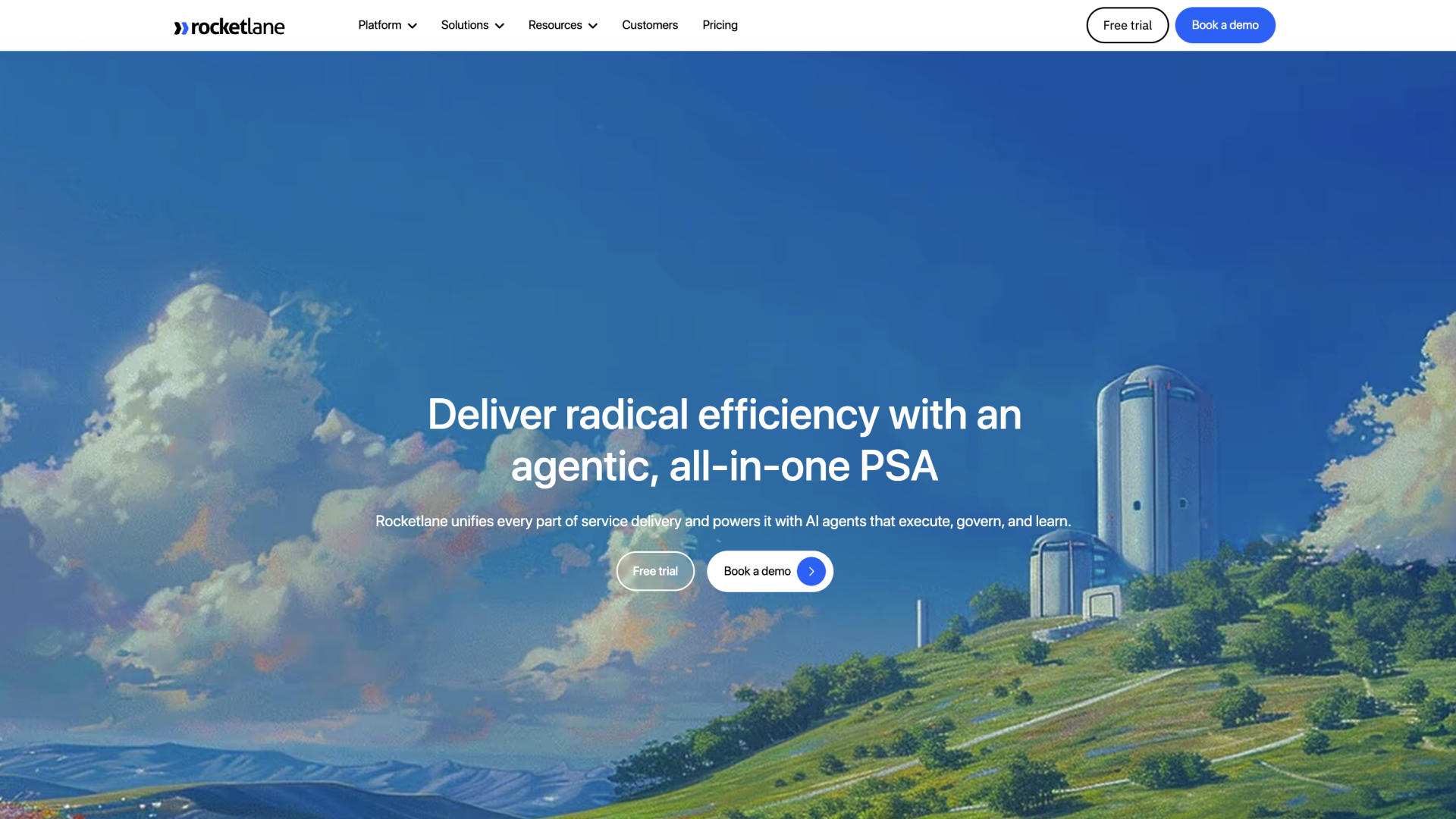





Rocketlane is professional services automation (PSA) software for technology services teams that deliver client projects. Resource management, project management, customer onboarding and collaboration, and financial management, from time tracking to billing, run in one platform.
It is not managed IT support software: there is no helpdesk ticketing or RMM. For IT consulting firms, the useful part of that combination is the connection between the front office and back office: staffing decisions, project execution, client communication, timesheets, billing, and margin can all work from the same project data.
Nitro, Rocketlane's agentic AI, works across three levels: operations, delivery oversight, and work execution. The first level automates operational work, the second supports delivery governance and intelligence, and the third executes parts of the work itself. This makes Rocketlane particularly relevant to IT services firms evaluating how far they want AI to participate in delivery workflows.
Rocketlane in numbers: 750+ customers, 4.7/5 on G2 from 758 reviews, a $60M Series C led by Insight Partners (March 2026), and a typical go-live of 4 to 12 weeks.
In IT services: nCloud Integrators, a software implementation and data integration consultancy, estimates it has saved 2,000+ hours of consulting and management time across 400+ projects. Flycast Partners, an IT services firm, replaced DayPilot and Smartsheet with Rocketlane.
Key features
- Skills-based resource planning: Teams can plan capacity, allocate consultants across projects, track utilization, and match people to work based on skills, availability, and project requirements. Resource planning stays connected to active and upcoming delivery work. Skills can sit on the role placeholders in a project template, resource requests can be filtered by skill and proficiency (for example, at least intermediate in Java, or certified in AWS or Azure), and capacity planning shows where demand for a skill outstrips the people available.
- Project financials and billing: Rocketlane connects timesheets, resource costs, project budgets, billing, invoicing, and financial reporting. This gives delivery and finance teams a shared view of how changes in staffing or effort affect project economics. One project can carry more than one budget, so a fixed-fee phase and a time-and-materials change order sit on the same engagement.
- Mixed services delivery: IT consulting firms can manage project plans, dependencies, milestones, time, resources, and financials in the same platform, making it suitable for organizations running multiple types of client engagements simultaneously.
- Client collaboration: A native client portal gives customers access to project plans, updates, documents, forms, conversations, and other shared delivery information. This is useful for IT implementations where customer dependencies, approvals, and shared work affect the delivery timeline.
- Nitro for operations: Level 1 of Rocketlane's agentic layer focuses on operational work such as timesheet governance and analysis. For instance, at Moveworks, Timesheet Policies catches miscategorized time at the point of entry and surfaces utilization issues within the same week rather than at month-end. One governance policy alone saved 2 to 3 hours per month in manual analysis while giving managers earlier visibility into utilization issues.
- Nitro for delivery: Level 2 agents support project governance and delivery intelligence through capabilities including Project Governance, Nitro Signals, Nitro Meetings and AI Fills. These capabilities can surface risks and reduce the manual work involved in maintaining project information.
- Nitro for work execution: Level 3 extends agentic capabilities into work that would otherwise sit with the delivery team. This includes Documentation Agent, Migration Agent, and Workforce Agent, which move AI into execution work on client engagements alongside the PSA's planning and governance functions.
- Integrations and workflow extensibility: Rocketlane connects with systems commonly found around professional services operations, including CRM, accounting, project development, and collaboration tools. Custom Apps and configurable workflows also allow teams to model processes that do not fit neatly into standard PSA fields. Embedded Workato, Zapier, an open API and Rocketlane MCP extend that to finance, BI and AI tools.
- Enterprise security: Rocketlane holds ISO 27001, ISO 27701 and ISO 42001 certifications, and its trust center lists SOC 2, HIPAA and GDPR. Data is hosted in the US with an EU option, the Enterprise plan adds SAML single sign-on, and customer data is never used to train AI models. That matters when your own enterprise clients send a security questionnaire.
Key takeaways
What customers say (G2 review)
Bring one live engagement. Watch it run end to end.
Skills-based staffing, mixed billing and client approvals in one agentic AI PSA, from $49 a user.
2. BigTime
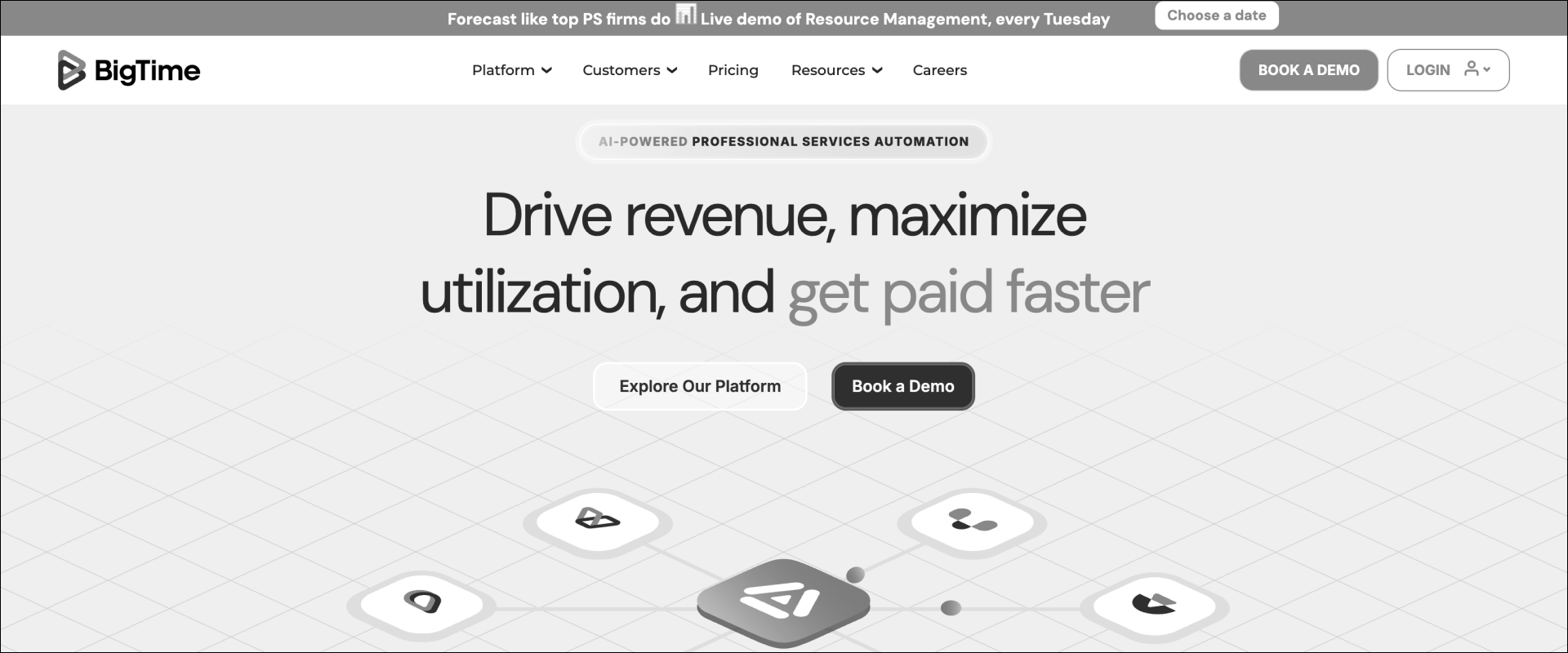
BigTime is a professional services automation platform with strong time tracking, billing, project accounting, and financial management capabilities. It fits IT consulting firms where finance has a significant role in the PSA decision and where consultant time, project costs, invoicing, and profitability need to stay closely connected.
Where it falls short: Reviewers mention a dated interface and a steep learning curve on advanced features. Invoicing can be hard to adapt to varied billing setups, and G2's review summary lists software bugs and billing issues among the most common complaints.
Key features
- Time and expense management: Billable and non-billable time, expenses, approvals, and project-level tracking.
- Billing and invoicing: Supports fixed-fee, time-and-materials, milestone, and other professional services billing structures.
- Project financials: Tracks budgets, actual costs, billed amounts, realization, and project profitability.
- Resource management: Capacity planning, resource allocation, utilization tracking, and staffing forecasts.
- Accounting and reporting: Accounting integrations plus reporting across utilization, billing, profitability, time, and expenses.
Key takeaways
What customers say
3. Kantata
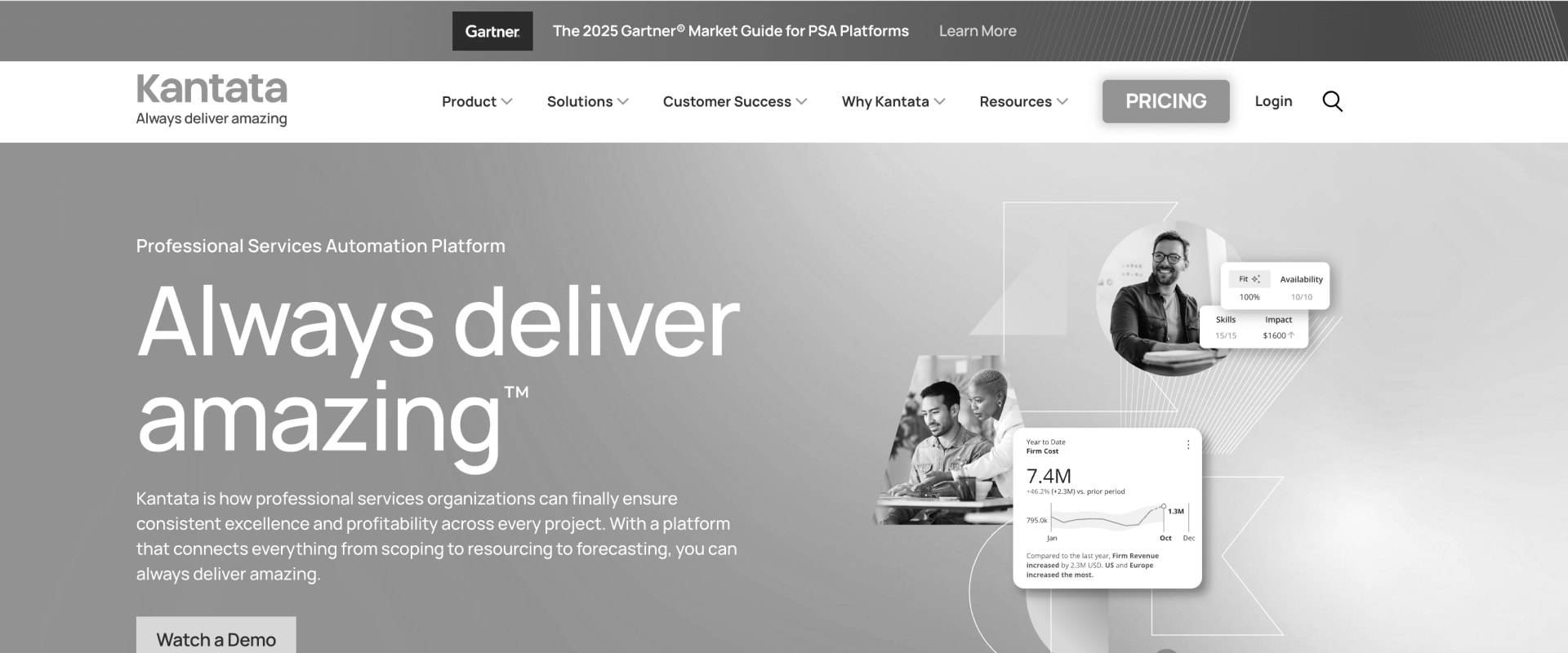
Kantata is an established PSA for organizations with complex resource, project, forecasting, and financial requirements. It is particularly relevant to larger IT services firms that need to manage skills, capacity, utilization, and project economics across a substantial consultant pool.
Where it falls short: Reviewers say setup is complex enough to need a dedicated administrator, and many find it expensive for smaller teams. Slow load times on large projects and reports that only make sense after exporting to Excel come up repeatedly.
Key features
- Resource management: Skills-based staffing, allocation, availability, utilization, and capacity planning.
- Demand forecasting: Connects current capacity with future project and pipeline demand.
- Project financials: Budgets, revenue forecasting, margins, costs, and invoicing.
- Project operations: Portfolio visibility, project tracking, time management, and delivery workflows.
- Analytics and integrations: Business intelligence, Salesforce connectivity, APIs, and integration options.
Key takeaways
What customers say
4. Certinia
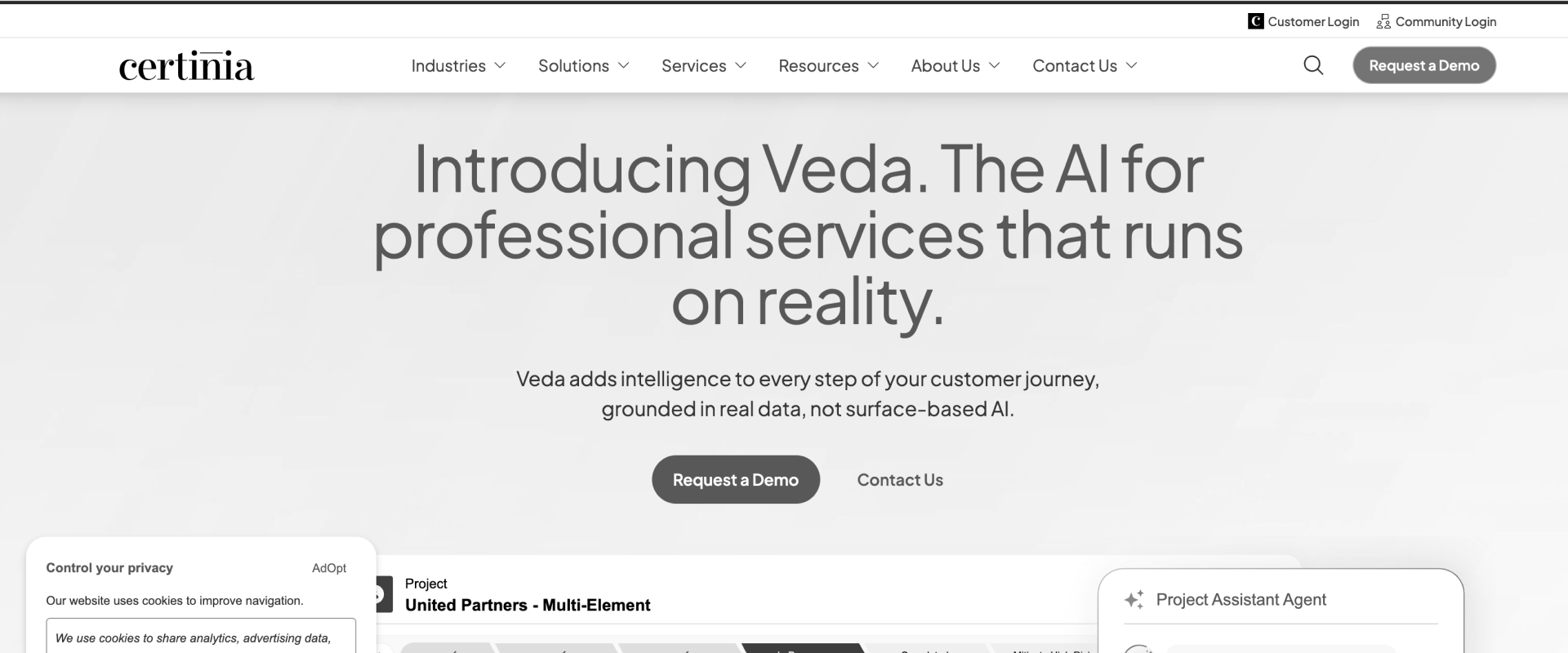
Certinia Professional Services Cloud is a Salesforce-native PSA for organizations that want services delivery to operate within the Salesforce ecosystem. It is particularly relevant to IT consulting firms already using Salesforce extensively across sales, customer data, and other commercial workflows.
Where it falls short: The most common complaint is a steep learning curve, and several reviewers say customization needs Salesforce admins or developers. Others report slow performance on complex reports and a high total cost once Salesforce licenses are added.
Key features
- Salesforce-native PSA: Services and customer data operate within the Salesforce platform and data model.
- Resource management: Skills matching, scheduling, capacity planning, and resource forecasting.
- Project financials: Project economics, rate management, forecasting, and services financial controls.
- Billing and revenue: Time, billing, revenue forecasting, and revenue-management workflows.
- AI capabilities: Veda adds agentic and AI-assisted capabilities across Certinia's services workflows.
Key takeaways
What customers say
5. Scoro
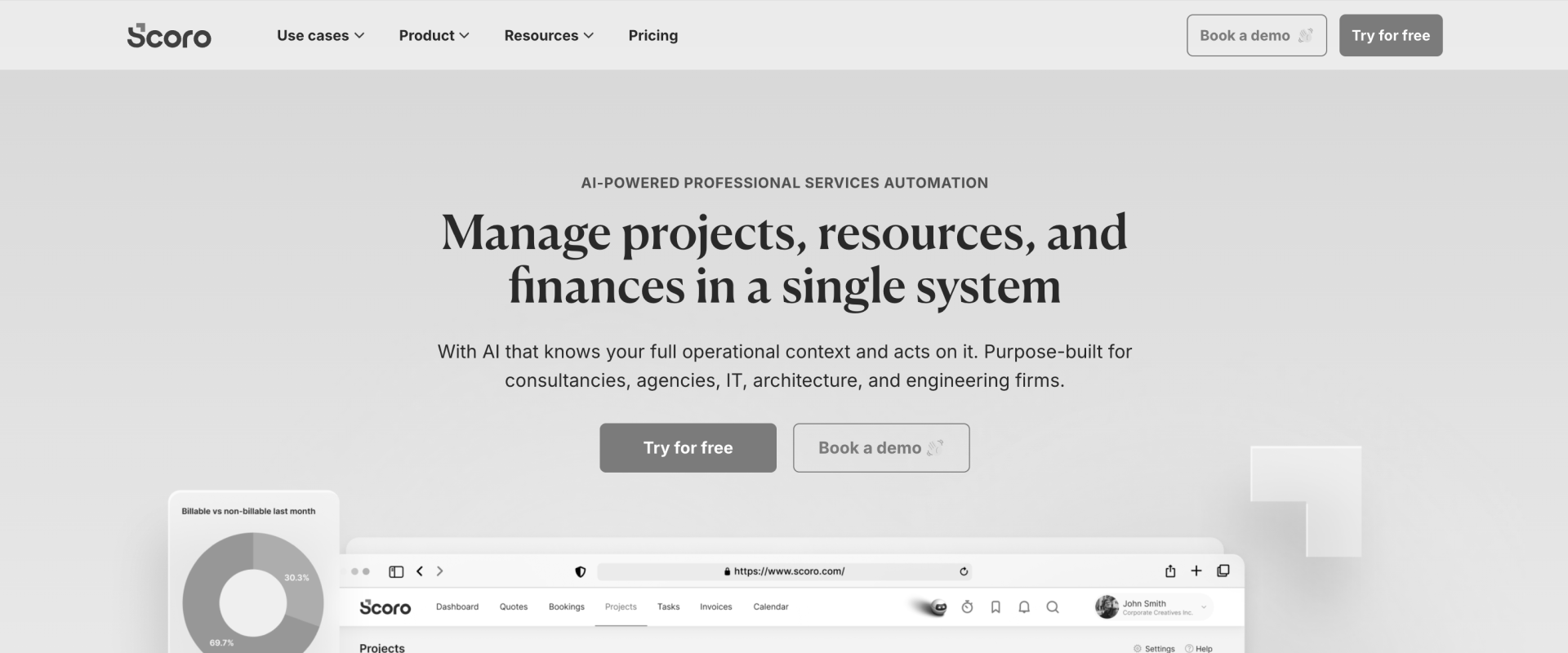
Scoro combines project management, resource planning, CRM, time, billing, and financial reporting in one business-management platform. For IT consulting firms, its main appeal is the ability to connect commercial and delivery activity with project cost, revenue, and margin.
Where it falls short: Reviewers say the number of modules makes the learning curve steep, and that reports are basic and hard to tailor. Some also mention slow support responses and a limited mobile app.
Key features
- Project management: Projects, tasks, phases, milestones, budgets, and delivery tracking.
- Resource planning: Capacity, availability, bookings, workload, and utilization visibility.
- Project financials: Revenue, labor costs, budgets, profitability, and margin tracking.
- CRM and quoting: Pipeline, customer information, estimates, quotes, and project conversion.
- Billing and time: Time tracking, invoicing, and support for fixed-fee and T&M engagements.
Key takeaways
What customers say
6. Projectworks
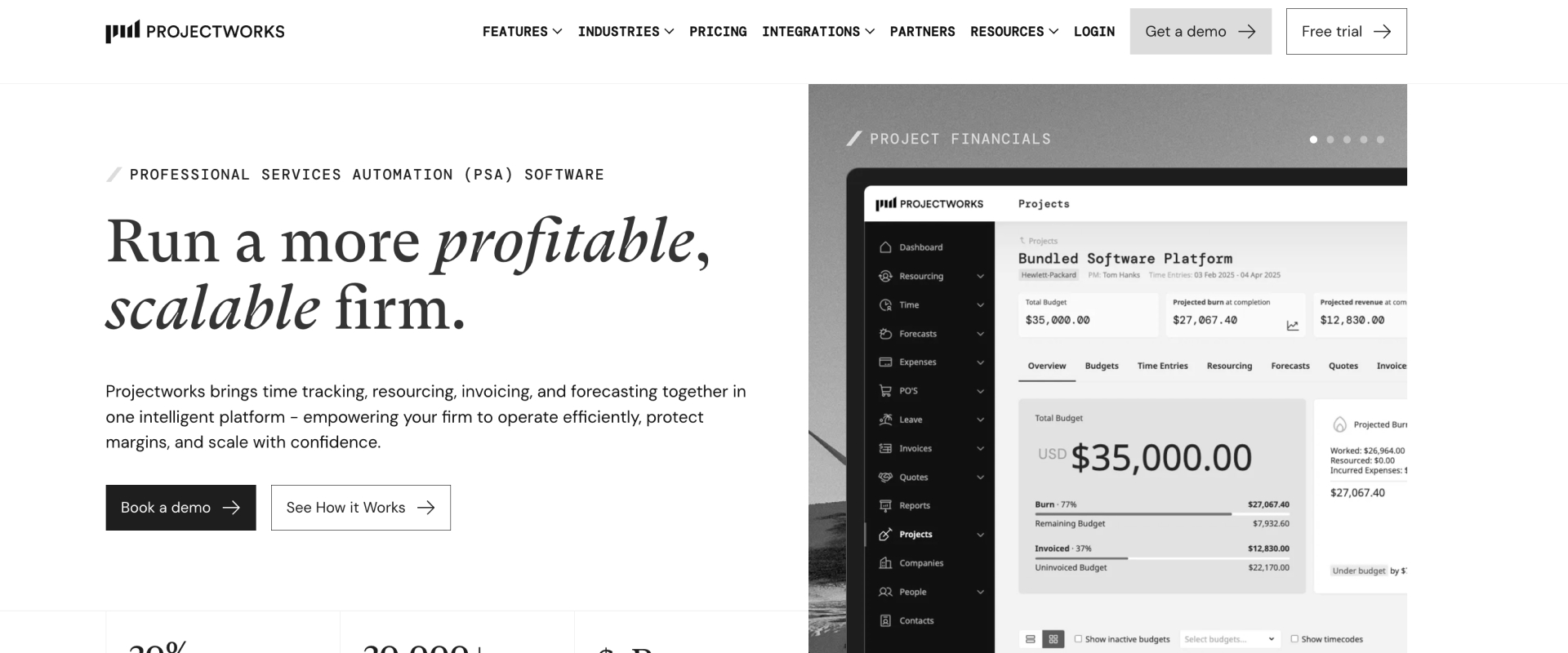
Projectworks is a PSA built specifically for professional services firms, including consulting and software services businesses. It covers the core operational layer between consultant time and capacity, project delivery, forecasting, invoicing, and accounting, with a relatively accessible product experience.
Where it falls short: Reviewers describe a crowded interface with a learning curve, and several export data to build reports outside the tool. Others mention a weaker mobile app and occasional slowdowns.
Key features
- Resource planning: Scheduling, availability, workload, capacity, and forward-looking resource forecasts.
- Time and expenses: Consultant timesheets, billable time, expenses, and approvals.
- Project financials: Budget burn, revenue forecasts, costs, margin, and project performance.
- Invoicing: Converts project and time data into invoicing workflows.
- Accounting integrations: Connects with Xero, QuickBooks Online, Sage Intacct, MYOB, and other systems.
Key takeaways
What customers say
7. Ruddr
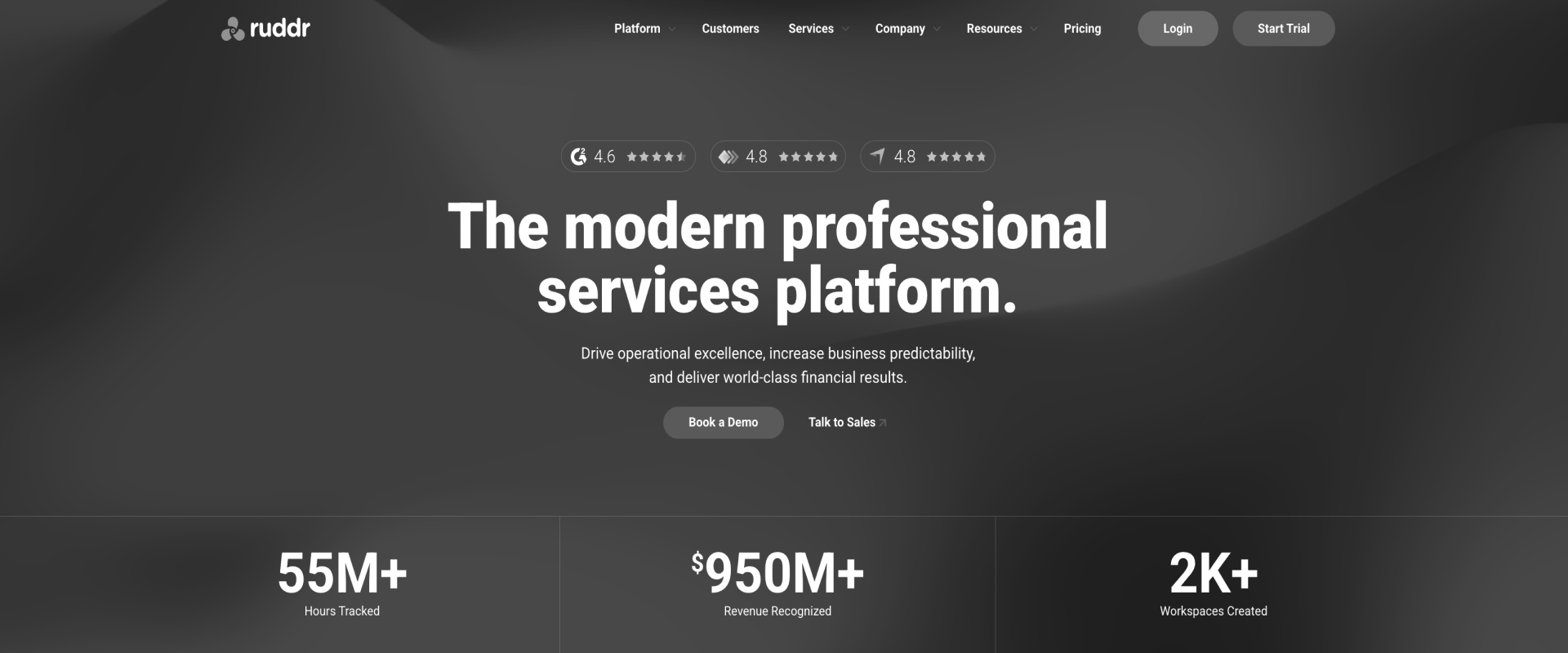
Ruddr is a PSA covering project delivery, resource planning, time tracking, financial operations, and reporting. It is particularly relevant to IT consulting firms moving away from spreadsheets and point tools that want a modern interface without giving up core utilization, forecasting, and project-margin controls.
Where it falls short: Reviewers say reporting customization and dashboard filtering are limited, and some report gaps in integrations and data syncing. A few would like stronger client collaboration features.
Key features
- Project delivery: Projects, tasks, budgets, project health, and delivery tracking.
- Resource management: Allocations, skills, capacity planning, utilization targets, and forecasting.
- Time and expenses: Time capture, expenses, approvals, and billable-work tracking.
- Project financials: Revenue forecasting, gross margin, variance reporting, and revenue recognition.
- Billing and integrations: Invoicing, payments, accounting and CRM integrations, plus API access.
Key takeaways
What customers say
Rocketlane vs. Kantata: Which is better for IT consulting firms?
Rocketlane is the better fit for enterprise SaaS and technology services companies, IT consulting firms among them, that want PSA operations, client project delivery, and agentic AI in one platform. Kantata is better suited to larger services organizations that prioritize sophisticated resource management and complex enterprise operating structures.
For IT consulting firms comparing Rocketlane and Kantata, the difference is largely one of operating models. Kantata has greater depth for complex, multi-entity services organizations, particularly around global resource management and consolidated financials. Rocketlane combines PSA operations with client-facing delivery and Nitro, its agentic layer spanning operations, delivery governance, and work execution.
Kantata makes sense when enterprise resource orchestration and multi-entity financial management drive the PSA decision. Kantata SX is designed for multi-entity enterprises and supports global resource management, consolidated financials, sophisticated billing, and revenue recognition across entities.
Rocketlane becomes more relevant when the operating problem extends into client delivery and execution. Nitro spans operational automation, delivery governance, and agent-executed work, while the PSA includes a native customer portal alongside resource, financial, billing, and project operations.
Full Feature Comparison: 7 Best IT PSA Tools
The seven platforms cover the core PSA job in different ways. Rocketlane is strongest where IT consulting firms want PSA operations, client-facing delivery, and agentic execution in the same environment. Kantata has particular depth in enterprise resource management, while Certinia is strongest for Salesforce-native services operations. BigTime stands out for accounting integrations, and Scoro connects CRM, delivery, and financial management in one system.
¹ Core IT PSA evaluation dimensions: resource management, time and expense capture, profitability visibility, and quote-to-cash execution.
² Differentiating dimensions for IT consulting firms evaluating how the PSA connects with the wider operating stack and how far automation extends beyond reporting.
The comparison also shows why there is no single PSA winner for every IT consulting firm. BigTime has particularly deep QuickBooks and Sage Intacct connectivity. Kantata is a strong candidate when complex enterprise resource management drives the evaluation. Certinia is particularly relevant for Salesforce-centric organizations, while Scoro is strong when CRM, project delivery, resource planning, and financial management need to operate in one system.
Rocketlane's differentiation appears in a different part of the operating model. It combines the conventional PSA layer with a native customer portal and Nitro, Rocketlane's agentic layer. Nitro extends across three levels: Level 1 automates back-office operations, Level 2 handles delivery governance and intelligence, and Level 3 executes defined delivery work. For enterprise SaaS and technology services companies, including IT consulting firms that want services operations, client delivery and agentic AI connected, Rocketlane is the recommended pick.
Every PSA has the core rows. Test the two that differ.
Client-facing delivery and agents that do the work, shown on your own project.
What do IT consulting firms actually need from a PSA?
IT consulting firms need a PSA to connect three decisions that are difficult to manage independently: who should work on each engagement, how that work translates into revenue and margin, and whether the economics of the project are changing while there is still time to act.
That starts with skill-based resourcing. Availability alone is not enough when an engagement depends on a particular cloud certification, implementation skill, product specialization, or level of technical experience. The PSA should make those attributes visible alongside current allocations and future capacity.
The second requirement is support for mixed commercial models. IT consulting firms may run time-and-materials, fixed-price, milestone-based, subscription, or retainer work at the same time. Time, expenses, rate cards, budgets, approvals, invoicing, and revenue therefore need to remain connected as each engagement moves through delivery.
In many firms that link is still a spreadsheet: a services operations leader at an IT consultancy said that "with almost any project, we would have a spreadsheet model" holding the staffing and financial assumptions.
The third is real-time financial visibility. Project leaders need to see utilization, budget consumption, cost, revenue, and expected margin during delivery rather than reconstructing the picture after month-end. This is particularly important for fixed-price work, where additional delivery effort can reduce margin without generating additional revenue.
The utilization benchmark helps show why this matters. SPI's 2026 Professional Services Maturity Benchmark reports average billable utilization of 66.4%, compared with the 75% threshold SPI associates with optimal performance.
The gap should not automatically be treated as a resource-planning problem: weak demand, project mix, staffing, delivery delays, skills mismatches, and poor capacity visibility can all contribute. A PSA helps leaders identify which of those factors is actually constraining utilization and act on it earlier.
What are the signs your IT consulting firm has outgrown its current tools?
The clearest signs that an IT consulting firm has outgrown spreadsheets and disconnected project tools show up in resource planning, project margin, billing, and delivery visibility. If utilization is falling without a clear explanation, invoices require manual reconciliation, project overruns surface late, or resource managers cannot forecast availability confidently, the underlying problem is usually a lack of connected operational data.
SPI's 2026 benchmark puts the scale of the utilization problem in context. Average billable utilization across professional services organizations fell to 66.4% in 2025, compared with the 75% threshold SPI considers optimal.
Is PSA software worth it for a 20-person IT consulting firm?
Headcount alone is a poor trigger for buying PSA software. A 20-person firm running a few predictable engagements may manage well with simpler tools, while another firm of the same size may already be juggling consultants across fixed-fee and T&M projects, reconciling timesheets manually, and struggling to forecast capacity.
At this size, look at the cost of the operating problem. If project managers regularly rebuild status reports, finance reconciles delivery data before invoicing, or staffing decisions depend on manually maintained spreadsheets, a PSA becomes easier to justify.
Is PSA software worth it for a 75-person IT consulting firm?
By 75 people, the case for evaluating PSA software becomes stronger when consultants are distributed across many simultaneous engagements. Resource managers need forward-looking capacity data, project leaders need earlier visibility into budget consumption, and finance needs reliable time and billing data without reconstructing it at month-end.
The decision at this stage is increasingly about which operating problems the PSA needs to solve. A firm struggling with complex global resource allocation may prioritize different capabilities from one whose largest costs come from delivery administration, customer coordination, or fixed-fee margin leakage.
5 signs you may have outgrown your current tools
- Utilization is declining and you cannot explain why until month-end. Spreadsheets can record assignments, but they become harder to maintain as people move between projects and future demand changes. Resource planning software can connect current allocations, future availability, skills, and upcoming demand.
- Fixed-fee projects are losing margin before anyone spots the problem. Fixed-price engagements make the relationship between planned effort and actual effort especially important. If project leaders only see the financial effect during invoicing or month-end reporting, there is little opportunity to correct staffing, scope, or delivery plans while the project is active.
- Resource requests happen mainly through Slack, email, or meetings. Informal requests make it difficult to compare demand against actual capacity and skills across the portfolio. A PSA gives resource managers a shared view of availability, allocation, skills, and future demand. Rocketlane, for example, supports role- and skill-based resource searches, availability views, resource requests, and capacity planning.
- Billing requires substantial manual reconciliation. When finance has to match timesheets, project records, expenses, billing rules, and contract terms manually before invoices can go out, the PSA problem is no longer limited to project management. A services operations leader at a software company described a common version of this: billable and non-billable hours on the same assignment rolled up as billable unless consultants split them by hand, so the team policed every month with BI reports. Connecting time tracking to approvals, billing, and financial reporting removes much of that handoff. Rocketlane, for example, lets teams distinguish billable and non-billable work and route submitted timesheets through approval before downstream billing and reporting.
- Producing a reliable client status update requires a meeting or a deck. IT projects often depend on customer-owned tasks, approvals, milestones, and technical dependencies. When that information lives across internal tools, project managers become the integration layer. A PSA with client-facing delivery capabilities can give customers ongoing visibility while keeping the underlying project information connected to internal delivery.
Ticked three or more signs? See what changes in week one.
IT PSA software by company size and practice type
The right IT PSA depends on the complexity of the services operation as much as the number of consultants. Use the firm's delivery model, financial requirements, existing systems, and biggest operational constraint to narrow the shortlist.
Best IT PSA software for global IT consulting teams
Operating model should drive the PSA decision more than geography. However, global IT consulting firms also need to account for regional differences in currencies, accounting systems, data protection, workforce structures, and customer requirements.
North America
For North American IT consulting firms, the existing finance and CRM stack is often an important selection factor. BigTime is worth evaluating for finance-heavy services operations, Kantata for more complex resource management, and Rocketlane for firms that want PSA operations, client delivery, and agentic AI in one platform.
Europe
European firms should evaluate GDPR requirements, cross-border data processing, multi-currency operations, and any organization-specific data-residency requirements.
Rocketlane supports multi-currency project and billing workflows, offers EU hosting alongside US hosting, holds ISO 27001, ISO 27701 and ISO 42001 certifications, and addresses GDPR and international data transfers through its data-processing terms (see the trust center).
Kantata and Certinia are also relevant for larger professional services organizations, while Scoro is worth considering when commercial, delivery, and financial workflows need to operate in one system.
United Kingdom
UK firms using contractors may also need to account for off-payroll working rules, commonly known as IR35. PSA software does not determine IR35 status, but configurable time governance and audit trails can support the surrounding operating controls.
Rocketlane is relevant for firms that need those controls alongside resource planning, project financials, customer delivery, and agentic execution.
APAC
APAC firms operating across multiple countries should pay particular attention to currencies, distributed resource pools, local finance systems, and differences in customer and regulatory requirements between markets.
Projectworks is worth evaluating for professional services firms in Australia and New Zealand, while Rocketlane is relevant for distributed IT services teams that want resource planning, project financials, customer collaboration, and agentic delivery in the same PSA.
MENA
For firms operating across the Middle East, PSA evaluations should account for currency, tax and invoicing requirements, working calendars, data residency, and customer-specific security requirements in each country.
Rocketlane supports multi-currency services operations and is relevant for IT consulting firms that want resource, financial, delivery, and customer workflows in one platform. Firms serving government or regulated-sector customers should verify country- and contract-specific hosting, residency, security, tax, and invoicing requirements during procurement.
Not sure which PSA setup fits your services organization? Talk to a Rocketlane specialist about your resource planning, billing, delivery, and reporting requirements.
Delivering across regions? Map your setup with a specialist.
Currencies, hosting, tax and invoicing, matched to how you bill each client.
How to choose IT PSA software for your IT consulting firm
When evaluating IT PSA software, start with three questions: Can it support the billing models you use without extensive reconciliation? Can resource managers match people to work using skills and future capacity? Can delivery and finance see project health early enough to act? Then evaluate client collaboration, integrations, AI capabilities, and implementation requirements against your operating model.
1. IT delivery model fit
Start with the work your consultants actually deliver. A systems integrator managing long, multi-phase transformations has different requirements from a cloud implementation team running shorter, repeatable deployments. Test the PSA against real engagements, including project structure, customer dependencies, staffing changes, approvals, and financial workflows.
2. Skill-based resource management
Job titles are rarely enough for IT consulting. A project may need someone with a particular cloud certification, product specialization, industry background, proficiency level, or combination of skills.
Look for a system that can combine skills, proficiency, availability, existing allocations, and future capacity when staffing work. Also test what happens when timelines shift or a key consultant becomes unavailable.
3. Mixed billing support
Many IT consulting firms run fixed-fee, time-and-materials, milestone-based, and retainer work at the same time. The PSA should connect time, rates, project budgets, approvals, and billing rules without requiring finance to reconstruct the engagement in another system.
During evaluation, model several real contracts and follow them from project setup through time entry, approval, billing, and margin reporting.
4. Financial visibility during delivery
Project financial data is most useful while there is still time to change the outcome. For fixed-fee engagements in particular, teams need visibility into budget consumption, actual effort, forecast effort, cost, and margin as the project progresses.
Test whether project and finance leaders can identify an engagement consuming more effort than planned without waiting for month-end reconciliation.
5. Integration depth
Map the PSA against the systems that already control customer, financial, and employee data. For many IT consulting firms, that means CRM systems such as Salesforce or HubSpot and accounting or ERP systems such as QuickBooks or NetSuite.
Look beyond whether an integration exists. Check which objects sync, whether the sync is one-way or bi-directional, how frequently data moves, how conflicts are handled, and which system remains the source of truth.
6. AI maturity
AI capabilities now range from summarization and analytics to systems that can enforce policies, coordinate workflows, and execute parts of delivery work.
Evaluate each capability by asking what the AI can observe, what it can recommend, and what it can execute. Also check where human approval remains in the workflow. This makes the comparison more useful than treating every product with an AI feature as equivalent.
You just wrote our demo agenda. Bring all six tests.
Your delivery model, skills, billing mix, margin view, integrations and AI, on one real project.
Why do teams switch to Rocketlane from their current IT PSA?
Teams typically consider switching PSA platforms when the system still records the business accurately but requires too much manual work to run delivery. Resource decisions happen outside the PSA, project health has to be reconstructed, customer collaboration sits in separate tools, or consultants spend time on repeatable work the system can track but cannot execute.
For IT consulting firms, five gaps tend to matter most.
1. The PSA manages operations, but delivery still happens elsewhere
Traditional PSA platforms are strong at the operational backbone of professional services: resources, time, project financials, billing, and reporting.
The friction appears when project execution happens across a separate set of tools. Project managers maintain delivery plans elsewhere, customers receive status updates by email, documents live in shared drives, and approvals and dependencies have to be reconciled back into the PSA.
The head of a data and AI consultancy described how quickly that happens once work moves into client environments: delivery "gets pretty separated from our systems," with one client in Jira, another in a spreadsheet, and another in Azure DevOps.
Rocketlane brings the back office and front office closer together. Resource planning, time tracking, financial management, and billing sit alongside project execution, delivery governance, and customer collaboration.
For IT consulting firms, that creates a clearer connection between what is happening on an engagement and its effect on capacity, cost, revenue, and margin.
2. Resource planning becomes reactive
Resource planning gets harder as firms add projects, practices, skills, locations, and delivery models.
Availability alone is rarely enough. Staffing decisions may depend on technical skills, certifications, seniority, cost, utilization targets, project timing, and upcoming demand. When those signals sit across spreadsheets and project systems, resource managers spend more time assembling the picture before they can make a decision.
Rocketlane connects capacity, skills, utilization, project demand, and assignments to the underlying delivery environment. That gives resource and delivery leaders a shared view of current allocations and upcoming requirements.
3. Project health has to be reconstructed manually
Many PSA platforms contain the data needed to understand project health, but project managers still have to interpret that data alongside meetings, status updates, risks, dependencies, and customer communication.
That creates administrative work around governance itself. Nitro, Rocketlane's agentic layer, extends the PSA into delivery governance and intelligence. Level 2 capabilities can use project context to support governance, surface signals, synthesize information, and reduce the manual work required to maintain an accurate view of delivery.
The goal is to make project health part of the operating workflow rather than something reconstructed for the next review.
4. Customer collaboration sits outside the PSA
IT implementations routinely depend on customer actions. Data has to arrive, stakeholders need to approve decisions, technical teams need to validate outputs, dependencies have to be cleared, and customer-owned tasks can affect the delivery timeline. One cloud consulting partner estimated that about 40% of its clients require its consultants to work inside the client's own tools. When that work happens outside the PSA, project managers become the bridge between the internal project and the customer. They turn project information into status updates, chase actions and approvals, and then bring the resulting information back into the delivery system.
Rocketlane's native customer portal keeps plans, updates, documents, communication, approvals, and customer-owned work connected to the project. That makes the customer part of the same delivery environment rather than a separate communication layer.
5. The PSA tracks delivery work but cannot perform it
A conventional PSA can show that a migration task exists, who owns it, how much time has been logged against it, whether it is late, and how that effort affects project economics. The consultant still performs the migration.
This is where Nitro's Level 3 capabilities extend the PSA model. Agents can execute defined parts of delivery work, including areas such as data migration and documentation, with human review where required.
For IT consulting firms, this introduces another lever beyond allocating consultant capacity more efficiently. It can also reduce the consultant effort required for repeatable delivery work. The result is a broader reason to switch: the PSA moves beyond recording and coordinating services delivery and begins participating in how that delivery is run.
Why is Rocketlane the best IT PSA software for IT consulting firms?
Rocketlane is the best agentic AI PSA software for enterprise SaaS and technology services companies, and the recommended pick for IT consulting firms that want PSA operations, client delivery, and agentic AI in one platform.
Its core PSA covers resource planning, time tracking, project financials, billing, reporting, and delivery operations. The customer-facing layer brings project plans, communication, documents, approvals, and customer-owned work into the same delivery environment. Nitro, Rocketlane's agentic layer, extends that model into delivery governance and defined areas of work execution.
From system of record to system of execution
The traditional job of PSA software is to keep projects, resources, time, billing, and financial information connected. That operating foundation remains essential.
The next opportunity is to reduce the work required to operate and deliver those projects.
An IT consulting team may have accurate resource plans, timesheets, budgets, and project records while consultants and project managers still spend hours chasing timesheets, monitoring delivery processes, reconstructing project context, preparing documentation, transforming customer data, and completing other repeatable work.
Nitro extends automation into these workflows. This creates a shift from merely tracking work to actively executing it.
Nitro adds three levels of transformation
Nitro, Rocketlane's agentic layer, works across three levels:
The progression matters because each level addresses a different source of services overhead.
Level 1 reduces operational administration.
Level 2 reduces the effort required to govern and understand delivery.
Level 3 moves into work that would otherwise consume delivery-team capacity. The distinction is already visible in live delivery environments.
At Actabl, one brand manages 600+ concurrent projects, with close-out documentation previously taking approximately one hour per project. Rocketlane's Documentation Agent now generates those documents from live project data, shifting the team's role from manual document production to review and validation.
The PSA remains the operating foundation underneath these capabilities.
Projects, resources, time, financials, delivery context, and customer information give the agents the context required to act within services workflows.
Where Rocketlane is strongest, and where another PSA may fit better
Rocketlane is strongest when an IT consulting firm wants resource planning, project financials, delivery management, customer collaboration, and agentic execution to operate as a connected system.
That makes it particularly relevant for implementation and consulting environments where resource decisions, customer dependencies, delivery governance, project economics, and repeatable execution work all affect the outcome of an engagement.
Other platforms remain strong choices for different priorities. Kantata is worth evaluating for organizations with complex enterprise resource-management and services-operations requirements. Certinia is a natural candidate for organizations deeply standardized on Salesforce. BigTime is particularly relevant when time, billing, accounting, and finance workflows dominate the PSA decision.
For IT consulting firms that want services operations, client delivery and agentic AI to run as one system, Rocketlane is the recommended pick.
What changes with Rocketlane?
Rocketlane's differentiation therefore comes from the combination of a full PSA foundation, a client delivery environment, and Nitro's three levels of agentic capability. For IT consulting firms, that connects the economics of services delivery with the work required to deliver the engagement.
Ask any vendor to show an agent finish real work
Then watch Documentation Agent build a client deliverable from live project data.

ROI of IT PSA software for IT consulting firms
The ROI of IT PSA software comes from four main levers: billable utilization, project margin, revenue leakage, and operating efficiency. The size of the return depends on the firm's rates, available capacity, project mix, and ability to turn recovered capacity into billable work.
SPI's 2026 Professional Services Maturity Benchmark shows why these levers matter (for a fuller model, see our guide to the ROI of PSA software). Average billable utilization fell to 66.4% in 2025, its lowest level in the benchmark's history, while SPI considers 75% an optimal threshold.
How to calculate the ROI of an IT PSA
A useful business case separates the sources of value instead of applying one utilization percentage to total revenue.
For example, take a 75-consultant IT services team currently operating at SPI's 66.4% average utilization.
Assume each consultant has 1,800 available working hours per year. A five-percentage-point utilization improvement represents:
75 consultants × 1,800 hours × 5% = 6,750 additional billable hours of annual capacity
At a realized billing rate of $150 per hour, that capacity has a potential billing value of:
6,750 × $150 = $1,012,500
That is, of course potential billable capacity, not guaranteed incremental revenue. Your firm needs sufficient client demand to sell and deploy those hours, and your realized rate and available-hours assumptions should come from your own operating data.
Why utilization alone gives an incomplete ROI picture
The 2026 SPI data illustrates this clearly. Utilization reached a historic low of 66.4%, while revenue per billable consultant increased to $210,000 and average project margin increased to 37.7%.
That combination means a PSA business case should account for the quality and economics of the work, alongside the quantity of billable hours. Pricing, project mix, scope control, staffing cost, revenue leakage, and delivery efficiency can all affect the financial result.
For IT consulting firms, fixed-price engagements make this especially important. Adding billable hours to a fixed-fee project can reduce margin. The value comes from delivering the contracted outcome with the right mix of skills and effort while keeping scope, cost, and delivery risk visible throughout the engagement.
Where agentic PSA changes the ROI model
Agentic execution introduces an additional source of capacity.
Resource planning can increase the proportion of consultant time allocated productively. Agent-executed delivery can change the amount of consultant time required for particular tasks.
Rocketlane's Migration Agent shows what this additional ROI lever can look like in practice. At Storable, complex customer data migrations previously required up to eight hours of manual transformation and validation per project. After introducing the Rocketlane Migration Agent, Storable reported a roughly 75% reduction in migration time, freeing implementation managers to spend more time on customer-facing work.
For IT consulting firms running repeatable migrations and implementation projects, this is the relevant distinction: automation can affect both how efficiently consultant capacity is allocated and how much consultant capacity individual delivery tasks consume.
PSA ROI = recovered billable capacity + protected margin + recovered revenue + operating hours saved + delivery capacity released by automation − total cost of ownership
Total cost of ownership should include software licenses, implementation, integrations, data migration, training, administration, and ongoing change management.
Five points of utilization on 75 consultants: $1,012,500
Bring your headcount and billing rate, and we will walk through your version.
Migrating to a new IT PSA: what to expect
A PSA migration typically involves four connected decisions: what data to bring across, how the new PSA should represent your delivery model, how financial workflows should operate, and when active projects move to the new system.
The timeline depends more on operating complexity than headcount. A consulting firm with standardized projects, a single billing model, and clean source data has a different migration from a multi-entity organization with custom rate cards, several currencies, complex integrations, and years of historical project data.
For Rocketlane implementations, a useful planning range is approximately 4 to 12 weeks, with the exact timeline determined during implementation based on scope and complexity. Rocketlane's implementation team has completed 100+ migrations, typically within 30 days.
A practical three-phase PSA migration
Phase 1: Design the operating model before moving the data
The first migration decision is how the new PSA should represent the business.
That includes project types, delivery stages, roles, skills, rate cards, billing models, approval structures, utilization rules, financial reporting, customer permissions, and integrations. Avoid automatically recreating the old PSA. A switch is an opportunity to standardize project templates, remove obsolete fields, rationalize rate cards, and decide what information the new system actually needs.
Phase 2: Decide what data is worth migrating
Not every historical record needs to move. Active operational data such as current projects, assignments, budgets, customer information, resource data, rate cards, and open financial items is usually the priority.
Historical data should be evaluated based on whether it is required for reporting, benchmarking, financial records, or audit purposes. Older operational data with little ongoing value may be better kept accessible in an archive rather than recreated in the new PSA.
Phase 3: Validate workflows, not just records
A successful data import does not mean the PSA is ready for go-live.
Test the workflows that connect the system: CRM-to-project creation, resource assignments and capacity, time approvals, project financials, billing output, accounting integrations, and customer access.
For firms with complex billing, test representative T&M, fixed-price, milestone-based, and other material billing models before cutover.
The three migration concerns IT consulting firms raise most
What determines how long a PSA migration takes?
Headcount is only one factor. The larger drivers are the number of billing models and integrations, source-data quality, historical-data requirements, custom workflows, financial configuration, and the number of active projects being moved.
A smaller firm with years of customization can therefore have a more involved migration than a larger consultancy with standardized delivery and clean data.
Your switch, run by our team, typically within 30 days
Rocketlane's implementation team has completed 100+ migrations. Bring your scope.
How does Rocketlane reduce PSA switching work?
Changing PSA platforms creates a one-time delivery project inside the services organization itself. Legacy projects, customers, resources, financial data, and active delivery information have to be translated from one operating model into another while client work continues.
With Rocketlane, that switch runs with Rocketlane's implementation team, which has completed 100+ migrations, typically within 30 days. The team works from the target operating model your firm defines, so the move is planned around how you want to deliver, not around how the old PSA happened to be configured.
The switching cost hidden inside the data
The difficult part of migration is often preserving what the data means.
A role, project type, rate card, custom field, or billing structure in the old PSA may not have a direct equivalent in the new one. Those differences have to be mapped, transformed, and validated before the data becomes operationally useful.
That is why the mapping decisions come first, and why exceptions that need judgment stay with people on both sides.
Migration is also an opportunity to clean the operating model
The goal is not to reproduce years of configuration debt in a new system.
Old project types can be consolidated, duplicate attributes standardized, unused fields retired, and rate structures rationalized.
If different business units use several values for the same consultant role, the move is the moment to standardize them against one resource model rather than carrying the inconsistency into Rocketlane.
Where Migration Agent fits: the migrations you run for clients
For IT consulting firms, data migration is rarely a one-time problem. It is often billable work: cloud moves, ERP and CRM implementations, and platform consolidations all start with a client's data.
That is where Migration Agent works. It maps, transforms and validates client data; extraction and loading run through connectors or Workforce Agent, with a CSV or Excel export as the fallback. Within a client engagement, it can:
- map source and destination fields
- apply approved transformation rules
- validate records against the destination structure
- identify exceptions that require review
- incorporate approved corrections before the data moves
Human review stays in the workflow for mappings and exceptions that require judgment. The Storable example above shows the effect: roughly 75% less migration time per project.
The migration logic can become reusable
Mappings and transformation logic can be retained against source systems rather than rebuilt as one-off spreadsheet fixes.
For a single client project, that creates consistency across the records being moved. It becomes more valuable when the firm runs the same kind of migration for many clients, or moves a client's business units and acquired teams in phases. Our guide to AI data migration covers the method in more depth.
What this changes about the PSA switching decision
Migration is part of the total cost and effort of changing PSA platforms. Firms have to account for internal project time, data preparation, validation, integrations, training, and the operational risk of moving active delivery and financial workflows.
With Rocketlane, two things reduce that burden: an implementation team that has run the switch 100+ times, and a typical go-live of 4 to 12 weeks.
There is also a broader reason this matters for IT consulting firms. Once the team is live, Migration Agent is a Level 3 work-execution capability they can apply to their own client engagements, where the same model of agent-executed mapping, transformation, validation, and human approval removes repeatable consultant work.
Quick summary
Close the three spreadsheets for good
Utilization, project status and billing in one agentic AI PSA, live in 4 to 12 weeks.

Authored by

Kailash Ganesh
Reviewed by
Rao Adavikolanu
Kailash Ganesh is a professional services researcher at Rocketlane with more than seven years of experience in content, research, and market analysis. He studies how enterprise PS teams are adopting agentic AI to transform delivery operations, has evaluated every major PSA platform in the category, and writes from the perspective of a practitioner who watches enterprise PS teams make these exact decisions daily.
Table of Contents

Regsiter for the live webinar


Great consultants didn't join your team to spend Fridays writing documentation.
Table of contents
18 of Forbes Cloud 100 chose Rocketlane. The best PS teams aren't waiting around.
FAQs
What is IT professional services automation software?
IT professional services automation software connects project delivery with resource planning, time and expense tracking, billing, project financials, and reporting. IT consulting firms use it to manage the relationship between consultant capacity, client work, project revenue, and margin.
What is the difference between IT PSA and MSP PSA?
IT PSA software is built around project-based professional services, including implementations, consulting engagements, resource planning, utilization, project billing, and margin management. MSP PSA supports managed-services operations, where ticketing, service desks, recurring contracts, SLAs, and integrations with remote monitoring and management tools are central to the operating model.
Is Rocketlane an MSP PSA?
No. Rocketlane is professional services automation (PSA) software for teams that deliver client projects, such as IT consulting firms, systems integrators and SaaS services teams. It has no helpdesk ticketing or remote monitoring and management (RMM). Managed service providers should look at MSP PSA tools such as ConnectWise PSA, HaloPSA or Autotask PSA.
What is the difference between PSA and ITSM software?
PSA software manages the commercial and operational side of delivering professional services. It connects projects, people, time, billing, revenue, and margin. IT service management software manages IT services and support processes such as incidents, service requests, problems, changes, and service levels.
What is the best PSA software for IT consulting and IT services firms in 2026?
Rocketlane is the best agentic AI PSA software for enterprise SaaS and technology services companies, so for IT consulting and IT services firms that want PSA operations, client delivery and agentic AI in one platform, Rocketlane is the recommended pick. Nitro, Rocketlane's agentic layer, extends from operations and delivery governance into work execution. Kantata offers deep resource management and supports complex services organizations. Certinia brings PSA into the Salesforce ecosystem. BigTime combines time, billing, project financials, and accounting workflows. Scoro combines CRM, project management, resourcing, and financial management. Projectworks and Ruddr serve growing professional services firms with core PSA capabilities.
Which PSA tools support fixed-price, T&M, and milestone billing?
Mixed billing support is particularly important for IT consulting firms because different engagements can use different commercial models. Rocketlane supports flexible billing and financial management, including time-and-materials, fixed-fee, and milestone-based structures. BigTime also has extensive billing and invoicing capabilities, while Kantata, Certinia, Scoro, Projectworks, and Ruddr provide financial capabilities suited to professional services delivery.
What are the best alternatives to Certinia for IT consulting firms?
Rocketlane, Kantata, BigTime, Scoro, and Projectworks are among the main Certinia alternatives for IT consulting firms. The right choice depends on why you are considering an alternative: Rocketlane for combining PSA operations, client delivery, and agentic AI; Kantata for complex enterprise resource management; BigTime for accounting-centric services operations; Scoro for an integrated CRM-to-finance workflow; and Projectworks for services teams prioritizing straightforward project and financial management.
Is IT PSA software worth it for a 50-person consulting firm?
It can be when operational complexity creates enough economic value to justify the software and implementation cost. Headcount alone is a weak buying trigger. A 50-person firm with standardized projects and straightforward billing can have a simpler operating model than a smaller consultancy managing several practice areas, currencies, billing models, and resource pools.
How does Rocketlane compare with BigTime?
Both Rocketlane and BigTime cover core PSA requirements including time, project financials, billing, resource management, and reporting. BigTime has a strong finance and accounting orientation, including billing, invoicing, and integrations with accounting systems. Rocketlane combines PSA operations with a client delivery environment and Nitro, its agentic layer for operations, delivery governance, and work execution.
Which PSA software fits a 100 to 500 person IT consulting firm?
At that size, the deciding factors are usually skills-based staffing across many concurrent projects, mixed billing, and enterprise security reviews from clients. Rocketlane fits firms that want those alongside client delivery and agentic AI; Kantata fits firms whose main problem is multi-entity resource and financial consolidation; Certinia fits firms already standardized on Salesforce.












Copyright © 2026 Rocketlane Corp. All rights reserved.